










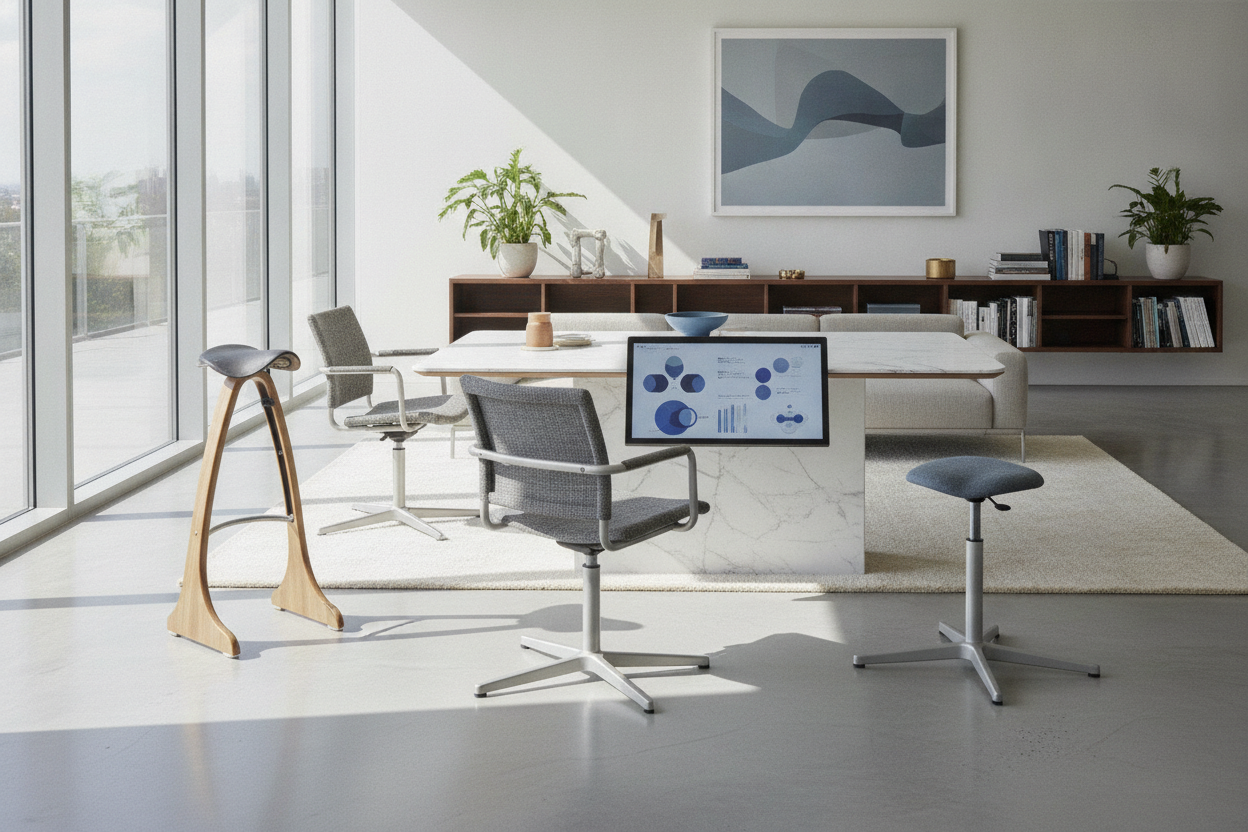
Understanding the Role of a Chair for Standing in Active Workspaces
The modern workspace has shifted from static posture routines toward dynamic, variable positioning. When transitioning between conventional desk seating and full standing, many users encounter an intermediate posture known as perching. A chair for standing is engineered specifically to support this mid-height posture, providing a stable contact point that carries a portion of body weight while keeping the feet planted and the lower body open.
Standard task chairs encourage a ninety-degree bend at the hips and knees, whereas a sit standing chair maintains a more open trunk-to-thigh angle. By engaging the legs and core rather than letting the body slump into deep seat cushions, perching seats serve as functional bridges throughout the workday. Integrating a sit to stand seat into your office layout allows you to change positions fluidly without constantly raising or lowering your motorized desktop for short rests.
Core Sit and Stand Chair Archetypes
Choosing the right sit and stand chair depends on your workflow, available floor area, and how much upper-body support you require during extended work sessions. Several distinct categories dominate the market, each addressing posture and spatial efficiency differently.
Leaning Perches vs. Dynamic Wobble Stools
Leaning perches utilize an angled central column or a tilting mechanism that allows the user to rest against a padded ledge while leaning slightly forward. This design shifts a portion of upper body weight onto the seat post while keeping the feet flat on the floor or on an angled base plate. Leaning designs are particularly helpful during focused typing and phone tasks where you want to maintain a near-standing presence.
Dynamic wobble stools, by contrast, feature a rounded or articulating base that permits omnidirectional motion. Rather than holding a single leaning angle, these stools encourage subtle shifting, rocking, and rotational movements. The constant micro-adjustments keep core muscles lightly active, making them popular for collaborative benching areas and creative drafting spaces.
Drafting-Height Task Chairs vs. Minimalist Sit-to-Stand Seats
Drafting-height task chairs are extended versions of traditional office seating. They include full backrests, adjustable armrests, and an integrated circular foot ring. While they provide full upper-body support at elevated desk heights, their larger footprints require significant swing clearance beneath the desk frame.
Minimalist stand and sit chair options forego high backrests and wide arm assemblies in favor of saddle-shaped or compact triangular pads. These low-profile designs excel in tight footprints because they slide smoothly out of the way when you transition to pure standing.
Dimensional Sizing and Height Range Dynamics
The primary mechanical consideration when selecting a sit stand chair is the pneumatic cylinder elevation range. A standard office chair cylinder generally operates near typical table heights, whereas standing desk perches require a significantly taller elevation span to meet the user halfway between sitting and standing.
When pairing dynamic seating with a sit-stand adjustable workstation, evaluate your desktop height settings across three distinct positions:
- Traditional Seated Height: Where the elbows rest parallel to the desktop while feet are supported on the floor.
- Perch Height: Where the seat is positioned roughly midway, supporting the pelvis while the feet maintain wide contact with the floor.
- Full Standing Height: Where the desktop meets the forearm line with the user standing fully upright.
Ensure that the cylinder extension matches your hip joint elevation during perching so your arms meet the keyboard tray or desk surface naturally without elevating the shoulders.
Under-Desk Clearance, Storage, and Spatial Layout
A functional standing workstation requires thoughtful space planning beneath the desktop surface. Because dynamic perches are frequently moved between active use and parked storage, under-desk clearance is essential. Check the inner dimensions of your knee-well opening across your writing and computer desk collection before finalizing your seating selection.
Take into account any horizontal crossbars, cable management raceways, or under-desk storage pedestals that might obstruct the base of an elevated stool. For tight cubicles or compact office desk solutions, a backless saddle stool offers the distinct advantage of tucking completely under the front edge of the worksurface when not in use, preserving valuable room circulation.
Base Geometry and Floor Surface Considerations
The contact interface between your perching chair and the floor determines both stability and mobility. Common base formats include:
- Weighted Dome Bases: Provide controlled tilting and self-righting movement, ideal for resilient low-pile commercial carpets and smooth floors.
- Wide Flat Discs: Deliver maximum surface stability for forward-leaning perches, often accompanied by non-slip rubberized perimeter rings.
- Star Bases with Casters or Glides: Offer rolling mobility common to drafting chairs, though stationary glides are often preferred for high-elevation safety.
When selecting your base, review our proper seating furniture stability guide to understand how weight distribution and floor friction interact. If you use an anti-fatigue mat while standing, confirm whether your chosen stool base can rest securely over the mat edge or if the mat must be stepped aside during seated perching.
Pairing Your Seating with Desks and Workstation Storage
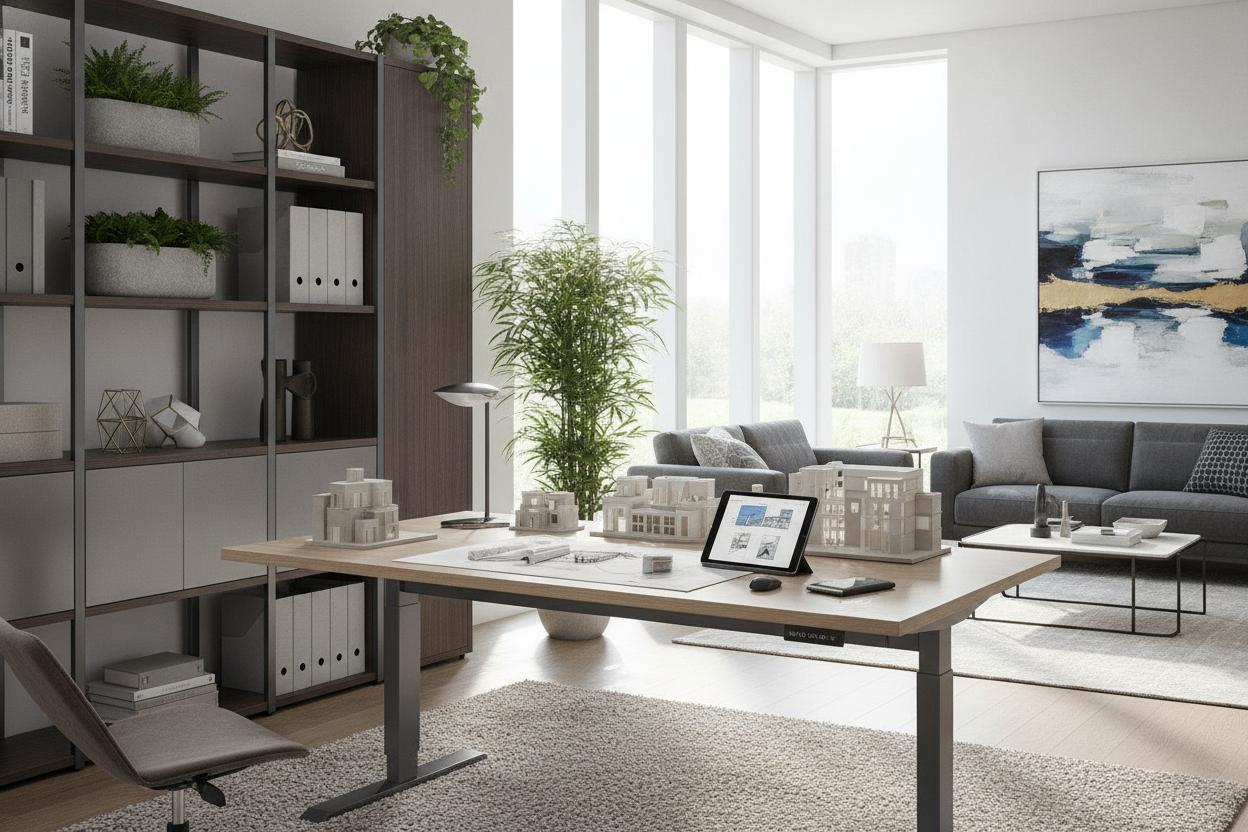
Creating a balanced workstation means coordinating your seating height with your monitor lines, storage cabinets, and task accessories. When working at a computer desk with integrated monitor stand, perching positions elevate your eye line relative to standard sitting. Having an elevated monitor shelf or adjustable display arm ensures that your head and neck remain neutrally aligned whether you are perching high or standing fully upright.
By harmonizing your chair dimensions, desk adjustment range, and under-desk layout, a dedicated chair for standing becomes a natural extension of an active, organized workspace.

Leave a comment
This site is protected by hCaptcha and the hCaptcha Privacy Policy and Terms of Service apply.