










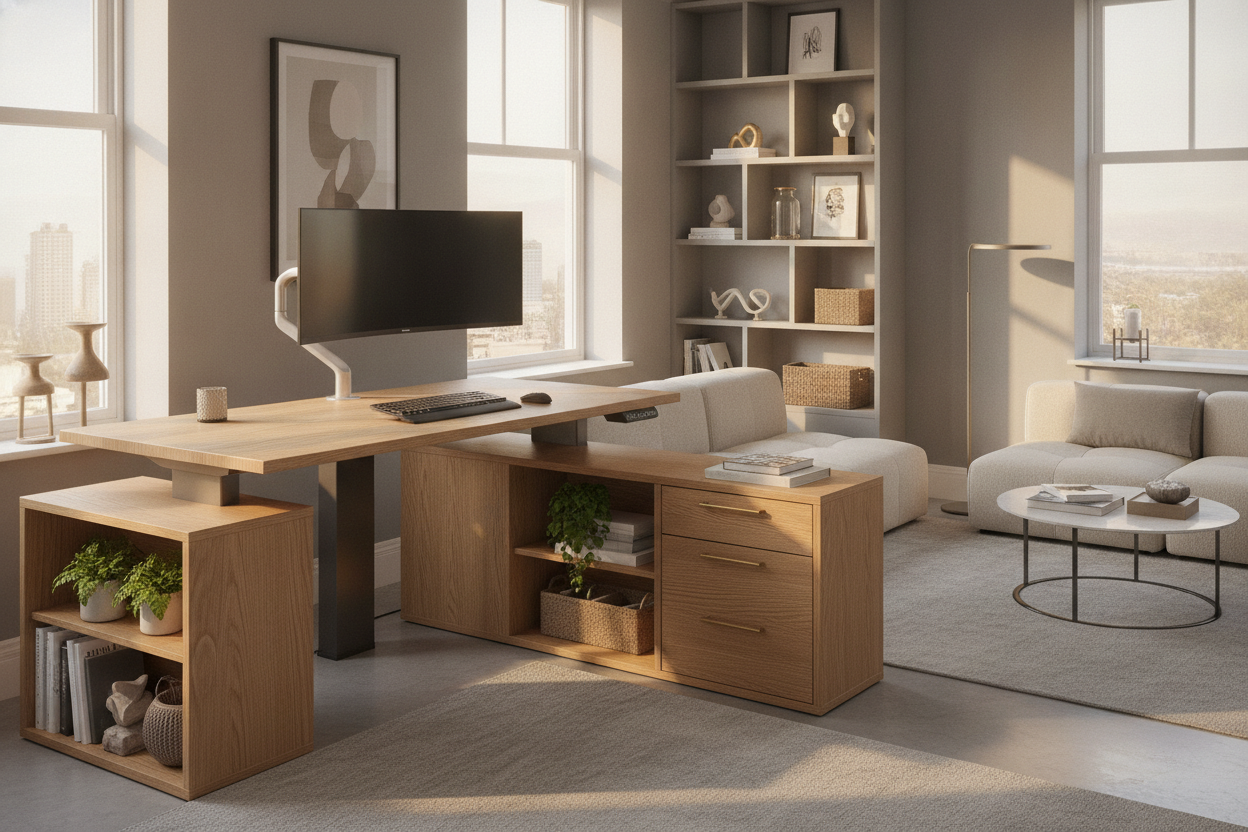
Designing a productive home office often comes down to managing spatial constraints. While standard rectangular desks demand wide, unbroken expanses of wall space, a corner standing desk utilizes structural intersections that might otherwise go unused. By fitting directly into the perimeter of a room, an adjustable corner desk opens up central floor space, broadens usable tabletop depth, and establishes dedicated activity zones for hybrid tasks.
Selecting the right workstation requires balancing geometry, vertical motion mechanics, and adjacent storage. Whether outfitting a compact bedroom nook or an expansive executive office, understanding how frame geometry interacts with room architecture ensures a comfortable and organized working environment.
Corner Workstation Geometry: Triangle Desks vs. Extended L-Shaped Frames
Corner workstations generally fall into two structural silhouettes: compact triangular formats and asymmetrical or symmetrical L-shaped configurations. Choosing between them depends on the intended equipment load and the dimensions of your room.
- Triangle Standing Desk Designs: These desks feature a diagonal front edge spanning between two meeting walls. A triangle standing desk or small corner standing desk is tailored for minimal footprints, making it well-suited for single-laptop setups, writing nooks, or secondary study stations. For planning secondary corners in smaller layouts, reviewing that corner small guide offers helpful spatial context on compact corner furniture footprint management.
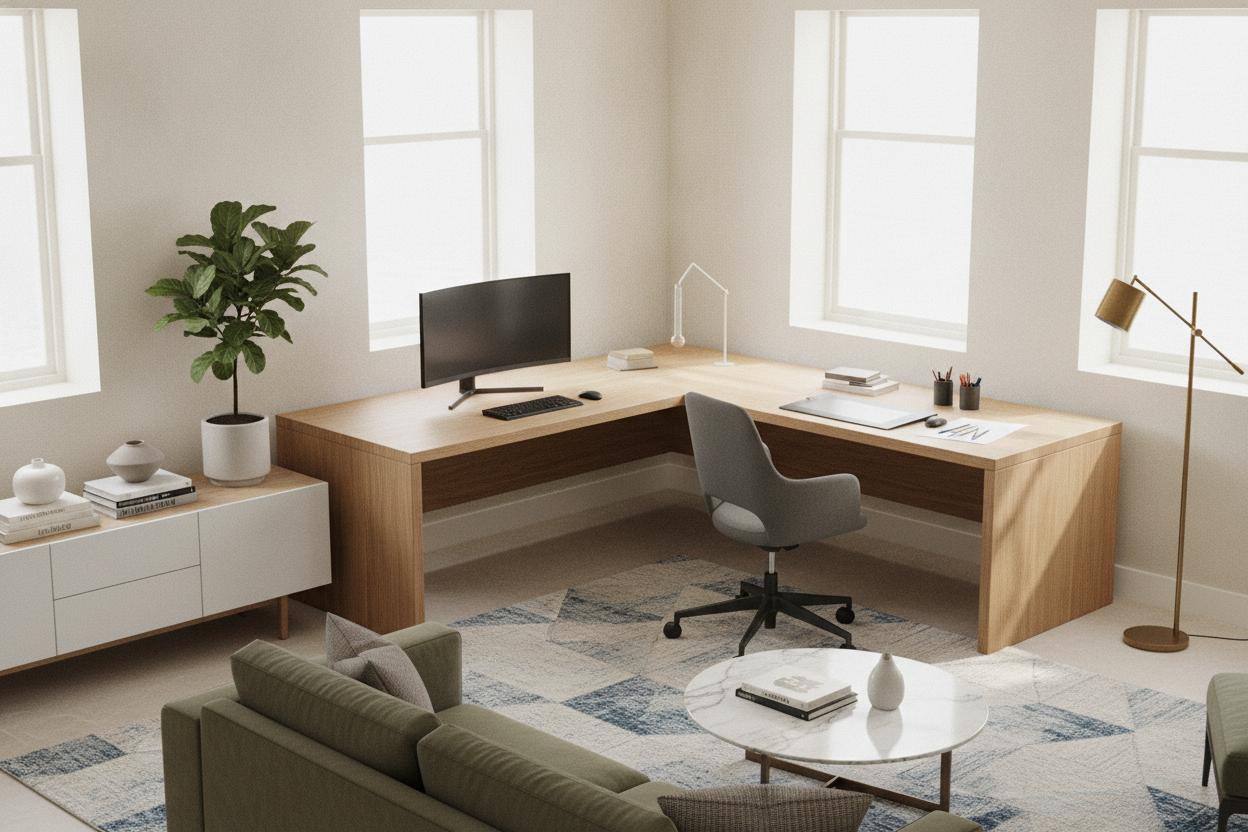
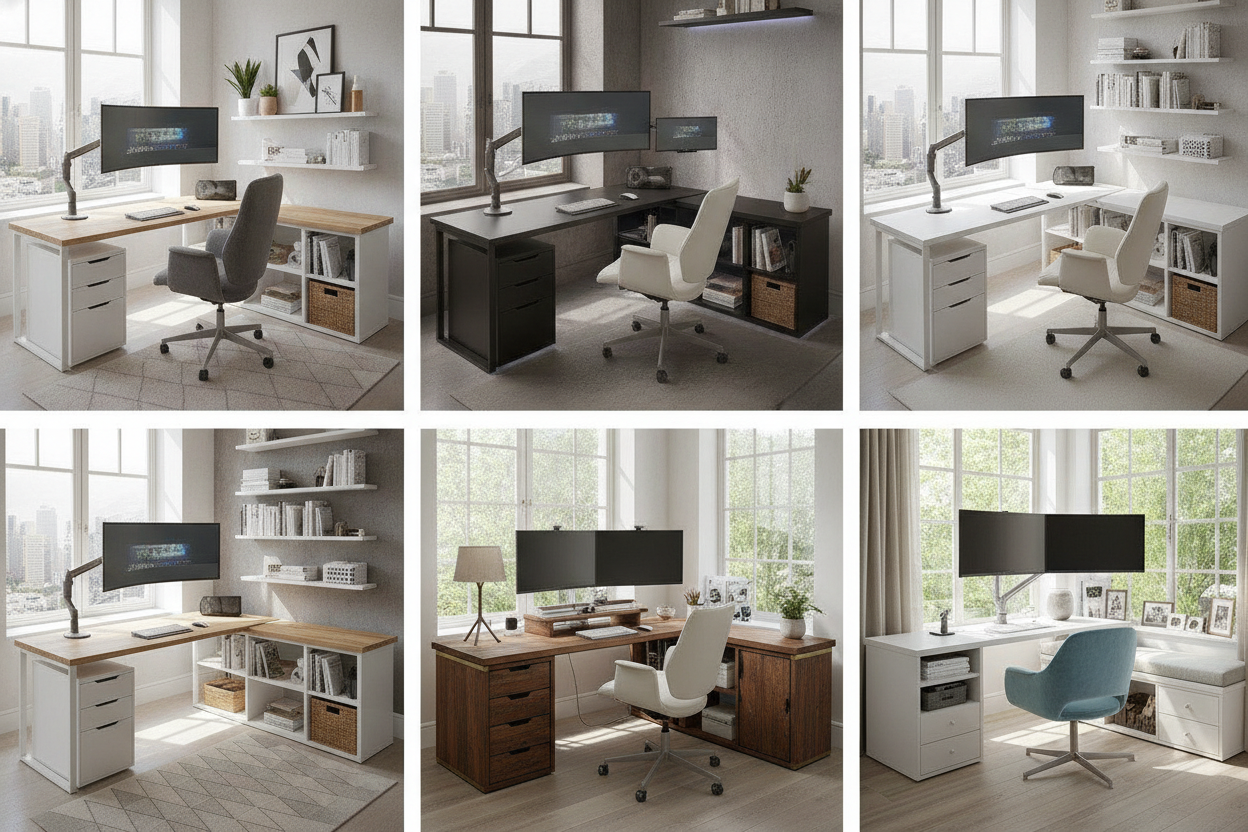
- Extended L-Shaped Lift Desks: Featuring a primary desk surface paired with a perpendicular return, an L-shaped standing desk corner setup delivers extensive surface area. This format naturally accommodates dual or triple display arrays, reference documents, and tabletop accessories without crowding the primary typing area.
Spatial Clearance and Room Layouts: Wall Alignment and Travel Pathways
Integrating a corner sit stand desk into an existing room requires assessing both static floor space and vertical movement paths. Because sit to stand corner desk units travel upward, obstacles that seem minor at seated height can interfere when the desk is raised.
Before positioning a large corner standing desk, measure clearance away from window sills, wall-mounted shelving, power outlets, and door swings. Maintaining adequate clearance along adjacent walls prevents edge scuffing during height transitions. In open-concept living areas, turning a corner desk outward so one wing acts as a room divider can define an office zone without building physical partitions. For rooms where a corner setup might feel too deep, evaluating a streamlined standalone option like an adjustable height standing product can provide a useful comparative benchmark for standard wall placement.
Vertical Adjustment Dynamics: Motor Systems and Frame Stability
The stability of a corner desk that raises and lowers relies heavily on its lifting column configuration and under-frame engineering. Because corner desktops carry irregular weight distributions—often loaded more heavily in the rear corner junction where monitor arms mount—frame mechanics must compensate accordingly.
An electric corner desk typically employs either a dual-motor or triple-motor configuration. Dual-motor systems power standard corner setups with balanced load capacity, whereas three-leg, triple-motor frames provide synchronized power to each column of an expansive L-shaped frame. High-grade telescoping legs, rigid crossbeams, and adjustable leveling glides prevent side-to-side sway when typing at standing heights. Dedicated workstation systems, such as an electric height adjustable product, demonstrate how sturdy motorized lift assemblies can be paired with integrated vertical storage accessories for seamless stability.
Surface Ergonomics and Multi-Screen Focal Zoning
One of the primary ergonomic advantages of a corner adjustable height desk is natural focal zoning. The central apex of a corner workstation provides substantial physical depth, creating a comfortable viewing distance for large monitors or multi-display arrays.
To optimize posture and workflow across a corner desk adjustable height surface:
- Primary Apex Zone: Mount your main monitor directly in the deep corner junction. This placement preserves comfortable focal depth and keeps keyboards and input devices centered directly in front of you.
- Secondary Wing Zones: Use the left and right returns for peripheral tasks, such as graphic tablets, reference binders, or desktop audio hardware.
- Monitor Mounting Adaptations: When desktop depth feels limited, using specialized monitor arm mounts or referencing desk small that guide can help elevate displays and recover desktop territory.
Storage Architecture: Integrating Drawers, Shelves, and Under-Desk Modules
Maintaining an uncluttered workspace requires intentional storage planning, particularly because a rising corner desk moves dynamically. Stationary furniture placed underneath must never collide with descending crossbars or motorized mechanisms.
A corner standing desk with storage can be achieved through several coordinated strategies:
- Suspended Under-Desk Drawers: Shallow drawer units attached directly to the underside of the desktop rise and fall with the workstation, keeping writing instruments and daily essentials immediately accessible.
- Mobile Pedestals: Low-profile rolling filing cabinets can be parked underneath the desk wings, provided their total height remains below the desk's lowest programmed height setting.
- Adjacent Modular Shelving: Positioning flexible shelving units alongside the desk perimeter preserves legroom while expanding vertical storage. Coordinating your workspace alongside an adjustable storage collection ensures paperwork, office supplies, and tech accessories remain accessible without cluttering moving surfaces.
Material Durability, Cable Organization, and Assembly Considerations
A stand up corner desk represents a functional foundation that undergoes regular mechanical movement. Selecting resilient surface materials like high-pressure laminates, solid hardwood composites, or scratch-resistant thermofoil protects against daily wear, liquid spills, and monitor mount pressure.
Because an electric corner standing desk moves between seated and standing positions, cable management requires deliberate routing. Flexible cable spines, under-desk wire trays, and extended surge protector leads ensure that power and display cords do not pull taut or snag on wall baseboards during elevation changes. Taking time to balance equipment weight evenly across all legs preserves motor longevity and ensures smooth, quiet transitions for years of productive daily use.

Leave a comment
This site is protected by hCaptcha and the hCaptcha Privacy Policy and Terms of Service apply.