










I spent five years as a home theater installer, and I have seen some truly terrifying setups. The worst was a $3,000 OLED screen balanced precariously on a $40 particle-board nightstand. It wasn't just a safety hazard; it looked like a billboard stuck on a toothpick. Getting the dimensions of tv stand right is the difference between a room that feels curated and one that feels like a temporary dorm room.
Quick Takeaways
- Your TV stand should be at least 4-6 inches wider than the actual width of your TV.
- A TV's advertised size (e.g., 65-inch) is a diagonal measurement, not the actual width.
- The center of your screen should ideally sit at eye level when you are seated.
- Never let your TV overhang the edges of the console; it creates a visual 'top-heavy' mess.
The 'Overhang Effect' (And Why It Gives Me Anxiety)
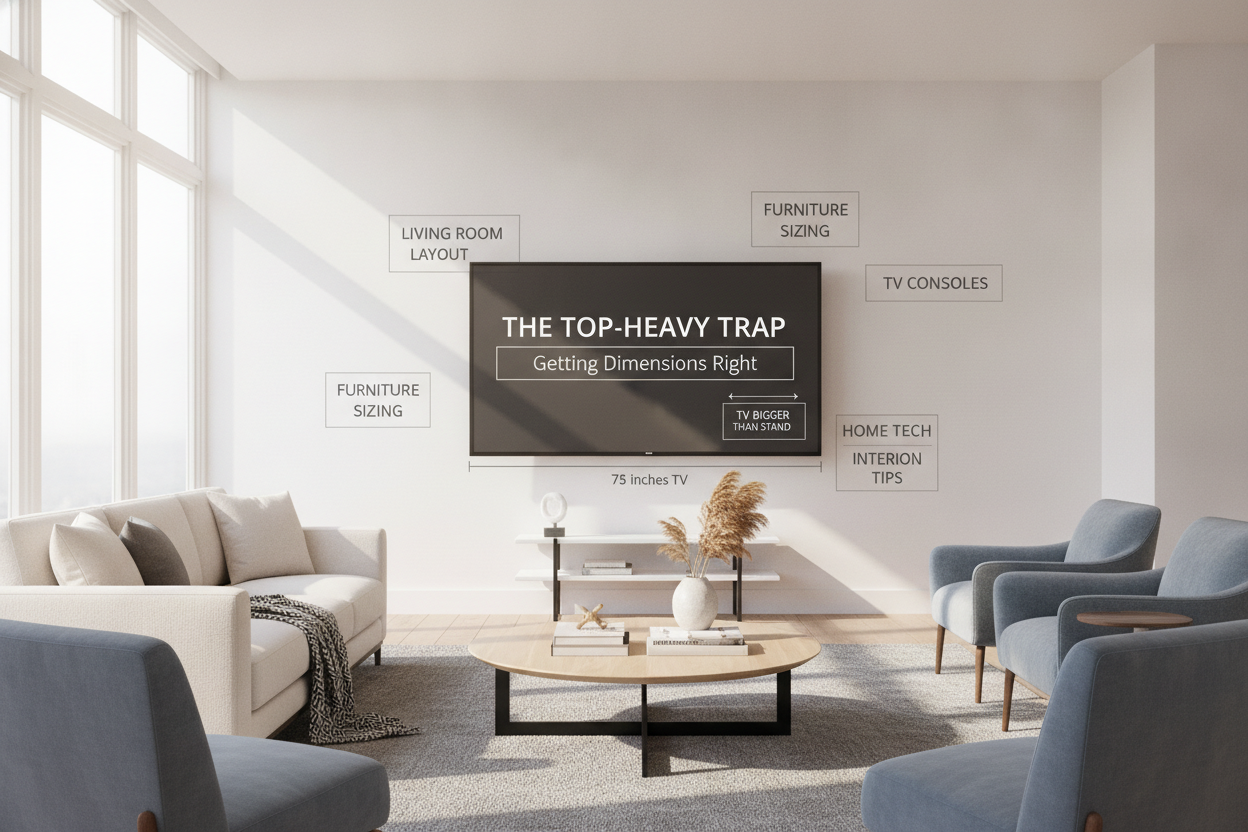
I call it the 'Overhang Effect,' and it is the fastest way to ruin a living room's aesthetic. When people ask me, 'is it ok if tv is bigger than stand?' my answer is always a firm no. Even if the legs of the TV fit on the surface, a tv wider than stand creates a top-heavy, unbalanced look that makes the whole room feel smaller and cluttered.
A tv larger than stand or a tv longer than tv stand draws the eye to the wrong places. It looks accidental, like you bought the TV and realized too late it didn't fit. Beyond the aesthetics, a tv console smaller than tv is a tipping hazard. If a kid or a pet bumps that screen, those overhanging edges are the first thing to catch, sending your expensive tech straight to the floor.
The Golden Rule for Your TV to Stand Ratio
The standard tv stand size guide is simpler than you think: aim for at least 2 to 3 inches of breathing room on either side of the screen. This means if your TV is 50 inches wide, your console should be at least 54 to 56 inches wide. This 'buffer' provides visual weight and makes the furniture feel like a foundation rather than an afterthought.
Before you start shopping for modern TV stands, you need to measure the actual width of your screen with a tape measure. Do not rely on the box. A '55-inch TV' refers to the diagonal; the actual width is usually closer to 48 inches. Understanding how to measure tv stand requirements starts with knowing that your TV's footprint is always smaller than its marketing name.
Let's Do the Math: What Size TV Stand for a 65-Inch TV?
This is the most common question I get. A 65-inch TV is typically about 57 inches wide. If you put that on a 60-inch stand, you only have 1.5 inches of clearance on each side. It’s too tight. For a 65 inch tv stand size, I always recommend a console that is at least 65 to 70 inches long to ensure the tv stand width for 65 inch tv looks intentional.
I learned this the hard way when I first upgraded to a wood console for my own 65-inch screen. I initially tried to reuse a 55-inch stand, and the tv slightly bigger than stand looked ridiculous. Switching to a 72-inch unit didn't just fit the TV; it gave me room to actually style the surface with a lamp and a couple of books without it looking crowded.
What About 55-Inch and Smaller Screens?
Proportions matter just as much in small apartments. For a 55 inch tv stand dimensions, look for a console around 60 inches wide. If you're dealing with a 43-inch screen, a 50-inch stand is your sweet spot. Even in tight spaces, you want to avoid the 'tv same size as console' look, which feels cramped and utilitarian.
Sometimes the opposite happens—you have a massive console and a tiny TV. While less offensive than the overhang, it can make your tech look like a toy. If you find yourself finding a TV stand for smaller screens, use the extra surface area for decor to bridge the gap and prevent the TV from looking 'lost' on the furniture.
Yes, Wall-Mounted TVs Still Need Grounding
Many people think that if they mount the screen, the tv stand dimensions don't matter. This is a myth. A mounted tv bigger than tv stand looks like it’s floating away from its anchor. The console underneath serves as a visual 'ground' for the screen. Even if it isn't holding the weight, the console should still be wider than the TV.
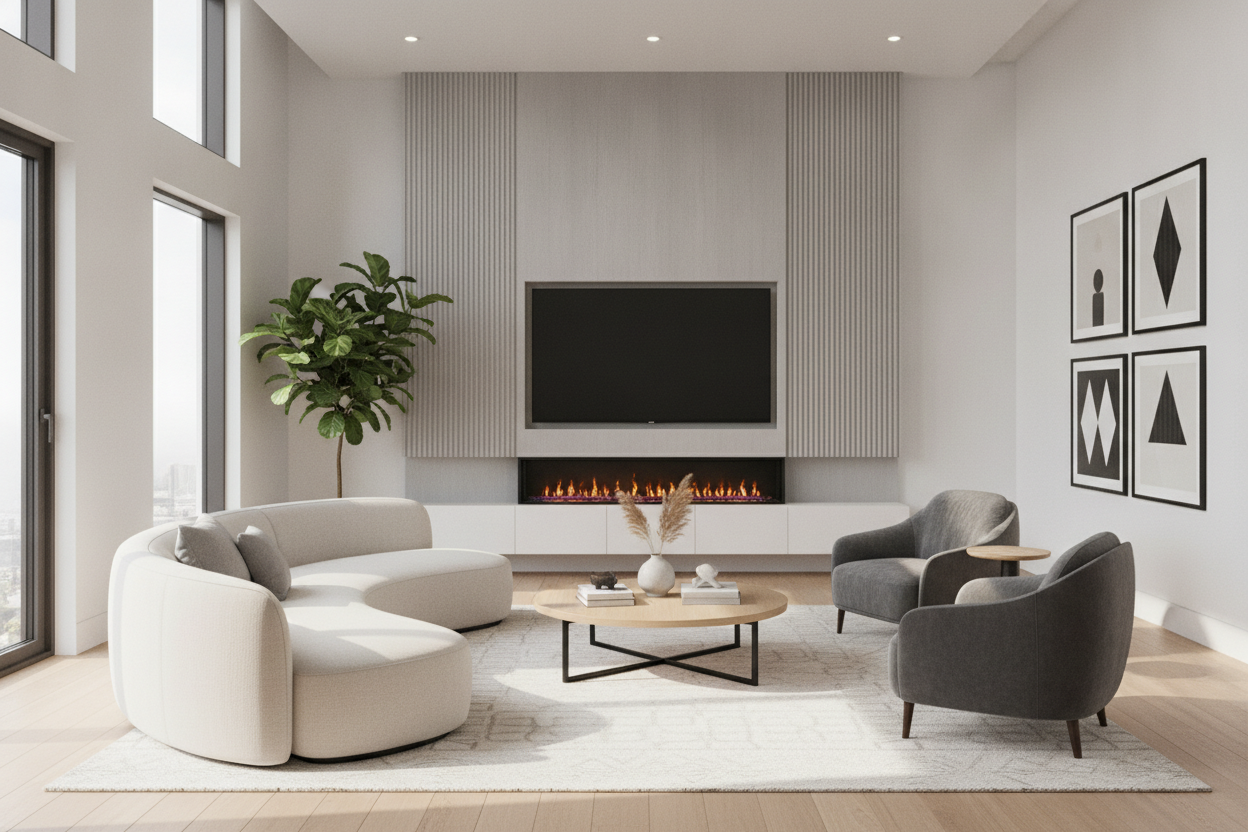
For a clean, modern look, a floating wall-mounted media console is a great way to provide that visual weight without taking up floor space. Just keep the 2-to-3-inch-per-side rule in mind. A console smaller than tv on the wall looks like a mistake, whereas a wider unit makes the entire wall look like a custom built-in entertainment center.
Don't Forget About Height and Depth
Width is the big one, but height is where people usually mess up their necks. The standard tv stand height for 65 inch tv should keep the middle of the screen at eye level. If you're sitting on a standard 18-inch sofa, your console should be about 22 to 28 inches tall. If you buy a tall dresser, you'll be staring up like you're in the front row of a movie theater.
Also, check your depth. Most modern tv console measurements are around 16 to 18 inches deep. This is fine for a flat screen, but if you have a beefy AV receiver or a large soundbar, make sure the media console dimensions can actually accommodate the depth of your gear and the cables sticking out the back. There is nothing worse than a console that won't sit flush against the wall because your HDMI cables are hitting the back panel.
FAQ
Can a TV stand be smaller than the TV?
Technically, if the legs fit, it will stay up, but it looks terrible and is top-heavy. I never recommend it. A tv wider than console is a recipe for a room that feels unbalanced and cluttered.
How wide are the legs on a 65-inch TV?
It depends on the model, but most 65-inch TV legs are spaced between 42 and 52 inches apart. This is why you can't just measure the feet; you have to measure the total width of the screen to avoid the overhang effect.
Is it okay for a wall-mounted TV to be wider than the stand?
It’s not a safety issue, but it is a design one. A tv stand smaller than mounted tv makes the TV look massive and the room feel disjointed. Always aim for a stand that is wider than the screen for a balanced look.


Leave a comment
This site is protected by hCaptcha and the hCaptcha Privacy Policy and Terms of Service apply.