










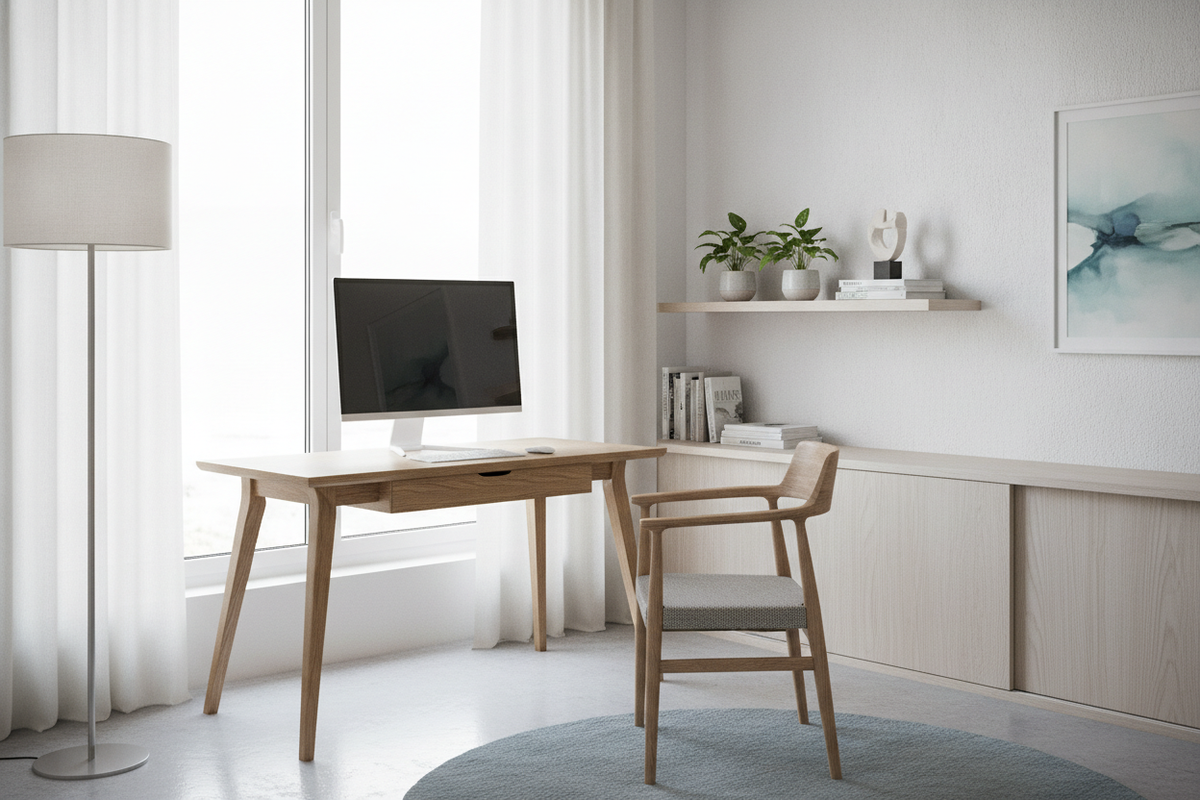
I spent three years living in a 500-square-foot studio where every piece of furniture felt like a personal attack on my shins. My old desk was a beast—four chunky legs, a modesty panel that served no purpose other than to trap dust, and zero clearance for my knees when I wanted to sit cross-legged. One Tuesday, after stubbing my pinky toe for the third time that morning while trying to reach a dropped pen, I realized my workspace was actively hostile.
That's when I ditched the traditional four-post setup for a 2-leg desk. It sounded flimsy on paper, but in practice, it was the best decision I've made for my sanity and my circulation. If you're tired of feeling like your furniture is boxing you in, it’s time to rethink the geometry of your home office.
Quick Takeaways
- A desk with two legs eliminates the 'cage' feeling of traditional four-legged frames.
- Visual floor space is the secret to making a small room feel twice as large.
- C-frame designs offer more legroom than T-frames for people who move around.
- Magnetic cable management turns steel legs into hidden wire highways.
The Day I Finally Snapped (and Stubbed My Toe Again)
There is a specific kind of frustration that comes from working in a cramped apartment. You’re already dealing with a kitchen that doubles as a hallway and a bedroom that barely fits a queen mattress. When I added a massive, old-school writing computer desk to the mix, I effectively signed away my right to move freely. That desk was a tank. It had four thick, wooden legs that seemed to gravitate toward my kneecaps every time I shifted my chair.
I’m a fidgeter. I cross my legs, I tuck one foot under my thigh, and I occasionally lean back and stretch. In that four-legged prison, every movement was a gamble. I’d bang my knee on the left post, then kick the back panel trying to recover. It wasn't just uncomfortable; it was claustrophobic. The desk occupied a huge footprint, but because of those legs, I couldn't even use the space underneath for a small trash can or a footrest without it feeling like a cluttered mess. The day I finally snapped was when I realized I was avoiding my desk entirely, opting to work from the sofa just to have some breathing room.
Why a Desk With Two Legs Is the Ultimate Small-Space Cheat Code
When I started looking for a replacement, I became obsessed with the concept of 'visual weight.' In interior design, if you can see the floor, the room feels bigger. A traditional desk acts like a solid block of wood that stops your eye. A two legged desk, however, does the opposite. It creates an airy, floating effect that tricks your brain into thinking the corner of your room isn't actually occupied by a workstation.
I considered a heavy, permanent fixture like an L shaped desk with 3 drawers and wood legs, but I knew it would dominate the room and make it feel like a corporate cubicle. By choosing a 2-leg desk, I reclaimed about four square feet of 'visual' real estate. Suddenly, I could see the baseboards. I could see the rug extending all the way to the wall. It sounds small, but in a tight home office, that extra bit of visible floor makes the difference between feeling inspired and feeling trapped. It’s the ultimate design hack for anyone living in a city where every square inch costs a fortune.
C-Frame vs. T-Frame: The Only Detail That Actually Matters
Once you decide on a 2-leg desk, you have to choose between two main frame types: the C-frame and the T-frame. This is where most people get it wrong. A T-frame has the legs centered under the desktop. It’s balanced, sure, but it still puts a metal bar right where your knees want to be. A C-frame, however, pushes the legs toward the back of the desk. This is the gold standard for anyone who actually likes to move while they work.
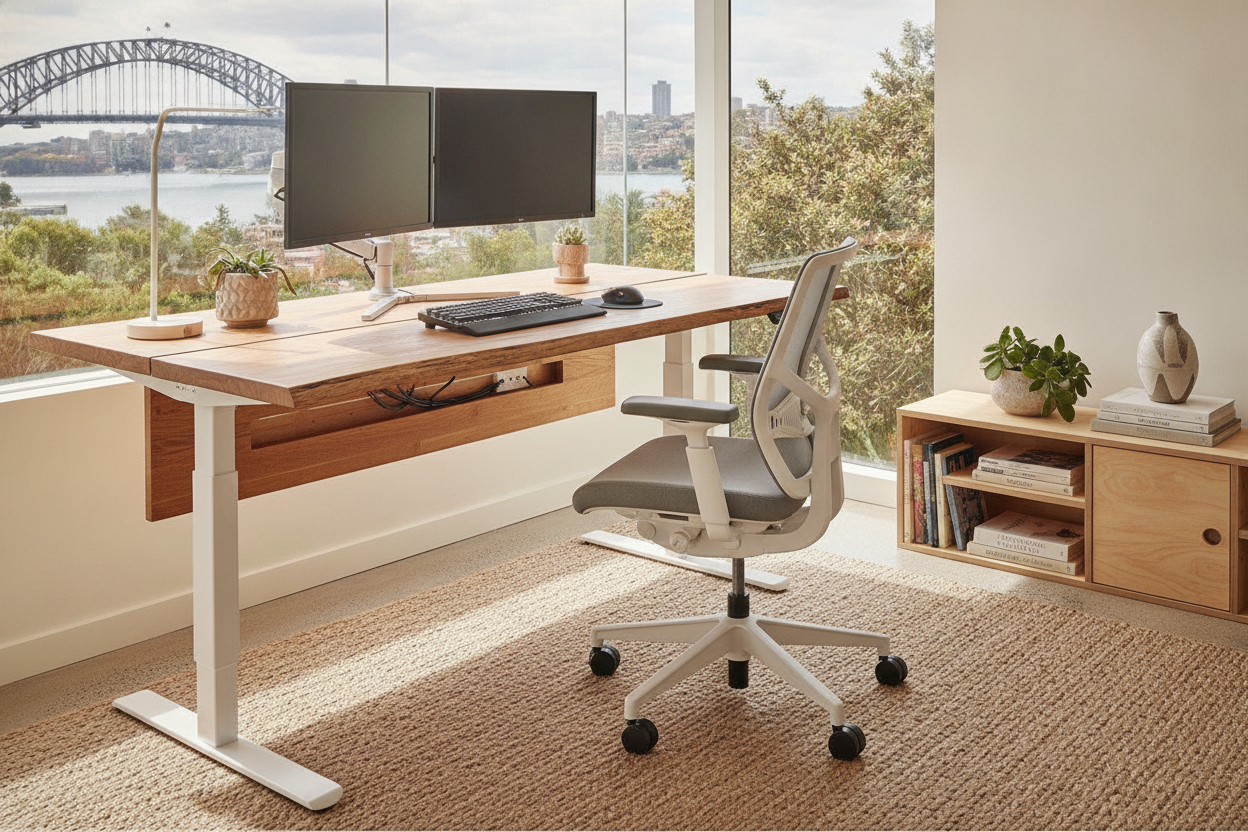
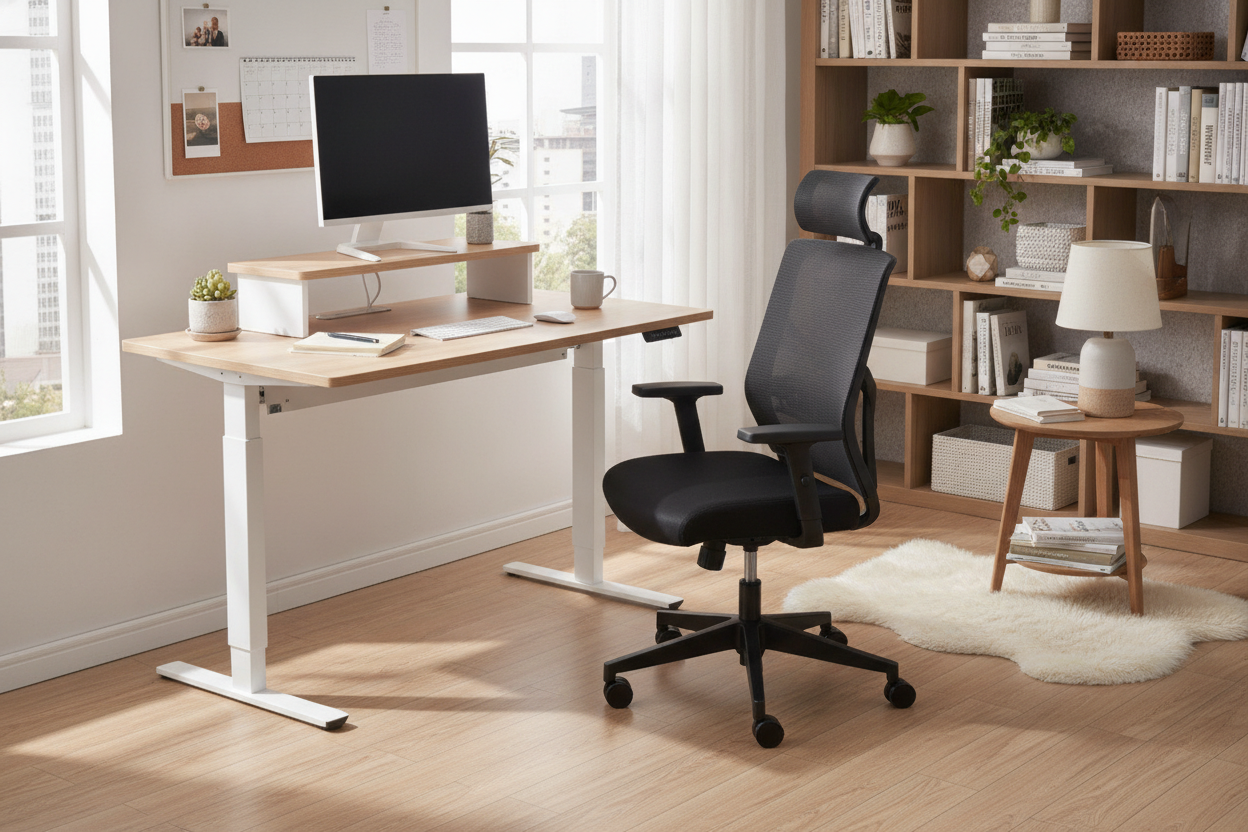
I opted for a C-frame design, similar to what you’d find on a high-end sit stand up desk with memory preset controller. Because the supports are recessed, I can swing my chair from side to side without hitting a single thing. I can pull my chair all the way in until my chest touches the desk edge. If you’re a 'spinner' or someone who likes to slide their chair across the floor to grab a book from a nearby shelf, the C-frame is non-negotiable. It provides a level of freedom that a four-legged table simply cannot match.
Cable Management Is Surprisingly Easier
The biggest fear people have with a minimalist desk is the 'spaghetti' factor. Without a modesty panel or four thick legs to hide behind, how do you manage the wires? I actually found it easier with two legs. Most modern two-legged frames are made of steel, which means you can use magnetic cable channels. I bought a set of magnetic sleeves that snap right onto the back of the legs, routing my power strips and monitor cables down to the floor invisibly.
Even with a complex setup, your two PC desk doesn't have to look like an IT closet. I used a simple under-desk tray to hold the power bricks and then ran a single 'snake' of cables down one leg. Because there are only two paths to the floor instead of four, the cable management feels more intentional and less like a losing battle against gravity. It’s clean, it’s organized, and it doesn't require a degree in electrical engineering to look professional.
But Wait, Will My Monitors Wobble Like Crazy?
Let’s address the elephant in the room: stability. People assume that losing two legs means the desk will shake like a leaf. I’m going to be honest with you—if you buy a $50 bargain bin desk, it will wobble. But if you invest in a solid steel frame with a heavy-duty crossbar, it’s remarkably sturdy. I have two 27-inch monitors mounted on a dual-arm stand, and they don't budge while I'm typing.
There is a tiny bit of 'micro-wobble' if I’m aggressively scrubbing through a video or slamming my morning coffee down, but it’s nothing that interferes with work. For standard sitting heights, it’s rock-solid. If you’re worried about it, just make sure the feet of the desk are long enough to provide a stable base. Most high-quality 2-leg desks have feet that are at least 22 to 24 inches long, which is more than enough to keep your expensive gear from taking a dive. I’ve been using mine for a year now, and I haven't had a single 'oh no' moment.
FAQ
Do 2-leg desks work on high-pile carpet?
They can, but they are definitely happier on hard floors or a thin office chair mat. On thick carpet, you might experience a bit more sway. If you’re a carpet-dweller, look for a frame with wider feet to help distribute the weight.
Can I mount a heavy monitor arm to a 2-leg desk?
Absolutely. Just make sure your desktop material is solid wood or high-quality MDF. The number of legs doesn't affect the clamp's security, but the thickness of the top does. I use a dual-monitor mount on mine with zero issues.
Are they harder to assemble than 4-leg desks?
Actually, they’re usually easier. Most 2-leg frames come in three main parts: the feet, the columns, and the top support. You’re looking at about 12 to 16 bolts total. I had mine together in 20 minutes, which is a far cry from the four-hour IKEA marathon my old desk required.

Leave a comment
This site is protected by hCaptcha and the hCaptcha Privacy Policy and Terms of Service apply.