










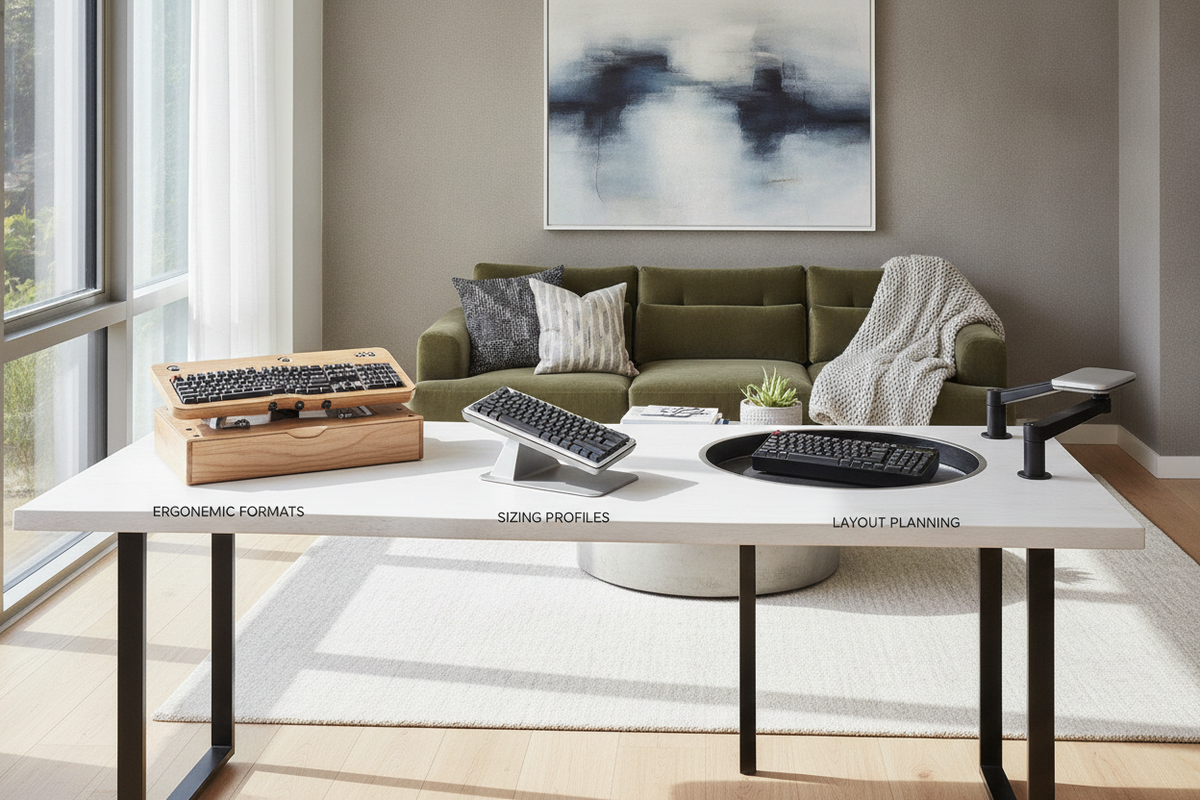
A dedicated computer keyboard stand for desk setups transforms daily typing comfort and desktop organization. By lifting, angling, or articulating the input surface, a well-chosen stand helps align forearms, wrists, and shoulders while reclaiming valuable tabletop space beneath the hardware.
Understanding Computer Keyboard Stand Formats and Mechanics
Desktop keyboard stands generally fall into three structural formats: static angled wedges, adjustable scissor-lift platforms, and clamp-on elevation shelves. Selecting the right pc keyboard stand depends on your primary ergonomic objective and the amount of daily adjustability required.
- Fixed-Angle Risers: Built from rigid acrylic, formed steel, or molded wood, a fixed keyboard stand for desk use offers reliable stability with zero moving components. These units elevate the rear profile of the keyboard to create a gentle forward or backward slope.
- Adjustable Multi-Tier Platforms: An adjustable computer keyboard stand utilizes mechanical hinges, notched brackets, or pneumatic scissor links to modify height and slope on the fly. This format caters to multi-user workstations where individual typing heights differ.
- Elevated Riser Shelves: A desktop computer keyboard stand structured as a wide bridge lifts the entire typing assembly several inches above the tabletop, creating dedicated storage cavities underneath for notebooks, charging hubs, or secondary input accessories.
Dimensional Sizing Tiers: Matching Stand Width to Keyboard Layouts
Choosing the correct platform width prevents peripheral overhang and unstable wobble. When browsing computer keyboard stands, categorize your hardware against three universal sizing tiers:
- Compact Tier (60% to 75% Layouts): Designed for tenkeyless or minimalist keyboards, a compact desktop keyboard stand maintains a slim footprint, leaving maximum clearance for wide mouse tracking pads.
- Standard Tier (Full-Sized 100% Layouts): Full-sized boards featuring dedicated navigation clusters and number pads require a keyboard holder stand with sufficient horizontal span to support the entire frame without flex.
- Extended Tier (Keyboard Plus Mouse Surface): Broad platforms accommodate both your typing board and mouse on a single continuous plane, ensuring consistent elevation across both arms.
When sizing a desktop stand, ensure your core work surface from our computer desk collection offers sufficient depth for monitor placement, keyboard elevation, and active note-taking zones.
Ergonomic Articulation: Tilt Angles, Elevation, and Neutral Posture
Ergonomic keyboard stands emphasize neutral limb alignment over static rigidity. Depending on your chair height and desk thickness, different angle configurations support varying typing techniques.
A negative tilt platform slopes downward away from the user, which can help keep wrists in a straighter line when seated upright. Conversely, a positive tilt raises the back row of keys, facilitating key visibility for touch-typing while seated lower relative to the desktop surface. An adjustable keyboard stand for desk configurations with independent height and angle controls lets you refine this balance throughout long work hours. For those who switch between sitting and standing, a height adjustable computer keyboard stand provides the versatility needed to accommodate shifting elbow angles.
Material Selection and Structural Stability
A raised computer keyboard stand must withstand continuous downward pressure without sliding across polished furniture surfaces. Four primary materials dominate modern designs:
- Machined Aluminum: Lightweight and structurally rigid, aluminum stands provide sleek aesthetics that complement modern electronics while dissipating heat from backlit mechanical boards.
- Cast Acrylic: Transparent or frosted acrylic risers deliver a floating, unobtrusive look that blends seamlessly into minimalist office environments.
- Solid and Engineered Wood: Wood platforms add warm texture to home office spaces, offering natural weight that resists accidental shifts during vigorous typing.
- Weighted Heavy-Gauge Steel: Often utilized in commercial-grade elevated computer keyboard stand models, steel bases deliver uncompromising stability for heavy custom mechanical setups.
Regardless of base material, prioritize a raised keyboard stand equipped with non-marring silicone or dense rubber base pads to protect your desktop finish.
Workstation Pairing: Static Desks, Sit-Stand Frames, and Compact Workspaces
Integrating a keyboard elevation stand into your larger furniture layout requires careful evaluation of available tabletop depth and work habits.
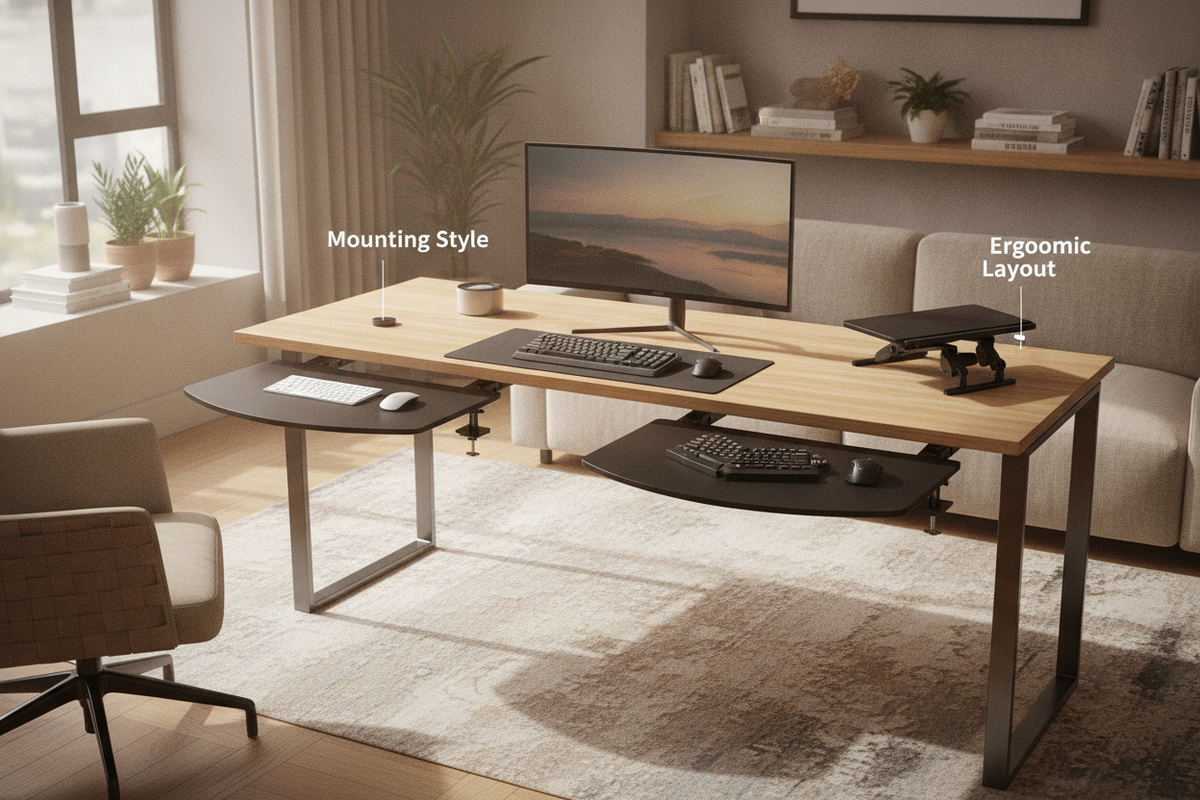
For those deciding between an above-desk riser and an under-desk suspension system, our comprehensive desk keyboard tray guide breaks down spatial clearances and mounting mechanics. While an under-desk tray conserves upper tabletop real estate, an on-desk keyboard tray stand eliminates the need for drilling into solid wood or veneer surfaces.
Pairing a tilting keyboard platform with a height adjustable desk product allows users to effortlessly transition between sitting and standing postures while keeping typing angles aligned. On specialized computer keyboard tables or multi-use surfaces, matching the stand profile to your daily routine preserves clean lines. In compact or fold-away office setups detailed in our computer desk guide, low-profile keyboard risers help maintain a clean footprint that tucks neatly behind closed doors. For multi-functional rooms that blend vanity and workstation utilities, selecting a versatile desk adjustable height product ensures adaptable surface elevation for typing accessories.
Cable Management, Storage Flow, and Maintenance Protocols
An organized desktop promotes focus. Many modern keyboard risers incorporate open rear channels or pass-through grommets designed to route braided USB cables cleanly toward behind-desk management trays. In my own workspace setup, elevating the keyboard opened up the exact horizontal span needed to stow an active drawing stylus and notebook directly beneath the typing deck.
To maintain your keyboard stand, wipe down surfaces weekly with a soft microfiber cloth. For acrylic models, use dedicated plastic cleaners to avoid clouding, while aluminum and powder-coated steel require only mild, damp cloth wiping. Regularly check non-slip rubber feet for dust buildup to preserve optimal tabletop traction.


Dejar un comentario
Este sitio está protegido por hCaptcha y se aplican la Política de privacidad de hCaptcha y los Términos del servicio.