










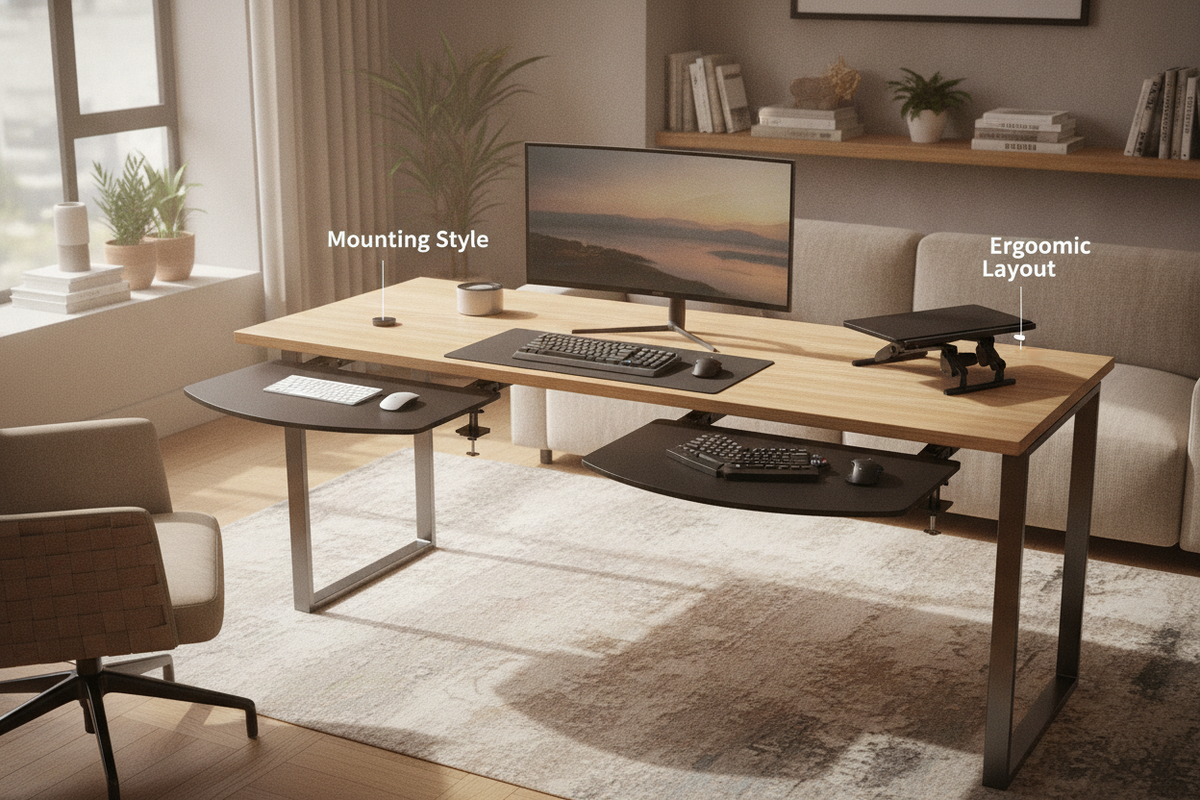
Why Add a Desk Extender for Keyboard Workstations?
Modern workstations frequently face a common spatial dilemma: primary desk surfaces quickly become crowded with large monitors, display arms, laptop docks, desk pads, and reference materials. When peripheral input devices compete directly with screens and paperwork on the main surface, desktop depth diminishes rapidly. Adding a desk extender for keyboard setups provides a practical, non-invasive method to expand usable tabletop area while restoring comfortable viewing distances and natural forearm positioning.
A well-planned keyboard extender for desk configurations reclaims valuable real estate without requiring a full workstation replacement. By shifting typing tools forward or slightly below the primary desktop plane, users can reposition displays further back, reduce forward-leaning habits, and dedicate the main tabletop to writing, organizing, and secondary hardware.
Core Mounting Types: Clamp-On, Track, and Flush Extenders
Choosing the right desk keyboard extender begins with understanding how the accessory interfaces with your existing furniture. Mounting mechanisms dictate not only the installation effort required but also how permanently the unit modifies the tabletop.
C-Clamp Desk Keyboard Extender Platforms
Clamp-on platforms represent one of the most versatile solutions for home offices and rental environments. These units utilize dual C-clamps that tighten securely around the front edge of the tabletop. Because clamp-on designs require no drilling or adhesive modifications, they can be easily repositioned, removed, or transferred to different tables as workstation requirements evolve. Most clamp-on models suspend the platform a short distance below the tabletop plane, creating a gentle drop that aligns wrists comfortably with seated elbow heights.
Under-Desk Sliding Track Mounts
For a dedicated, lower-profile setup, under-desk sliding track mounts attach to the underside of the tabletop using screw brackets. These systems allow the keyboard extender tray to slide smoothly beneath the desk when not in action, maintaining a clean visual profile in compact rooms. While track mounts offer clean aesthetics and smooth retraction, they require a flat, unobstructed underside free of crossbeams, cable trays, or structural aprons. Those seeking permanently integrated furniture architecture may also appreciate reviewing a built-in desk keyboard tray guide to understand how integrated factory designs compare with aftermarket retrofits.
Flush-Mount Horizontal Desk Surface Extenders
Unlike dropped trays, flush-mount surface extenders attach directly to the front or side edge and lock level with the primary desk surface. Rather than dropping input devices into the lap zone, a flush keyboard desk extender effectively deepens the existing desktop. This style is particularly beneficial for deep-reach typing styles, forearm resting support, or corner workstation configurations where users prefer an extended continuous plane rather than a multi-tiered workspace.
Dimensional Sizing Categories and Clearance Planning
Selecting an appropriately sized keyboard extender requires balancing peripheral dimensions against the physical geometry of your desk and seating area.
Compact vs. Full-Width Keyboard and Mouse Trays
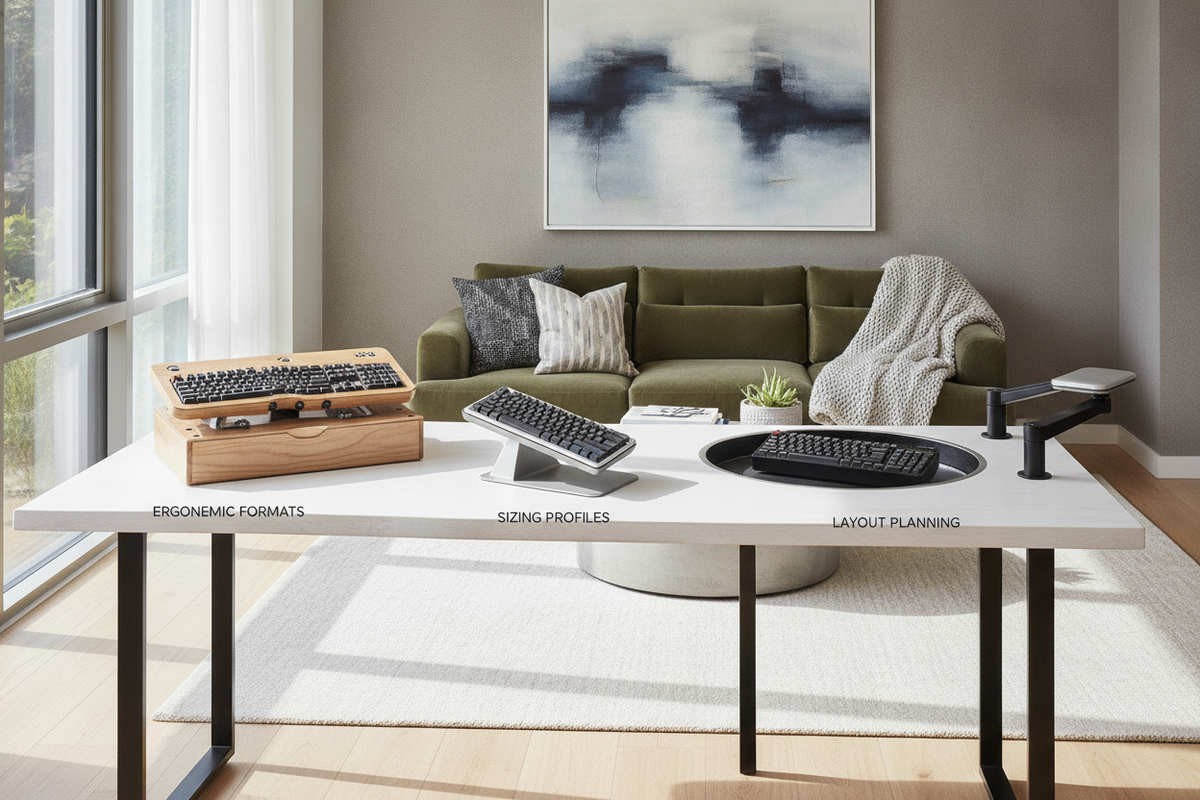
- Compact Single-Device Trays: Designed primarily for tenkeyless or 60-percent compact keyboards. These platforms fit narrow desk fronts where structural legs or modesty panels restrict available horizontal width.
- Standard Width Trays: Sized to hold a standard full-size keyboard alongside a compact mousepad, offering balanced daily utility for general productivity tasks.
- Extended Full-Width Platforms: Wide trays capable of accommodating ergonomic split keyboards, oversized mouse mats, and numeric keypads simultaneously, ensuring consistent elbow spacing during extended work sessions.
For commercial or expansive reception setups, comparing these add-on dimensions with an architectural reference like a desk with integrated keyboard tray can help illustrate appropriate proportions for high-traffic or multi-monitor workstations.
Under-Desk Knee Clearance and Bevel Checks
Before selecting a dropped platform, verify vertical clearance beneath your desk. Dropping the keyboard platform below desk height reduces the open space between the seat cushion and the underside of the platform. Ensure your office chair armrests and thighs can move freely without striking the mounting brackets. Additionally, inspect the desk edge profile: rounded bullnose edges, deep decorative bevels, or slanted underside chamfers may prevent standard C-clamps from achieving a secure, parallel grip.
Desktop Material Compatibility and Structural Load Considerations
The structural composition of your desk plays a vital role in determining which mounting style can be safely deployed.
Solid Timber and Dense Engineered Wood
Desktops constructed from solid hardwood, thick plywood, or dense medium-density fiberboard (MDF) offer excellent structural support for both clamp-on and screw-mounted extenders. These dense materials resist localized compression from clamp pads and provide secure purchase for mounting hardware without risk of internal shearing under continuous typing pressure.
Hollow-Core, Glass, and Beveled Edge Surfaces
Worksurfaces built with honeycomb paper cores or ultra-thin laminate tops can flex or crush if subjected to high point-load clamping forces. If retrofitting a lightweight hollow desktop, use wide distribution reinforcement plates to spread clamp pressure evenly across a larger surface area. Tempered glass desktops require specialized care: avoid dynamic high-torque clamps that could induce point stress along the glass perimeter, and always ensure resilient rubber buffering pads separate metal clamps from glass surfaces.
Workstation Integration: Balancing Peripheral Trays with Dedicated Storage
Installing an extender expands desktop depth, but thoughtful peripheral management requires coordinating the entire workstation zone.
Preventing Under-Desk Clutter
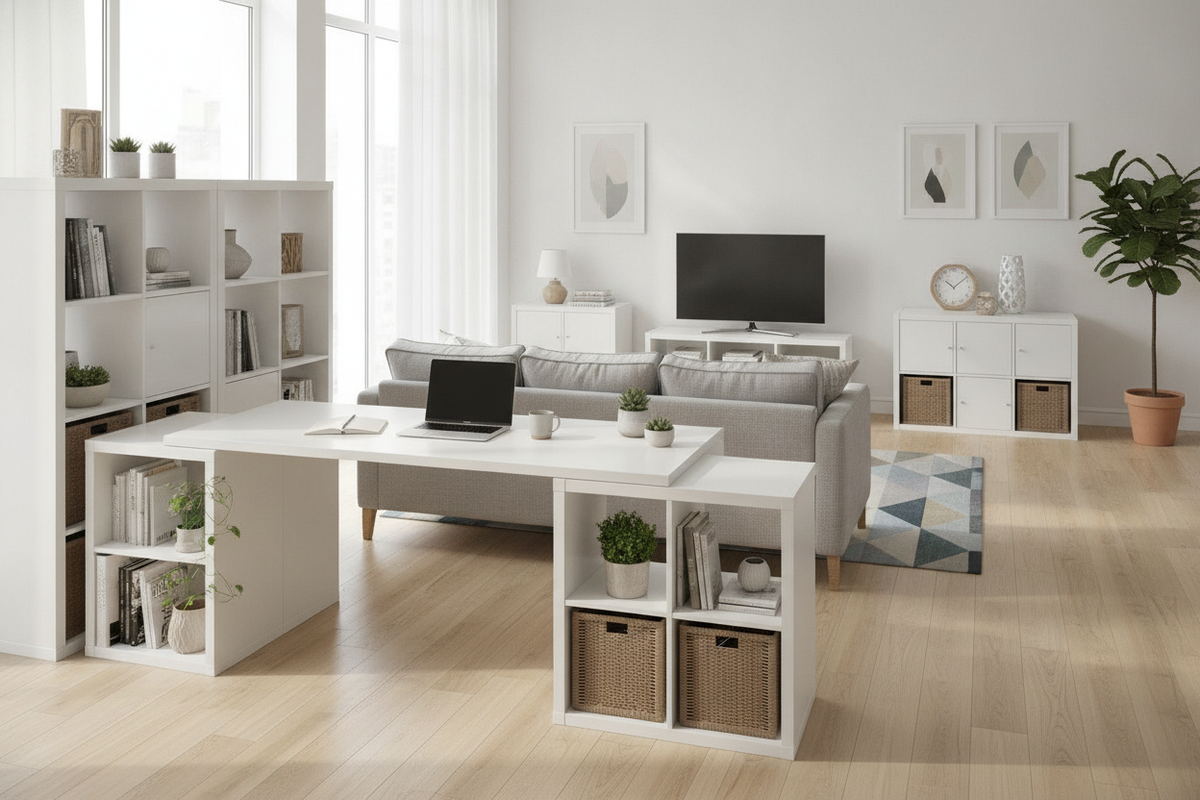
While an under-desk platform frees upper desk real estate, it shifts functional activity downward into the knee well. To maintain ergonomic comfort, keep the floor and lower knee space completely unobstructed. Rather than letting accessories, reference folders, and cables spill into the leg cavity, pair your surface adjustments with dedicated auxiliary storage. Reading through workstation storage cabinet planning strategies offers practical insight on moving paper stacks, surplus peripherals, and desktop overflow into organized, freestanding storage units.
Cable Routing for Sliding and Articulating Trays
Because sliding and folding extenders move frequently throughout the day, peripheral cables require intentional slack management. Fasten keyboard and mouse cables along the underside of the tray platform using flexible adhesive clips or fabric hook-and-loop wraps. Ensure cables have sufficient loop length to extend and retract smoothly without binding against drawer slides or pulling taut against rear computer ports.
Summary: Key Decision Checklist for Your Workspace
Choosing the ideal desk extender comes down to evaluating several fundamental spatial factors:
- Mounting Preference: Decide between drill-free clamp systems for easy removal or permanent under-desk slide tracks for concealed storage.
- Edge Geometry: Check that your desk front has sufficient straight, flat depth free of bevels and support beams to seat clamps securely.
- Platform Proportions: Match the tray width to your specific keyboard layout and mouse navigation requirements.
- Knee and Chair Clearance: Ensure comfortable clearance between chair armrests, thigh height, and the lower bracket profile.
By assessing edge geometry, tabletop materials, and surrounding storage needs, a desk keyboard extender serves as an efficient, comfortable enhancement to any productive home office layout.

Dejar un comentario
Este sitio está protegido por hCaptcha y se aplican la Política de privacidad de hCaptcha y los Términos del servicio.