










Understanding the Mechanics of a Keyboard Standing Desk Setup
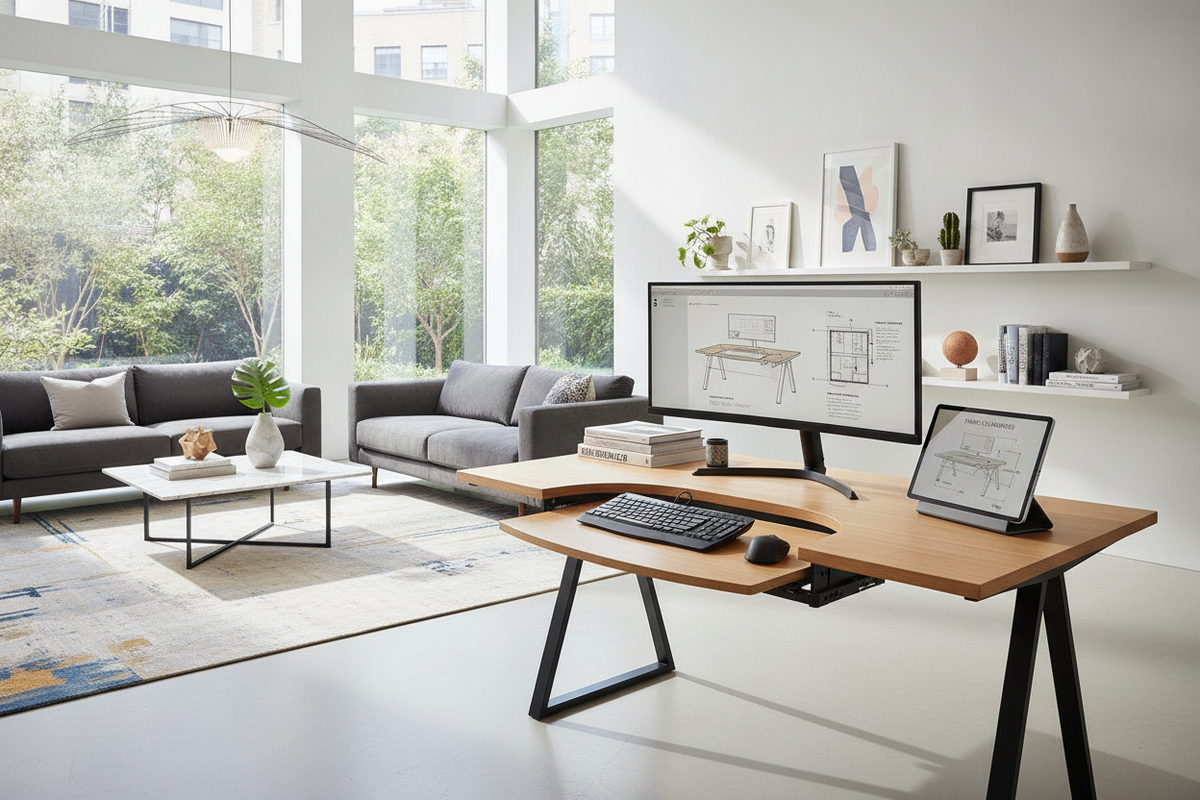
Integrating an adjustable keyboard platform onto a sit-stand workstation fundamentally refines the ergonomic geometry of your daily workflow. When working directly on top of a flat desktop surface, raising the workstation to support a relaxed forearm angle frequently forces monitors into an uncomfortably low gaze line. Conversely, elevating the desk to align screens with eye level can cause you to elevate your shoulders and bend your wrists upward. Adding a dedicated keyboard tray for standing desk environments resolves this tension by creating an independent secondary tier for your input devices, successfully decoupling typing height from display placement.
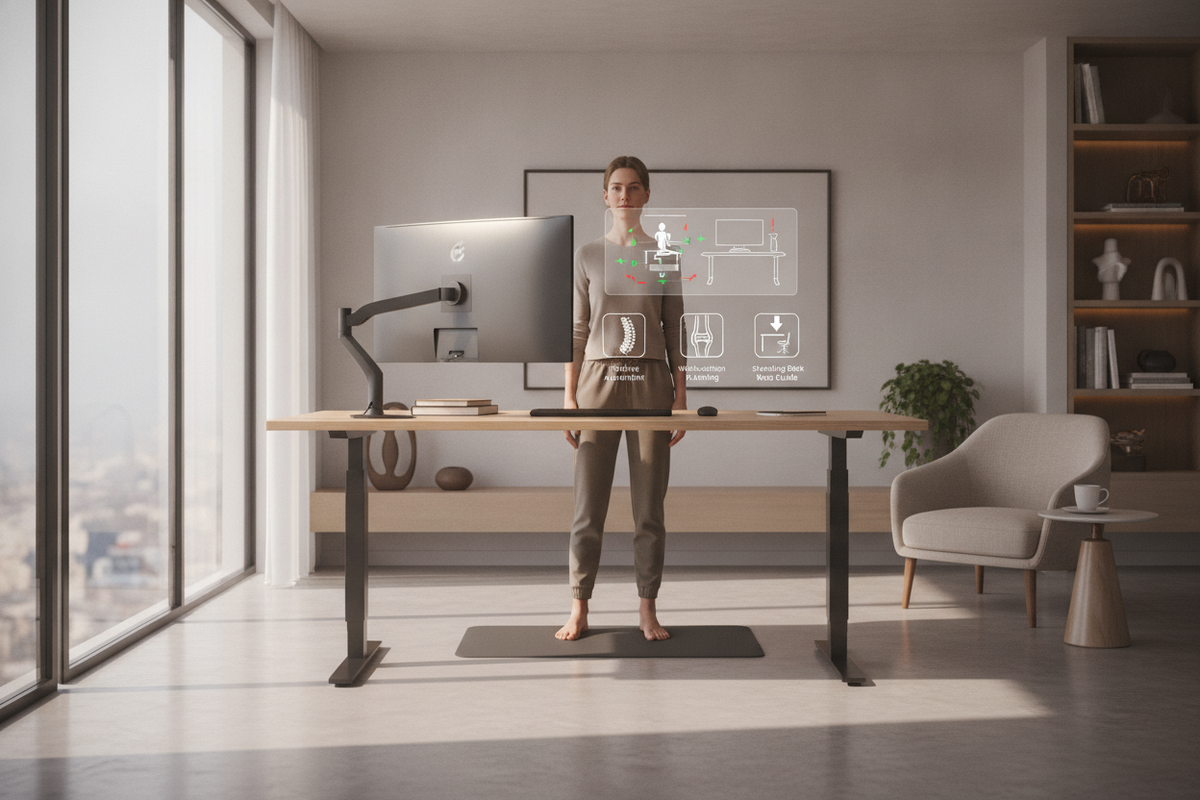
A well-positioned sit stand desk keyboard tray establishes an ergonomic bridge between proper upper-body posture and screen viewing angles. By lowering the typing plane below tabletop height, your shoulders remain relaxed while your elbows maintain an open, neutral angle during both seated and standing work sessions. Dynamic transitions become significantly smoother when input peripherals follow your natural arm position. For deeper structural planning across diverse workstation styles and traditional desk silhouettes, exploring a detailed desk keyboard tray guide provides valuable context on how under-desk clearance considerations differ between fixed furniture and mobile platforms.
Moreover, introducing a dedicated lower tier clears valuable surface area on the primary desktop. With the keyboard and pointing devices positioned on a specialized platform, the main tabletop remains open for reference documents, lighting fixtures, writing pads, or secondary input tools, enhancing both productivity and workspace organization.
Mounting Architecture: Clamp-On vs. Track-Mounted vs. Integrated Platforms
Selecting the most suitable mounting architecture depends on desk thickness, underside structural obstacles, and how you intend to use the workstation throughout the day. Different mounting formats offer distinct benefits regarding installation ease, adjustability range, and spatial efficiency:
- C-Clamp Desk Extenders: These surface-clamping platforms fasten over the front edge of the desktop without requiring underside drilling or permanent modification. They offer a non-invasive installation approach suitable for delicate desktop finishes or leased office furniture. However, because the clamps rest along the top perimeter, they occupy a small footprint along the front boundary of the work surface.
- Undermount Sliding Tracks: A track-mounted stand up desk tray is secured directly to the underside of the desktop panel. When the workday ends or when full floor clearance is desired, the entire platform slides completely beneath the desk, preserving a clean and streamlined aesthetic. These assemblies require an unobstructed linear run beneath the tabletop to accommodate the glide rails.
- Articulating Linkage Arms: A comprehensive standing desk adjustable keyboard tray equipped with an articulating arm delivers extensive vertical travel, side-to-side swivel, and negative tilt adjustments. Negative tilt angles allow the keyboard to slope gently downward away from your body, supporting a neutral wrist position during extended typing sessions while standing.
Each mounting format balances structural rigidity, aesthetic impact, and ease of adjustment differently. Selecting the right version requires matching your personal ergonomic preferences with the physical parameters of your desktop.
Under-Desk Clearance and Frame Compatibility Blueprints
Motorized standing workstations incorporate specialized mechanical components that differ significantly from static tables. Central structural crossbeams, dual-motor housings, control boxes, and lifting columns occupy substantial space directly beneath the main desktop. Before selecting an undermount or sliding accessory, assessing under-desk clearance is essential to avoid hardware collisions.
When configuring an adjustable standing desk product, precise measurements must be taken from the front edge of the desktop to the front face of the structural support beam. Many motorized frames place central support beams within several inches of the front edge, limiting the depth available for standard slide tracks. In such configurations, several practical solutions can bridge the gap:
- Track Spacer Brackets: Mounting drop-down spacer blocks lowers the slide track beneath the crossbeam, allowing the tray to retract smoothly beneath the structural frame.
- Compact Linear Tracks: Utilizing shorter track assemblies prevents the slide rail from reaching back into the path of the motor enclosure.
- Clamp-Mounted Systems: Choosing edge-mounted clamps bypasses under-desk beam interference entirely, as the brackets anchor strictly along the outer tabletop edge.
Carefully mapping the underside of your desk frame ensures that adding a keyboard tray for sit stand desk configurations will not compromise the vertical movement or structural integrity of your height-adjustable workspace.
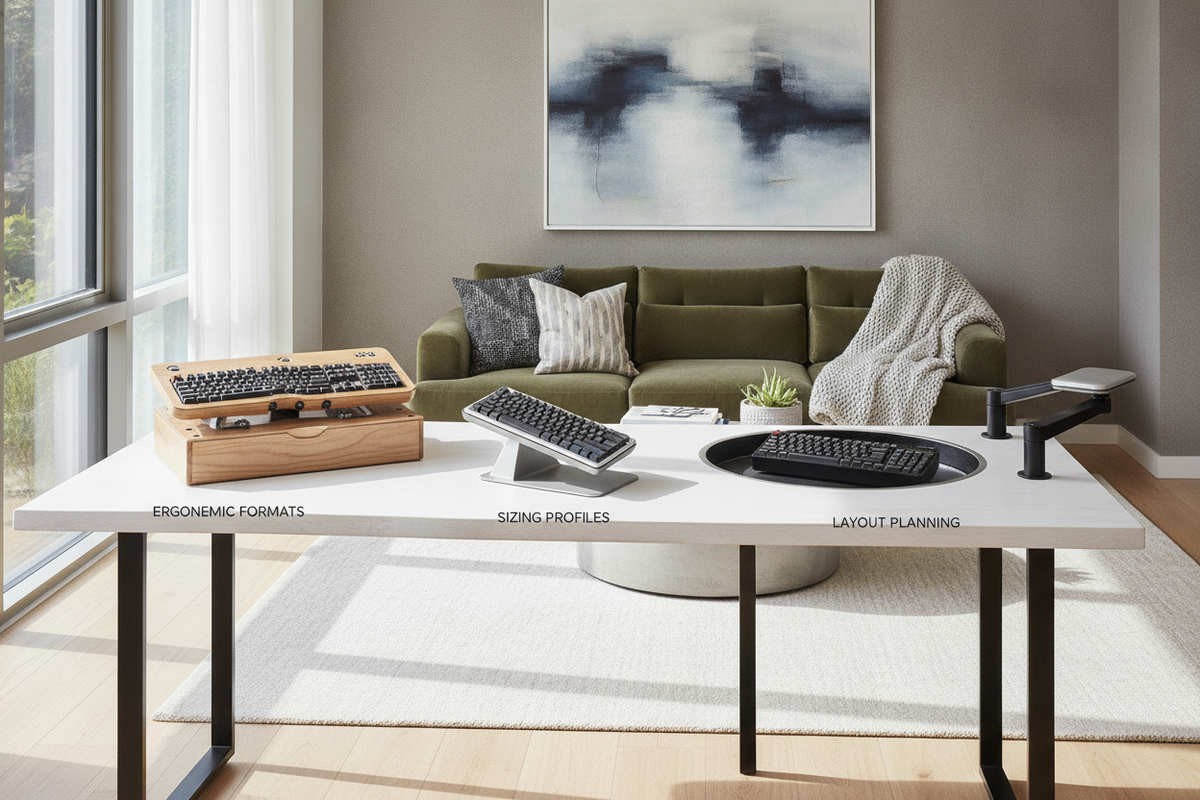
Dimensional Categories and Tray Sizing Profiles
The operational width and depth of your input platform determine its capacity to organize your daily workflow. Choosing a platform size that aligns with your peripheral setup prevents crowding while maintaining adequate leg and knee clearance:
- Compact Footprint Trays: Engineered for space-constrained environments or minimalist setups, compact trays accommodate standard compact or tenkeyless keyboards. They conserve space underneath narrower work surfaces and keep side clearance open for under-desk accessories.
- Full-Span Extended Trays: Designed for comprehensive desktop workflows, wide platforms offer ample width to house a full-sized keyboard with a dedicated numeric pad alongside a generous mouse tracking area on a continuous horizontal plane. Similar design considerations are reflected in executive platforms like a desk keyboard tray product, where expansive surfaces provide seamless multi-device operation.
- Heavy-Duty Reinforced Systems: Built with robust steel brackets and rigid composite platforms, a dedicated raising keyboard tray minimizes wobble and surface flex during rapid typing, providing dependable stability even when supporting heavier mechanical boards or wrist rests.
Matching tray dimensions to your physical accessories ensures comfortable navigation, consistent mouse movement, and an uncluttered typing zone across diverse work tasks.
Material Engineering, Vibration Damping, and Cable Routing
A stable typing foundation relies heavily on durable material composition and secure anchor points. High-density engineered wood panels, durable laminates, and powder-coated steel brackets provide structural stiffness, which helps suppress unwanted bounce and vibration when typing at elevated standing positions.
Cable management requires deliberate routing when installing a standing keyboard tray on a height-adjustable frame. Because the workstation moves up and down throughout the day, peripheral wires must accommodate both the tray's slide motion and the desk's vertical travel range. Consider the following best practices for reliable cable management:
- Articulated Cable Spines: Enclosing mouse and keyboard cables in flexible spine tracks keeps wires guided safely without catching on crossbeams or motor brackets.
- Generous Cable Loops: Providing a measured amount of slack near the tray mounting bracket ensures that pulling the tray forward or tilting the platform will not pull on device connectors.
- Under-Desk Adhesive Clips: Anchoring wiring along the underside of the desktop panel directs cables away from the mechanical lift columns and motorized drive components.
Carefully managed wiring prevents accidental disconnections and protects hardware components during dynamic height transitions.
Harmonizing Keyboard Workstations with Office Storage and Furniture
An effective standing desk setup should blend smoothly into a cohesive, organized room environment. Introducing an under-desk platform reduces lower vertical space, making it important to balance ergonomic accessories with nearby storage cabinets, credenzas, and mobile drawer units. Exploring a comprehensive standing desk guide offers inspiring strategies for pairing functional ergonomic gear with balanced visual design.
To maintain open legroom directly beneath the central work zone, position companion storage pieces around the perimeter of the room rather than directly under the desk. Pairing your workspace with an adjustable collection of perimeter shelving or lateral storage units keeps everyday books, project files, and office essentials close at hand while leaving the floor under your keyboard standing desk completely free of clutter.
By thoughtfully coordinating mounting styles, under-frame clearances, vibration damping, and modular storage arrangements, you can create an ergonomic, visually refined home office that supports comfortable posture transitions throughout every workday.

Dejar un comentario
Este sitio está protegido por hCaptcha y se aplican la Política de privacidad de hCaptcha y los Términos del servicio.