










We have all tried working from the dining table or a makeshift corner in the bedroom, only to find that physical discomfort eventually creates a mental block. As an interior designer, I see this constantly: professionals attempting to maintain high-level output in spaces not conducive to sustained concentration. The environment you inhabit dictates your workflow. This guide moves beyond standard productivity hacks to focus on the physical architecture of your day. Here, we explore the definitive design-centric remote workforce tips to curate a workspace that balances aesthetic sophistication with rigorous ergonomic function.
Key Features of a High-Performance Home Office
- Ergonomic Foundation: Prioritize chairs with adjustable lumbar support and seat depth over purely decorative styles.
- Lighting Layers: Combine ambient overhead lighting with specific task lighting (3000K-4000K) to reduce eye strain.
- Material Durability: Select desk surfaces like high-pressure laminate or sealed hardwood that resist heat and scratches.
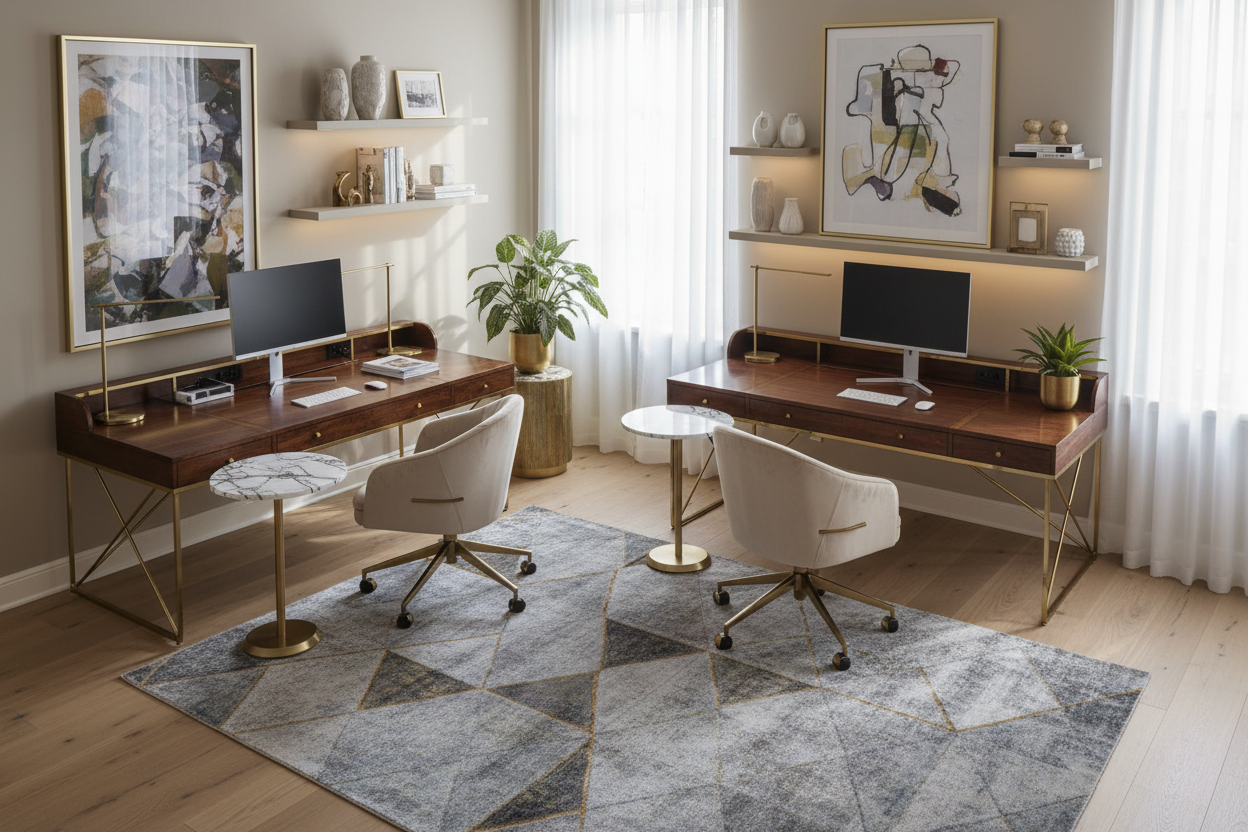
- Acoustic Control: Incorporate soft furnishings (rugs, drapery) to dampen echo for clearer virtual communication.
- Spatial Flow: Position the desk to face the room or a window (command position) rather than facing a blank wall.
Zoning and Layout: The Command Position
One of the most overlooked tips for working remotely involves spatial planning. In design theory, the "command position" places your desk where you have a view of the door without being directly in line with it. This triggers a subconscious sense of security, allowing for deeper focus. Avoid pushing your desk flush against a wall, which can feel stifling.
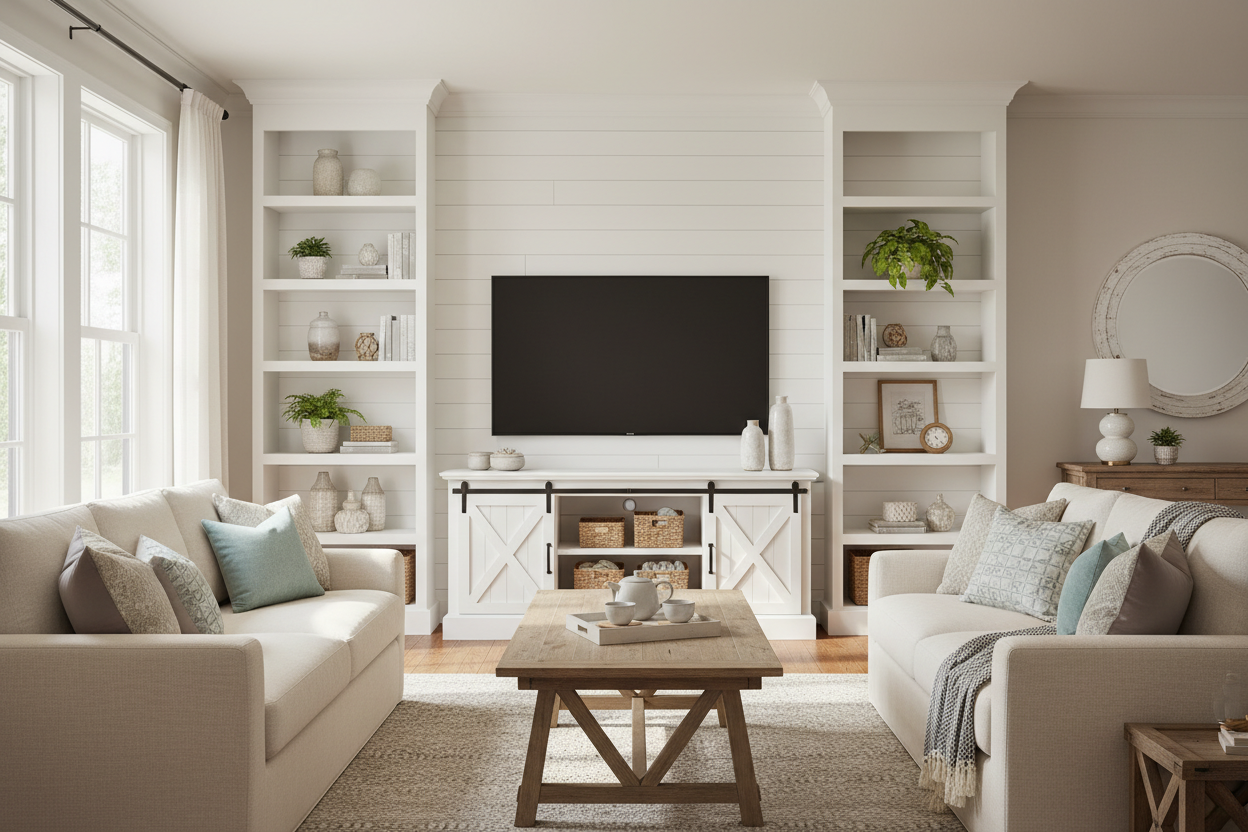
If you are navigating tips for working remotely from home within a shared living area, use visual dividers. A console table placed behind the desk chair or an open-shelf bookcase can define the "office" zone without erecting permanent walls. This separation is vital for mentally disconnecting at the end of the day.
Furniture Selection: Materiality and Ergonomics
When curating tips for remote work regarding furniture, the tactile experience is paramount. A glass desk might look sleek, but it is cold to the touch and reflects monitor glare. Instead, opt for walnut veneers or matte-finish laminates which offer warmth and reduce visual noise.
The Chair: Aesthetic vs. Function
Many tips for remote workers suggest buying the most expensive chair, but fit is more important than price. Look for a "synchro-tilt" mechanism, where the backrest and seat pan move in a ratio (usually 2:1) to support your body in motion. While velvet or bouclé fabrics are trending, they trap heat. For 8-hour shifts, a high-quality mesh or perforated leather is superior for thermal regulation.
Lighting: The Invisible Design Element
Bad lighting is the silent killer of productivity. Effective work remote tips must include a lighting plan. You need a mix of diffuse ambient light and direct task light. Position your light source to the side of your monitor, not behind it (which causes silhouettes on video calls) or directly in front (which causes glare). Aim for a Color Rendering Index (CRI) of 90+ to ensure colors in your room look natural and not washed out.
Tech Integration and Cable Management
Working remotely tips and tools often ignore the visual chaos of cables. Clutter competes for your visual attention. Invest in a desk with integrated grommets or a modesty panel. Use vertebrae cable spines to guide cords from the floor to the desktop surface. A clean visual plane translates to a clearer mental state, allowing you to work remotely effectively without subconscious distraction.
My Personal Take on Remote Workforce Tips
I learned a hard lesson about aesthetics versus utility early in my career. I once specified a stunning, raw reclaimed wood desk for a client who was a graphic designer. It looked incredible in the portfolio photos. However, two months later, the client called me. The texture of the wood was so uneven that his mouse wouldn't track correctly without a pad, and the unsealed crevices were trapping crumbs and dust that were impossible to clean.
Furthermore, I hadn't accounted for the "bounce" of the floor. He was on a suspended timber floor, and every time he walked, the heavy monitor on the wobbly antique table would shake. Now, when I give tips to work remotely, I insist on stability tests and smooth, sealed writing surfaces (like linoleum or leather inlays) regardless of how rustic the room's vibe is. Real luxury is things working exactly as they should.
Conclusion
Implementing these design strategies does more than just make your home look good; it engineers an environment where focus comes naturally. By investing in the right materials, lighting, and layout, you elevate your professional capabilities from the comfort of your home.
Frequently Asked Questions
What is the best desk depth for a multi-monitor setup?
For dual monitors, aim for a desk depth of at least 30 inches (76 cm). This ensures you can maintain the proper focal distance (about an arm's length away) to prevent eye strain, a crucial factor in tips for working remotely safely.
How do I improve acoustics in a home office with hard floors?
Hard surfaces bounce sound, creating an echo on calls. Introduce high-pile area rugs, heavy velvet or linen curtains, and even canvas wall art. These soft textures absorb sound waves, making your audio crisp and professional.
Is a standing desk worth the investment for interior design aesthetics?
Yes, but choose carefully. Many standing desks look industrial. Look for models with enclosed legs or wood-wrapped columns that blend with residential furniture. The health benefits of alternating posture align perfectly with sustainable tips for remote work.

Dejar un comentario
Este sitio está protegido por hCaptcha y se aplican la Política de privacidad de hCaptcha y los Términos del servicio.