










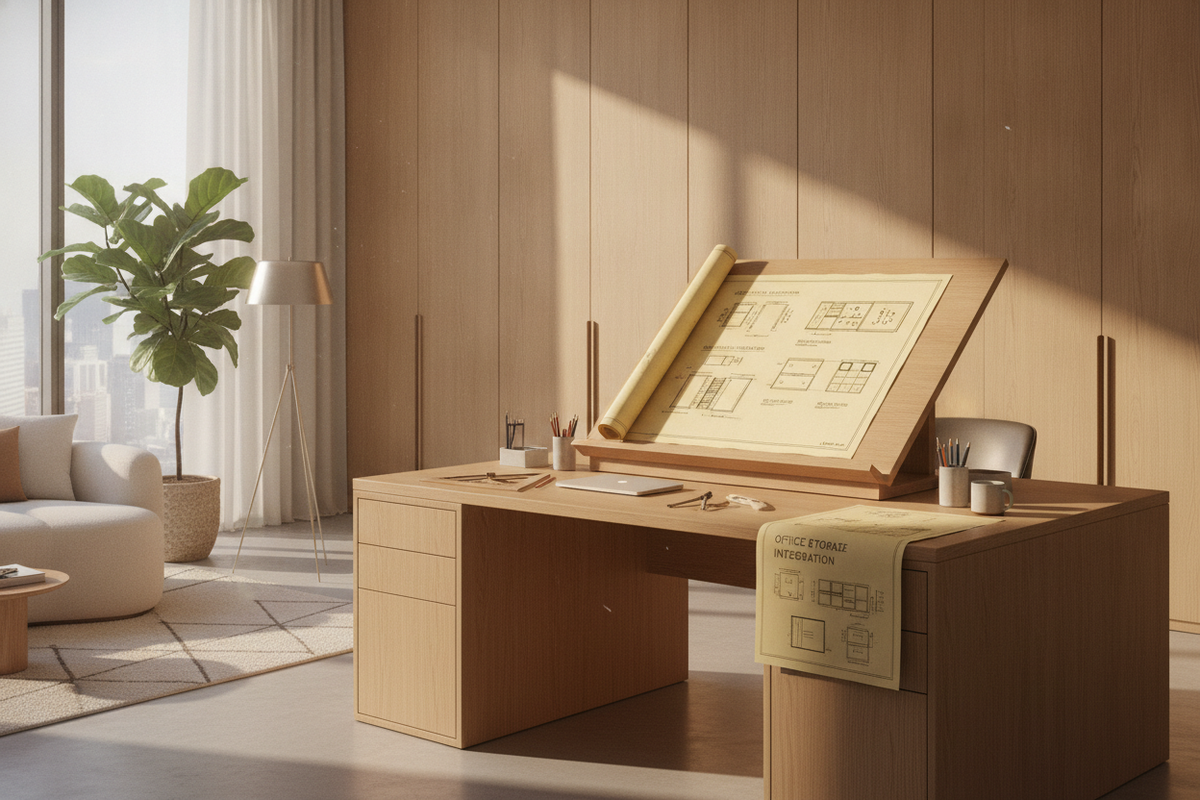
Designing an ergonomic workspace requires balancing posture flexibility with dependable structural support. A versatile desk with stand configuration allows you to transition smoothly between seated work and upright posture throughout long working days. Whether you select a fully integrated motorized desk or a modular surface stand, understanding elevation mechanics, spatial envelopes, and storage pairing ensures your workspace remains organized, stable, and visually unified.
Understanding Desk with Stand Archetypes: Full Dynamic Frames vs. Desktop Stands
When planning a flexible workspace, the first major decision is choosing between a fully height-adjustable workstation and a desktop-mounted stand unit. Both approaches deliver sit-stand functionality, yet they offer distinct spatial advantages and aesthetic profiles.
- Full Height-Adjustable Desks: These standalone units elevate the entire tabletop surface using telescoping frame legs. A unified sit and standing desk keeps monitors, writing instruments, desk pads, and peripherals on a single cohesive plane, preserving uncluttered surface area and providing generous knee clearance. For styling inspiration, reviewing a dedicated standing desk guide can help you integrate broad continuous surfaces into contemporary interior decors.
- Desktop Riser Stands: Desktop risers sit directly on an existing static desk or credenza. These units elevate only the keyboard and primary screens via a scissor-lift or gas-spring bracket. While practical for retrofitting existing executive furniture, they introduce vertical tiers that reduce contiguous desktop space.
- Integrated Dynamic Workstations: A dedicated stand sit workstation combines unified tabletop stability with expansive peripheral room, creating a seamless aesthetic suited to minimalist home offices.
Mechanical Elevation Styles: Motorized Columns, Pneumatic Pistons, and Manual Adjustments
The elevation mechanism determines everyday convenience, lifting fluidity, and quiet operation when shifting between posture modes.
Electric motorized systems represent the standard for modern home offices. An adjustable sit stand desk equipped with dual or single electric motors provides consistent, smooth elevation transitions at the touch of a button. Motorized controls often feature programmable memory settings, allowing users to save preferred sitting and standing levels for repeatable alignment. When selecting a dynamic motorized desk, choosing an adjustable height standing product provides push-button height recall without manual leveling effort.
Pneumatic counterbalance systems utilize compressed gas cylinders to elevate the surface. These systems operate silently and do not require electrical outlets, making them adaptable for floating office layouts where floor cords must be minimized. However, pneumatic systems require careful counterweight balancing based on the weight of mounted hardware.
Manual crank mechanisms offer a reliable, mechanical alternative. A manual desk stand sit table requires rotating a fold-away hand crank to raise or lower the frame. While slower than motorized solutions, manual desks operate independently of power sources and provide dependable longevity in utility spaces.
Spatial Footprint Categories and Dynamic Clearance Planning
Integrating a sit-stand desk into a room layout requires accounting for both static dimensions and dynamic vertical movement zones. A sit down and stand up desk moves through a vertical envelope that must remain clear of architectural obstructions.
- Compact Nook Footprints: Ideal for bedrooms or multi-purpose living areas, compact desks focus on streamlined depths and narrow widths while still accommodating a single monitor arm and laptop.
- Mid-Sized Workstations: Standard home office desks offer ample room for dual-monitor setups, task lighting, and desktop organizers without crowding the primary work area.
- Executive and Broad Formats: Expansive surfaces, such as a generous height adjustable standing product, provide substantial depth and width for multi-display arrays, drafting tablets, and reference literature.
When positioning any desk stand up frame against a wall, maintain a modest perimeter gap. This clearance prevents mounted monitors, monitor arms, and desktop edges from scuffing wall paint, window sills, or artwork as the frame traverses its vertical range. Similarly, confirm that under-desk legroom remains unobstructed by baseboard heaters, floor power boxes, or low-hanging window treatments when configuring an adjustable desk stand or sit layout.
Frame Materials, Base Geometries, and Tabletop Surface Integrity
Structural stability is critical for any standing workstation. Deflection, wobble, and lateral sway can disrupt typing precision and cause monitor shake at upper elevation limits.
High-grade sit to stand desks rely on structural steel frames with reinforced crossbars and heavy gauge mounting plates. Telescoping leg columns typically feature two-stage or three-stage nesting sections. Three-stage columns provide wider height adjustment ranges and enhanced overlap between steel segments, resulting in improved rigidity at standing heights.
Base geometry also influences both stability and seated comfort:
- T-Leg Bases: Centralize the vertical column along the foot profile, balancing weight distribution evenly between front and back edges.
- C-Leg Bases: Offset the vertical column toward the back edge of the foot profile. This offset design maximizes open knee space beneath the desktop, allowing unrestricted chair movement and easier placement of under-desk storage units.
Tabletops manufactured from dense engineered wood composites, high-pressure laminates, or solid wood slabs offer strong resistance to surface deflection, securely anchoring clamped monitor arms and power modules.
Dynamic Cable Routing, Power Articulation, and Ergonomic Organization
Cable management in a moving desk requires dynamic planning. When a desk transitions between sitting and standing heights, connected cables stretch and contract along the vertical path.
To maintain an orderly aesthetic and prevent pulled connections, route all display cables, power cords, and peripheral wiring into an under-desk horizontal cable tray. Connect all equipment to a single surge protector mounted directly beneath the desktop, so that only a single main power umbilical cord travels down to the wall outlet. Using an articulated cable spine or flexible sleeve keeps this single power line organized and snag-free throughout height transitions. Exploring an interior design standing desk guide provides practical guidance on concealing dynamic wiring runs within refined room decors.
Pairing Your Standing Setup with Modular and Adjustable Storage
Traditional fixed desks often include built-in drawers, whereas dynamic height-adjustable frames feature open under-desk structures to accommodate vertical movement. Integrating standalone storage elements restores organizational capacity without compromising desk elevation.
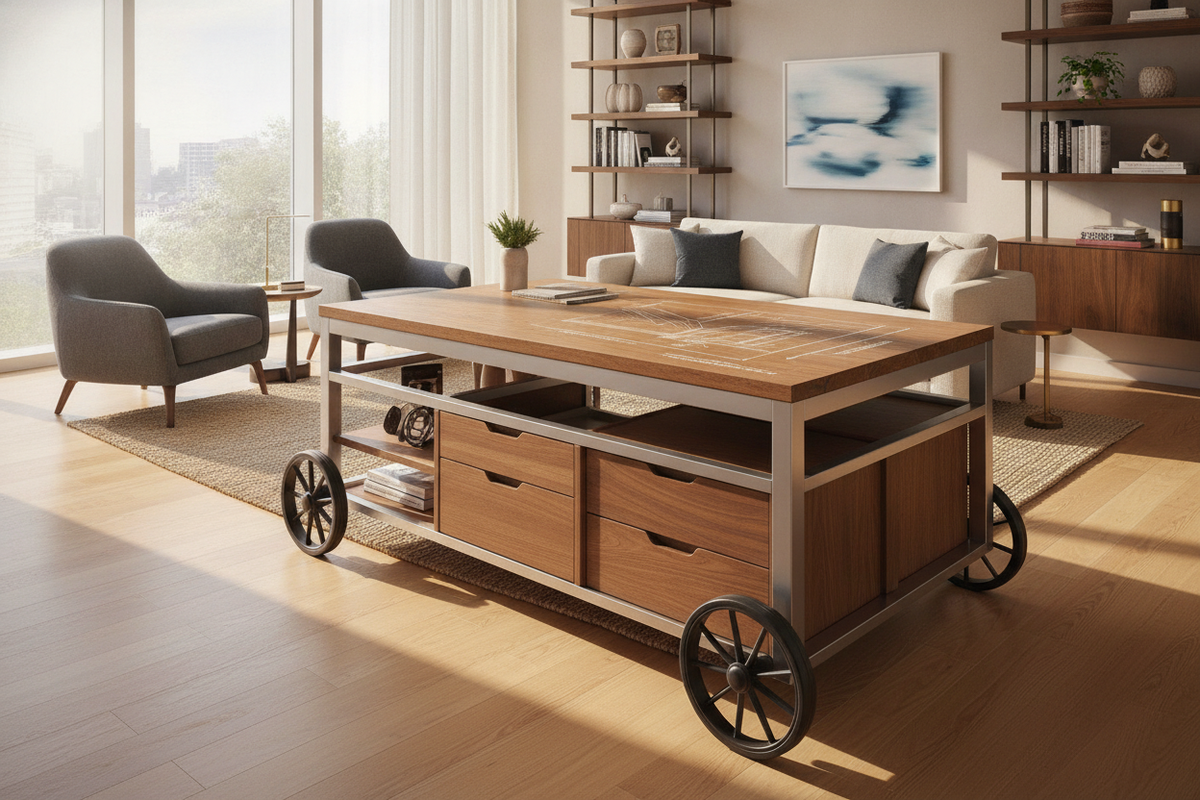
Consider pairing your standing workstation with mobile under-desk file pedestals that can roll smoothly out of the way or sit alongside the desk base. Low-profile credenzas and modular sideboards placed adjacent to the workstation provide deep storage for reference materials, printers, and office supplies. For vertical wall space, incorporating pieces from an adjustable collection allows you to customize shelf heights around the dynamic movement path of your monitors, maintaining accessible organization and a tailored home office environment.

Dejar un comentario
Este sitio está protegido por hCaptcha y se aplican la Política de privacidad de hCaptcha y los Términos del servicio.