










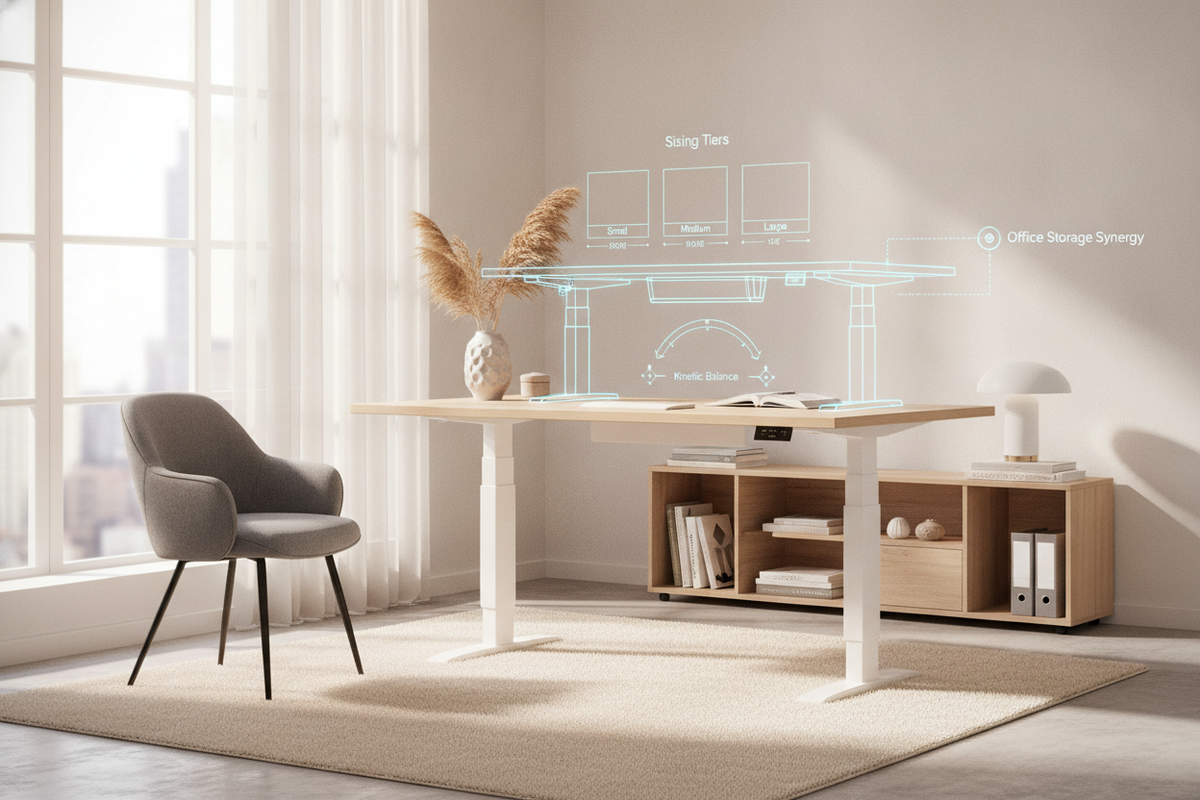
Configuring an active workstation requires balancing structural stability, dynamic movement, and practical interior storage. As remote and hybrid professional routines become permanent fixtures in modern floor plans, entry-level motorized frames have emerged as accessible centerpieces for ergonomic transformation. Evaluating models in this category, such as the flexispot eg1 essential standing desk, involves looking closely at how basic kinetic frameworks interact with desktop spans, peripheral hardware, and surrounding room cabinetry.
A successful transition to a height-adjustable routine does not depend solely on the lifting mechanism itself. It relies on a comprehensive workstation layout where frame engineering, cable pathways, and perimeter file storage operate in physical harmony.
Deconstructing the Essential Sit-Stand Desk: Core Mechanics and Value Architecture
What Defines an Essential-Tier Height Adjustable Workstation
Essential-tier sit-stand desks are engineered to provide reliable motorized height transitions without the added expense of multi-motor synchronization, complex collision gyroscopes, or high-tier digital programmable interfaces. The primary objective of an entry frame like the flexispot eg1 standing desk is straightforward vertical elevation: lifting everyday desktop essentials between seated and standing positions with simple up-and-down keypad control.
When planning a dynamic office, understanding these foundational mechanics helps establish realistic expectations regarding travel speed, lifting capacity, and component lifespan. For those interested in aesthetic workspace design, reviewing principles on designing a standing desk setup that actually looks good provides helpful context for blending utility with refined interior finishes.
Single-Motor Drive Geometry vs. Multi-Stage Kinetic Chassis
Most entry-level adjustable desks rely on a single motorized drive unit mounted to one lifting column, which transmits mechanical torque to the opposite leg via an internal or external hex drive rod. In contrast to dual-motor systems where each telescoping column houses a dedicated motor, a single-motor configuration prioritizes mechanical simplicity and energy efficiency.
- Two-Stage Telescoping Columns: Entry models typically feature two-stage concentric steel tubing, offering a dependable vertical travel range suited for standard adult heights.
- Drive Rod Transmission: A continuous hexagonal axle synchronizes the internal worm gears within both legs, ensuring level elevation across the worktop.
- Operational Acoustic Profile: Single-motor configurations produce a distinct mechanical hum during travel, making consistent drive-rod lubrication and firm bolt tension essential during assembly.
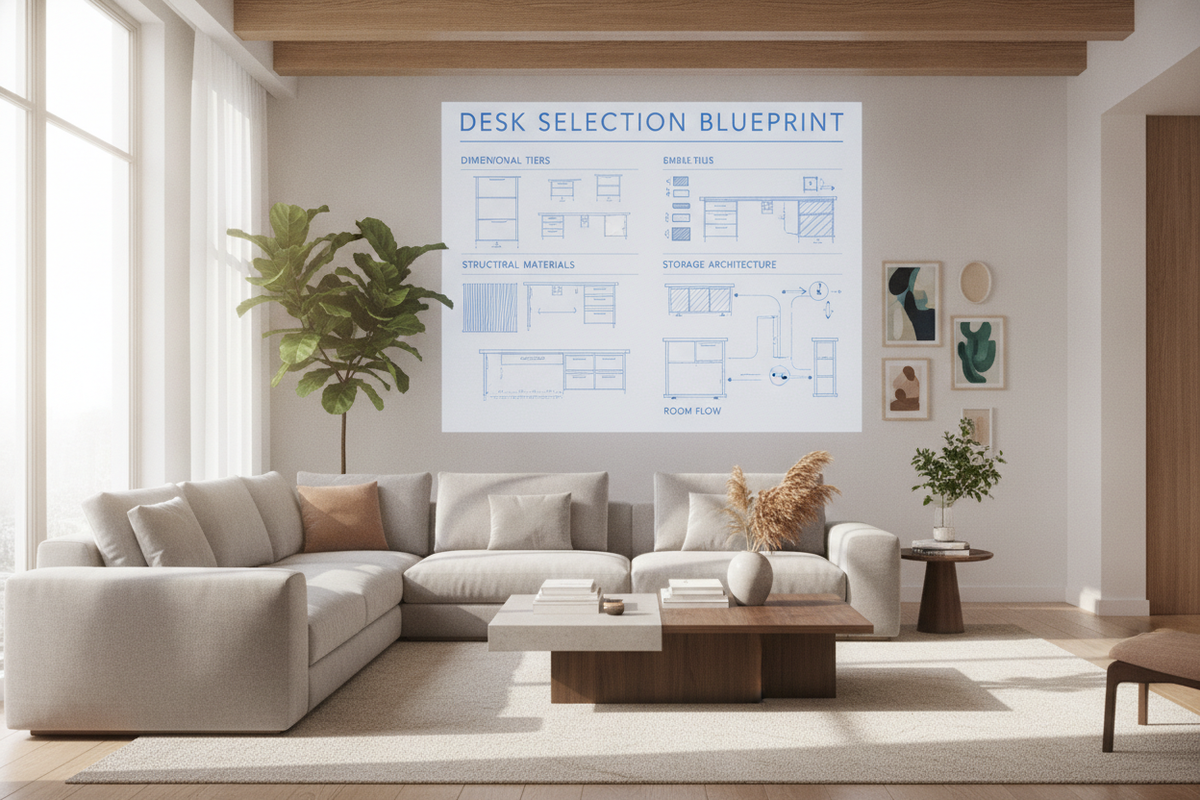
Desktop Dimensional Tiers and Custom Surface Pairing
Matching Surface Spans to Frame Footprint Boundaries
Selecting an appropriate worktop requires evaluating how structural overhangs affect balance. Essential standing desk frames are generally engineered around fixed or semi-adjustable crossbars that support compact to mid-sized desktops. Pairing an overly long surface on a narrow base can cause noticeable deflection along the outer edges when downward pressure is applied.
For users who require wider monitor arrays or heavy desktop gear, stepping up to a wider platform like a dedicated electric adjustable standing desk ensures the subframe provides adequate under-table support across the entire horizontal span.
Material Selection: Engineered Wood, Solid Hardwood, and Bamboo Finishes
Tabletop material composition influences not only the visual tone of your workspace but also its mechanical rigidity and resistance to wear:
- High-Density Laminate (MDF/Particleboard): Features balanced weight distribution, uniform screw-holding density, and excellent resistance to surface scratches and moisture rings.
- Solid Hardwoods: Delivers natural grain texture and structural strength, though increased natural density requires accounting for the motor’s upward lift capacity.
- Bamboo and Veneered Surfaces: Provides an eco-conscious finish with flexible tensile strength, ideal for minimalist and contemporary home office aesthetics.
Kinetic Stability and Spatial Clearance Engineering
Mitigating Lateral Wobble at Maximum Elevation Heights
All height-adjustable desks experience some degree of mechanical resonance when fully extended. Because two-stage columns extend their inner leg tubes toward maximum travel limits, the overlap zone between the upper and lower sleeves decreases. This reduction in joint surface area can translate into subtle lateral sway or monitor arm oscillation during energetic typing.
To minimize kinetic movement at standing heights, ensure all frame fasteners are torqued evenly during initial setup. Positioning heavier hardware—such as tower computers or secondary display mounts—closer to the rear central axis of the frame significantly dampens vibration.
Floor Clearance, Leveling Studs, and Wall Gap Distances
Level base contact is critical for maintaining vertical alignment and preventing uneven wear on internal guide pads. Exploring designer ideas for standing desk layouts helps establish proper clearance around architectural perimeter elements.
- Adjustable Leveling Glides: Compensate for uneven hard flooring or plush carpet seams to prevent axial frame twisting.
- Wall Clearance Buffers: Maintain a minimum clearance gap between the rear edge of the desktop and the drywall to prevent scraping during height adjustments.
- Perimeter Obstruction Zones: Ensure nearby window sills, electrical faceplates, and radiator covers remain clear of the desk frame’s vertical path.
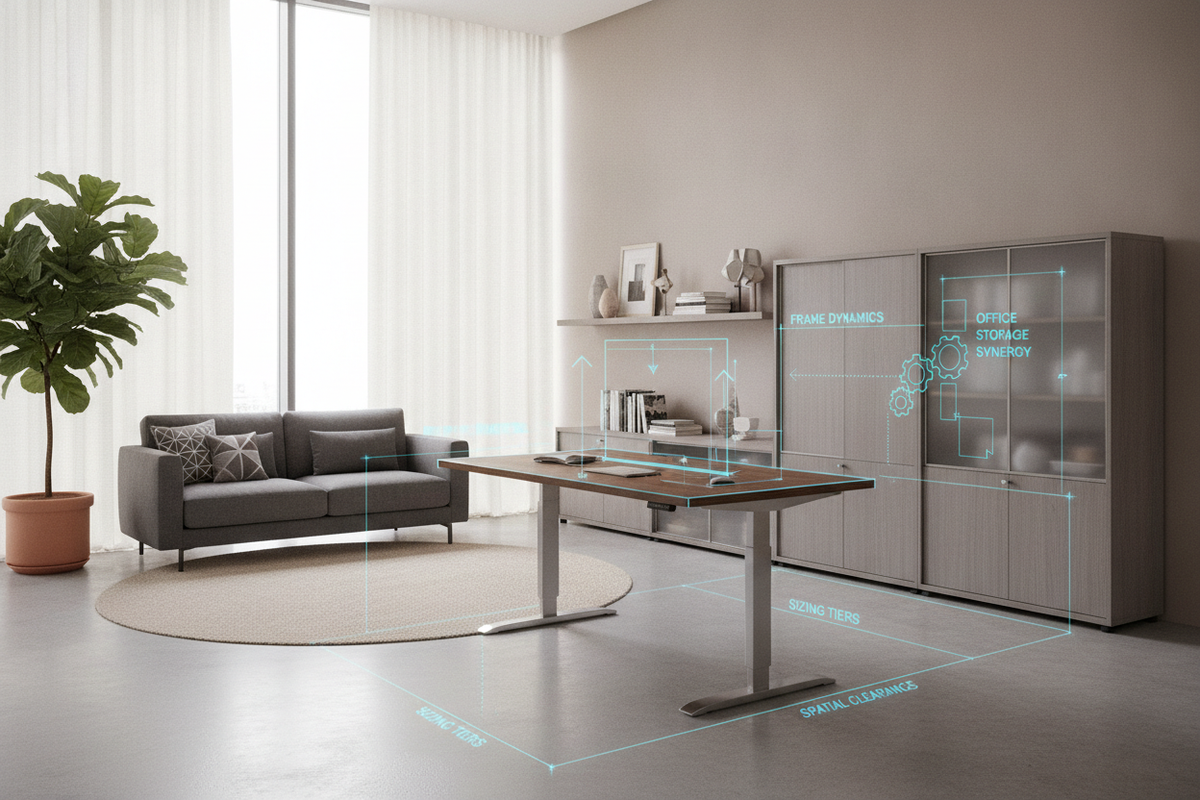
Storage Architecture and Perimeter Workspace Coordination
Overcoming Under-Desk Storage Limitations on Dynamic Frames
One of the primary spatial challenges of motorized standing desks is the loss of integrated under-desk drawers. Because the desktop moves dynamically, traditional fixed pedestal drawers cannot be mounted directly beneath the worktop without restricting the lowest seated height settings.
To maintain storage capacity without hindering movement, many users pair their desk frame with an expansive height adjustable standing desk layout that accommodates dedicated freestanding side credenzas or rolling file pedestals.
Mobile File Pedestals, Floating Credenzas, and Vertical Wall Units
Creating a structured organizational zone around an essential sit-stand desk involves shifting primary storage outward into adjacent architectural furniture:
- Low-Profile Mobile Pedestals: Roll smoothly beside or behind the desk footprint, providing accessible supply drawers and filing storage without interfering with vertical travel.
- Wall-Mounted Floating Shelves: Keep reference books, stationery, and ambient task lighting within reach while leaving floor space completely open.
- Coordinated Storage Towers: Positioned adjacent to the standing desk to create an integrated L-shaped visual suite, blending technical desk frames with warm decorative cabinetry.
Cable Routing, Ergonomics, and Workstation Layout Frameworks
Dynamic Cable Flow Trays and Articulating Spine Management
Effective cable management on a dynamic standing desk requires accommodating both the lowest seated and highest standing positions. Rigid or tightly bundled cords can pull out of wall outlets or place mechanical strain on device ports during upward travel.
Installing an under-desk cable management channel, combined with an articulating cable spine or flexible braided sleeve, routes primary power feeds safely from the moving desktop down to baseboard wall outlets. For high-density workstation setups, pairing a spacious standing desk with electric lift with dedicated power strips ensures that all peripheral connections rise and fall uniformly.
Zoned Desktop Ergonomics: Monitor Arm Clearances and Neutral Posture
Achieving healthy ergonomic alignment relies on establishing neutral postural angles across both seated and standing modes:
- Forearm and Elbow Positioning: Adjust the worktop height so forearms rest parallel to the floor at roughly a ninety-degree angle to the upper arms when typing.
- Display Elevation and Focal Distance: Position the top third of the computer monitor at or slightly below eye level, maintaining an arm's length distance to reduce neck extension.
- Floor Mats and Footwear Support: Incorporate an anti-fatigue mat during standing intervals to relieve pressure on joints and encourage subtle lower-body movement.
By integrating thoughtful mechanical planning, appropriate desktop dimensions, and coordinated perimeter storage, an essential sit-stand desk frame provides a stable, productive, and visually refined foundation for everyday work.

Dejar un comentario
Este sitio está protegido por hCaptcha y se aplican la Política de privacidad de hCaptcha y los Términos del servicio.