










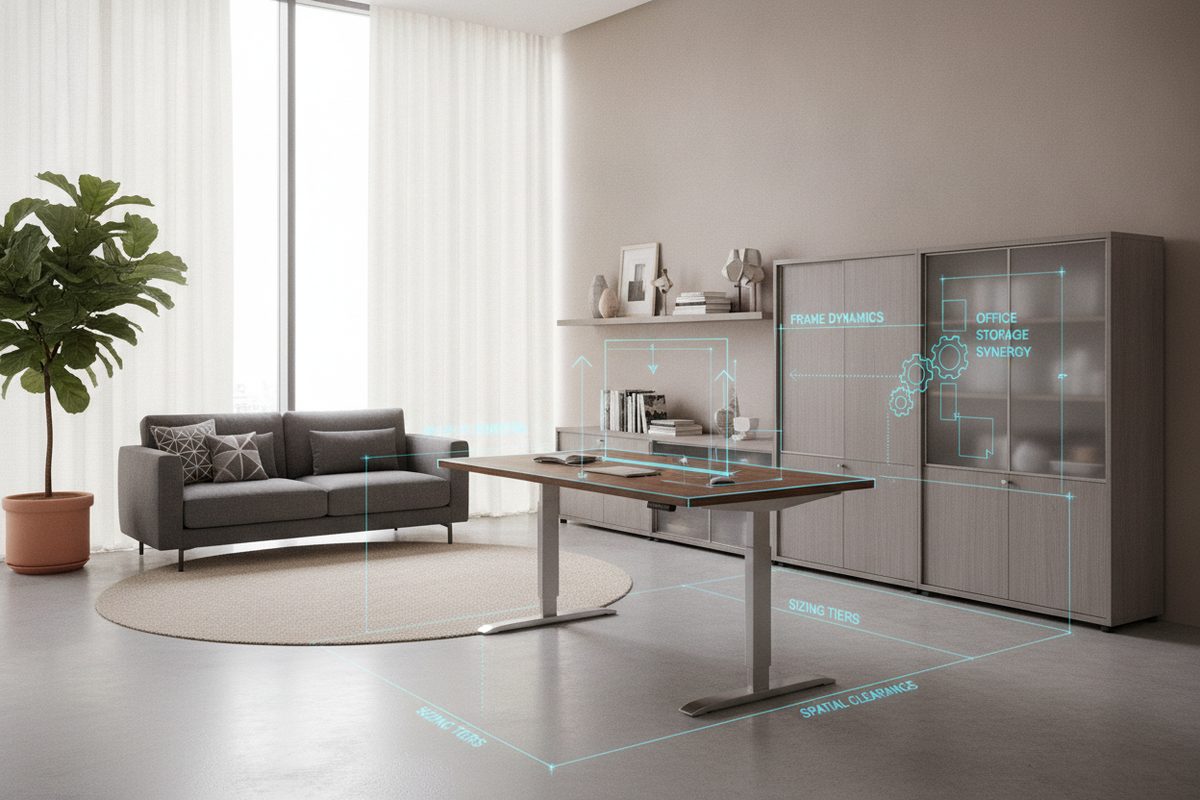
Architectural Overview: Mechanical Chassis and Kinetic Lift Mechanics
Selecting a height adjusting computer desk requires an understanding of how mechanical support frames interact with daily work patterns. Modern motorized frames transform a static workstation into an adaptable platform, supporting seamless shifts between sitting and standing throughout the workday. When browsing a comprehensive computer desk collection, examining the structural underpinnings ensures your setup remains stable across every elevation level.
Single-Motor vs. Dual-Motor Elevation Dynamics
Motorized frameworks generally rely on either single-motor hex-rod drive systems or dual-motor configurations embedded directly inside the lifting columns. A single-motor system utilizes a central motor connected to a rotating driveshaft to transfer movement to both legs simultaneously. While practical for lighter surface loads, dual-motor designs allocate independent synchronized power units to each leg column, facilitating smoother transitions and consistent travel speeds even when supporting heavy peripheral equipment.
Telescopic Column Geometry and Structural Rigidity
The stability of an automated standing desk depends heavily on the design of its telescoping legs. Two-stage and three-stage lifting columns nest steel segments within one another, expanding and retracting along internal glide pads. Selecting columns with wide cross-sections, substantial base feet, and reinforced top brackets minimizes lateral sway at upper heights, ensuring monitors remain steady during intensive typing sessions.
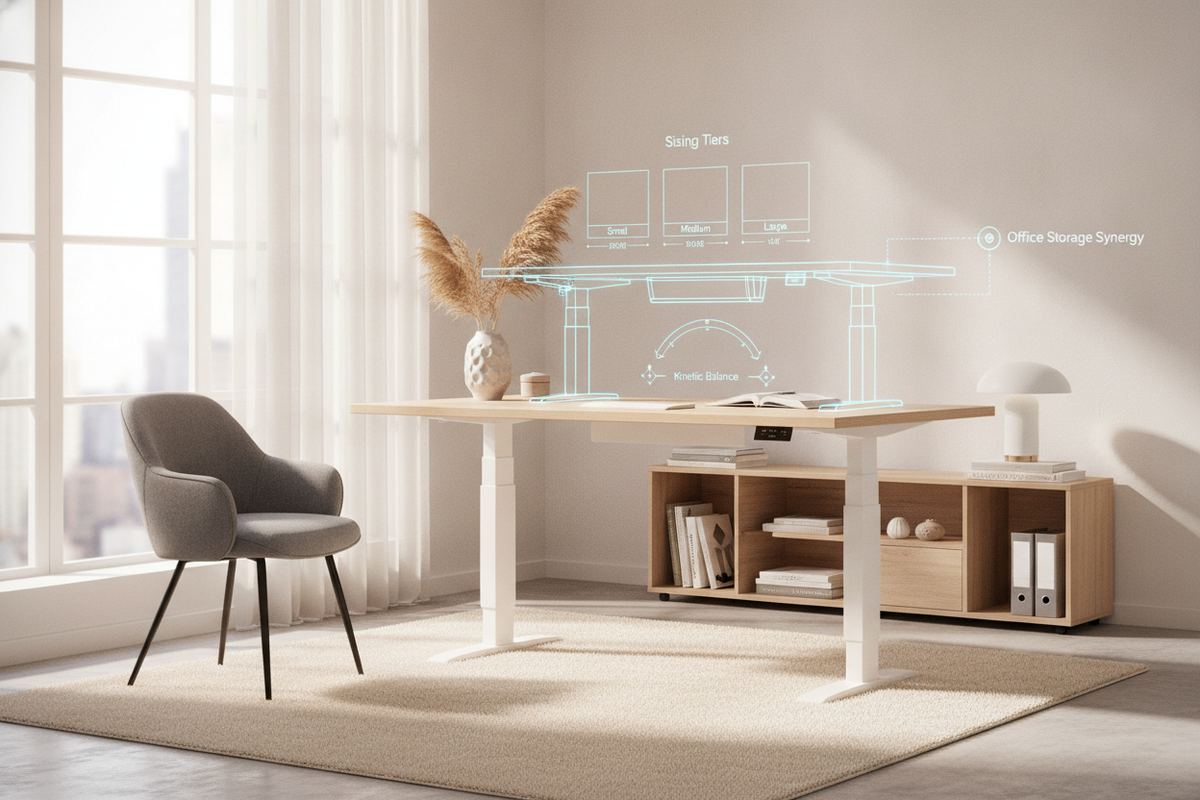
Dimensional Sizing Tiers and Spatial Planning
Choosing the correct tabletop dimensions involves balancing the equipment footprint against the open pathways within your room. Whether outfitting a dedicated commercial suite or exploring a computer desk that guide for multi-functional living areas, spatial planning prevents visual clutter and mechanical pinch points.
Compact Footprints for Multi-Use and Shared Spaces
Compact workstations excel in small offices, bedrooms, or shared family zones where every square foot matters. A scaled-down raise lower desk provides ample space for a laptop, external input devices, and essential desktop lighting while leaving clear walking pathways around the perimeter of the room.
Mid-Range Workstations for Dual-Monitor Productivity
Mid-tier dimensions represent the sweet spot for professional home offices. Platforms such as an adjustable height standing product accommodate dual-monitor arms, desktop audio monitors, and writing materials without crowding the primary work area. These surfaces allow users to position multiple screens at comfortable viewing distances while retaining dedicated space for notebooks and reference materials.
Expansive Executive Surfaces for Multi-Tasking Hubs
Large executive surfaces cater to professionals managing complex workflows involving drafting tablets, multiple displays, and specialized peripheral hardware. Expansive desktop formats distribute heavy equipment across a broad plane, requiring rigid subframes to prevent surface deflection over extended spans.
Ergonomic Alignment and Dynamic Posture Transitions
An adjustable height ergonomic desk is designed to support natural body alignment across various tasks. Transitioning between seated and standing postures helps distribute physical engagement throughout the day, provided the desk and peripherals are aligned to the user's natural neutral working posture.
Seated vs. Standing Clearance Zones
When seated, the desktop should align comfortably with resting elbow height, allowing forearms to rest parallel to the floor without elevating the shoulders. When transitioning upward, the frame must rise high enough to maintain that same neutral elbow angle while keeping monitors directly in the primary line of sight. Utilizing a wide-format height adjustable standing product provides generous knee and leg clearance underneath, preventing accidental contact with crossbars or low-hanging equipment trays.
Keyboard, Monitor Arm, and Peripheral Weight Balancing
Dynamic desks experience mechanical strain if heavy loads are concentrated entirely on one edge. Clamping heavy monitor arms to the rear edge shifts the center of gravity, which can increase motor wear if unaddressed. Centering major accessories or counterbalancing heavy display arms with desktop storage items helps maintain smooth travel mechanics across the entire lifting cycle.
Kinetic Cable Management and Electrical Flow
Integrating electronic height adjustment introduces dynamic motion to power cords, display cables, and network lines. Without deliberate wire routing, moving a computer table that goes up and down can pull plugs from wall outlets, pinch delicate signal lines, or entangle personal belongings.
Articulating Cable Spines and Under-Desk Raceways
Under-desk cable raceways, steel wire trays, and flexible articulating cable spines form the core of a tidy kinetic setup. Mounting power strips directly to the underside of the work surface ensures that connected devices move in unison with the desktop, requiring only a single main power cable to bridge the gap to the wall outlet.
Slack Calibration Across Full Travel Heights
Before putting a desk that raises and lowers automatically into daily use, verify that every connected cord has sufficient slack when the frame is raised to its highest setting. Securing cables with hook-and-loop fasteners along the frame legs prevents loose loops from snagging on surrounding baseboards, chair arms, or nearby storage units.
Storage Synergy: Integrating Perimeter Organization Without Impeding Motion
Unlike traditional static desks with built-in pedestal drawers, a kinetic workstation must remain unencumbered by rigid under-desk cabinetry. Incorporating coordinated storage solutions maintains order without interfering with daily travel paths, as explored in our standing desk that guide for cohesive home offices.
Mobile Pedestals and Low-Profile File Credenzas
Mobile filing pedestals and rolling drawer units offer versatile storage that can slide underneath the desk when seated or roll alongside when the desktop lowers to its base setting. Low-profile credenzas positioned behind or adjacent to the workstation supply deep storage for paper archives, stationery, and backup electronics without invading the vertical travel envelope.
Wall-Mounted Storage Clearances and Overhead Boundaries
When installing floating shelves or overhead cabinetry above a work desk that raises and lowers, precise vertical clearance calculations are essential. Ensure that mounted shelving hangs well above the maximum height of tall monitors when the desk is fully elevated to avoid collisions during upward movement.
Surface Materials and Frame Maintenance Protocols
The longevity of an adjustable workstation depends on durable surface materials and routine mechanical upkeep. Choosing surfaces that resist daily abrasion while maintaining proper mechanical calibration protects your investment over years of active use.
Engineered Wood, Laminate, and Solid Core Selection
High-pressure laminate and dense engineered wood tops provide excellent resistance against moisture, scuffs, and daily wear, making them practical choices for busy work environments. Solid core tops provide exceptional screw-holding strength for mounted cable trays, heavy monitor mounts, and power distribution modules.
Periodic Fastener Torquing and Travel Calibration
The repetitive motion and subtle vibrations of motorized elevation can gradually loosen frame hardware over extended periods. Periodically inspecting and tightening the primary frame bolts, leg brackets, and desktop mounting screws ensures the chassis remains rigid. If the lifting columns experience uneven movement, performing a simple control-box reset sequence recalibrates the internal sensors to restore synchronized elevation.

Dejar un comentario
Este sitio está protegido por hCaptcha y se aplican la Política de privacidad de hCaptcha y los Términos del servicio.