










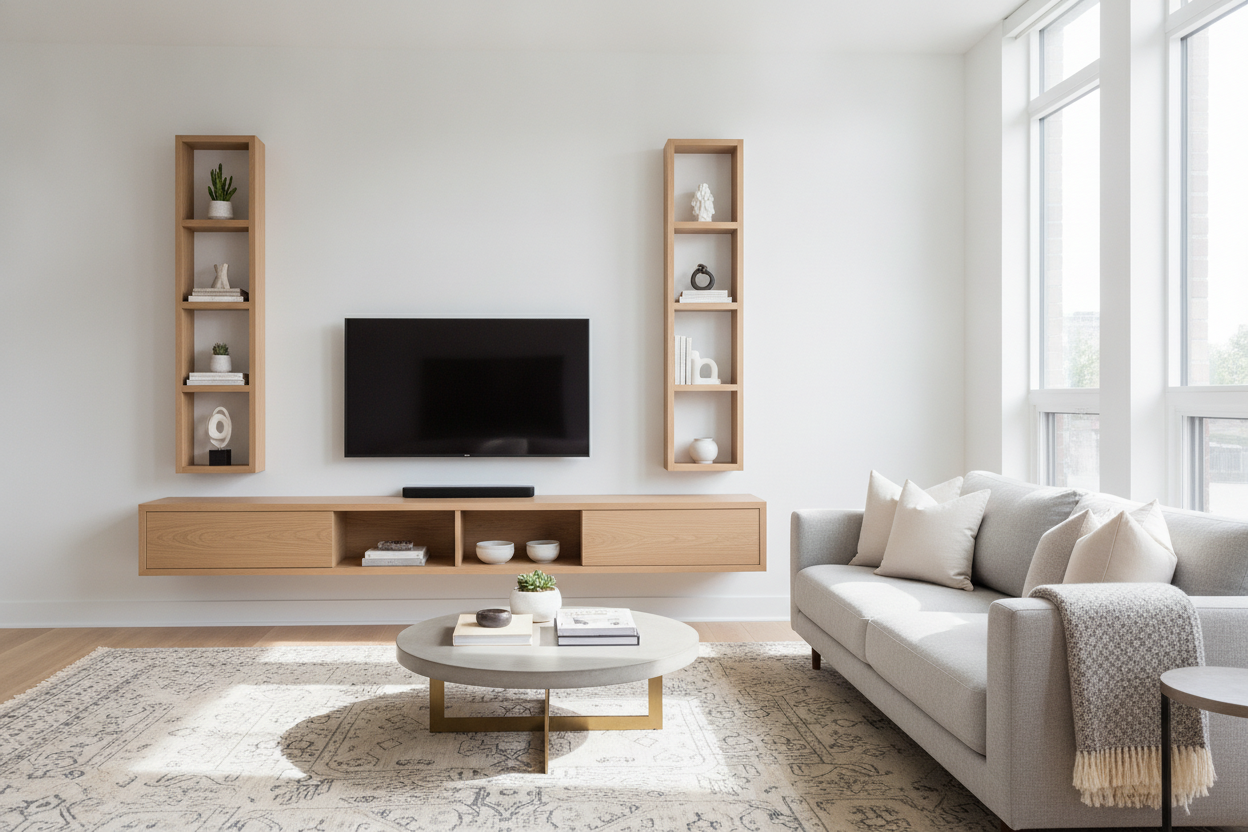
I spent three years trying to squeeze a 72-inch oak sideboard into a living room that was basically a glorified hallway. Every time I walked past the TV to get a glass of water, I had to turn sideways like I was navigating a crowded dive bar. It was exhausting, and honestly, it looked like I was living in a storage unit.
I finally realized the problem wasn't my taste in furniture—it was the floor. I was obsessed with 'grounding' the room, but in a space this narrow, every inch of floor space is a premium commodity. By switching to a media shelf floating system, I finally stopped stubbing my toes and started actually liking my home again.
Quick Takeaways
- Floating units reveal the floorboards, which trick the eye into thinking a narrow room is much wider.
- Always mount into studs; drywall anchors are a recipe for a shattered soundbar.
- Group multiple units together to get a high-end custom look on a budget.
- Cable management is the difference between 'modern chic' and 'tech graveyard.'
The 'Bowling Alley' Living Room Dilemma
If you live in an older city apartment or a modern townhouse, you probably know the 'bowling alley' layout. It’s a long, narrow rectangle where you have to put the sofa against one wall and the TV against the other. When you add a traditional chunky TV stand, the walkway between the two becomes a tightrope walk.
My old console was 18 inches deep. That doesn't sound like much until you realize it leaves you with about two feet of clearance for your legs. The room felt heavy and cluttered, no matter how much I tidied. The visual weight of a solid block of wood sitting on the floor makes the walls feel like they’re closing in.
Why I Finally Resorted to a Media Shelf Floating on the Wall
The magic of a wall mounted media shelf is all about sightlines. When you can see the floor extend all the way to the baseboards, your brain registers the room as larger. It’s a classic designer trick that actually works in the real world. By lifting the storage off the ground, I reclaimed about 12 square feet of 'visual' space.
I’ll admit, I was hesitant at first. I wondered, Can a Simple Floating Shelf for TV Actually Replace Your Media Console? I worried about losing storage for my physical media and extra controllers. But once I purged the old DVDs I hadn't touched since 2014, I realized a slim media floating shelf was more than enough for a console and a few remotes.
Faking the Look of a Custom Media Wall
If you want that high-end, 'I hired an architect' vibe, don't just buy one tiny shelf and call it a day. The secret to a successful floating shelves media wall is scale. I bought three identical units and mounted them side-by-side with only a hair’s breadth of space between them. From a distance, it looks like a single, massive custom-built unit.
This creates a horizontal line that draws the eye across the room, making a cramped wall feel expansive. This floating shelf media wall approach gives you plenty of surface area for decor without the bulk of a floor-standing cabinet. Just make sure you use a laser level; if one shelf is off by even an eighth of an inch, the whole illusion is ruined.
The Reality Check: Hiding Cords and Weight Limits
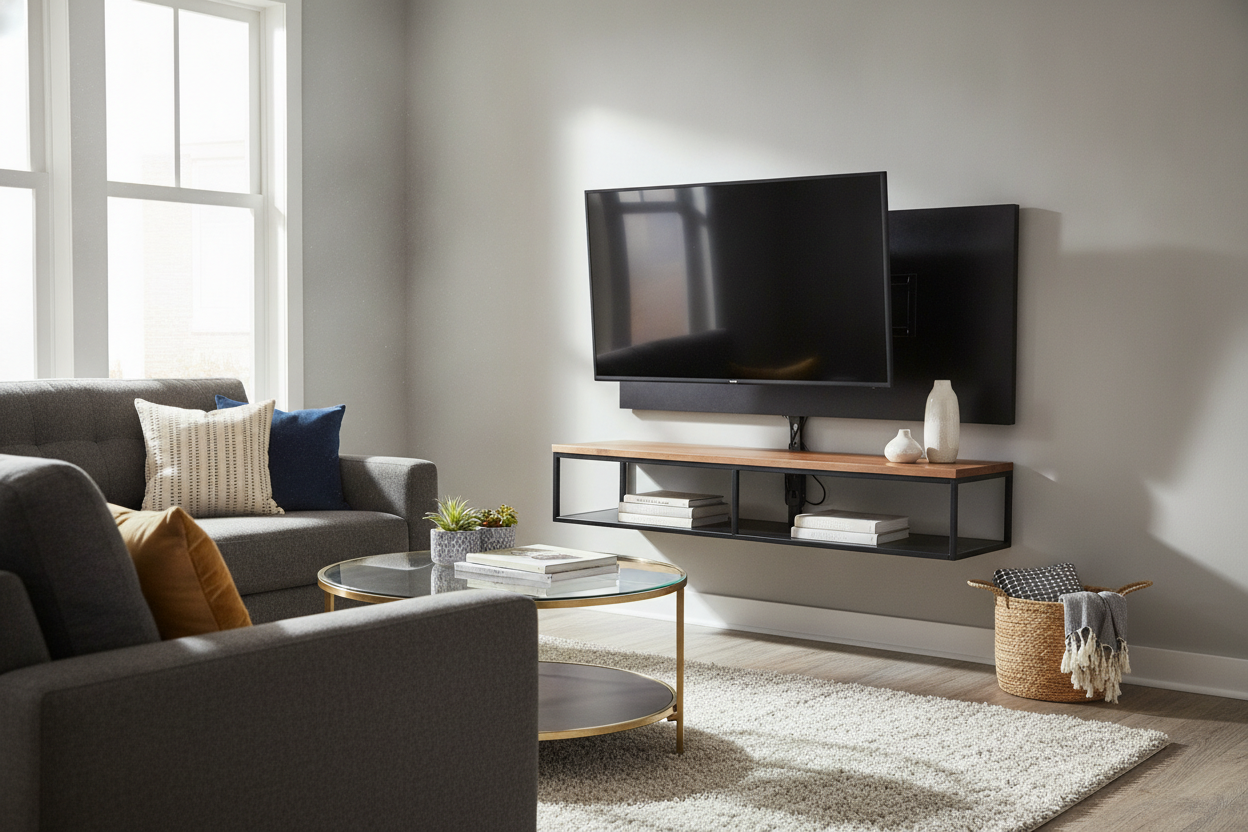
Let’s talk about the part everyone skips in the glossy photos: the wires. A hanging media shelf looks incredible until you have five black cables dangling down like a bunch of vines. If you’re a renter, use paintable cord covers. If you own the place, do yourself a favor and run the cables through the wall using a recessed media box. It’s a two-hour DIY project that makes a $100 shelf look like it cost $1,000.
Also, please check your weight limits. Most media shelves floating on the wall are rated for 30 to 50 pounds. That’s fine for a cable box and a plant, but if you’re planning to stack a heavy vintage receiver and a turntable on there, you need to be hitting at least two studs with heavy-duty lag bolts. I once saw a cheap MDF shelf rip right out of the drywall because someone tried to use it as a bookshelf. It wasn't pretty.
Balancing the Room With Freestanding Pieces
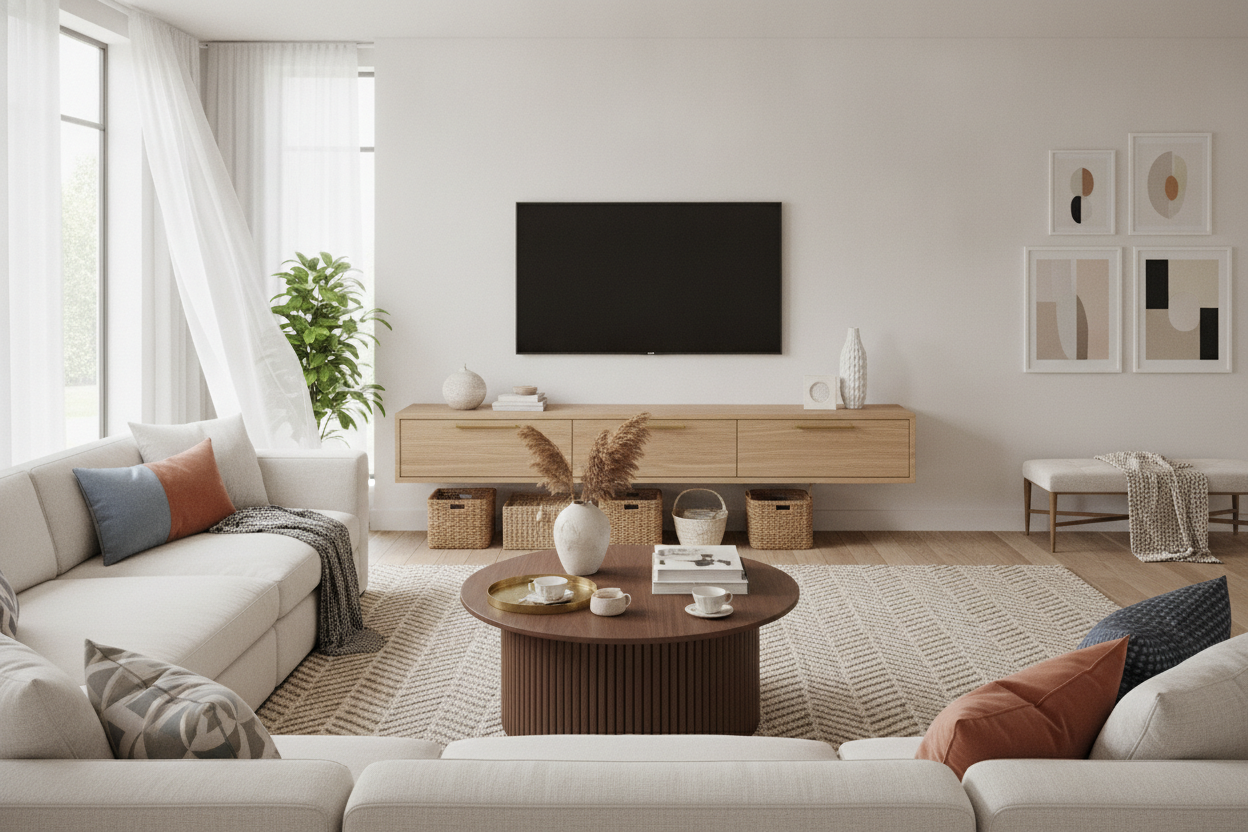
While I love the minimalist look of a wall mount media shelf, a room with nothing on the floor can feel a bit like a doctor’s office. To keep the space feeling 'homey,' I balanced the floating tech wall with some tactile, floor-based pieces on the opposite side of the room. You need that mix of heights to make the design feel intentional.
I added some adjustable shelf storage in the corner to hold my actual books and a few baskets for blankets. On the far wall, I put an open shelf free standing bookcase to bring some warmth and texture back into the mix. This prevents the room from looking too 'floating' and gives you a place to store things that are too heavy for the wall units.
FAQ
How high should I mount my media shelf?
Standard advice is to keep the center of your TV at eye level when seated. Usually, that means your shelf should sit about 20 to 24 inches off the floor. Don't pull a 'TV too high' and mount it like a menu board at a fast-food joint.
Can a floating shelf hold a gaming console?
Yes, but check the depth. A PS5 or Xbox Series X is surprisingly deep. Make sure your shelf is at least 12-14 inches deep if you want the console to sit horizontally without hanging over the edge.
What if I have plaster walls instead of drywall?
Plaster is tricky. You’ll need specific masonry bits and anchors, or better yet, find the original wood lath or studs. If you’re unsure, this is the one time I’d suggest calling a pro to avoid cracking your walls.

Dejar un comentario
Este sitio está protegido por hCaptcha y se aplican la Política de privacidad de hCaptcha y los Términos del servicio.