










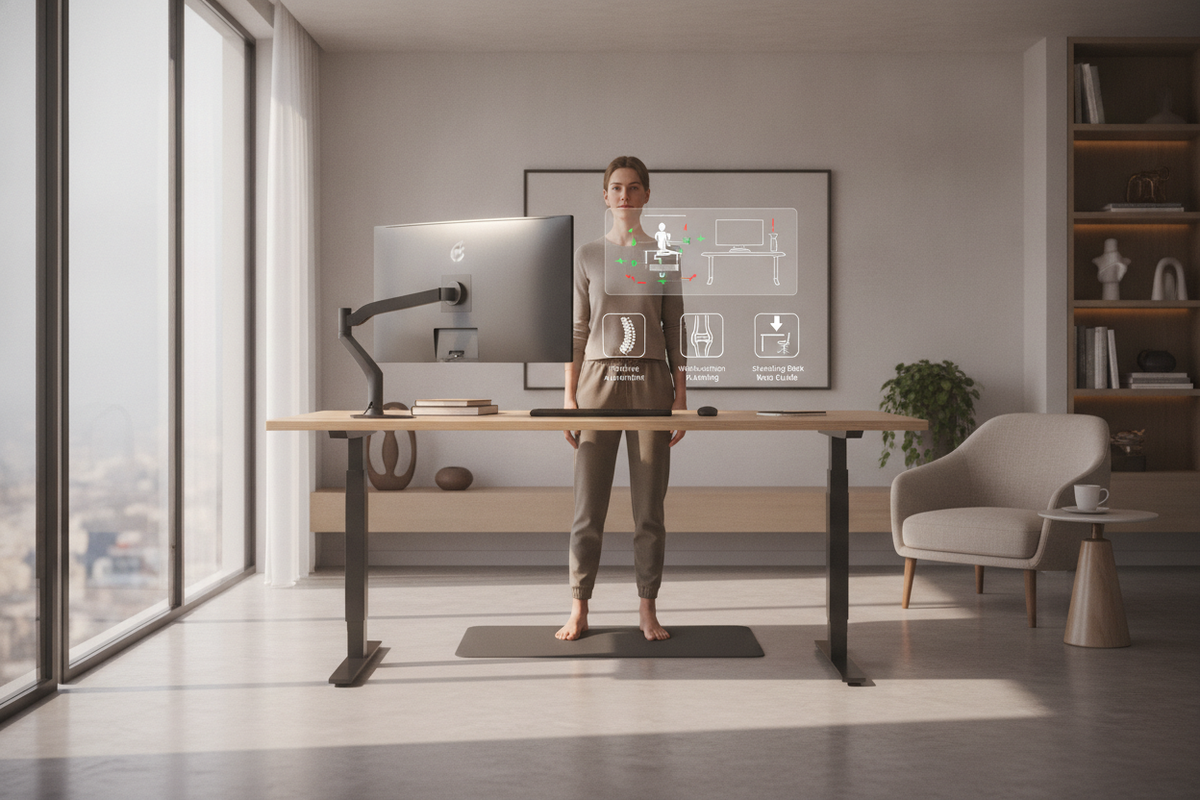
Switching to a sit-stand workstation offers tremendous flexibility throughout the workday, yet many individuals unexpectedly encounter lower-body discomfort after introducing longer standing intervals. Addressing standing desk knee pain begins with understanding the relationship between desk calibration, floor support, and natural body positioning. By implementing intentional ergonomic habits and selecting furniture designed for easy height adjustments, you can maintain long-term comfort while working on your feet.
Understanding Standing Desk Posture and Lower-Body Strain
When transitioning from a seated routine to a standing setup, people often adopt compensatory postures without realizing it. The most common pitfall is joint lock-out, where the knees are pushed completely backward into hyperextension. While locking the joints feels like an effortless way to balance, it transfers upper-body weight directly onto cartilage and surrounding ligaments rather than relying on active muscle engagement.
A supportive standing posture begins from the ground up:
- Keep a Soft Micro-Bend: Avoid locking the joint capsule; maintain a subtle bend in both knees to keep stabilizing muscles engaged.
- Center Weight Evenly: Distribute weight across the balls and heels of both feet rather than leaning heavily onto a single hip.
- Align Pelvis and Ribcage: Keep your pelvis in a neutral position to prevent anterior pelvic tilt, which can place extra forward shear stress on the lower legs.
- Encourage Micro-Movements: Shift subtly between gentle stances, avoiding rigid, statue-like standing over prolonged periods.
Workstation Height and Surface Alignment Strategies
An incorrectly positioned desk surface creates a chain reaction throughout your entire body. When a desktop is set too low, you may find yourself slouching forward, shifting your center of gravity ahead of your ankles and loading your kneecaps unevenly. Conversely, a desk set too high forces your shoulders into tension and causes you to lean back awkwardly against your joints.
To find the ideal alignment, set the desktop so your forearms rest parallel to the floor with your elbows at approximately a right angle. Choosing an adjustable height standing desk with electric lift system simplifies this calibration process. Programmable memory presets allow you to effortlessly return to your exact standing and sitting heights without manual guesswork, ensuring consistent alignment every time you transition.
Flooring, Supportive Mats, and Footwear Considerations
The ground beneath your feet plays an equally pivotal role in lower-body joint relief. Standing for extended periods on unyielding hard floors, such as hardwood, tile, or concrete, concentrates continuous impact force on the feet, ankles, and knees.
Anti-Fatigue Flooring Elements
High-density anti-fatigue mats provide gentle cushioning that absorbs downward force. Many modern mats feature varied terrain or raised edges, encouraging subtle foot engagement and calf activation. These small shifts prevent blood pooling and alleviate persistent knee stiffness.
Supportive Footwear
While working barefoot or in flat slippers feels convenient at home, doing so can leave your arches unsupported. Pairing your standing routine with supportive indoor shoes or structured orthotics helps stabilize the kinetic chain from your feet straight up through your knees and hips.
Dynamic Sit-Stand Transitions and Movement Cadence
Adopting an active standing desk setup does not mean standing for the entire duration of the workday. Static standing for hours at a time can tire muscles and stress joints just as sitting does. The goal of an ergonomic workstation is dynamic movement and regular posture variation.
A well-balanced routine alternates between postures throughout the morning and afternoon. When starting out, try standing for shorter intervals before taking a seated break. A spacious height adjustable standing desk provides the versatility needed to shift smooth motorized transitions into a natural habit, allowing your workflow to continue uninterrupted whether you are seated in an ergonomic chair or standing tall.
Introducing a low footrest under your desk also offers an effective way to relieve tension. Resting one foot on an elevated platform takes pressure off the lower back and alternate knee, providing a comfortable asymmetrical stance that can be swapped periodically.
Room Layout, Floor Clearances, and Office Aesthetics
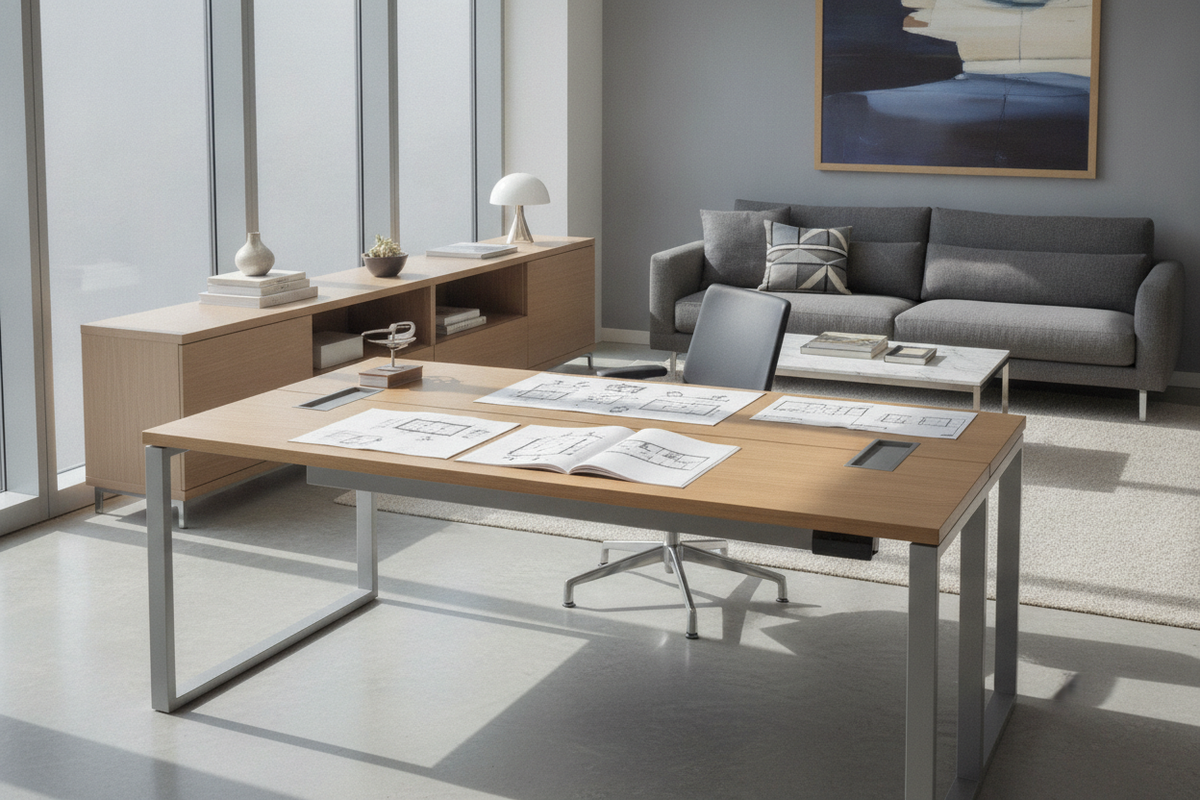
Ergonomics and interior design work best in harmony. A cluttered under-desk area forces awkward leg angles and prevents you from shifting your feet naturally. Organizing cords, power strips, and storage pedestals ensures an open footprint where you can adjust your stance freely.
When organizing your workspace, explore ideas for designing a standing desk setup that actually looks good while maintaining functional open clearances. Clean wire management channels and balanced perimeter furniture create an unencumbered environment that supports fluid posture adjustments and complements modern interior aesthetics.
Evaluating Large-Format Workstations for Movement Freedom
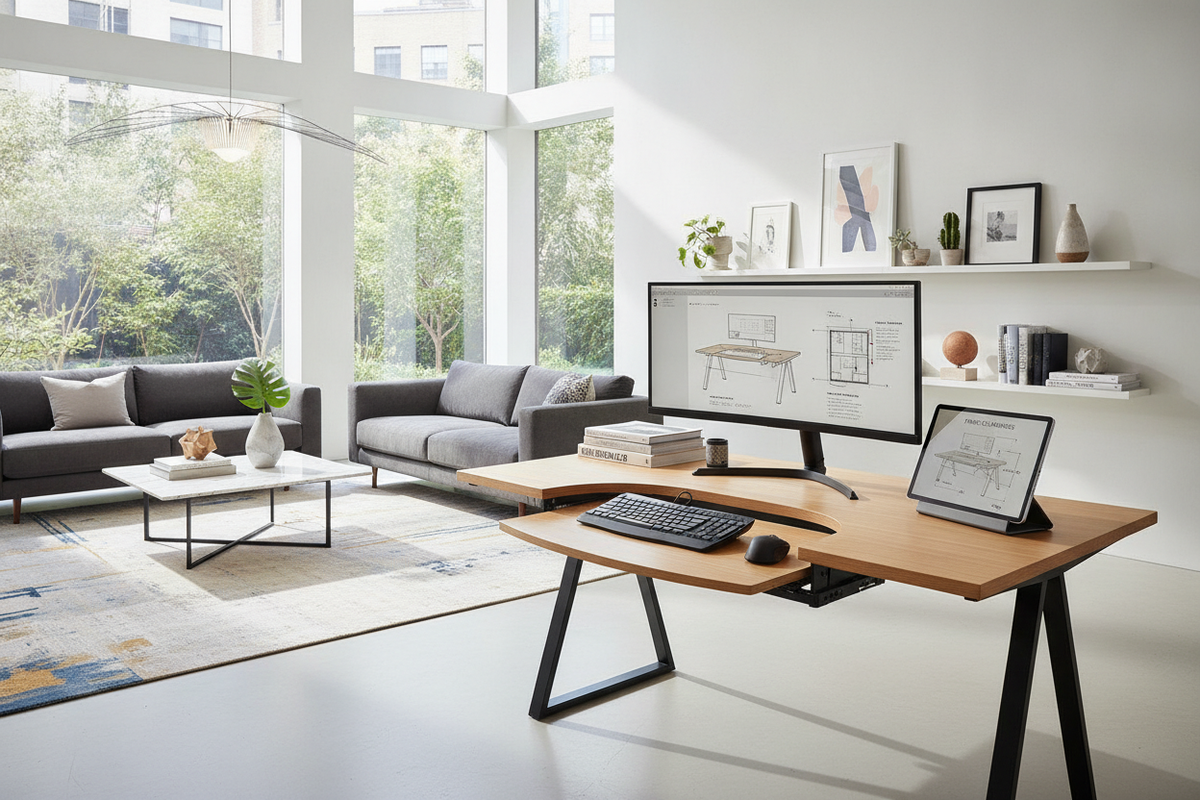
For multi-monitor arrangements, drawing tablets, or complex daily workflows, surface area directly impacts posture. A cramped surface forces peripheral devices into tight angles, leading to asymmetrical torso twisting that unevenly loads one side of the lower body.
Investing in a large-format electric standing desk provides ample room to position monitors directly at eye level while keeping input devices within comfortable arm reach. The expansive footprint allows you to take wider, balanced stances or glide comfortably across your work zone without twisting your knees out of alignment.
Creating a Sustainable Daily Routine
Alleviating joint fatigue at your desk is an ongoing practice of mindful positioning and smart workstation setup. By combining proper surface height calibration, cushioned underfoot support, uncluttered floor clearance, and balanced sit-stand transitions, you can enjoy the active benefits of your standing desk while keeping your lower body relaxed and comfortable every day.

Dejar un comentario
Este sitio está protegido por hCaptcha y se aplican la Política de privacidad de hCaptcha y los Términos del servicio.