










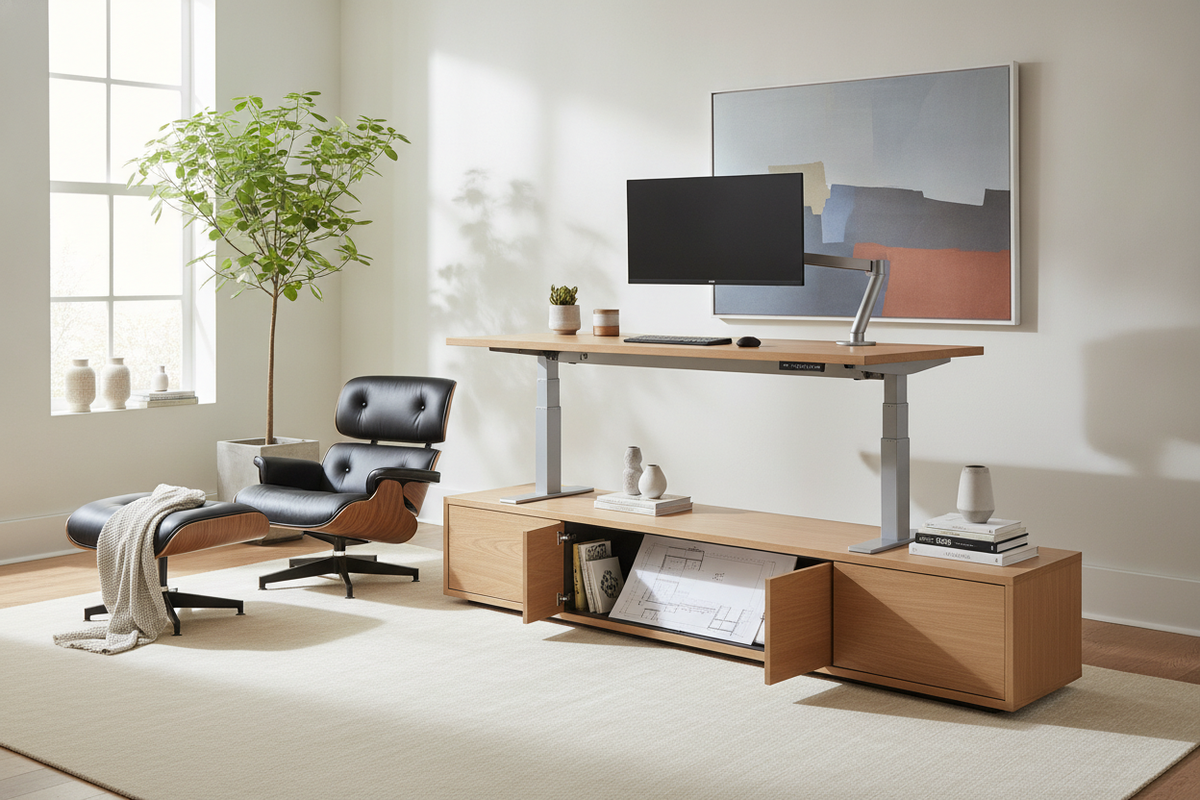
Designing an ergonomic home workspace requires balancing structural mechanics, spatial layout, and daily practical needs. Among motorized workstations, the 3-stage standing desk serves as an adaptable foundation for diverse workflows. By using a three-tier telescoping leg architecture, these frames offer a broader vertical adjustment range than traditional two-stage alternatives. Understanding how column geometry, weight distribution, and perimeter storage interact allows you to build a cohesive, long-lasting office setup.
Understanding 3-Stage Standing Desk Architecture and Column Mechanics
The core distinction of a three-stage desk lies in the physical composition of its motorized lifting columns. Rather than relying on a single sliding junction, the lifting leg utilizes three nested steel profiles that expand and collapse in tandem.
Two-Stage vs. Three-Stage Lifting Columns: Telescoping Dynamics
In a standard two-stage frame, the lifting mechanism consists of two nested segments, which inherently limits both the lowest sitting point and the highest standing extension. A three-stage column introduces an intermediate nested tube, allowing the desk to compress closer to the floor while extending higher into the air. This extended travel envelope is particularly advantageous for households with multiple users or individuals who require lower seated positions for neutral shoulder posture.
Structural Rigidity and Overlap Geometry at Peak Elevation
When an adjustable desk reaches elevated standing heights, mechanical leverage magnifies lateral force, often causing surface wobble. Three-stage frames address this through calculated overlap between the nested columns and internal low-friction glide bushings. By maintaining sufficient contact area between the inner and outer tube walls at full extension, the assembly minimizes play, creating a steady surface for typing, drafting, and monitor mounting.
Key Ergonomic and Multi-User Decision Frameworks
Choosing between desk architectures often comes down to who will use the workspace and what complementary equipment will be integrated into the room.
Accommodating Varied Body Proportions and Shared Workstations
In shared home offices, a single desk frequently needs to support different family members across diverse tasks. A three-stage frame provides the expansive vertical reach required to transition smoothly between petite seated postures and tall standing alignments. When paired with programmable controls, such as those found on a 54-inch electric lift desk with memory presets, users can store their exact ergonomic positions for quick transitions throughout the day.
Pairing with Specialized Seating, Treadmills, and Balance Boards
Active workstations frequently introduce added height beneath the user's feet. Placing an under-desk walking pad, an anti-fatigue mat, or a rocker board on the floor raises your baseline standing height. A three-stage column provides the additional upward travel needed to maintain neutral elbow and wrist angles while standing on elevated accessories, and it easily lowers to accommodate standard task chairs or ergonomic drafting stools.
Desktop Sizing, Room Placement, and Spatial Clearances
The functionality of an adjustable frame depends heavily on the desktop surface mounted to it, as well as the spatial planning of the surrounding room. Investing in a super-sized electric standing desk provides deep, stable real estate for complex technical gear, but requires careful room mapping.
Desktop Dimensions: Compact Nooks to Wide-Format Worksurfaces
Matching your surface dimensions to your hardware setup ensures proper weight balance over the crossbeam:
- Compact surfaces: Ideal for single-monitor or laptop setups in tight alcoves.
- Mid-size surfaces: Balanced options that accommodate dual displays and desktop organizers.
- Wide-format surfaces: Worktops like a 71-inch height-adjustable standing desk provide ample space for multi-monitor arrays, audio gear, and analog reference material.
Dynamic Wall Clearance and Vertical Collision Zones
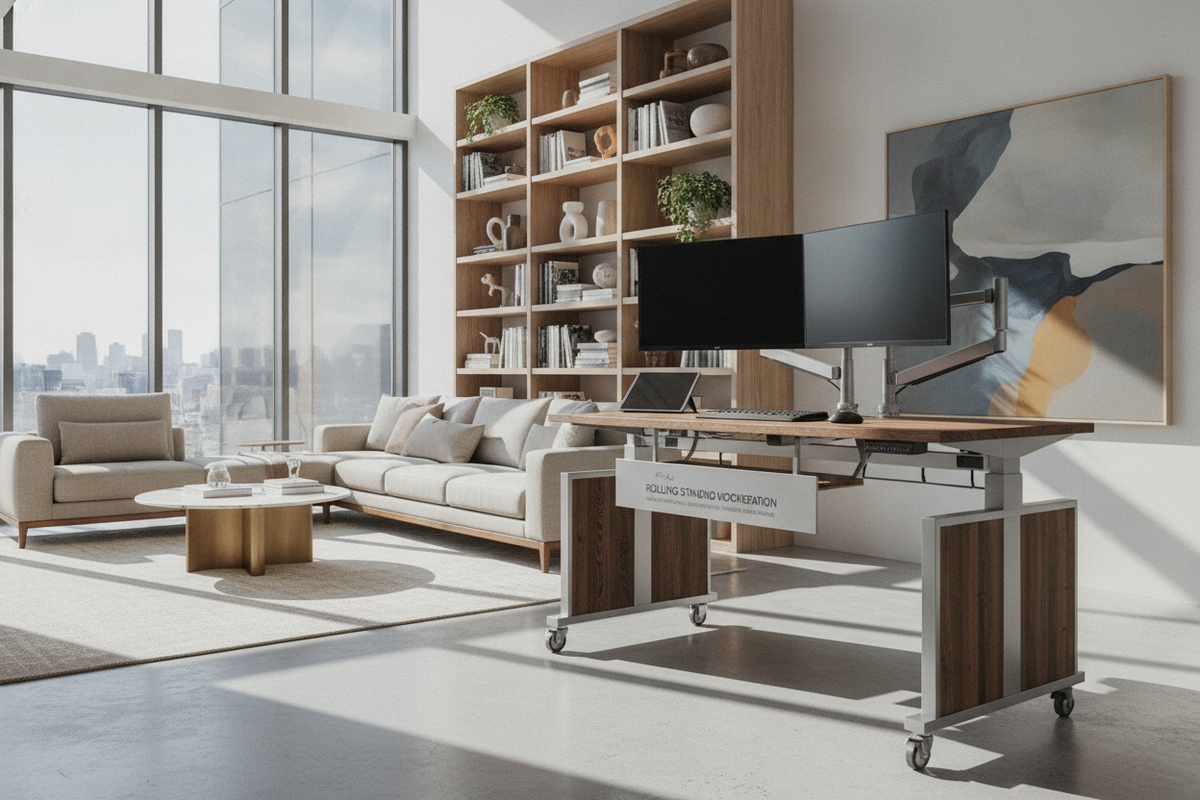
Unlike stationary furniture, a motorized desk requires continuous three-dimensional clearance. Reviewing designer ideas for standing desk layouts can help you visualize how to position your desk safely away from low-hanging wall sconces, floating bookshelves, and window sills. Maintaining a small gap between the back edge of the desktop and the wall prevents drywall scuffs and avoids pinching wires during adjustment cycles.
Cable Architecture and Dynamic Cord Slack Management
Managing cables on an adjustable desk requires thoughtful routing to prevent pulling, snagging, or disconnecting peripherals as the surface travels up and down.
Under-Desk Power Trays and Articulated Cable Spines
The most effective cable management strategy anchors the primary power distribution directly to the underside of the desktop. By mounting a heavy-duty power strip beneath the worktop, all monitor cords, chargers, and task lights move together with the desk. An articulated cable spine or flexible mesh sleeve can then guide the single main power cord down to the baseboard outlet, creating a clean and organized visual profile.
Calculating Service Loops for Dynamic Travel
When connecting stationary peripherals—such as a floor-standing desktop tower or a wall-mounted display—to the moving desk, a service loop is essential:
- Raise the desk to its highest anticipated operating height.
- Route and secure the stationary cables, leaving enough slack so that no connector is pulled taut.
- Lower the desk to its lowest seated setting to ensure the excess cable loops smoothly into an under-desk tray without bunching or catching on the frame.
Integrating Storage with Open-Frame 3-Stage Desks
Because motorized frames require open space beneath the desktop for crossbeams and leg movement, incorporating storage requires intentional spatial coordination.
Low-Profile Mobile Filing Carts and Under-Desk Clearance
Mobile pedestal units and filing carts offer convenient under-desk storage, but their overall height must be lower than the desk's minimum seated setting. Selecting low-profile units with casters allows you to roll the storage out when accessing deep drawers or when lowering the frame to its absolute lowest point for compact storage.
Adjacent Credenzas, Bookcases, and Floating Wall Storage
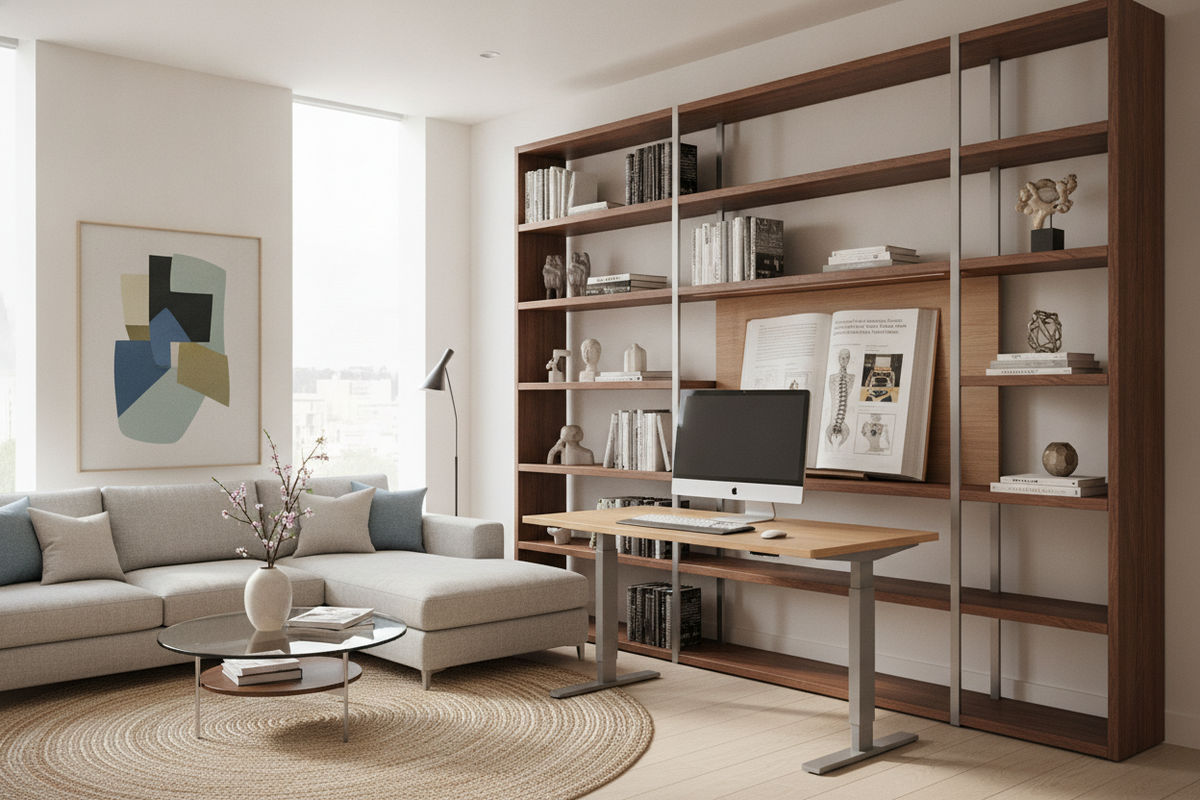
To keep the immediate desk envelope uncluttered, place primary document storage and decor on surrounding furniture. Consulting an aesthetic standing desk design guide offers inspiration for pairing minimalist motorized frames with complementary credenzas, tall bookcases, and floating display shelves positioned safely outside the desk's vertical travel path.
Assembly, Alignment, and Long-Term Frame Maintenance
Proper assembly and routine upkeep are vital to ensure smooth motor synchronization and long-term frame stability.
Squaring Crossbeams and Fastening Desktop Hardware
During initial assembly, ensure the telescoping crossbeams are squared precisely perpendicular to the lifting columns before tightening the structural hardware. Fastening machine bolts in an alternating, even pattern prevents frame twisting, which could otherwise introduce motor drag or uneven column friction during vertical travel.
Handset Calibration and Routine Glide Maintenance
After completing assembly, perform the manufacturer's recommended reset sequence on the digital handset to synchronize the internal drive motors. To maintain smooth telescoping action, periodically wipe the column legs with a dry microfiber cloth to remove dust and debris from the internal glide surfaces, avoiding abrasive cleaners that might degrade protective finishes.

Dejar un comentario
Este sitio está protegido por hCaptcha y se aplican la Política de privacidad de hCaptcha y los Términos del servicio.