










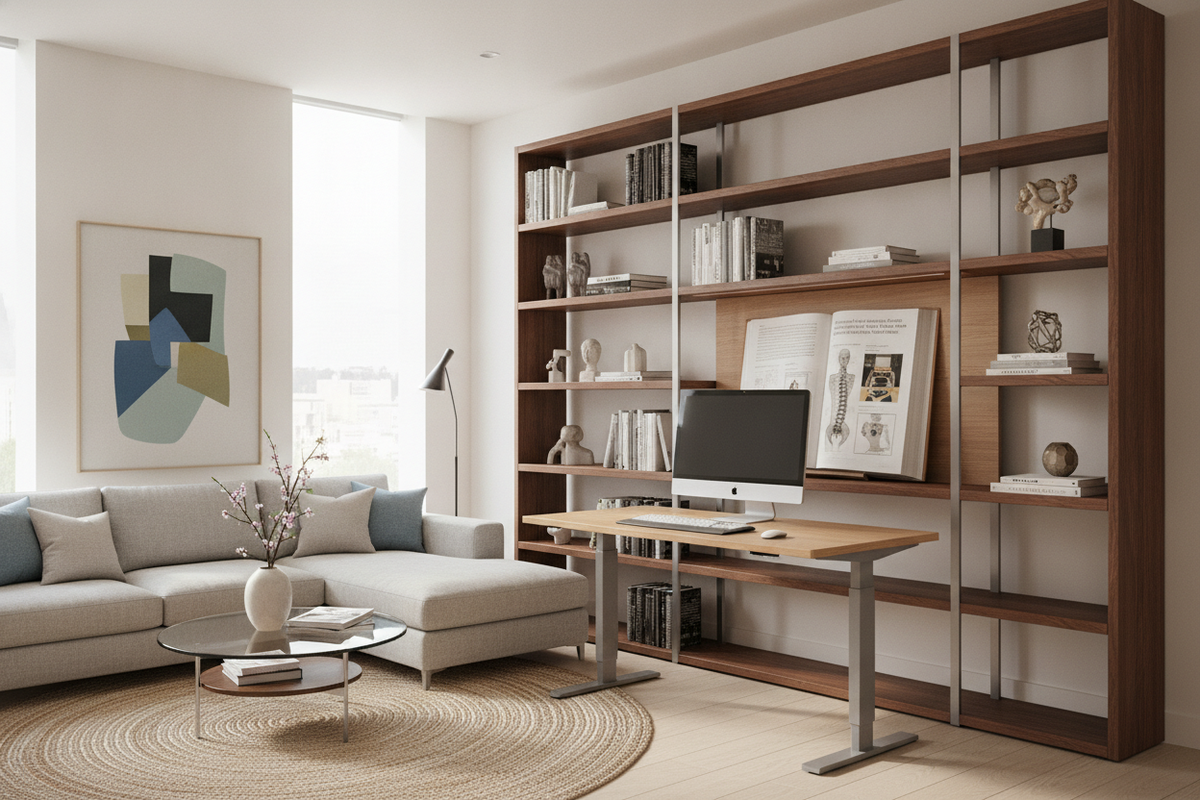
Understanding the Functional Benefits of a Stand Up Desk
Modern office environments often demand long periods of stationary work, which can lead to physical stiffness and mental sluggishness. Integrating a height-adjustable workstation allows you to break this static pattern by introducing continuous, low-effort movement into your workday. Rather than serving as a replacement for sitting, a stand up desk functions as an adaptable platform that supports fluid shifts between varied working postures.
The foundational advantage of an adjustable desk lies in its responsiveness to the human body. Static furniture forces you to adapt your posture to fixed dimensions, whereas dynamic surfaces adapt to your natural proportions and daily task shifts. By actively varying your physical positioning throughout the day, you can maintain engagement with your projects while reducing the physical strain associated with remaining motionless in a single chair.
Core Ergonomic Benefits of Standing Desk Workstations
Proper ergonomic alignment is not about locking yourself into a single posture; it is about facilitating comfortable movement while keeping the body in neutral equilibrium. A height-adjustable desk provides the fine-grained control needed to optimize your upper and lower body alignment whether you are seated or standing.
Spinal Neutrality and Upper Body Alignment
When working at a standard fixed-height desk, users often encounter mismatches between desk elevation and arm height. This discrepancy frequently leads to elevated shoulders, rounded upper backs, and forward head tilt as you reach toward input devices or strain to view lower screens. By raising or lowering the desktop so your forearms rest naturally parallel to the floor with your elbows at a comfortable open angle, you eliminate unnecessary tension in the neck and trapezius muscles. Standing also encourages a natural lumbar curve, helping you maintain balanced pelvic positioning that relieves direct downward pressure on the lower spine.
Dynamic Posture Alternation vs. Prolonged Static Postures
Standing continuously for an entire workday can cause lower-limb fatigue and foot discomfort, just as continuous sitting creates hip stiffness. The true power of a sit-to-stand setup is alternation. Shifting from a seated position to standing every hour keeps leg muscles gently engaged, encourages regular shifts in balance, and promotes healthy circulation without requiring formal breaks away from your active work tasks.
How Dynamic Workstations Influence Daily Workflow and Focus
Beyond physical comfort, posture alternation serves as a practical tool for task management and focus. Many professionals find that matching specific types of work to specific working postures creates helpful behavioral routines:
- Standing for High-Energy and Collaborative Tasks: Engaging in video presentations, rapid email sorting, phone calls, and creative brainstorming often feels more dynamic while standing, as the posture naturally supports energetic vocal projection and physical readiness.
- Sitting for Deep Focus and Precision Tasks: Detailed writing, complex spreadsheets, and fine design work often benefit from the settled stability of a supportive ergonomic chair.
- Midday Posture Resets: Transitioning the desktop to a standing height during post-lunch energy dips provides a subtle physical reset that helps sustain focus through the afternoon.
Spatial and Structural Dimensions: Matching Desk Formats to Room Realities
Selecting the right height-adjustable desk requires careful consideration of room layout, desktop dimensions, and mechanical stability. A dynamic workstation moves within three-dimensional space, meaning vertical clearances and weight distribution must be planned alongside floor area.
Surface Sizing, Monitor Depth, and Dynamic Travel Clearances
Desk depth determines your focal distance and forearm support zone. A surface that is too shallow forces large monitor panels too close to your eyes, while a surface that is excessively deep can make reaching items difficult. When planning your layout, ensure there is adequate vertical clearance above the desk surface, keeping floating shelves, art frames, and window sills clear of the desk's highest elevation point.
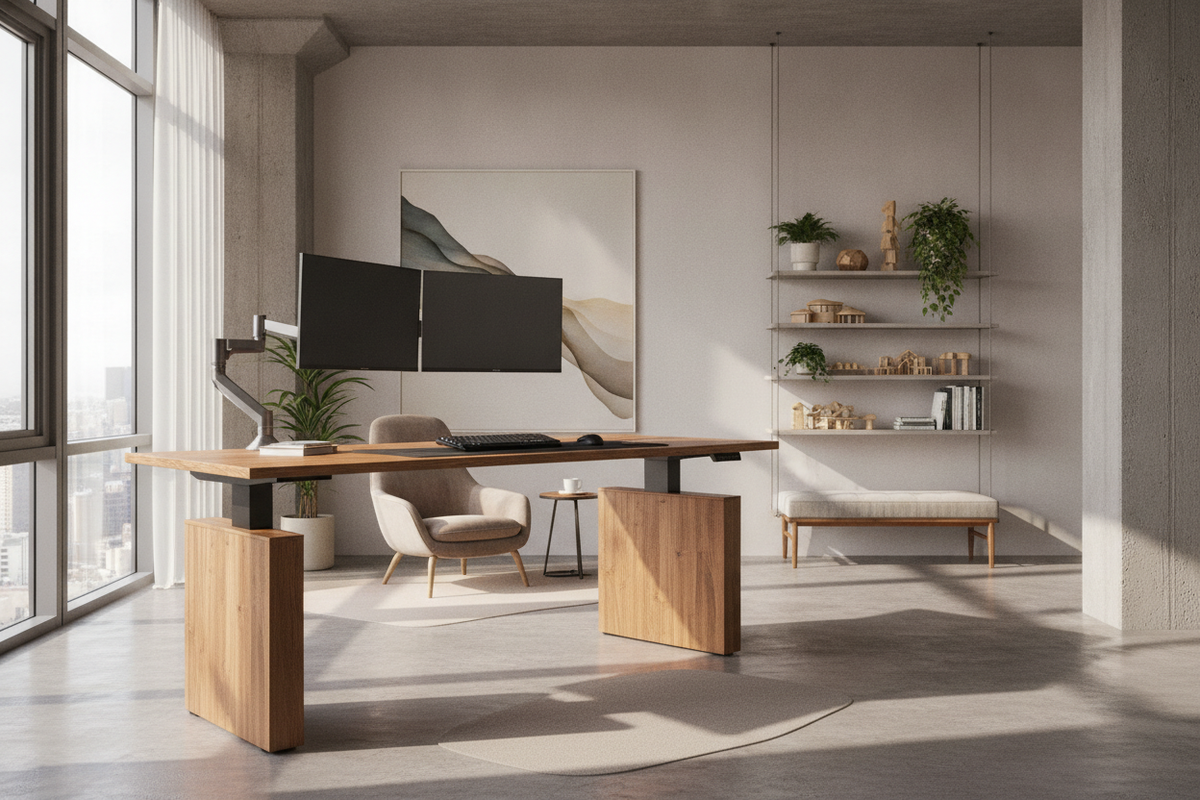
For multi-monitor workstations, dual laptops, or expansive paper handling, choosing a wide format height-adjustable standing desk ensures adequate surface real estate without crowding your immediate typing and mousing field.
Frame Mechanics and Stability Considerations
An adjustable desk must remain stable at its highest setting. Dual-motor lifting mechanisms integrated into telescopic steel columns provide smooth, level height transitions and superior resistance to lateral wobble. Selecting an ergonomic home office sit stand up desk equipped with programmable memory presets simplifies daily use, allowing you to return to your exact sitting and standing heights with a single touch.
Solving the Storage Dilemma in Height-Adjustable Workspaces
One of the primary challenges of transition-capable desks is the absence of traditional fixed pedestals and deep side drawers. Because the desktop travels up and down, attached storage must be lightweight or detached entirely to avoid overloading lifting motors or blocking vertical travel paths. Achieving a functional, attractive setup requires integrating complementary storage pieces into your floor plan, as detailed in our guide on designing a standing desk setup that balances aesthetics and utility.
Mobile File Pedestals and Under-Desk Caddies
Low-profile mobile drawer units on smooth casters fit neatly under an adjustable desk during its lowered phase while rolling out effortlessly when extra legroom is desired. These compact organizers house everyday stationery, notebooks, and hardware accessories without interfering with the desk frame crossbars or vertical lifting columns.
Perimeter Credenzas and Wall-Mounted Storage
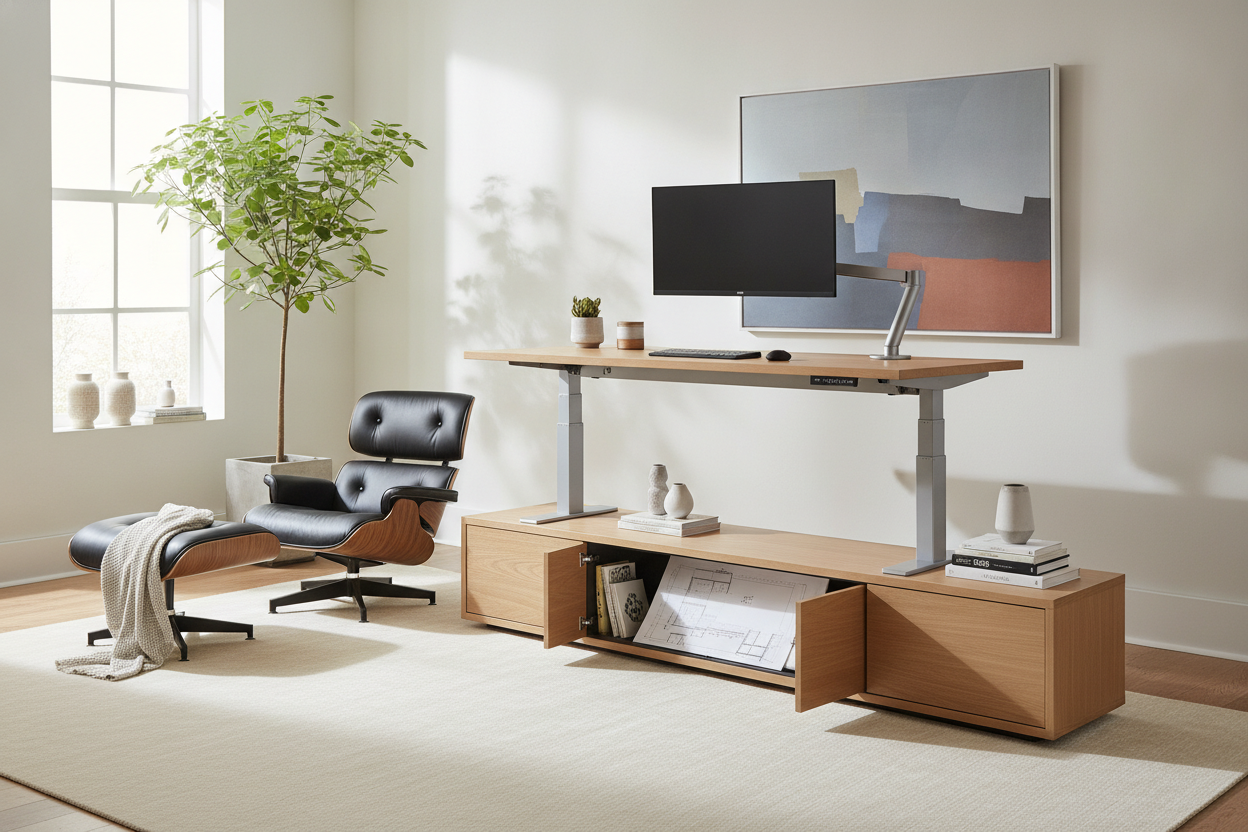
To preserve clean lines around an active standing desk, position heavy storage units around the room perimeter. Low credenzas, modular shelving units, and tall bookcases provide dedicated homes for archival files, printers, and reference materials. This keeps your central working surface uncluttered, reinforcing a focused and organized mindset.
Essential Setup Mechanics: Cable Routing and Footwear Ergonomics
To ensure long-term comfort and safety when operating an adjustable desk, incorporate these practical configuration practices into your workspace setup:
- Flexible Cable Spines and Wire Trays: Measure all power and video cables to ensure adequate slack at maximum standing height. Use under-desk cable baskets and articulated cord organizers to prevent snagging during travel.
- Supportive Anti-Fatigue Mats: Standing on hard floor surfaces can cause heel and arch fatigue. A cushioned high-density mat encourages subtle muscle micro-movements that relieve foot fatigue.
- Appropriate Footwear: Supportive, flat-soled footwear helps maintain neutral ankle and hip alignment while standing at your desk.
Sit to Stand Desk Benefits: Practical Evaluation and Buyer Decision Matrix
Choosing the ideal adjustable setup depends on your available space, daily workflow patterns, and technology hardware requirements. Use the following criteria to evaluate your home office needs:
- Compact Nooks: Look for streamlined frames with integrated headphone hooks and rear wire cutouts that fit cleanly into tight study corners.
- Executive and Multi-Screen Layouts: Opt for broad, heavy-gauge steel frame desks paired with detached credenzas for comprehensive file storage.
- Shared Family Workspaces: Select frames featuring multi-user programmable height presets to accommodate different family members seamlessly.
By pairing deliberate ergonomic adjustments with purposeful spatial planning and coordinated storage, an adjustable standing desk transforms your workspace into an active, comfortable, and productive environment tailored to your daily routine.

Dejar un comentario
Este sitio está protegido por hCaptcha y se aplican la Política de privacidad de hCaptcha y los Términos del servicio.