











Understanding the 36-Inch Desk Footprint: Spatial Benefits and Constraints
Selecting the right desk surface often begins with balancing available floor real estate against your daily task demands. A 36-inch desk profile represents an efficient sweet spot for secondary work areas, micro-apartments, bedroom corners, and dedicated hallway alcoves. While wide executive furniture anchors large rooms, compact desks focus strictly on essential computing and task management without consuming room circulation paths.
When evaluating tiny spaces, some planners look into planning ultra-compact layouts around a 32-inch desk. Stepping up to a 36-inch width provides valuable perimeter breathing room, allowing modest peripheral placement, task lamps, or document trays alongside a primary computing device. However, this compact format requires deliberate intentionality regarding hardware scale, cord routing, and supplementary organization.
Sizing Framework: Comparing 36-Inch, 48-Inch, and 60-Inch Desk Layouts
Choosing between popular modular desk widths comes down to visual scale, physical space, and peripheral capacity:
- 36-Inch Modular Layouts: Ideal for single-screen workflows, laptop users, and tight spatial envelopes. They minimize visual heaviness in shared living spaces but offer limited room for dual monitors or wide side-by-side paper sorting.
- 48-Inch Desk Layouts: A versatile mid-tier standard that comfortably accommodates dual compact displays or an ultra-wide screen alongside notebooks. It fits well against standard bedroom or office accent walls without crowding doorways.
- 60-Inch Desk Layouts: Dedicated high-capacity workbenches intended for complex multi-monitor setups, desktop audio hardware, or sprawling reference documents. They require dedicated office rooms to avoid overwhelming a room's physical flow.
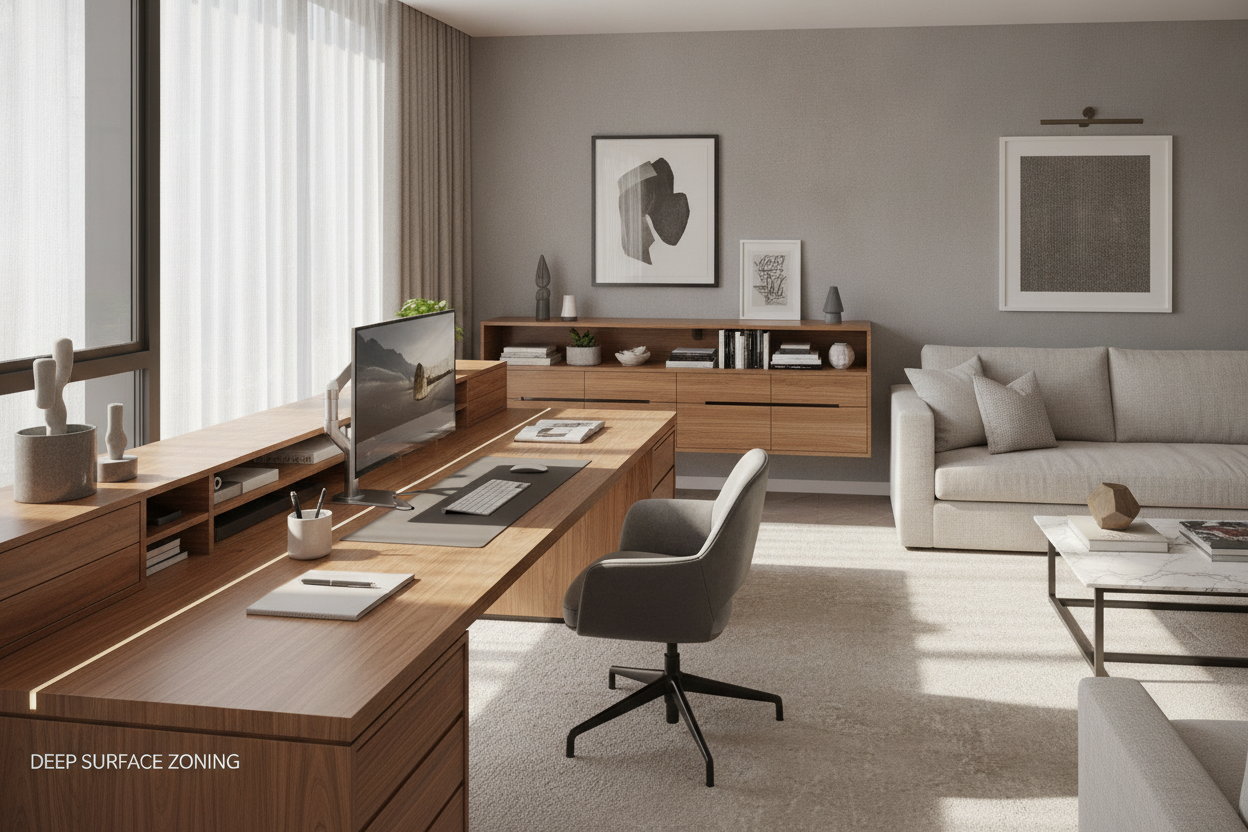
Surface Zoning for Compact Modular Desks
Because a three-foot tabletop has limited surface territory, dividing the desk into functional zones helps prevent visual clutter and physical bottlenecking. For dedicated room arrangements, reviewing small layout strategies for a 36-inch desk helps establish a clear spatial hierarchy.
Divide the desktop into three primary operational layers:
- Primary Active Zone: The central front area dedicated exclusively to your keyboard, mouse, or primary writing pad. Keeping this area clear of permanent storage preserves ergonomic alignment.
- Visual Reach Zone: The rear center sector where a monitor riser, laptop stand, or integrated display arm secures the screen. Elevating screens off the tabletop recovers valuable square inches beneath the display.
- Peripheral Utility Zones: The narrow left and right margins, reserved for a single mug, task light, or pencil cup. Using clamp-on accessories or side hooks preserves main-table functionality.
Knee Clearance, Under-Desk Architecture, and Leg Room
A common pitfall with compact desks is overfilling the lower footprint with bulky drawer units. On a 36-inch wide desk, placing a standard modular drawer cabinet underneath can severely restrict knee clearance and limit natural seated posture shifts.
To maintain comfortable lower-body ergonomics, prioritize open leg frames with four corner posts or minimalist trestle bases. Ensure your office chair armrests can tuck completely under the desktop when not in use, keeping walkways clear in narrow rooms. If under-desk storage is essential, look for slim, shallow-profile hanging trays rather than floor-bound pedestals that obstruct foot movement.
Companion Storage Strategies: Offloading Clutter Vertically and Adjacent to the Desk
To keep a 36-inch work surface functional over full workdays, primary storage must move away from the main desktop. Vertical wall organization, modular shelving brackets, and mobile side caddies allow compact desks to function as high-efficiency command centers.
You can integrate wall-mounted pegboards, floating book ledges, or explore built-in shelving and custom desk configurations directly above the workstation. Storing reference binders, extra tech accessories, and desk decor on vertical shelves preserves the desktop purely for active tasks. A small rolling pedestal tucked into an adjacent closet or positioned beside the desk can also house files without compromising primary legroom.
When to Scale Up: Upgrading from Compact to Extended Workstations
While a 36-inch desk solves tight layout challenges, certain workflow changes naturally require an upgrade to a broader desktop format. Consider expanding your workstation if:
- Your setup expands to dual full-size monitors or bulky desktop computing towers.
- Physical paperwork, sketching pads, and digital tablets must remain accessible simultaneously.
- Your room layout permits a dedicated work corner without blocking window access or closet door swings.
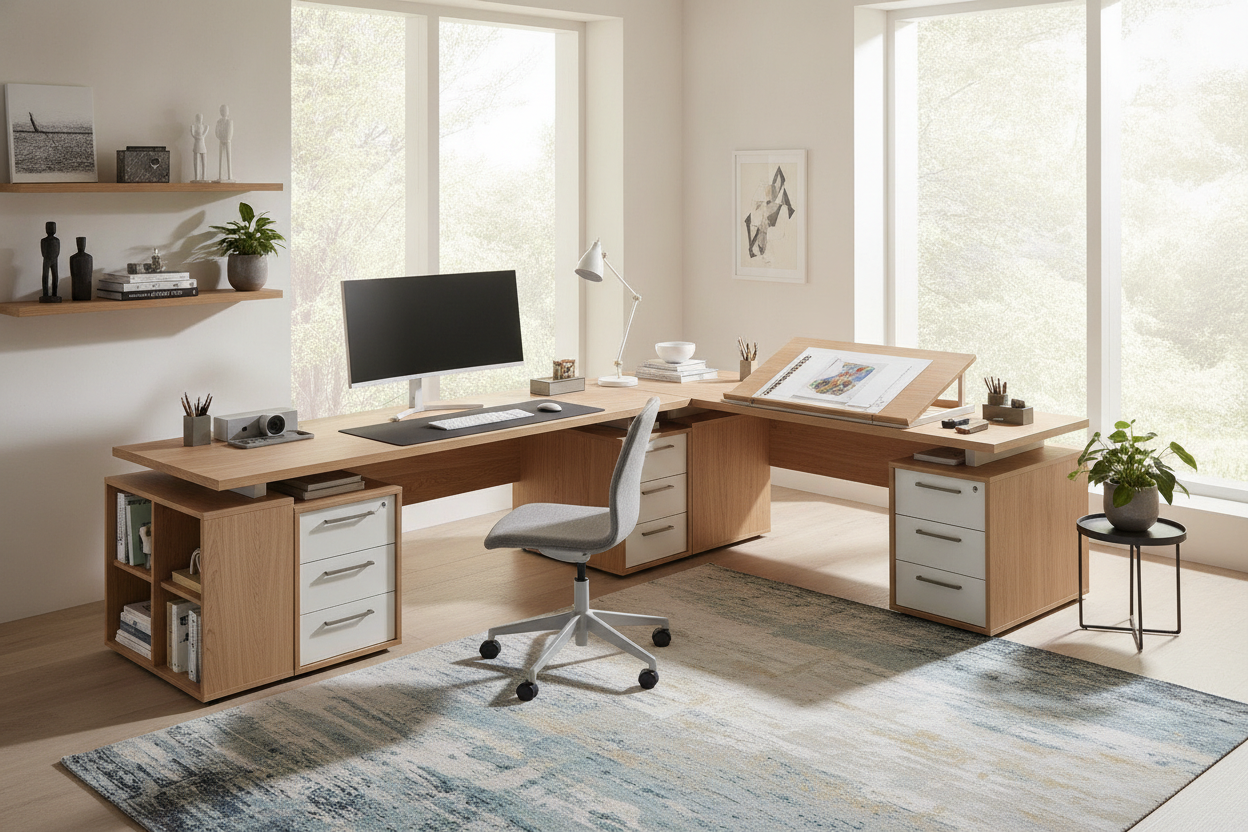
When transitioning out of an ultra-compact footprint, upgrading to a 55-inch corner desk with integrated storage offers wraparound zoning while efficiently utilizing unused corner angles. For full home offices requiring unified storage, transitioning toward a large computer desk with built-in cabinetry provides all-in-one capacity for extensive hardware, display collections, and organizational archives.

Dejar un comentario
Este sitio está protegido por hCaptcha y se aplican la Política de privacidad de hCaptcha y los Términos del servicio.