










Understanding Extended Standing: Postural Dynamics vs. Static Fatigue
Evaluating the benefits of standing for long periods of time requires examining daily movement patterns rather than treating standing as an all-or-nothing replacement for sitting. When approached intentionally, integrating upright working periods into your routine helps counteract the physical stagnation that often accompanies long hours behind a computer screen.
The Functional Advantages of Upright Workflows
Working in an upright position naturally encourages a more open posture. Standing aligns the spine in a neutral vertical orientation, opening the chest cavity and supporting steady breathing patterns throughout the workday. This posture engages the core musculature, hip stabilizers, and lower back muscles without demanding intense physical strain, providing a gentle baseline of physical engagement that helps maintain daytime focus.
Moreover, an upright stance eliminates the passive slouching and prolonged hip flexion associated with stationary seating. By remaining on your feet, you naturally introduce micro-movements—subtle weight shifts, gentle calf raises, and spontaneous pacing—that keep the body primed for activity and reduce midday lethargy.
Static Standing Pitfalls and the Value of Movement Cycles
While the benefit of standing all day is often highlighted in modern wellness discussions, remaining completely stationary on hard flooring can create its own set of challenges. Locking the knees or standing rigidly in one position for consecutive hours can place unnecessary strain on the lower back and feet.
The real advantage emerges from dynamic posture pacing rather than rigid immobility. Alternating between seated focus blocks and upright working intervals ensures that muscles remain engaged without crossing the threshold into physical exhaustion.
Workstation Ergonomics for Extended Standing Comfort
Realizing the full potential of standing workflows depends heavily on tailored workstation ergonomics. An improper desk height or misaligned screen position can undermine the structural advantages of an upright stance.
Calibrating Elbow Angles, Wrist Neutrality, and Sightlines
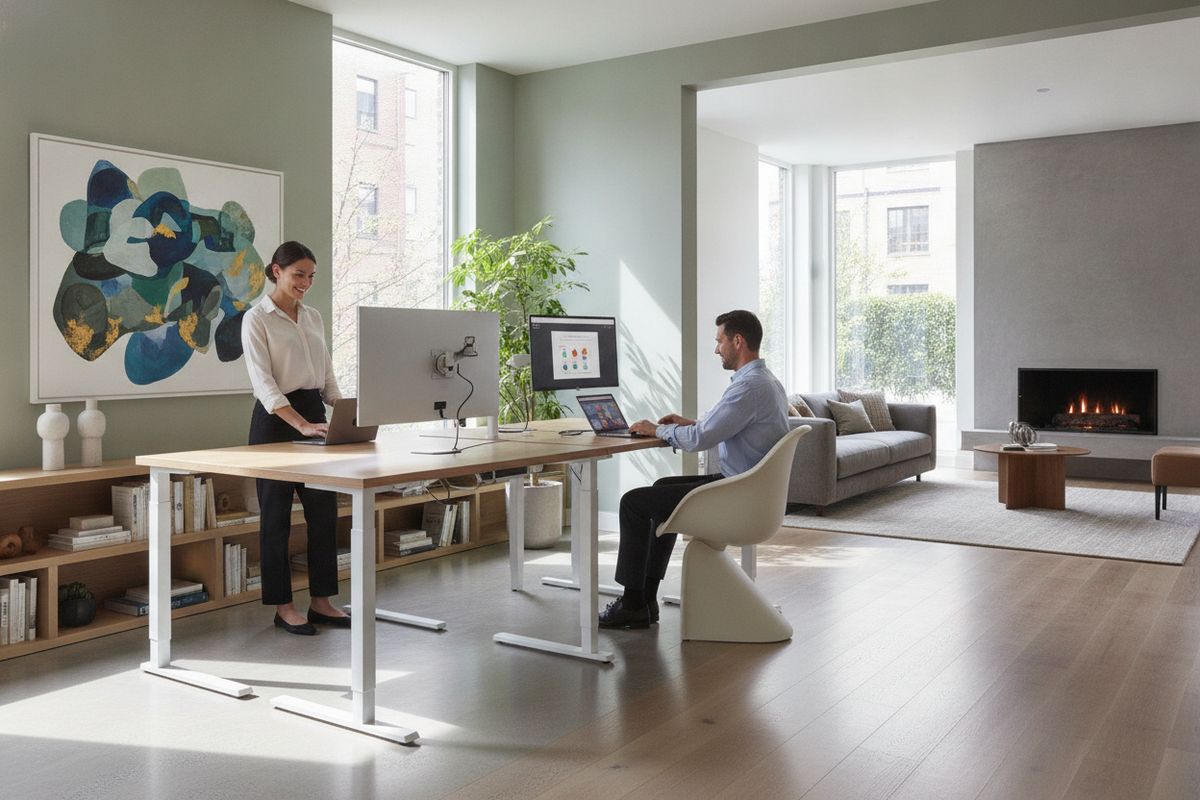
When standing, your work surface should rest at a level that allows your elbows to form an approximate ninety-degree angle with relaxed shoulders. If the desktop is positioned too high, shoulder tension accumulates; if it is set too low, your upper back naturally rounds forward. Keyboards and mice should be reachable without bending the wrists upward or downward.
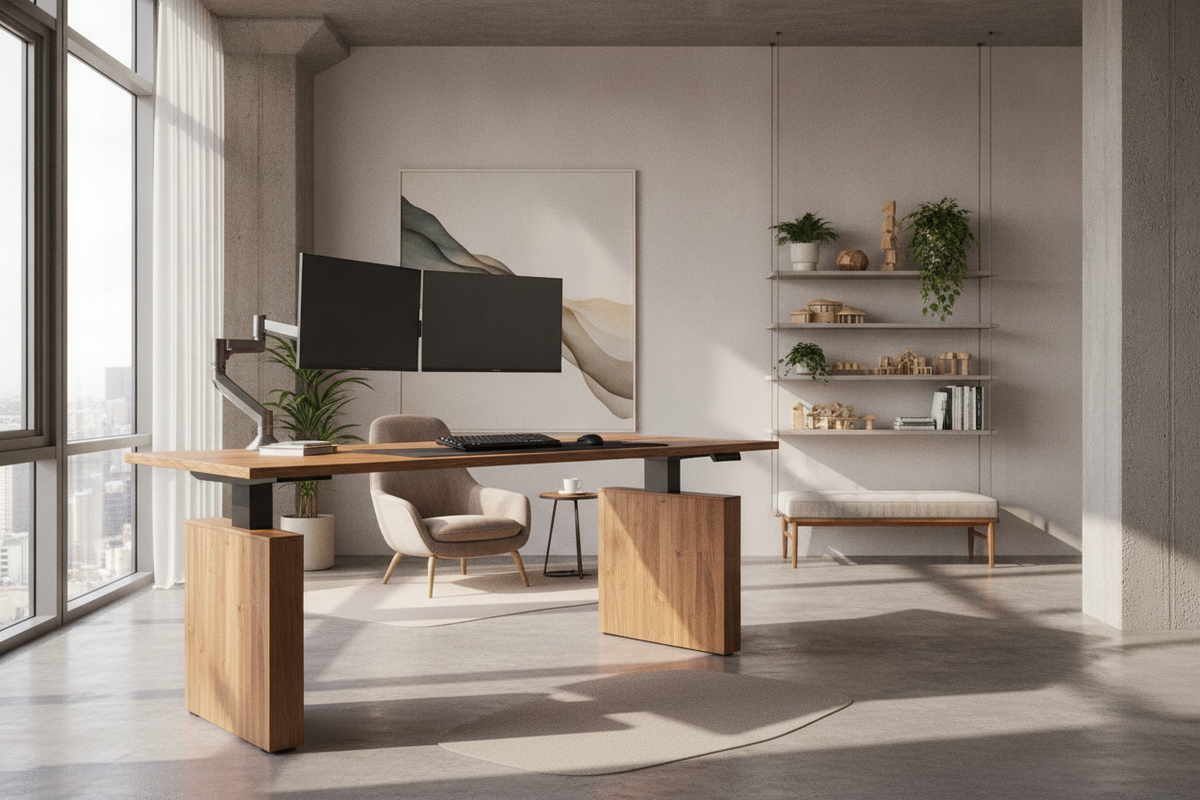
Screen placement is equally vital. The top third of your display should sit directly in your horizontal sightline so your neck remains neutral. When designing a standing desk setup that actually looks good, integrating balanced monitor arms and minimal cable paths ensures ergonomic precision alongside a clean visual footprint.
Base Stability, Foot Support, and Dynamic Stances
Ground-level comfort directly influences how long you can comfortably stand. Working directly on hard surfaces can accelerate foot fatigue. Introducing a supportive anti-fatigue mat cushions the soles, dampens foot pressure, and subtly stimulates small balancing muscles.
Complementing floor cushioning with a small footrest or lower balance rail allows you to shift weight comfortably, elevating one foot at a time to ease tension in the lower back and hips during extended standing intervals.
Choosing the Right Desk Platform for Seamless Posture Shifts
A dependable workstation platform is the foundation of any sustainable standing routine. The transition between postures should be effortless so that changing heights does not disrupt mental focus.
Electric Transition Mechanics and Memory Presets
Manual adjustments can create friction, discouraging frequent posture switches throughout a busy day. An adjustable height standing desk with electric lift system offers smooth, motorized adjustments that let you move between seated and standing elevations at the touch of a button. Models equipped with programmable memory presets allow you to return to your calibrated heights instantly, maintaining consistent ergonomic alignment.
Dimensional Sizing and Surface Clearance
The overall footprint of your desk should reflect both your functional equipment requirements and your room layout. For setups requiring dual monitors, reference materials, and dedicated hardware zones, a spacious option like a 71 w height adjustable standing desk provides generous surface area while maintaining stable column tracking during height adjustments.
Ensure that surrounding pathways remain clear so you can easily step back, shift stances, or transition chairs in and out without knocking into adjacent walls or decorative accents.
Vertical Storage and Reach Zones in a Standing Office
Working while standing changes your physical reach zone. Maintaining proper posture requires keeping frequently accessed tools within easy arm reach to prevent awkward bending or twisting.
Arranging Everyday Essentials in the Mid-Torso Arc
To preserve spinal alignment, daily essentials like planners, writing instruments, and audio peripherals should reside within your primary forearm reach zone. Secondary reference materials and books can be stored nearby on vertical shelving.
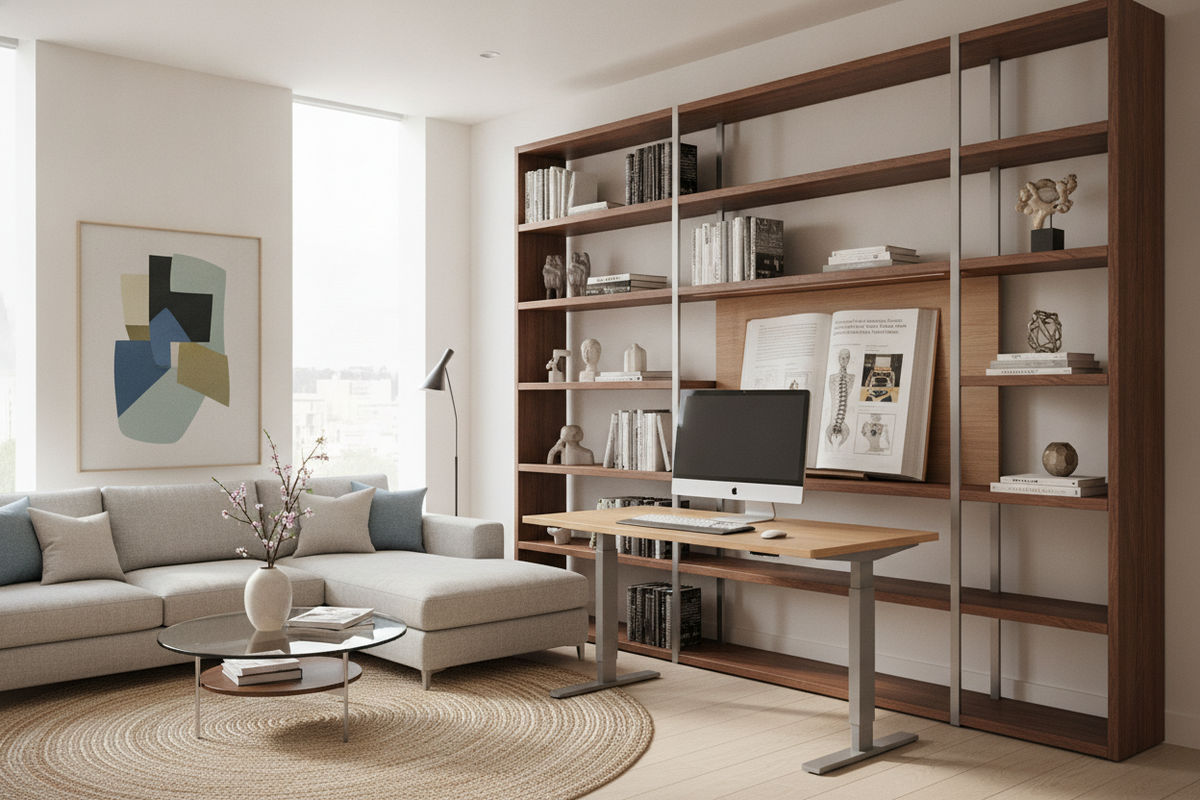
Positioning a dedicated free standing bookcase within arm's reach provides accessible tiered storage, keeping your primary work surface uncluttered while ensuring work materials remain reachable without bending down to floor level.
Coordinating Freestanding Cabinetry with Elevated Workstations
As desk elevations rise, surrounding storage elements should complement the vertical lines of the room. Pairing adjustable desks with cohesive, freestanding furniture creates a balanced aesthetic while establishing distinct functional work zones.
Opting for versatile pieces, such as those discussed when considering free standing cabinets for living room storage, allows you to reconfigure office storage layouts whenever your workflow demands shift.
Framework for Building a Sustainable Standing Routine
Unlocking the enduring benefits of standing for a long time is an incremental process. Adopting a structured pacing schedule ensures long-term comfort and sustainable habit formation.
Progressive Interval Structuring and Daily Checkpoints
Rather than attempting to stand for an entire eight-hour workday immediately, establish a progressive schedule that balances sitting, standing, and light movement:
- Initial Phase: Begin with twenty minutes of standing per hour, reserving the remaining time for seated focus and brief movement breaks.
- Expansion Phase: Gradually extend standing intervals to thirty or forty minutes as foot and leg endurance builds.
- Task-Based Pacing: Assign specific activities to each posture—stand during administrative catch-ups, video meetings, and phone calls, then sit for intensive analytical tasks.
- Physical Checkpoints: Pay attention to physical cues; if you notice knee locking, hip leaning, or lower back stiffness, lower the desk and transition to seated posture.
By pairing dynamic pacing with an ergonomically calibrated desk and thoughtfully organized vertical storage, you create a responsive workspace that supports both productive focus and physical comfort throughout the day.

Dejar un comentario
Este sitio está protegido por hCaptcha y se aplican la Política de privacidad de hCaptcha y los Términos del servicio.