










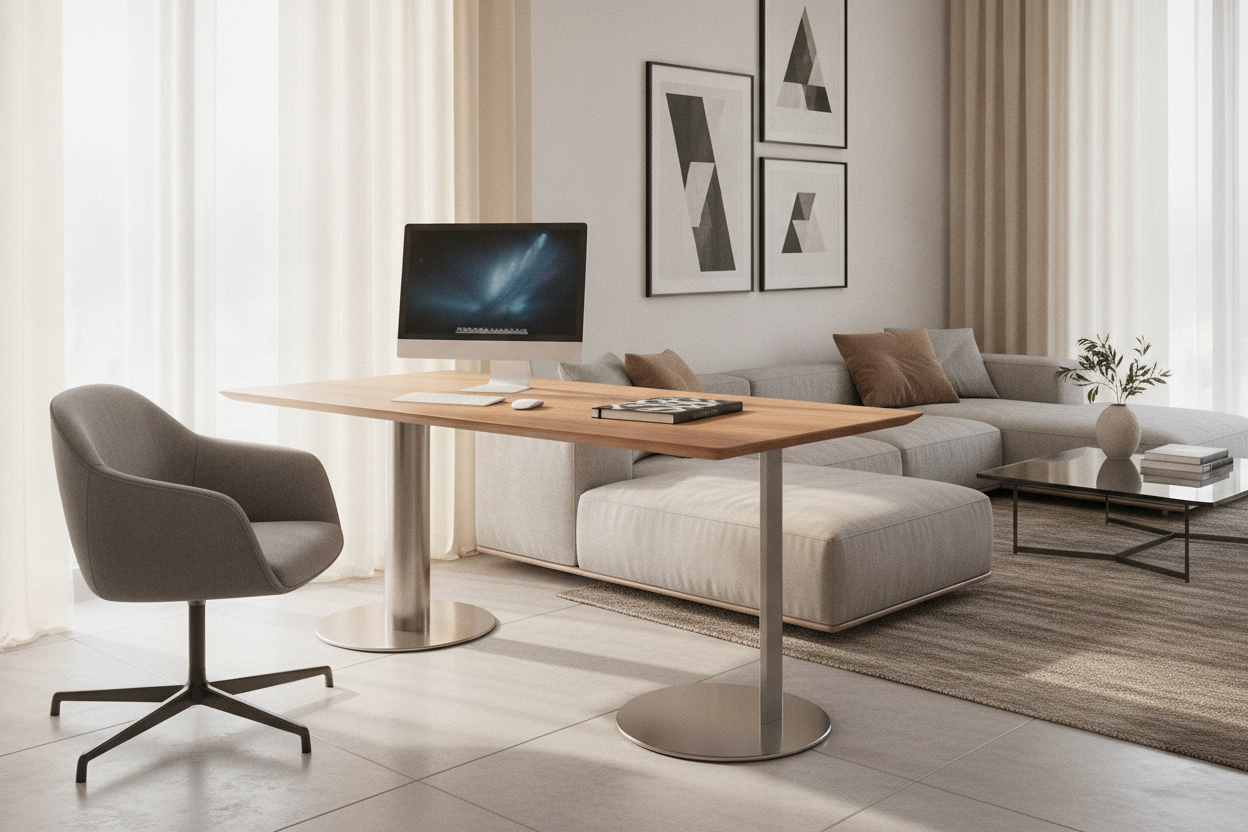
Understanding the Desk with One Leg: Structural Archetypes and Form Factors
Modern interior planning increasingly favors architectural clarity and flexible footprints. A desk with one leg reinterprets traditional workstation geometry by replacing multiple outer corner posts with a singular, concentrated vertical column. By consolidating structural support into a central or offset stem, these designs maximize open air beneath the worktop while reducing visual weight across a room.
Single-column workstations generally fall into three structural archetypes:
- Central Pedestal Units: Symmetrical monopod designs where the vertical support anchors directly beneath the center of gravity of the desktop, distributing load evenly across an expansive base plate.
- Offset Cantilever C-Frames: Asymmetrical designs where the column rises along one side or the rear edge, allowing the desktop to float over armchairs, sofas, or tight wall alcoves.
- Wall-Anchored Support Columns: Hybrid systems featuring a floor-grounded single leg paired with wall tracks or concealed brackets, delivering high rigidity with minimal floor footprint.
Choosing the right archetype depends on how freely the desk needs to move across the room and whether the surface serves as a primary computing station or an agile touch-down surface.
Base Geometry, Center of Gravity, and Stability Dynamics
The engineering success of any one leg desk relies directly on its foundational base geometry. Because there are no perimeter legs to counteract lateral or torsional force, the lower base must manage the leverage generated whenever an occupant leans on the desktop or shifts heavy equipment.
Manufacturers typically use several base profiles to ensure balanced equilibrium:
- Weighted Circular or Rectangular Floor Plates: Low-profile solid steel or cast bases that concentrate mass at the lowest possible point, keeping the center of gravity grounded during daily typing and writing.
- Pronged or Spoke Sleds: Multi-point radial feet that spread outward across a wider surface perimeter, preventing tipping without requiring extreme overall base mass.
- Locking Caster Bases: Mobile prong configurations equipped with swiveling wheels, enabling rapid reconfiguration across collaborative offices, living areas, or multi-purpose studios.
When selecting a single-column desk, matching the base footprint to the tabletop diameter or width ensures smooth operational stability under everyday typing vibration.
Spatial Efficiency: Maximizing 360-Degree Legroom and Small-Room Flow
The primary ergonomic advantage of a desk with one leg is the total elimination of knee-strike zones. Traditional four-leg and panel-end desks construct a rigid box around the seated user, restricting lateral leg movement, limiting chair swivel angles, and complicating entry in tight spaces.
A monopod column offers unencumbered perimeter clearance. Users can rotate their chairs freely, cross their legs without bumping side aprons, and slide seating completely underneath when the workstation is idle. In compact apartments, secondary bedrooms, or open-plan living areas, this continuous sightline beneath the tabletop makes rooms feel significantly larger and prevents clutter from visually accumulating around the floor perimeter.
The Single Leg Standing Desk: Pneumatic and Motorized Lift Mechanisms
The evolution of active workstations has brought the single leg standing desk into focus as a versatile tool for dynamic work routines. Unlike wide dual-motor frames designed for sprawling corporate setups, single-column height-adjustable tables prioritize vertical fluidity and rapid spatial adaptation.
Height transition is commonly achieved through two distinct drive methods:
- Pneumatic Gas-Spring Columns: Operated via a foot pedal or hand lever, gas-spring mechanisms allow instant, cord-free height adjustments. Because they require no electrical wall tether, pneumatic single-leg desks can roam effortlessly across any room.
- Compact Motorized Columns: Integrated electric telescopic actuators offer push-button height control, often paired with programmable memory settings for precise sit-to-stand transitions.
When styling a streamlined height-adjustable corner, reference principles from our standing desk guide to balance visual lines and minimalist accessories.
Equipment Planning and Surface Weight Distribution
Because a monopod architecture centers its strength around a central axis, organizing desktop hardware requires deliberate balance. Uneven load distribution can introduce subtle tilt or increase frame flex over long-term use.
To maintain structural equilibrium and a clean work surface, implement a centered zoning strategy:
- Align Primary Display Loads: Position desktop monitors or laptop stands directly over or closely aligned with the central vertical column rather than clamping heavy monitor arms onto extreme outer corners.
- Balance Peripheral Zones: Distribute task lights, organizers, and input devices symmetrically to equalize weight across the tabletop plane.
- Integrate Vertical Cable Routing: Route power cables and connection lines straight down the spine of the central column using magnetic clips or fabric channels to keep cords from pulling unevenly on one side.
Storage Integration: Detached and Modular Complements
Single-leg desks intentionally omit integrated pedestals, hanging modesty panels, and deep under-desk drawer banks to protect their architectural lightness and legroom. As a result, document storage and office supply management must be addressed through coordinated external furniture.
To keep the workspace functional without cluttering the primary surface, pair your single-column desk with complementary storage pieces:
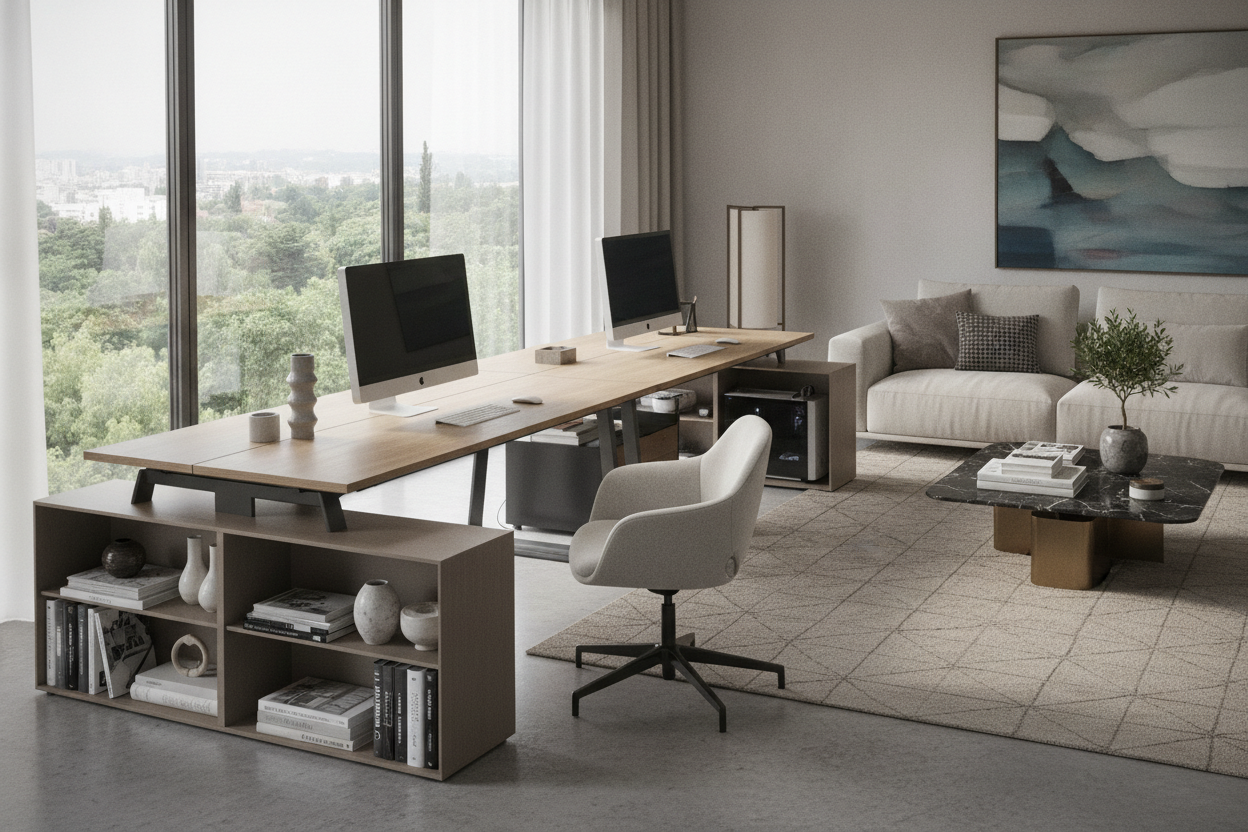
- Mobile Filing Carts and Pedestals: Low-profile rolling drawer units that tuck alongside the desk during deep work and wheel away when open space is needed.
- Adjacent Credenzas or Sideboards: Position the desk perpendicular to a low credenza to create an efficient L-shaped reach zone while maintaining an airy floor profile.
- Vertical Wall Shelving: Floating shelves or tall bookcases draw storage upward, preserving floor space around the desk base.
To blend compact mobile desks with expansive cabinetry, consult our standing desk guide for zoning ideas across mixed-use spaces.
Single-Column vs. Multi-Leg Desks: Choosing the Right Workstation
Choosing between a single-column desk and a conventional multi-leg or dual-column workstation comes down to workflow scope, equipment weight, and spatial priorities.
A single-column desk is an ideal choice when:
- Your setup centers around a streamlined laptop or lightweight single-display setup.
- Floor space is limited, or the workstation must easily relocate between rooms.
- Unrestricted leg clearance and clean visual lines are top layout priorities.
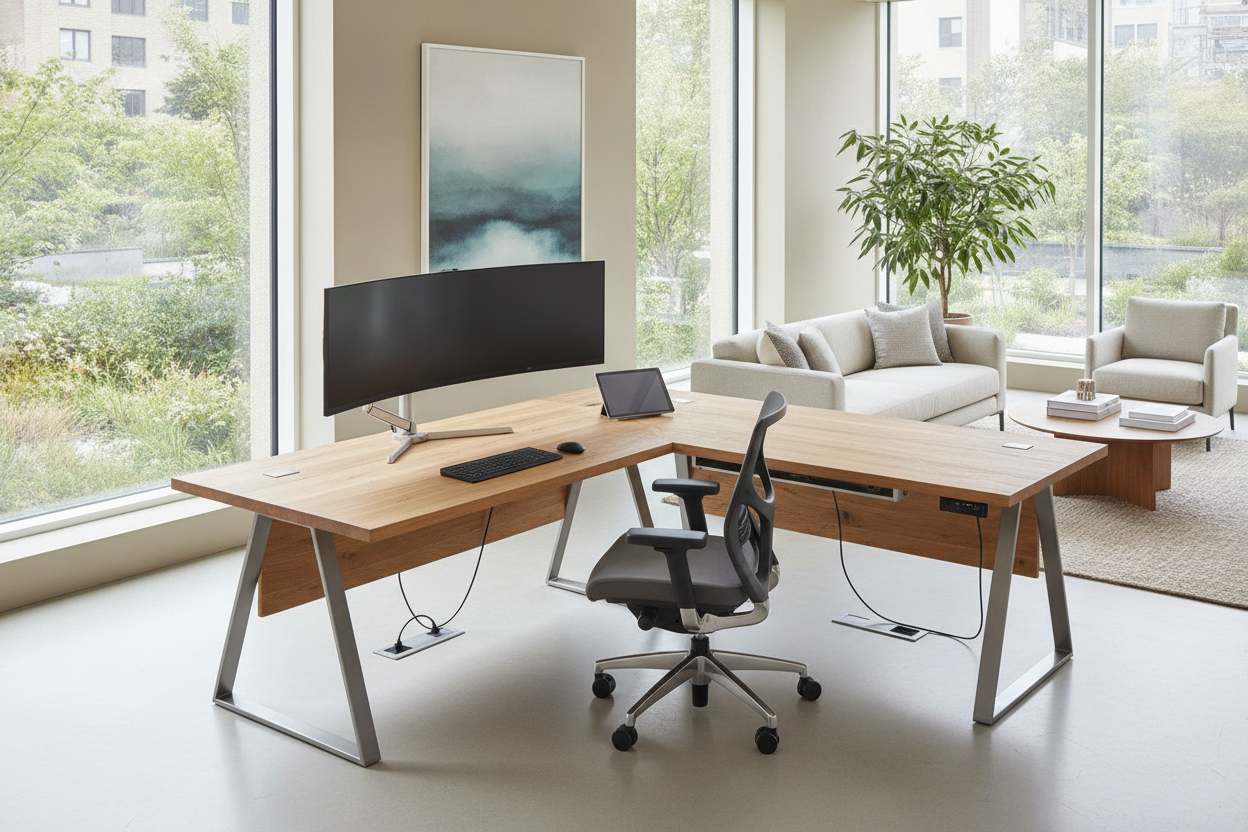
If your workflow demands heavier multi-monitor arrays or wider spans than a monopod allows, consider a dual-motor standing desk product with expansive frame support. By matching your daily tasks and hardware footprint to the appropriate column configuration, you can establish an ergonomic, clutter-free workspace tailored to your home interior.

Dejar un comentario
Este sitio está protegido por hCaptcha y se aplican la Política de privacidad de hCaptcha y los Términos del servicio.