










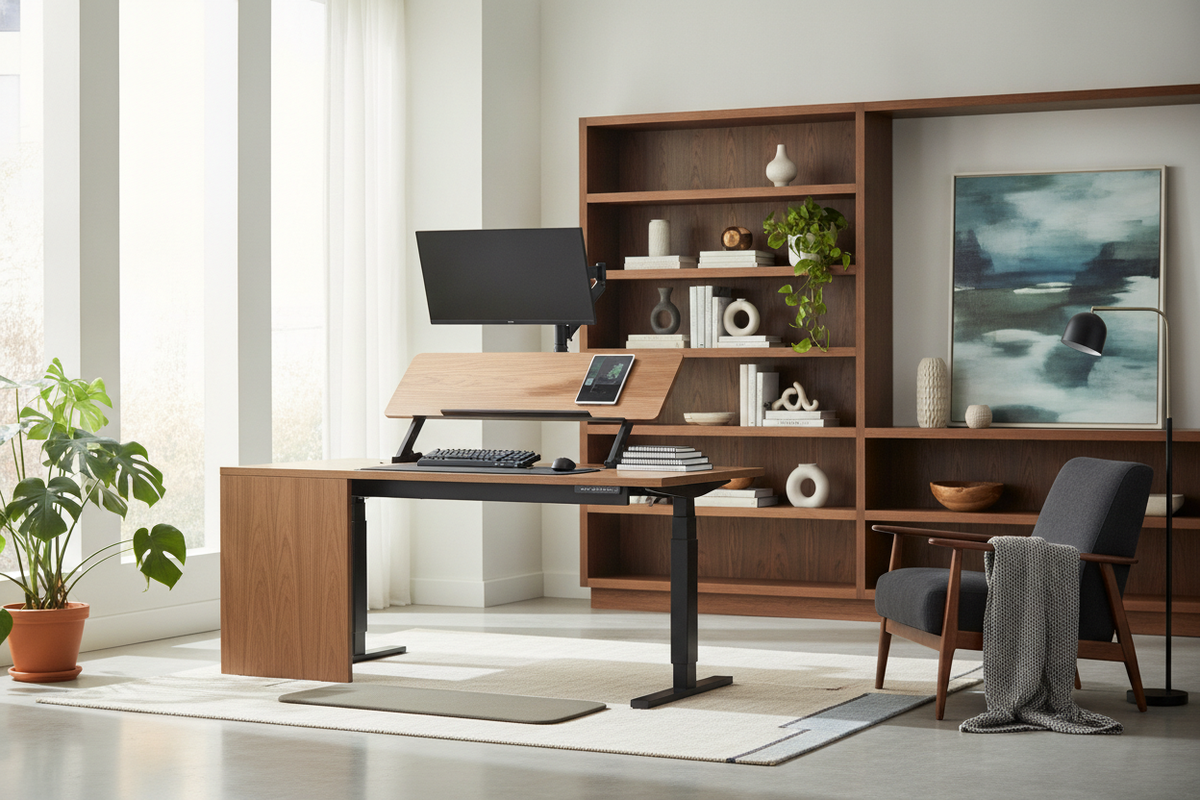
When browsing online workstation forums and community discussions around the query standing desk converter reddit, you will quickly discover a split verdict. Desktop converters serve as an accessible entry point for introducing movement into a sedentary workday, yet community members frequently debate their structural trade-offs. While tabletop risers transform fixed-height writing tables into active workspaces, they also introduce distinct mechanical dynamics, weight distribution challenges, and geometric constraints that affect daily comfort.
Understanding what makes the best standing desk converter reddit participants recommend involves looking beyond initial convenience. It requires evaluating vertical lift geometry, keyboard tier ergonomics, base furniture stability, and knowing precisely when a full motorized desk represents a more sustainable long-term choice.
Why Reddit Workstation Communities Scrutinize Standing Desk Converters
Online remote work communities frequently analyze home office hardware through real-world use over extended hours. Within these discussions, standing desk converters receive attention for their ability to quickly adapt existing furniture, but they also draw critical feedback regarding aesthetic integration, surface vibration, and vertical reach.
The Realities of Desktop Converters vs. Full Adjustable Desks
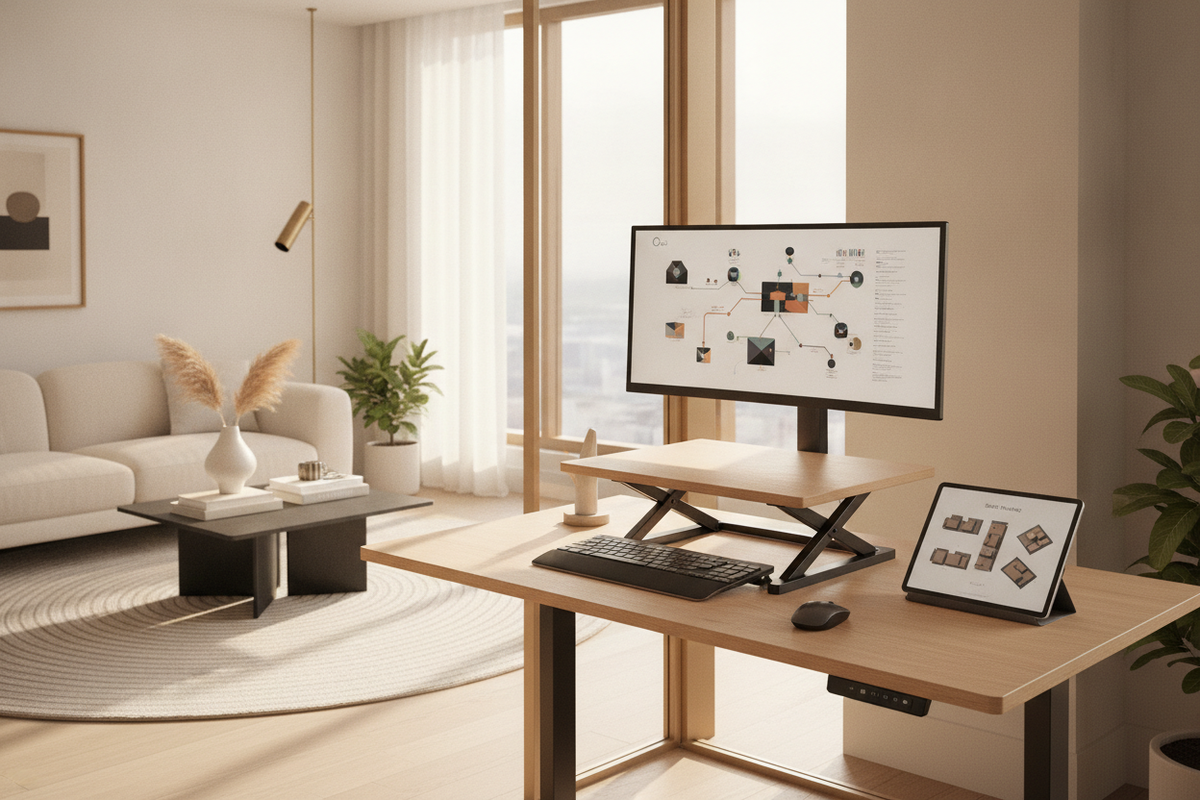
A desktop converter functions as an elevated secondary platform that rests directly on top of your primary work surface. While this avoids the need to replace existing furniture, it concentrates substantial mass onto a centralized footprint. Community members frequently point out that adding a heavy riser, display screens, and peripheral hardware on top of a lightweight table can create top-heavy balance issues.
In contrast, a dedicated motorized desk elevates the entire worksurface uniformly. When evaluating compact workspace modifications, our standing desk converter guide explores aesthetic styling and surface layout methods, illustrating how accessory placement shapes overall room decor.
Common Ergonomic Pitfalls for Taller Remote Workers
One of the most persistent topics in ergonomic discussion boards is the challenge taller remote workers face with standard desktop risers. When an individual with a longer torso or extended reach attempts to use a standard converter, two mechanical limitations often emerge:
- Insufficient Vertical Elevation: Many generic risers reach maximum extension before the top tier brings the monitor to true eye level, encouraging downward neck bending.
- Awkward Keyboard Tier Proportions: If the primary tier is raised to meet eye height, the attached keyboard tray may sit too high, forcing shoulders into an elevated shrug and wrists into extension.
For home office setups that balance functional elevation with clean interior design, refer to our standing desk guide for holistic planning concepts.
Key Mechanical Criteria for Evaluating Desktop Risers
Community reviews consistently highlight that not all riser mechanisms behave identically under load. Analyzing the mechanical path of travel, tier spacing, and base interaction is essential before selecting a model.
Vertical Travel Geometries: X-Lift vs. Forward-Arching Cantilevers
The engineering of the lifting frame dictates how the unit moves through its height range. Desktop converters generally fall into two primary motion styles:
- Straight Vertical X-Frames: These units utilize crossing scissor linkages with gas-spring assists that rise straight up and down within their original perimeter. This preserves floor space behind the desk and keeps the user at a consistent distance from surrounding walls.
- Forward-Arcing Cantilevers: These designs swing outward toward the user as they rise. While sometimes easier to pull upward, they shift the center of gravity toward the front edge of the base table, which can amplify wobble during rapid typing and alter optimal focal distance to monitors.
Dropped Keyboard Trays and Neutral Wrist Posture
A frequent recommendation across workstation forums is prioritizing converters with spacious, dropped keyboard shelves. A two-tier layout allows your forearms to rest at an open angle close to parallel with the floor while keeping your displays aligned with your natural horizontal gaze. Trays that lack sufficient depth for both a mouse and full-sized keyboard often create crowded, awkward hand positioning.
Base Desk Load Capacity and Surface Depth Requirements
Before placing a riser on your existing workstation, evaluate the structural rigidity of the foundation table. A narrow writing desk with limited depth may not accommodate the footprint of a wide converter base. Furthermore, resting heavy risers on thin composite tops can lead to bowing or surface marking over time, making sturdy solid wood or reinforced steel-frame foundations preferable.
When to Choose a Dedicated Full-Frame Standing Desk Instead
While converters offer a transitional step, many forum participants eventually transition to a full adjustable desk once their multi-screen or storage requirements expand.
Expanded Worksurface Freedom for Multi-Screen Workflows
Desktop risers restrict usable space to distinct tiers, often leaving little room for desktop organizers, reference documents, or task lamps. Taller professionals seeking effortless sit-to-stand transitions often opt for a dedicated motorized solution such as a standing desk product featuring programmable height settings that preserve unified desktop real estate.
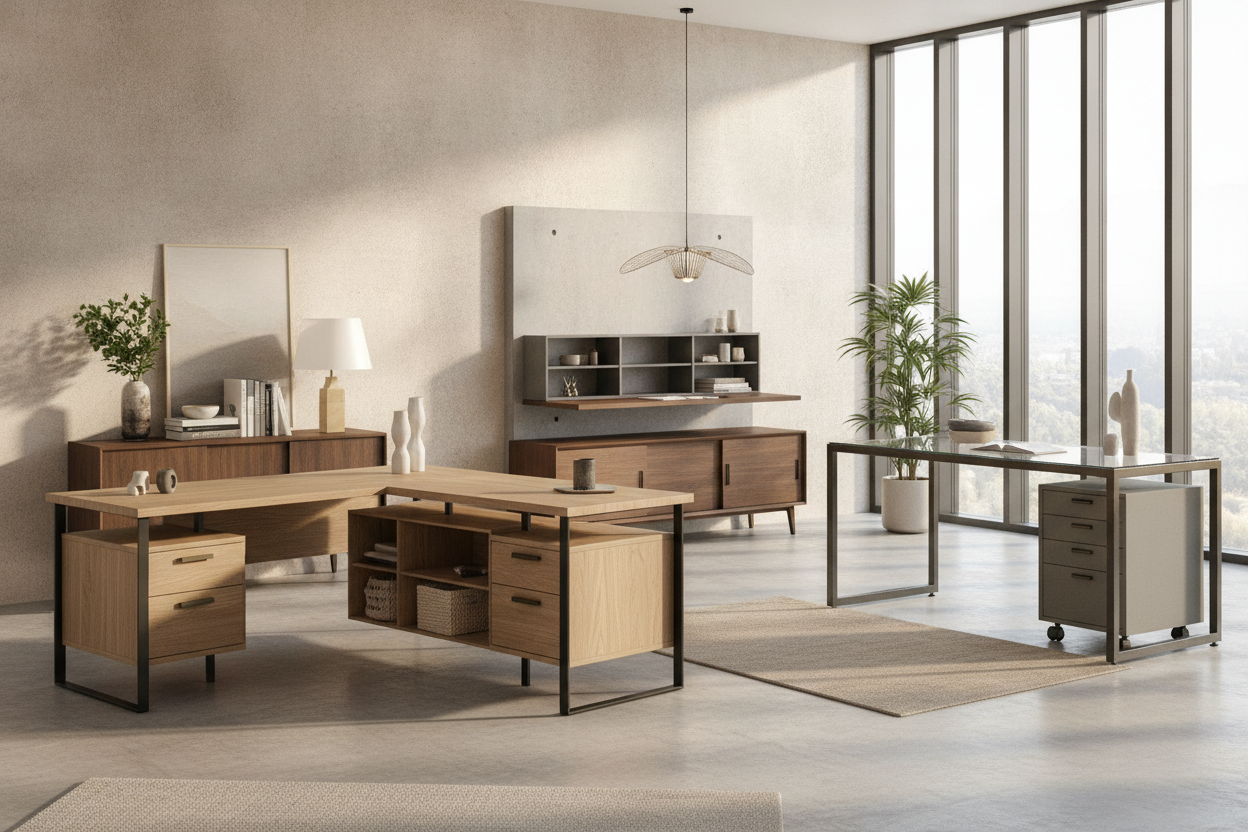
For expansive multi-display battlestations where converters restrict layout space, a large-format standing desk product provides seamless surface area, accommodating multiple monitors and desk accessories without balance compromises. High-volume workflows benefit from a wide standing desk product that maintains structural stability across its entire vertical elevation range.
Integrating Perimeter Storage and Under-Desk Organization
A full standing desk also simplifies surrounding office integration. By elevating the entire desktop surface, under-desk space remains open for mobile pedestal drawers, filing cabinets, and organized cable raceways. Converters, by contrast, leave cords dangling across the rear edge of the base desk as the unit shifts up and down, requiring careful manual slack management.
Workspace Planning Checklist: Selecting the Best Setup for Your Height
To determine whether a desktop converter or a full adjustable desk aligns with your ergonomic needs, review the following planning steps:
- Measure Standing Elbow Height: Stand with relaxed shoulders and forearms bent at right angles. The distance from the floor to your elbows marks where your keyboard should sit.
- Verify Eye-Line Alignment: Confirm that the top third of your display screen sits at or slightly below eye level when standing upright.
- Check Base Desk Depth: Ensure your existing table provides sufficient front-to-back clearance so a riser does not overhang the frame or force your keyboard too close to your body.
- Assess Total Hardware Weight: Sum the weight of your monitors, mounts, laptop, and accessories to verify that the riser lift mechanism can handle the payload smoothly.
By evaluating your daily workflow, physical proportions, and available room space, you can choose a workstation configuration that delivers stable support and natural posture throughout your entire working day.

Dejar un comentario
Este sitio está protegido por hCaptcha y se aplican la Política de privacidad de hCaptcha y los Términos del servicio.