










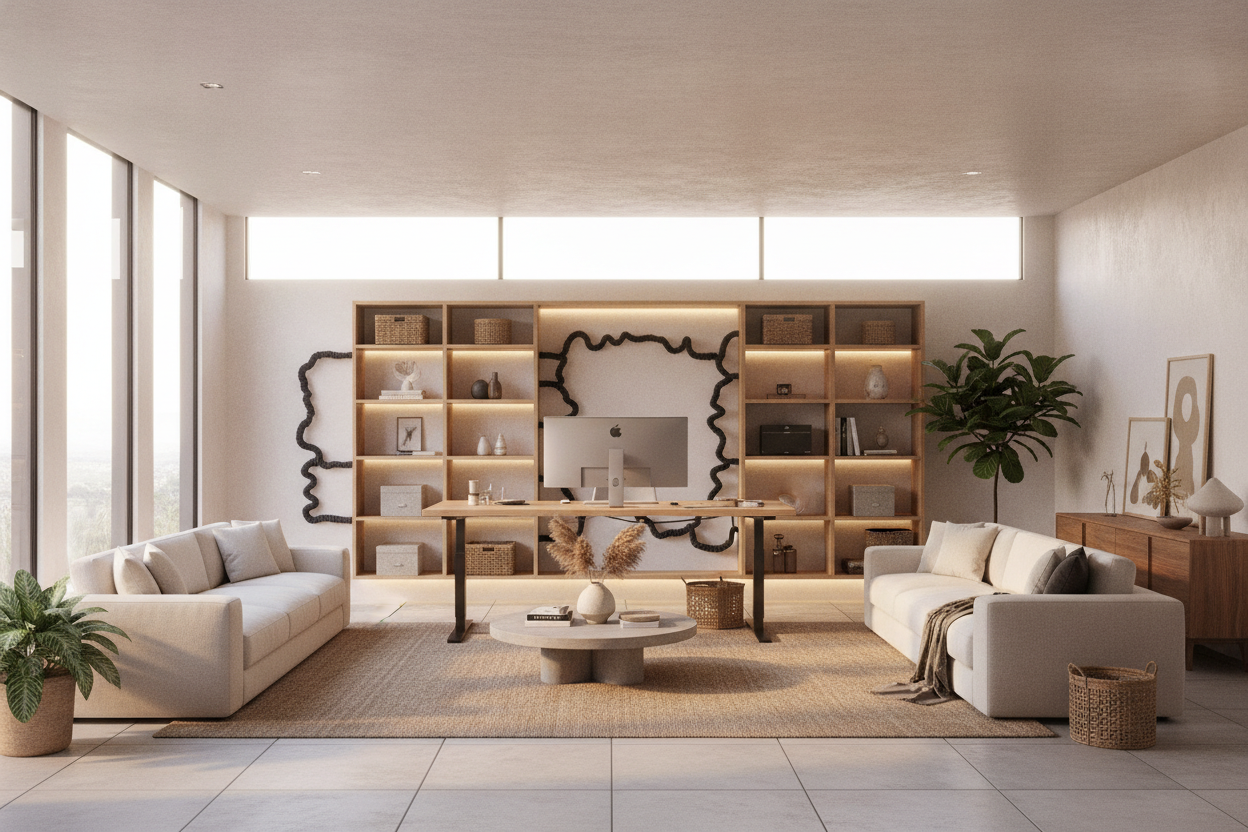
Understanding the 65-Inch Footprint: Dimensions as Decision Categories
Choosing an expansive desktop width transforms how a home office functions. A 65 inch standing desk occupies a dedicated category between standard compact tables and massive multi-piece executive furniture. At this scale, the workstation provides generous horizontal breadth to support dense electronic setups, dedicated analog writing spaces, and desktop accessories without feeling crowded.
When planning a room around a standing desk 65 inch model, spatial assessment extends beyond the desktop surface itself. You must evaluate the full dynamic footprint, including the perimeter pathways required for chair movement, human transit, and vertical travel. Placing a wide sit-stand desk alongside other office furnishings, such as an alternative standing desk product, requires ensuring that adjacent walls, window treatments, and door swings remain unobstructed throughout the entire height range.
Three-Zone Surface Planning Across a 65-Inch Desktop
The primary advantage of a wide-format desktop is the ability to compartmentalize everyday workflow into distinct zones. Rather than clustering all equipment in the center, broad surfaces allow users to implement structured layout principles that prevent visual clutter and physical interference. In our editorial planning, intentional zoning is what truly separates a high-functioning executive suite from a chaotic desk.
- Primary Active Zone: The central section directly in front of the seating position houses the keyboard, pointing device, and primary monitor. This area should remain clear of static clutter to facilitate unhindered typing and arm movement.
- Secondary Visual Zone: Flanking the central display, this span accommodates secondary vertical monitors, laptop docking stands, or tablet mounts within comfortable peripheral viewing angles.
- Tertiary Utility Zone: The outer lateral edges serve as dedicated resting areas for desk lighting, reference notebooks, charging pads, or desktop organizers.
For more inspiration on balancing functional placement with room aesthetics, exploring a comprehensive standing desk guide can help harmonize modern technology with thoughtful interior decor.
Frame Dynamics, Stability, and Vertical Clearance Planning
A wide tabletop demands balanced structural foundation support. As desktop width increases toward 65 inches, the lifting columns and foot crossbars must be spaced appropriately to distribute downward loads and resist lateral sway during adjustment. Wide-span frames benefit from robust cross-beam assemblies and substantial footpads that maintain firm ground contact on both hard floors and low-pile rugs.
Dynamic clearance planning also requires careful attention to wall boundaries. As an adjustable desk moves between seated and standing positions, any surface overhang or mounted monitor arm can come into contact with wall art, shelving brackets, or electrical faceplates. Maintaining an intentional gap between the back edge of the desktop and the adjacent wall prevents accidental friction or cosmetic scuffing during height transitions. Additional spatial layout concepts can be reviewed in our standing desk guide covering designer workstation arrangements.
Dynamic Cable Management and Power Routing for Extended Desktops
Cable management becomes increasingly critical across wide adjustable surfaces. With peripherals spread across a 65-inch expanse, standard cable lengths may stretch or dislodge if not routed through a deliberate management pathway. A successful sit-stand cable strategy hinges on consolidating multiple cords into a centralized under-desk power strip and establishing a flexible vertical umbilical route.
Mounting an under-desk wire tray or raceway directly beneath the main tabletop allows display cables, charging cords, and peripheral wires to travel horizontally beneath the surface. From this central channel, a single heavy-duty power lead connects downward to the primary wall outlet. Ensuring sufficient slack in this main trunk line allows the desk to reach its maximum height without placing mechanical tension on plugs or outlet connections.
Storage Integration: Decoupled Cabinets, Mobile Pedestals, and Side Credenzas
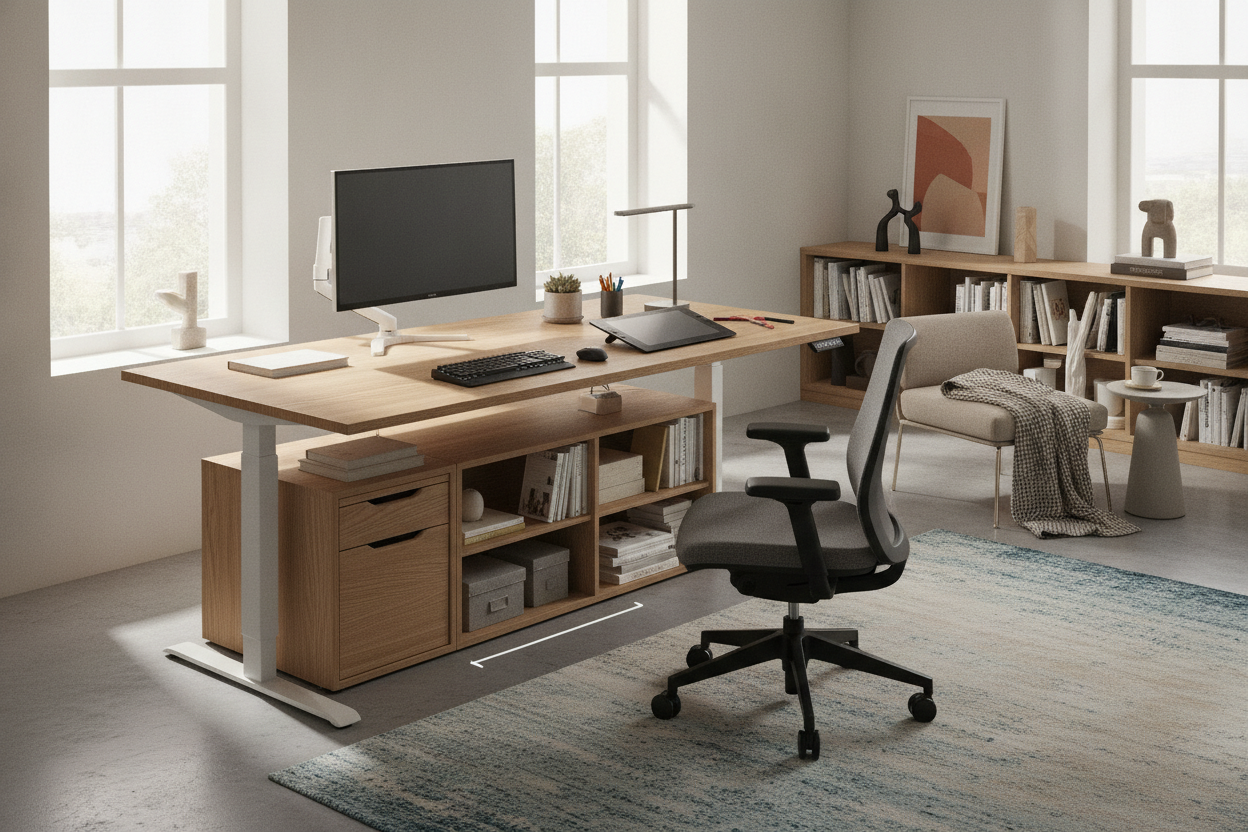
Because sit-stand desks operate on moving columns, directly affixing heavy storage pedestals or extensive cabinetry to the lifting frame is rarely practical. Instead, pairing an expansive standing desk with decoupled, freestanding storage creates a flexible and balanced executive workspace.
Low-profile mobile filing pedestals can tuck neatly underneath the desk during seated sessions, provided they do not obstruct the lowest height settings or leg clearance. For larger storage demands, positioning companion furniture—such as a stationary desk product or an executive desk product along an adjacent wall—ensures that archival documents, heavy books, and office equipment remain accessible without burdening the motorized lift mechanism.
Material Selection, Surface Care, and Assembly Best Practices
The longevity of a wide desk surface depends heavily on tabletop construction and careful everyday care. Engineered wood cores finished with high-pressure laminate or durable veneers offer dimensional stability and resistance to warping over long horizontal spans. These surfaces provide excellent defense against everyday micro-scratches and minor spills when maintained with gentle, non-abrasive cleaners and soft microfiber cloths.
During assembly, managing a 65-inch surface typically requires a spacious, clear floor area protected by a soft blanket or moving pad. Securing the frame brackets loosely before final alignment helps ensure that screw holes mate smoothly without cross-threading. Once all crossbars and motor linkages are properly positioned, tightening fasteners in an alternating diagonal pattern establishes even tension across the entire frame.
Evaluating Your Workspace Workflow: Key Sit-Stand Considerations
Before finalizing your home office setup, assess your specific daily hardware footprint and work style against the following practical criteria:
- Display Width and Eye Line: Ensure your combined monitor span fits comfortably within the 65-inch boundary without extending beyond the outer edges.
- Perimeter Movement: Confirm that the standing height envelope does not interfere with open shelving, wall sconces, or nearby doorways.
- Cable Travel Loop: Verify that your centralized power conduit has adequate vertical slack across the full range of movement.
- Auxiliary Storage Placement: Coordinate freestanding storage units around the desk to maintain quick access without encroaching on knee clearance.

Leave a comment
This site is protected by hCaptcha and the hCaptcha Privacy Policy and Terms of Service apply.