










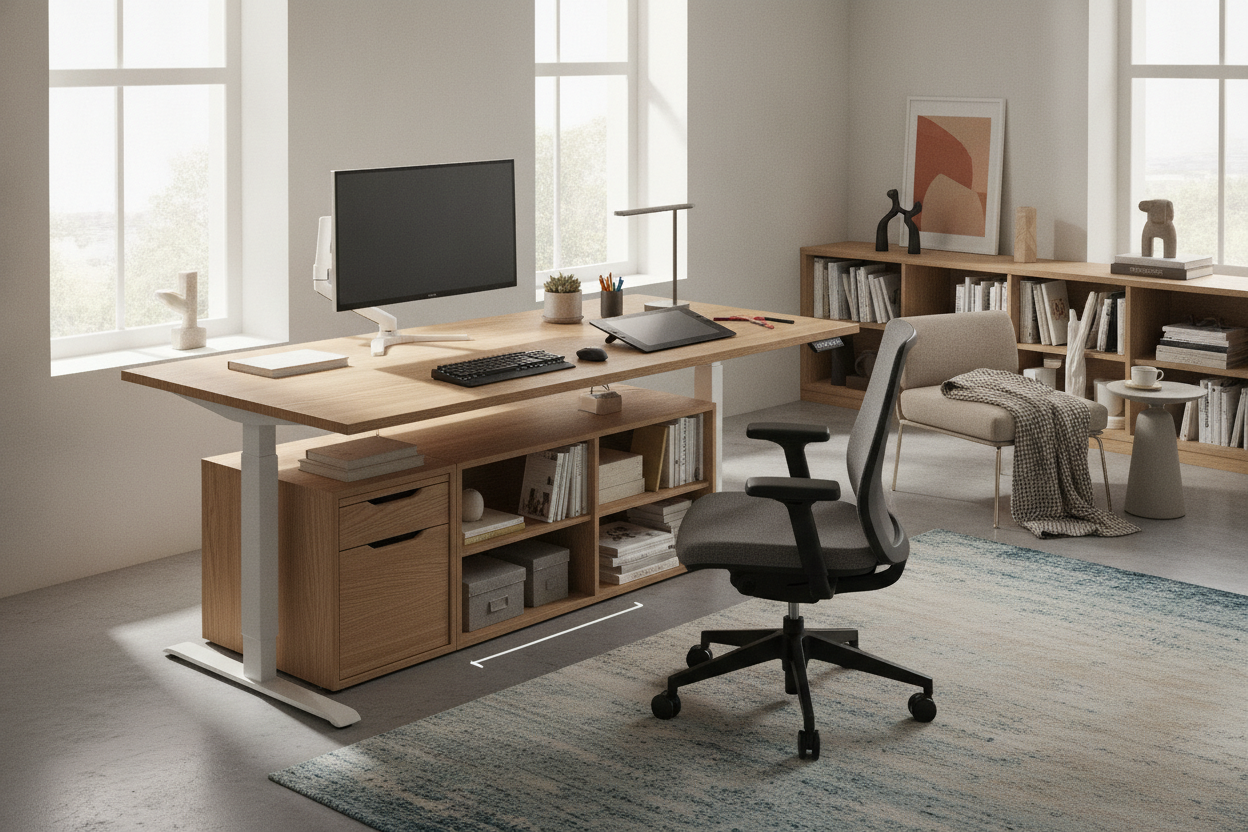
Finding the right balance between desktop surface area and room flow is one of the most critical decisions when furnishing a modern home office. While compact desks fit tight alcoves and sprawling executive setups require dedicated rooms, the 63 inch standing desk occupies a practical middle tier. It provides broad horizontal clearance for multi-monitor setups, laptop docking stations, and analog paperwork without overwhelming standard residential floor plans.
Understanding how to zone this expansive surface, evaluate frame stability across a wide span, and integrate modular storage allows you to create an ergonomic, visually cohesive workstation built for long-term productivity.
The 63-Inch Footprint: Balancing Wide Work Surfaces with Room Proportions
A desktop measuring around 63 inches across gives professionals generous horizontal reach while preserving walkways and door clearances. In medium-sized bedrooms, guest-office conversions, or open-plan living areas, this footprint provides enough room for dual screens and desktop peripherals without creating a crowded feel.
When measuring your room for a wide adjustable desk, consider several spatial factors:
- Perimeter and Vertical Travel Clearance: Height-adjustable desks move continuously throughout the day. Ensure that the edges of the desk top clear nearby window sills, low shelving units, radiator covers, and wall art at both seated and standing heights.
- Door Swings and Walkways: Leave ample clearance behind your desk chair for smooth movement and recline, while maintaining an unblocked path for interior doors and closet access.
- Desktop Depth Proportions: A 63-inch width is typically paired with standard depths ranging from shallow to deep profiles. Deeper surfaces accommodate larger display stands and keyboard trays, while shallower profiles preserve open floor space in narrower rooms.
For rooms with awkward corner configurations where a wide linear run might cut off a main walkway, a compact 55-inch L-shaped desk with built-in storage can provide an efficient alternative by utilizing corner wall space effectively.
Surface Zoning for Multi-Screen and Hybrid Workflows
The primary advantage of a 63 inch standing desk is the ability to establish distinct functional zones across a single, continuous work surface. Structuring your desktop into logical segments prevents visual clutter and minimizes repetitive twisting motions during active work sessions.
Primary Focal Zone (Center Span)
The central 30 to 36 inches of the desk serve as your primary visual and physical interface. This zone comfortably houses a pair of medium-sized monitors positioned side by side on adjustable arms, or a single expansive ultra-wide display. Aligning your primary keyboard, wrist rest, and mouse directly beneath the optical center of your screens maintains neutral neck, shoulder, and wrist postures.
Secondary Reference and Hybrid Zones (Flanking Wings)
With the center reserved for digital focus, the outer sections of the 63-inch top offer dedicated space for complementary gear:
- Laptop and Tablet Docking: Elevate a secondary screen on an angled riser to the side for communication tools, calendar views, or video conferencing feeds.
- Analog Writing and Document Review: Keep clear surface area on your dominant side for notebooks, project binders, and signing documents without pushing input devices out of alignment.
- Audio and Studio Gear: Studio reference monitors or compact speakers can sit at the outer top corners, angled inward toward your listening position to optimize sound separation.
Maintaining clear zones across a wide surface is also key to designing an attractive standing desk workstation that looks intentional rather than chaotic throughout busy workdays.
Frame Architecture, Stability, and Under-Desk Clearance
Because a 63-inch surface carries significant gear across a wide span, frame geometry and lifting mechanics play a central role in overall stability. Eliminating wobble at standing heights ensures that vigorous typing, mouse movements, or writing do not translate into screen vibration.
Frame Geometry and Crossbar Support
Adjustable desk frames generally use either T-frame or C-frame leg orientations. Centered T-frames distribute downward pressure evenly across the feet, making them balanced choices for balanced multi-screen setups. Offset C-frames shift the lifting columns toward the back edge, opening up unobstructed knee and legroom underneath while maintaining steady support against backward tilt.
Wide desk surfaces benefit from robust structural support beams beneath the desktop. A sturdy horizontal subframe connects the lifting columns, preventing the central work surface from sagging under the collective weight of monitor mounts, computers, and desk accessories.
Under-Desk Vertical Zones and Leg Clearance
The wide span between the legs of a 63-inch frame provides substantial open volume beneath the surface. This space easily accommodates ergonomic accessories such as:
- Anti-fatigue standing mats and active rocker boards when standing.
- Under-desk walking pads or compact treadmills for light movement during administrative tasks.
- Adjustable footrests to support lower back alignment when seated.
- Under-desk CPU mounts that suspend desktop towers off the floor to protect them from dust and ease cable routing.
For users running expansive triple-monitor setups or housing full digital audio workstations, upgrading to a wide 71-inch height adjustable standing desk provides even greater horizontal span and wider leg spacing.
Dynamic Cable Management and Power Routing
An expansive desktop with multiple connected devices requires thoughtful cable discipline. Because the entire desk assembly travels up and down, static cords running directly to wall outlets can stretch, pull loose, or snag on nearby furniture.
Spanning Cable Trays and Mounted Power
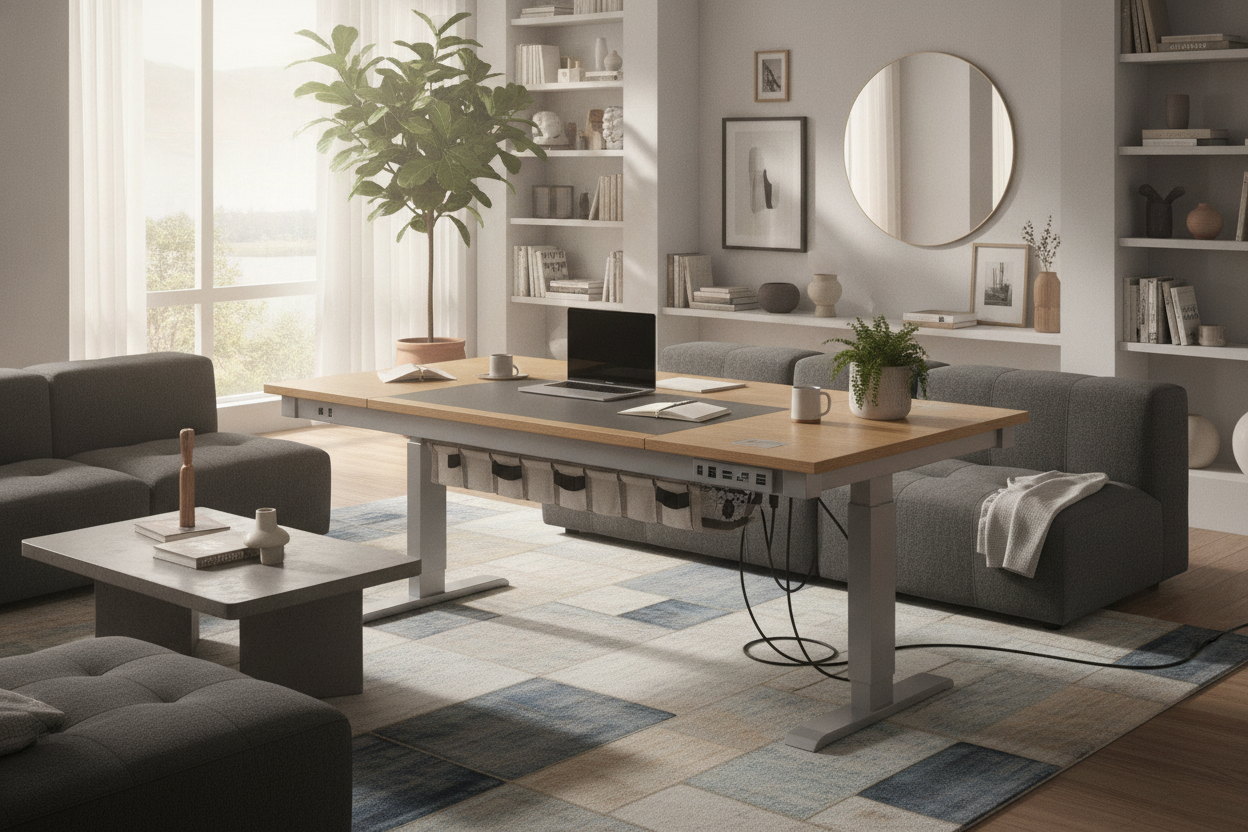
The most effective strategy for a 63-inch workstation is mounting a wide cable management channel or wire tray directly to the underside of the desktop. Mount a multi-outlet surge protector inside this under-desk tray, plugging all stationary hardware—monitors, desktop computer, laptop chargers, desk lamps, and audio gear—directly into the surface-mounted power hub.
Articulated Spines and Safe Travel Slack
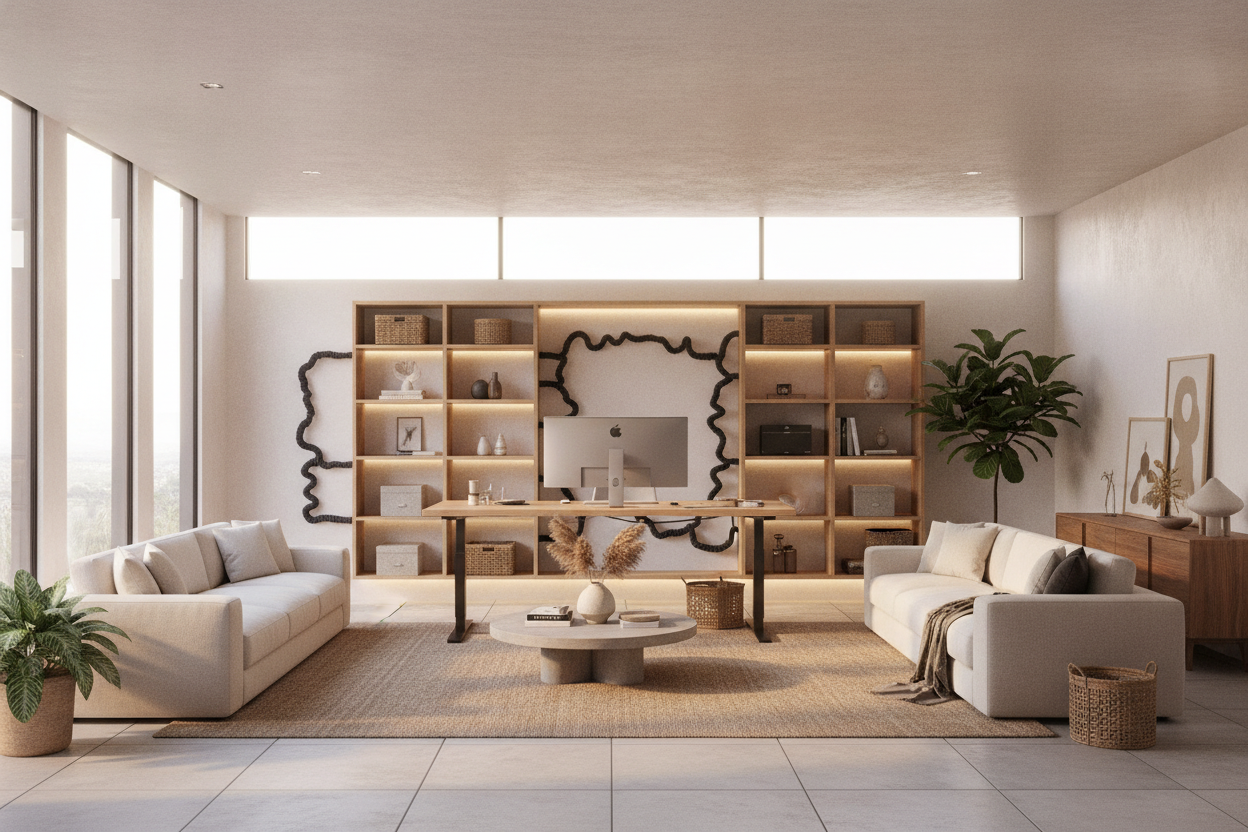
With all peripheral wiring consolidated under the desktop, only two cords need to travel from the moving desk to the wall: the primary surge protector power cord and an Ethernet line. Routing these travel cables through an articulated vertical cable spine or flexible braided sleeve keeps them gathered neatly. Always ensure sufficient slack when the desk is raised to its highest setting so cables move freely without tension.
Storage Planning: Coordinating Cabinets and Drawers
Motorized standing desks prioritize mobility and open legroom, meaning built-in under-desk storage must be carefully planned to prevent collisions during downward travel. Pairing your standing desk with modular, detached storage creates a functional workspace that stays organized.
Mobile Pedestals and Height Clearances
Low-profile rolling filing cabinets and mobile drawer units fit neatly under the outer edge of a 63-inch desk. Before placing storage underneath, measure your preferred lowest seated height to ensure the underside of the desktop frame clears the top of the mobile cabinet with room to spare.
Flanking Storage and Surrounding Furniture
To preserve maximum under-desk legroom, position primary storage elements adjacent to the standing desk. Low credenzas, modular bookcases, and lateral file cabinets provide ample capacity for office supplies, printers, and reference materials. Discovering coordinated designer ideas for standing desk layouts can help you integrate matching wood tones, metallic hardware, and complementary drawer units across your entire room.
Material Selection and Surface Care
The durability and daily tactile comfort of a 63-inch desktop depend heavily on surface construction and edge finishing.
- Engineered Wood Tops: High-density fiberboard with scratch-resistant laminate surfaces offers consistent structural rigidity, easy cleaning, and reliable moisture resistance across wide dimensions.
- Solid Wood Tops: Natural hardwood slabs provide rich grain character and warm aesthetics, though they require periodic oiling and stable indoor humidity to prevent subtle movement over time.
- Edge Profiles: Desktops with gently beveled or rounded front edges provide softer contact for forearms and wrists during long typing sessions compared to sharp, square edges.
Daily maintenance remains straightforward: wipe laminate surfaces with a soft microfiber cloth lightly dampened with mild soapy water. Avoid harsh abrasive cleaners or ammonia-based solutions, and use desk pads beneath mice and keyboards to shield the main contact area from surface wear.
Step-by-Step Selection Framework
Before selecting a 63 inch standing desk for your home office, review this practical planning checklist:
- Measure Available Space: Verify wall width, door clearance, and vertical travel paths around lighting fixtures and window treatments.
- Map Power Connections: Confirm the distance to wall outlets to plan cord routing and surge protector positioning.
- Audit Hardware Weight: List all intended screens, mounts, audio gear, and computers to match your frame lifting capacity.
- Determine Storage Balance: Decide between mobile under-desk pedestals, flanking side credenzas, or wall shelving.
- Assess Workstation Scope: If your workflow demands extensive built-in file drawers and enclosed display storage, an extra-wide executive desk with glass storage cabinets might better suit a dedicated corporate suite.
By thoughtfully planning your surface zones, structural frame, cable paths, and surrounding storage, a 63 inch standing desk delivers the ideal blend of expansive work area and everyday ergonomic adaptability.

Leave a comment
This site is protected by hCaptcha and the hCaptcha Privacy Policy and Terms of Service apply.