










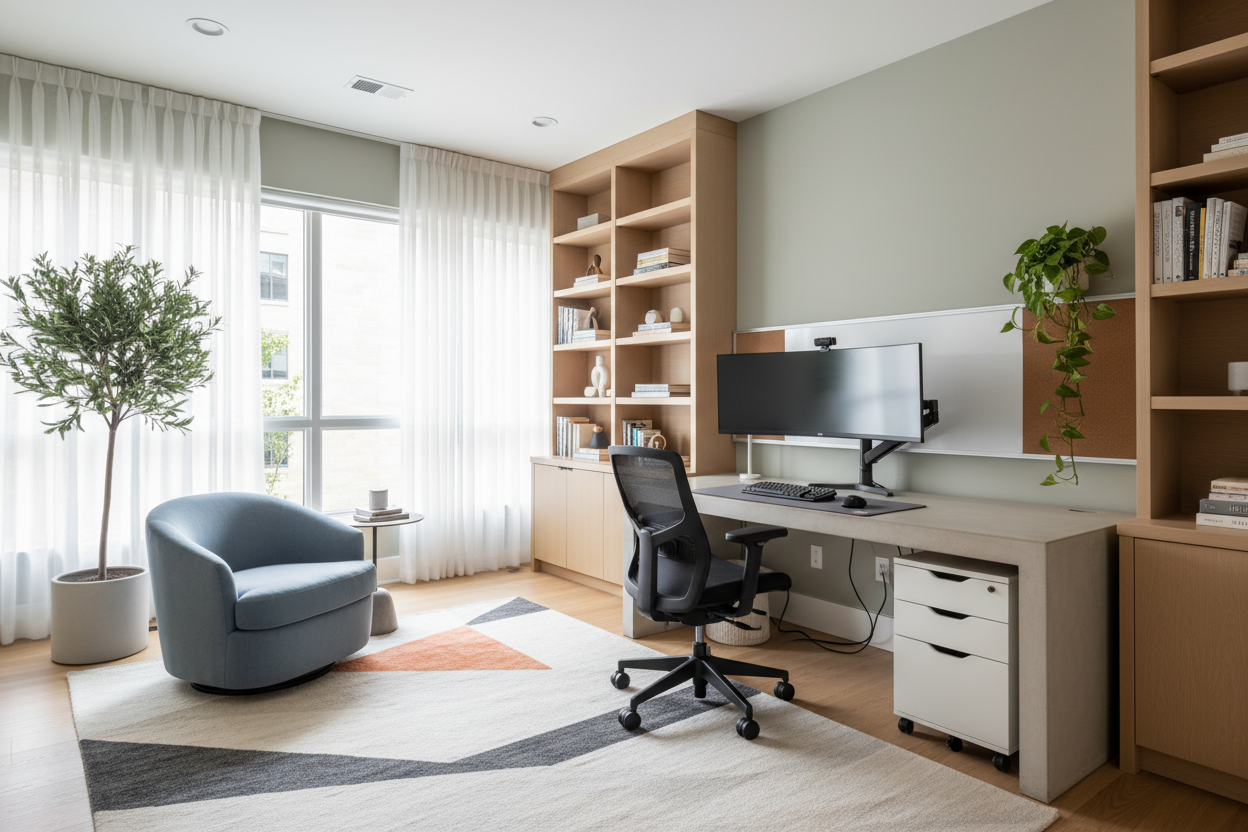
One of the most frequent complaints I hear from clients isn't that their workspace is too small, but that it feels chaotic. You might have the most expensive ergonomic chair and a beautiful mahogany desk, but if the spatial planning is off, the room will never feel right. Finding the best layout for home office productivity is about balancing flow, light, and psychology. It is less about filling a room with furniture and more about curating the negative space to allow for clear thinking.
Key Principles for an Optimal Layout
- Light Orientation: Position your desk perpendicular to windows to reduce glare while maximizing natural illumination.
- The Command Position: Face the entrance of the room to establish a sense of security and authority; avoid facing a wall if possible.
- Traffic Flow: Maintain at least 36 to 48 inches of clearance behind your chair for comfortable movement.
- Zoning: Distinctly separate your "active" work zone from your "passive" reference or reading areas.
Establishing the Focal Point and Flow
When we look at office layout home scenarios, the desk is invariably the anchor. However, a common error is shoving this anchor into a corner to "save space." In high-end design, we prioritize the "Command Position." This means floating the desk in the room so your back is to a solid wall and you have a clear view of the door. This layout reduces subconscious anxiety and creates a sophisticated, executive silhouette.
If you lack the square footage to float the desk, ensure your sightlines are clear. If you must face a wall, mount art or a mood board above the monitor so your eyes have a place to rest that isn't blank drywall. This visual relief is crucial for reducing optical fatigue.
Materiality and Spatial Perception
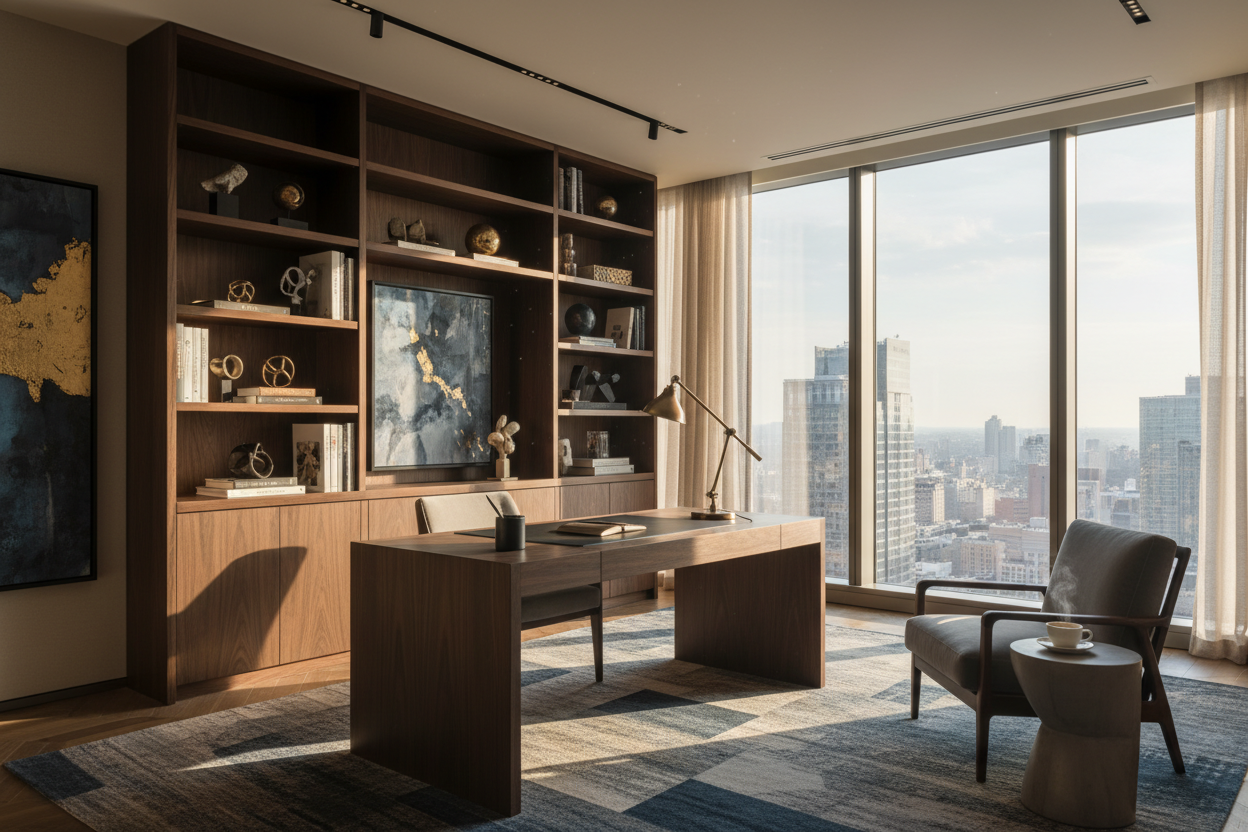
The materials you choose dictate how heavy or light the layout feels. If you are working with a compact footprint, a glass or acrylic desk can make the room feel larger because it doesn't interrupt the visual continuity of the floor. However, for a design home office space layout meant to convey permanence and warmth, I often recommend solid walnut or white oak. Note that dark, matte finishes absorb light, making a large room feel cozier, while high-gloss lacquers reflect light, adding energy to the space.
Ergonomics Meets Aesthetics
Layout is also about reach. An L-shaped configuration is often the most practical for heavy workflows because it keeps everything within the "primary reach zone" (the radius of your arms). When planning cabinetry, I always advise clients to build vertically. Floor-to-ceiling built-ins draw the eye upward, making the ceiling feel higher while keeping the floor plan uncluttered.
Lighting: The Invisible Architecture
Your layout must account for lighting layers. Ambient light (overhead) is rarely enough. Your task lighting (desk lamp) should be placed on the opposite side of your dominant hand to prevent shadows while writing. Furthermore, if your layout involves video conferencing, ensure you have soft, diffused light hitting your face from the front—never backlit by a window, which turns you into a silhouette.
My Personal Take on Best Layout for Home Office
I learned a hard lesson about layout on a project in a pre-war apartment in Chicago. The client wanted a "floating" desk layout in the center of the room to enjoy the lake view. It looked stunning on the floor plan. However, once we installed it, we realized the practical nightmare of cable management. The desk they fell in love with had an open back and no grommets.
Every single cord from the monitor and lamp draped down the back, visible from the doorway. It looked messy and ruined the luxury aesthetic. I had to commission a custom leather "modesty panel" to hide the wires and run a floor-cord cover under the rug. Now, I never plan a floating layout without first checking the underside of the desk and the location of the floor outlets. If you want to float your furniture, you have to plan for the wires, or the layout will fail functionally.
Conclusion
Ultimately, the right arrangement transforms a spare room into a sanctuary of focus. By respecting sightlines, prioritizing light, and ensuring smooth circulation, you create a space that supports your workflow rather than hindering it. Measure twice, consider your daily movements, and don't be afraid to pull furniture away from the walls.
Frequently Asked Questions
How much space do I need behind my desk chair?
For a truly comfortable home office layout design ideas, aim for a minimum of 42 to 48 inches. This allows you to slide back, swivel, and stand up without hitting a bookshelf or wall behind you.
Should my desk face the window?
Ideally, no. Facing a window directly can cause eye strain due to the contrast between the bright outdoors and your screen. Placing the desk perpendicular to the window offers the best balance of view and light control.
What is the best layout for a shared home office?
For two people, a T-shaped desk arrangement often works best, allowing both users to face into the room while sharing a central workspace. Alternatively, placing desks on opposite walls creates distinct zones for privacy and acoustic separation.

Leave a comment
This site is protected by hCaptcha and the hCaptcha Privacy Policy and Terms of Service apply.