


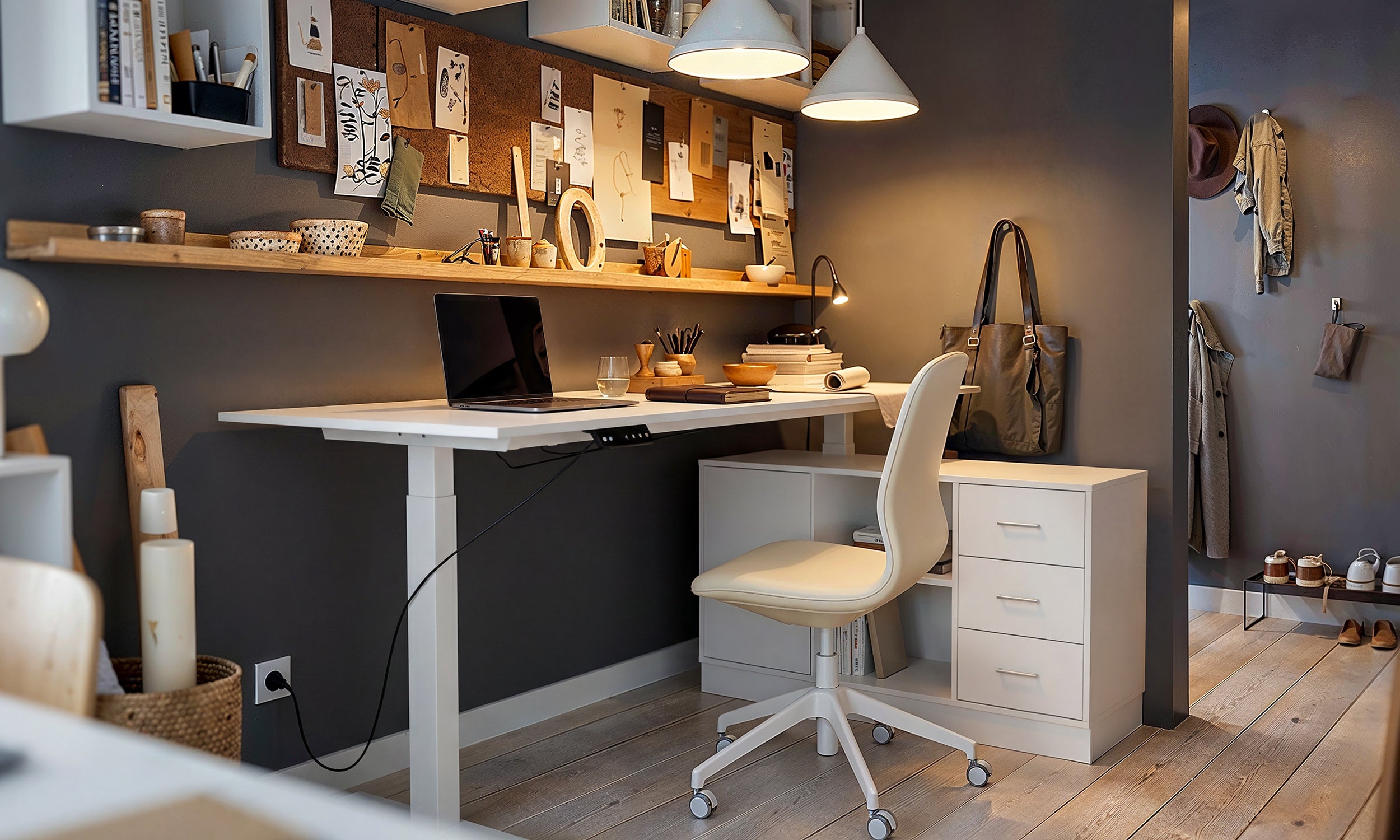
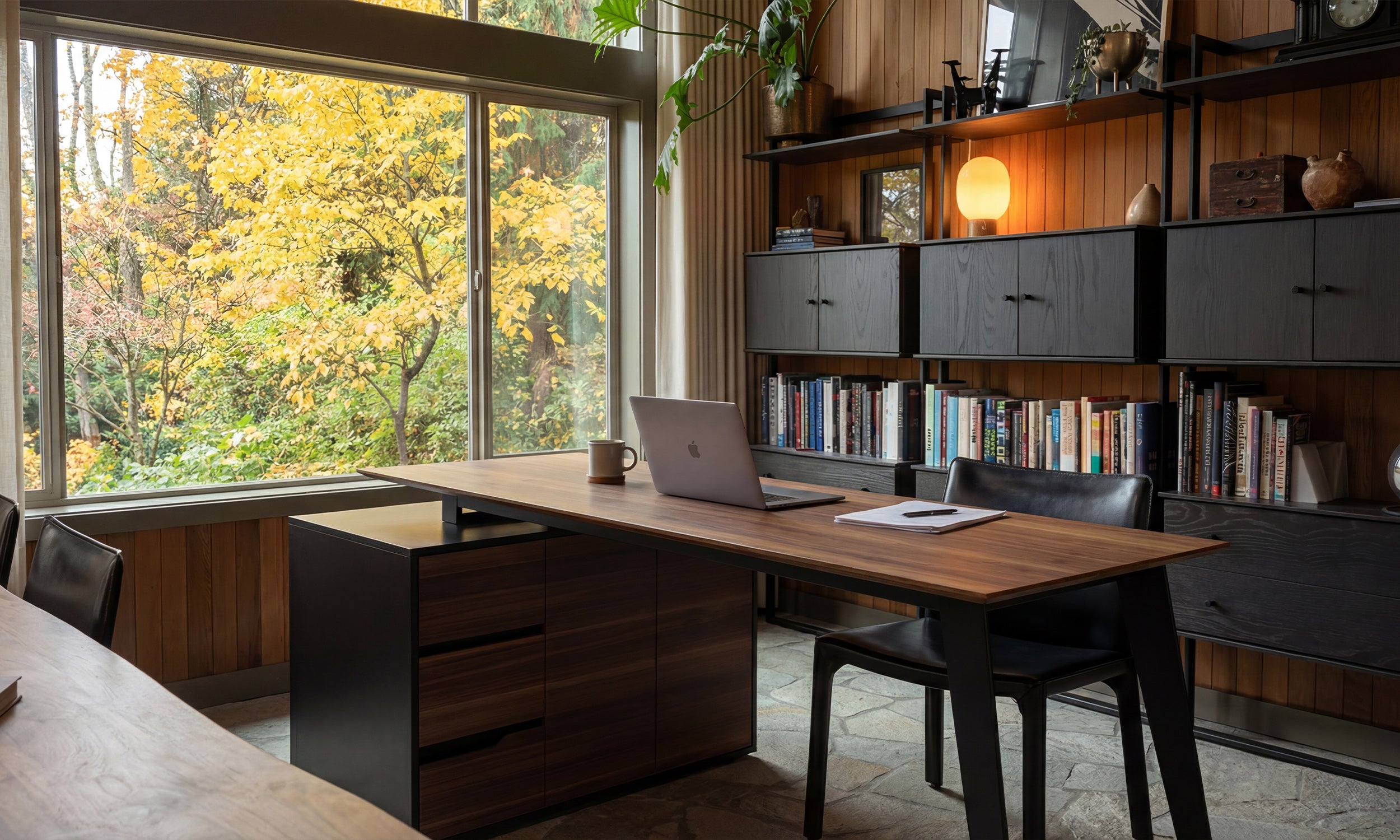



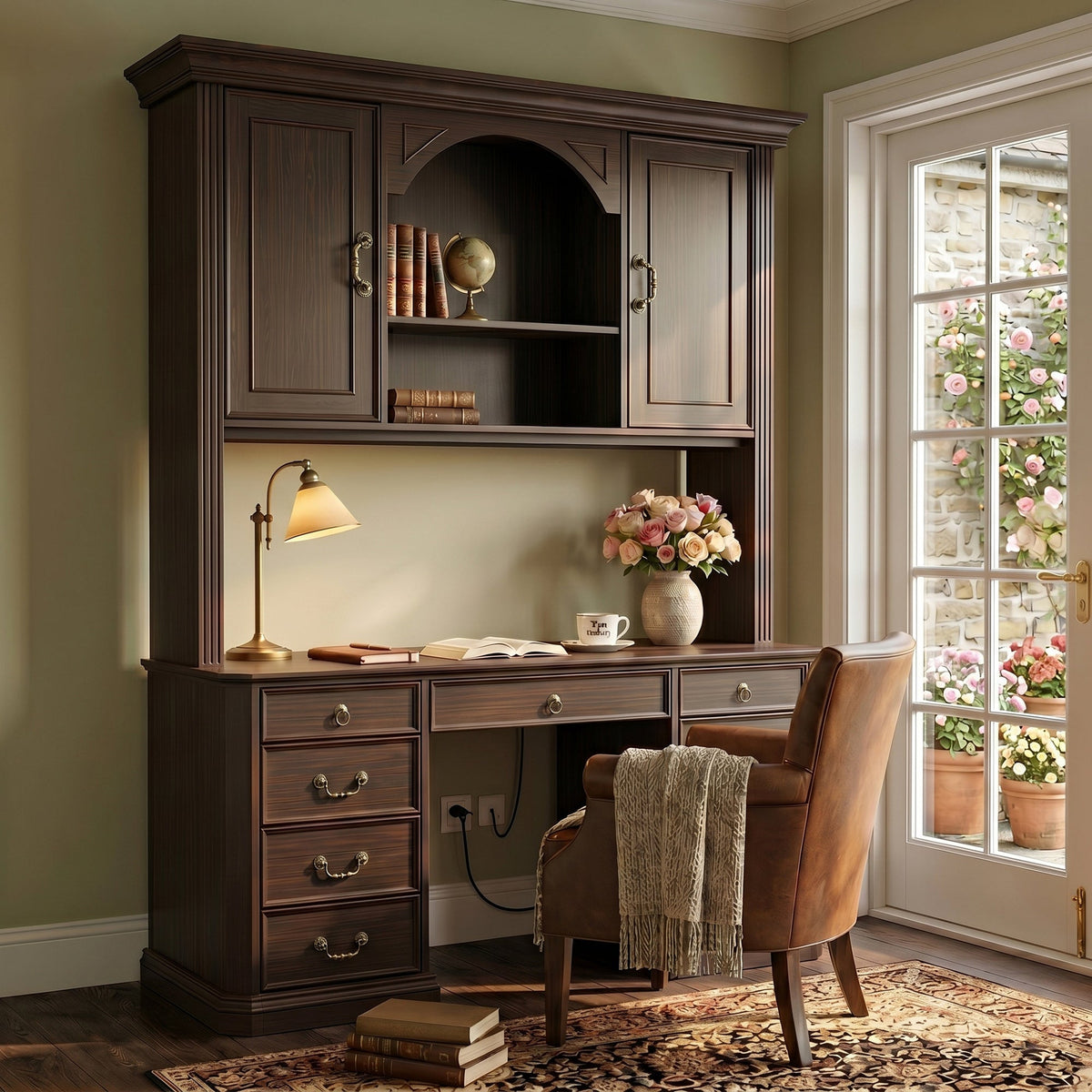
A desk with a hutch is a desk with a shelving unit built on top of it, so books, files and supplies sit above the work surface instead of beside it. Before you buy one, check four things: the clear height between the desktop and the first hutch shelf (it has to fit your monitor on its stand with the top of the screen at or slightly below eye level), the desk depth, the total height against your ceiling, and how the unit will be anchored to the wall.
This guide shows how to measure each, then covers lighting, cables, small rooms and desks for kids and teens. It ends with picks from the FUFU&GAGA writing and computer desk collection: one desk with a full hutch, and one clearly labeled alternative for rooms where a tall unit will not work.
Key takeaways
- Clearance first: measure your monitor on its stand and compare it with the gap under the hutch shelf. Our hutch pick's drawing shows 19.5 inches.
- Eye line: OSHA puts the top of the screen at or slightly below eye level, 20 to 40 inches from your eyes.
- Height: a full hutch desk can stand over 82 inches tall, so check the ceiling and anything on that wall.
- Anchor and light it: fix the hutch to a stud, and plan a task light, because the shelf shades the desktop.
What is a desk with a hutch?
A hutch is the upper storage section: shelves, cubbies or small cabinets that sit on the back of the desk on two or more uprights. The space between the desktop and the lowest hutch shelf is the open work area where the monitor or laptop goes. Shoppers looking for a desk with shelves above usually compare four setups:
| Setup | Where the storage goes | Main trade-off |
|---|---|---|
| Desk with attached hutch | Above the desk, on uprights | Fixed clearance under the shelf; tall, needs anchoring |
| Desk with bookcase top | A full bookcase or cabinet section above | Most storage per square foot of floor; heaviest |
| Desk plus wall shelves | Shelves screwed to the wall | You choose the height; needs fixings that hold the load |
| L-shaped desk with side shelves | Beside or under the desk | Nothing overhead; takes more floor |
If you would rather plan the wall behind a plain desk, our post on what designers put on the desk wall covers shelves, boards and lighting.
How much clearance does a monitor need under a hutch?
There is no single standard gap. What matters is your own monitor on its own stand, set where your eyes need it:
- OSHA's monitor guidance says the top of the monitor should be at or slightly below eye level, with the center of the screen normally 15 to 20 degrees below horizontal eye level. Bifocal users may need it lower still.
- Cornell University's computer workstation ergonomics guidelines say your eyes should line up with a point about 2 to 3 inches below the top of the monitor casing.
Both put the top edge of the screen near eye level, not well above it. A hutch only causes trouble when the shelf stops the monitor going as high as your eyes need. To check:
- Sit in your chair at your normal height and measure from the floor to your eyes.
- Subtract the desk height (from the listing or its drawing). That is roughly how high above the desktop the top of your screen should be.
- Measure your monitor on its stand, from the base to the top of the casing, at the height you use it.
- Compare both numbers with the hutch clearance, leaving room to tilt the screen and reach the cables behind it.
A worked example: Cornell lists 28 to 30 inches as a work-surface height that suits most adults. Under a 19.5-inch hutch clearance, the bottom of the shelf would sit 28 + 19.5 = 47.5 to 30 + 19.5 = 49.5 inches above the floor. A monitor 17 inches tall on its stand would leave 19.5 - 17 = 2.5 inches above it. If your eye height above the desk is more than the clearance, the screen will sit below your eye line under that shelf, which suits bifocal wearers but not someone who wants the screen higher. A monitor arm cannot fix that either: under a hutch, the shelf is the ceiling.

How deep should a desk with a hutch be?
Depth decides how far the screen can sit from your eyes. OSHA's monitor page gives a preferred viewing distance of 20 to 40 inches, and its desk guidance repeats the minimum of 20 inches.
The hutch's back sits against the wall, so the monitor cannot go farther back than the desk is deep. On a 21.1-inch-deep desk, the screen is at most about 21 inches behind the front edge, less the depth of its stand, and your eyes sit some way behind that edge. Measure it seated. If you prefer a large screen farther away, a deeper desk without a hutch gives more room.
Compare the hutch depth with the desk depth too. On our hutch pick the drawing shows a hutch 14.2 inches deep on a 21.1-inch desk, so 21.1 - 14.2 = 6.9 inches of desktop sits in front of the hutch face with nothing above it, where your forearms and keyboard go.
Underneath, OSHA says leg clearance should generally be 20 to 28 inches high and stay free of files, computer towers, books and storage. Pedestal drawers are fine; a printer pushed into the kneehole is not.
How tall is a desk with a hutch, and will it fit the room?
A full hutch desk is a wall piece. Our hutch pick stands 82.7 inches tall, so under an 8-foot ceiling (8 x 12 = 96 inches) it leaves 96 - 82.7 = 13.3 inches above the top. Before you order, check that wall for:
- windows, wall lights, thermostats, switches and vents the hutch would cover;
- a sloped ceiling, beam or soffit lower than the rest of the room;
- a stud you can reach for the anchoring strap, and an outlet you can still reach.
Plan the assembly too. If the hutch is put together lying on the floor and then stood up, you need floor space longer than the unit's height, room to tilt it upright under the ceiling, and a second person. Our flat-pack assembly guide covers the rest.
How do you anchor a desk with a hutch to the wall?
A hutch puts weight up high, and an open drawer or a child climbing a shelf moves the balance forward. The CPSC's Anchor It! campaign is plain about it: anchoring all furniture with drawers, doors and shelves to the wall prevents tip-over injuries and deaths. A desk with a hutch has all three.
The Anchor It! guide to installing an anchoring kit says that in modern homes studs are spaced 16 or 24 inches apart and run from floor to ceiling. Find one with a stud finder, mark its middle, screw the bracket into it and connect the strap to the bracket on the furniture; you may need to shift the furniture to line up with the stud. Fix the furniture bracket to the hutch's top or upper rail rather than a thin back panel, and tug the strap to check it. Our guide to anchoring a bookcase to the wall applies to a hutch the same way.
Lighting under a hutch
The shelf above the desk blocks overhead light, so the work area under a hutch is darker than an open desk in the same room. OSHA's workstation environment page recommends task lighting for reading and writing, shades or glare shields that keep light out of your line of sight, task lights placed so they do not reflect on the screen, and bright windows at right angles to the screen.
- Built-in lights: check what they light. A strip under the shelf lights the desktop; lights inside cabinets light the display.
- A low desk lamp: a shaded lamp beside the monitor keeps light on papers and off the screen. Check its height against the clearance.
- Window position: put the hutch on a wall at right angles to the window, not facing it.
Cable routing on a hutch desk
A hutch desk sits tight against the wall, so plan cables before the hutch goes on. Find the outlet first: a finished back panel can cover a low outlet, so check whether plugs will clear it. Count the plugs (monitor, computer, lamp, charger and the hutch's own lights if they plug in), mount a power strip on the side of a pedestal away from your knees, run cables up the back corner of the hutch opening, and leave enough slack to pull the desk out a few inches for cleaning.
Is a desk with a hutch good for a small room?
Often, yes, because a hutch adds storage upward instead of outward. Our hutch pick takes 62.2 x 21.1 inches of floor and holds a bookcase, cabinets and nine drawers in that footprint. Our L-shaped alternative needs 55.1 x 41.3 inches. In a narrow bedroom or small office, desk depth plus room to pull the chair back usually matters more than width.
The trade-off is visual weight: an 82.7-inch unit fills a wall. For layouts and walkway clearances, see our guide to small bedroom desk layouts.
Desks with hutches for kids and teens
A hutch desk keeps books, art supplies and school files in one place, which is why it is common in a child's room. Three things matter more here:
- Anchor on day one. Children can pull drawers open and climb on shelves. Anchor the desk before the shelves are loaded.
- Heavy things low. Textbooks and binders go in the pedestals or lower shelves; keep the top of the hutch for light items.
- Fit the child to the desk. Cornell's 28 to 30 inch work surface is for most adults, so a younger child usually needs a raised chair and a footrest, with the screen checked against the child's seated eye height.
A teen who games or edits on a large monitor should check the clearance carefully, because a big screen on a tall stand is the most likely to hit the shelf.
Buying checklist
- Hutch clearance: your monitor on its stand plus a couple of inches for tilting and cables.
- Opening width: the space between the hutch uprights, against your monitors side by side.
- Desk height: listed or on the drawing; compare with your seated elbow and eye heights.
- Depth: enough to keep the screen at least 20 inches from your eyes (OSHA).
- Total height: under your ceiling, with room to stand the hutch up during assembly.
- Kneehole: clear leg space, generally 20 to 28 inches high (OSHA).
- Anchoring: hardware included or bought separately, and a stud within reach.
- Light and power: a task light and an outlet you can reach.
Our picks
The first pick is a desk with a full hutch above the work surface. The second has no hutch: it is an L-shaped desk with side shelves, included as an alternative for rooms where a tall piece will not fit or cannot be anchored.

62.2" Traditional Writing Desk with Bookcase, 9 Drawers and 3-Color LED Lighting
A classic desk and hutch in one piece: a bookcase section with adjustable shelves and cabinets above a 59.1-inch-wide desktop, with nine drawers below. Overall it is 82.7" H x 62.2" W x 21.1" D, weighs 324.94 lb and has a listed weight capacity of 200 lb. The listing's dimension drawing shows 19.5 inches of clear height between the desktop and the hutch, an opening 52.8 inches wide and a hutch 14.2 inches deep.
The plug-in LED lighting switches between warm, natural and cool white. The drawers have safety stops, the back is finished, and the listing says wall anchoring hardware comes in the box. It comes in brown or natural.
Best for: a study, home office or teen room where one piece should hold the books, files and computer, with a monitor that fits under 19.5 inches.
Skip it if: you need a stated desktop height (the listing gives none), you want a white desk, your monitor on its stand is taller than the clearance, or the wall has a window, low ceiling or no reachable stud.
Alternative without a hutch: 55.1" Modern White/Black L-Shaped Corner Desk with Shelves & Drawers
This is not a hutch desk: its shelves and three drawers are in a side unit beside and under the desktop, with nothing above the work surface. It is 29.5" H x 55.1" W x 41.3" D as an L, with a 55.1" x 23.6" desktop, a 150 lb weight capacity on top and 10 lb per drawer, and it weighs 105 lb. It comes in walnut, white, wood, dark gray or black.
With nothing over the desk, a monitor of any height fits, and the 23.6-inch-deep top gives more room to push the screen back than our hutch pick.
Best for: a corner, a wall under a window, or a room where you cannot anchor a tall unit, when you want storage within reach but not overhead.
Skip it if: you want shelves above the desk, you need a drawer for hanging files, or the room cannot spare 41.3 inches of depth for the L.
How the picks compare
| Desk | W x D x H | Desktop | Above the desk | Storage | Anchoring |
|---|---|---|---|---|---|
| 62.2" writing desk with bookcase | 62.2 x 21.1 x 82.7 in | 59.1 in wide | Hutch, 19.5 in clearance (drawing) | Adjustable shelves, cabinets, 9 drawers, LED | Hardware included (listing) |
| 55.1" L-shaped corner desk (alternative) | 55.1 x 41.3 x 29.5 in | 55.1 x 23.6 in | Nothing (no hutch) | Side shelves, 3 drawers | Not listed; low desk |
FAQ
What is the difference between a desk with a hutch and a desk with a bookcase?
Mostly size. A hutch is any storage unit that sits on the back of a desk; a bookcase top is a tall hutch with full shelves, and often cabinets, reaching toward the ceiling. Both leave an open area above the desktop for the monitor, so the same clearance check applies.
Can a 27-inch monitor fit under a desk hutch?
It depends on the stand, not the screen size alone. Measure the monitor on its stand from the base to the top of the casing at the height you use it, then compare with the hutch clearance. Our hutch pick's drawing shows 19.5 inches, so a monitor shorter than that on its stand fits.
Does a desk with a hutch need to be anchored?
Yes. Anchor It! says to anchor all furniture with drawers, doors and shelves to the wall, and a hutch desk has all three plus weight up high. Screw the bracket into a stud, attach the strap to the hutch's upper rail and tug it to check.
How do I light a desk under a hutch?
Add task lighting, since the hutch shades the desktop. OSHA recommends shaded task lights placed so they do not reflect on the screen. Built-in lights help; a low shaded lamp beside the monitor covers the rest.
Ready to compare sizes and finishes? Browse the full writing and computer desk collection at FUFU&GAGA, and measure your monitor on its stand before you choose.


Leave a comment
This site is protected by hCaptcha and the hCaptcha Privacy Policy and Terms of Service apply.