










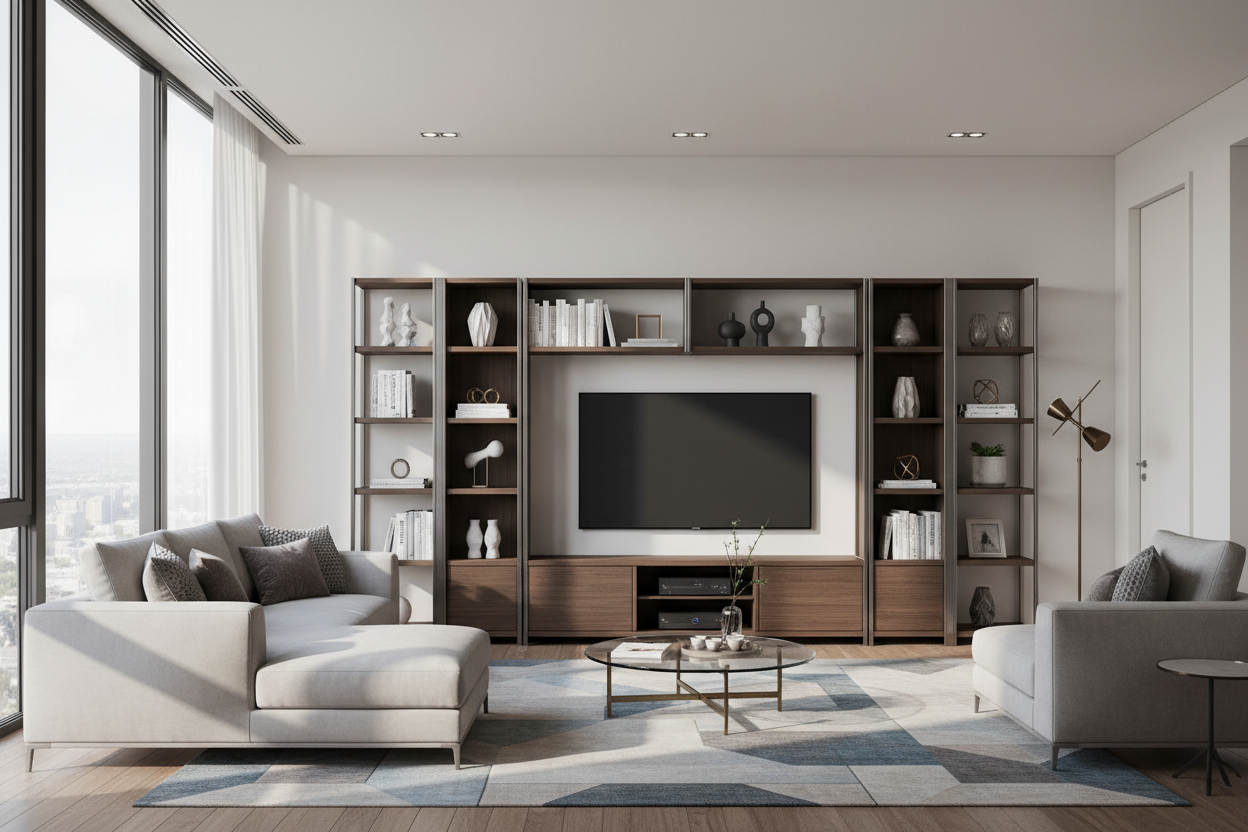
Remember that time you bought a sofa online that looked perfect in photos, but when it arrived, it looked like doll furniture in your living room? I've seen it happen with entertainment furniture units too many times. After furnishing over 200 homes, I've learned what separates a unit you'll love for years from one that becomes a daily frustration.
Quick Takeaways
- Measure your largest media component first, then add 4-6 inches clearance on all sides
- Look for rear cable management channels at least 2 inches wide
- Check ventilation: solid wood needs 2-inch back gaps, MDF needs more
- Test drawer glides - they should support at least 20 pounds without sagging
- Consider future tech: plan for at least 2 extra power outlets you're not using now
Beyond the Screen: What Makes an Entertainment Unit Truly Functional
When I'm evaluating entertainment furniture units for clients, I start with what you can't see. Cable management isn't just about hiding wires - it's about access. I look for rear channels that are at least 2 inches wide, with removable covers. That way when you need to swap an HDMI cable, you're not dismantling the entire unit.
Ventilation matters more than most people realize. Your gaming console needs airflow. Solid wood units should have at least 2-inch gaps at the back. For MDF or particle board construction, I recommend even more space - those materials trap heat differently. I once had a client whose soundbar overheated because it was wedged into a compartment with only half-inch clearance.
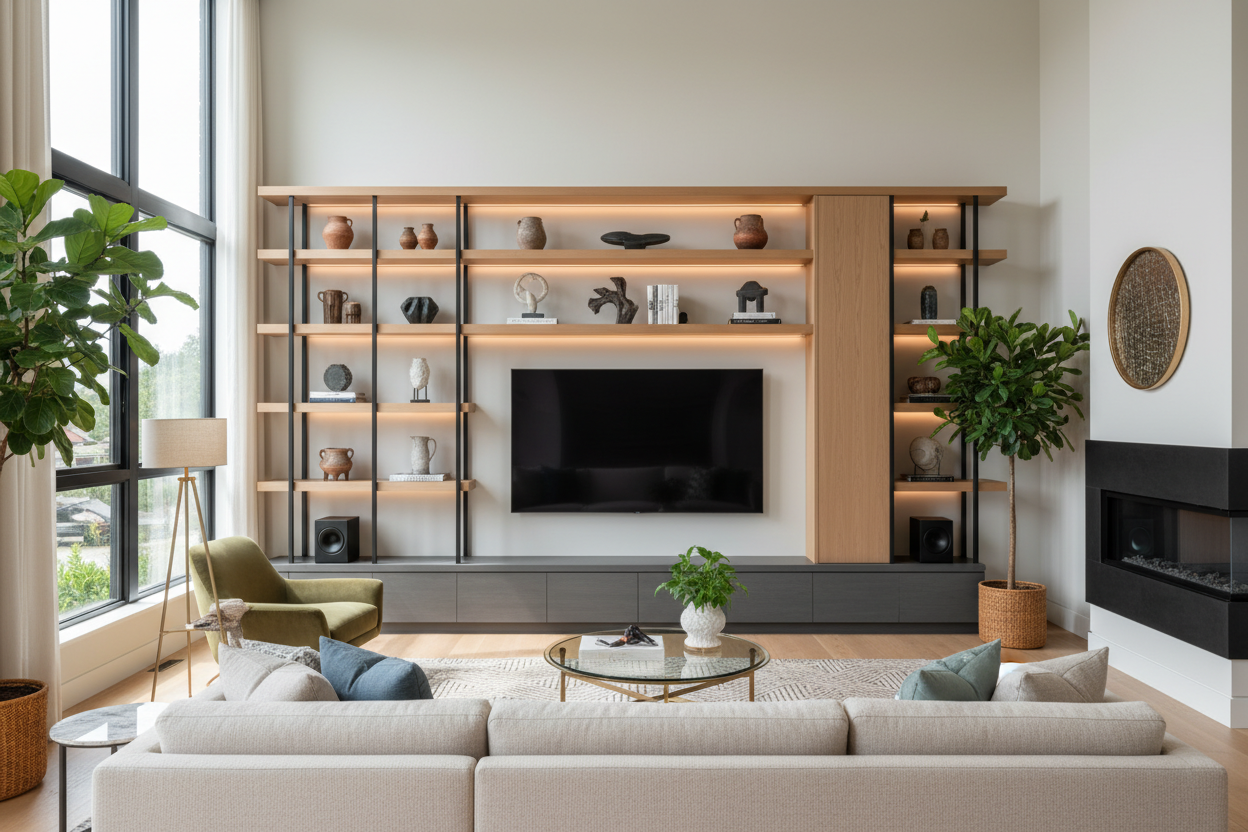
Storage should adapt to your life. Adjustable shelves are non-negotiable for me. Media components keep changing sizes - that new soundbar might be taller than your old one. Look for units where shelves can move in 1-inch increments. For comprehensive buying considerations beyond just furniture units, check out our Entertainment Centers And Wall Units A Designers Buying Guide.
The Material Truth: Durability vs. Design in Entertainment Units
Let's talk construction. Kiln-dried hardwood frames will last decades, but they're heavier and more expensive. Engineered wood with veneer finishes can look beautiful at a lower price point, but check the edge banding - poorly applied edges peel within a year.
I test every unit by opening and closing drawers 50 times. Smooth-gliding drawer systems with full-extension slides are worth the investment. For modern material applications, our Stylish Black Tv Stand Entertainment Center uses powder-coated steel legs that won't wobble like some plastic feet do.
Finish durability varies wildly. High-pressure laminate resists scratches better than most painted finishes. If you have kids or pets, look for units with rounded corners - not just for safety, but because sharp corners chip first.
Size Matters: Finding the Right Scale for Your Space
Here's my rule: measure your largest media component, then add 4-6 inches on all sides. That 65-inch TV? Its base is probably 57 inches wide. Your unit should be at least 63 inches wide to look proportional.
Don't forget depth. Modern components are slimmer, but you still need space for cable boxes, gaming consoles, and that collection of remotes. I recommend at least 18 inches of depth for most setups. For adjustable and wide unit options, our Wide Tv Stand Entertainment Stand offers flexibility for different room sizes.
Height matters too. Your TV center should be at eye level when seated. For most sofas, that's 24-30 inches from floor to top of unit. Any higher and you'll be craning your neck.
The Integration Challenge: Blending Tech with Living Spaces
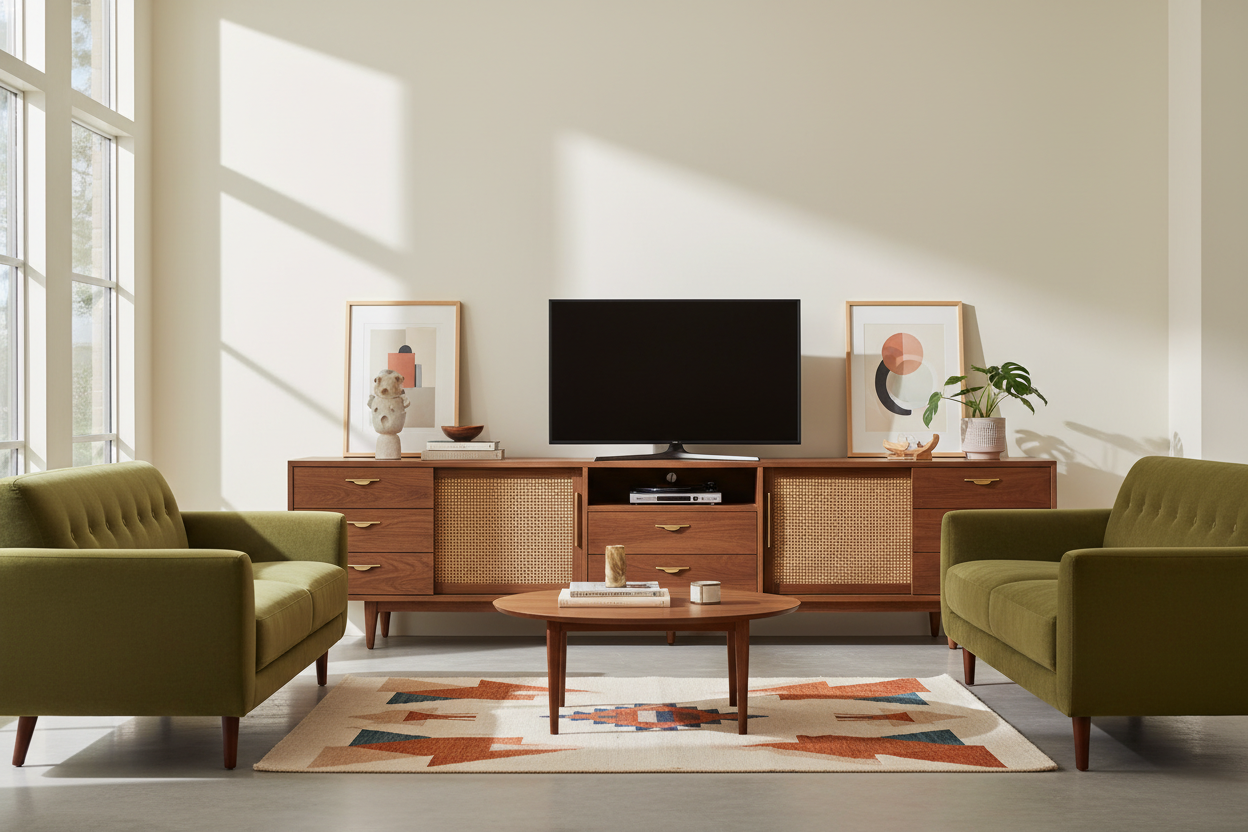
The best entertainment units disappear into your room design. I start by choosing a style that complements your existing furniture. If you have mid-century modern chairs, a rustic farmhouse unit will clash no matter how functional it is.
Color integration is subtle but important. Your unit doesn't need to match your sofa exactly, but it should share undertones. Warm wood with warm leathers, cool grays with silver accents. For space-saving integration options, consider Wall Mounted Entertainment Units that float above the floor.
Create zones within your room. Place your unit as part of a conversation area, not isolated in a technology corner. Leave at least 36 inches for walkways around the seating area. For various unit styles that help with integration, explore our Entertainment Center collection.
The Investment Perspective: When to Splurge and When to Save
Here's where I've seen clients make expensive mistakes. Splurge on the frame and drawer systems - these are the parts that get daily use. Save on decorative elements like fancy hardware or intricate carvings that date quickly.
Invest in quality casters if you need mobility. Cheap plastic wheels crack under weight and scratch floors. Good casters with rubber treads and ball bearings might cost $50 more but prevent $500 in floor repairs.
Consider your timeline. If you're in a rental or plan to move in 2-3 years, modular units make more sense than built-in systems. I helped a young couple choose a sectional unit that disassembled easily - when they bought their first house, it reconfigured perfectly for their new living room.
Personal Experience: The Unit That Taught Me Everything
Early in my career, I specified a beautiful walnut entertainment unit for a family with two toddlers. It had sharp corners, glass doors, and delicate veneer edges. Within six months, the corners were chipped, the glass had fingerprints that never came clean, and one drawer sagged from toy storage.
I learned that with family homes, rounded corners and tempered glass are essential. Drawers need reinforced bottoms - I now look for at least ½-inch thick drawer bottoms. That experience changed how I evaluate every unit since.
FAQ
How much weight should an entertainment unit support?
Look for units rated for at least 150 pounds distributed weight. Your TV might be 80 pounds, but add speakers, components, and decorative items.
Can I put a 75-inch TV on a 60-inch unit?
Technically yes if the TV base fits, but visually it will look top-heavy. The unit should be within 10% of the TV width for balance.
How do I protect my unit from speaker vibration?
Use isolation pads under speakers. For soundbars, make sure they're not touching the back panel - vibration transfers through direct contact.
What's the ideal height between unit and mounted TV?
4-8 inches typically works. Any more and they feel disconnected, any less and components overheat.

Leave a comment
This site is protected by hCaptcha and the hCaptcha Privacy Policy and Terms of Service apply.