










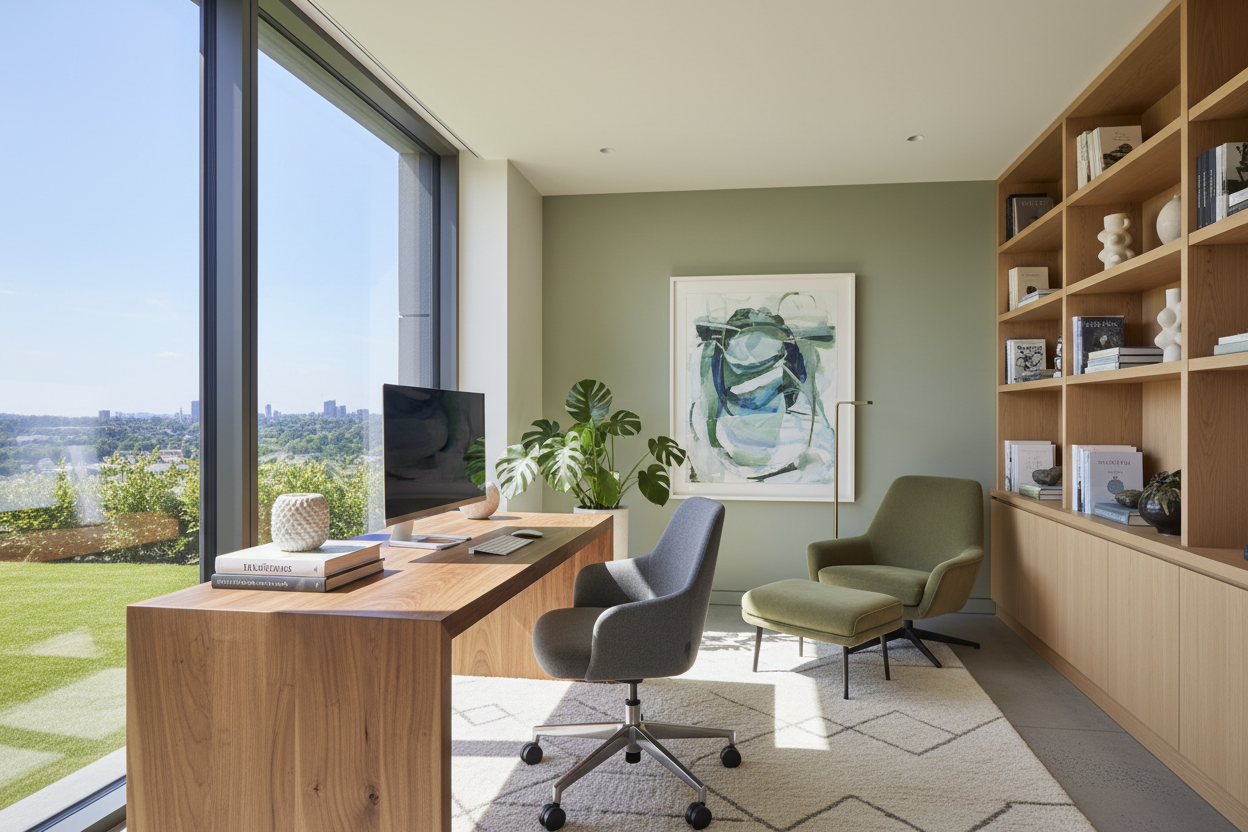
We have all been there: balancing a laptop on a dining chair, surrounded by mail, wondering why it is so hard to focus. Or perhaps you bought a beautiful, minimalist desk that looked incredible online, only to realize it lacks the storage you desperately need. Designing functional home office spaces is one of the most common challenges I tackle with my clients.
The truth is, a workspace needs to be more than just a surface for your computer. It requires a delicate balance of ergonomics, visual weight, and smart layout planning to keep you productive without feeling corporate. By the end of this guide, you will know exactly how to plan, furnish, and style a workspace that actually serves your daily routine.
Quick Decision Guide
- Float the desk if possible: Facing the center of the room or a door gives you a command position, reducing the claustrophobia of staring at a blank wall.
- Prioritize task lighting: Overhead lighting casts shadows on your work surface; always include an adjustable desk lamp for focused illumination.
- Invest in the chair, save on the desk: Your back will thank you for a highly adjustable, ergonomic chair, even if it sits behind a budget-friendly table.
- Manage visual clutter: Use closed storage for cables, printers, and paperwork to maintain a calm, distraction-free environment.
Mastering the Layout and Clearances
Space planning is the foundation of any successful room design. In North American homes, office areas often double as guest rooms or occupy awkward alcoves. The key to making these multi-purpose areas work lies in understanding proper clearances.
The Golden Rules of Desk Placement
You need a minimum of 36 inches of clearance behind your desk to comfortably push your chair back and stand up. If you are placing a bookshelf or filing cabinet behind the chair, increase that to 48 inches. Whenever I draft a floor plan for a home office example, I try to position the desk perpendicular to the main window. This provides plenty of natural light without creating harsh monitor glare.
Ergonomics That Do Not Sacrifice Style
Many homeowners fall into the trap of buying a dining chair for their desk because it matches the room aesthetic. While it might look great in home office design examples on social media, sitting in a rigid wooden chair for eight hours is a recipe for chronic back pain.
Finding the Right Proportions
A standard desk height is between 28 and 30 inches. To maintain proper posture, your chair must be adjustable so your feet rest flat on the floor and your elbows bend at a 90-degree angle. Look for chairs with a seat depth that leaves about two inches between the edge of the seat and the back of your knees. You can absolutely find upholstered, residential-looking chairs that hide commercial-grade ergonomic mechanisms inside.
Blending Work with Your Home Aesthetic
Your workspace should feel like a natural extension of your home, not a cubicle farm. This means paying attention to texture, color, and how you handle the inevitable technology.
Hiding the Tech
Nothing ruins the look of a beautifully curated room faster than a tangle of black cords. Use cable management trays mounted under the desk, and route wires down a single table leg using zip ties. When touring a model home office, you will notice that printers and routers are almost always hidden inside custom millwork or attractive woven baskets. Incorporate negative space on your shelves to display art or ceramics, balancing the heavy, functional tech items.
Lessons from My Own Projects
Early in my career, I designed a stunning mid-century modern workspace for a client in Seattle. I sourced a gorgeous, vintage walnut desk with a flawless matte finish. It looked perfect on installation day.
I learned the hard way that vintage finishes and daily coffee mugs do not mix. Within a month, the desk was covered in water rings and micro-scratches from the client metal laptop casing. I had to pay to have the piece professionally refinished and topped with a custom-cut piece of tempered glass. Now, I always specify commercial-grade sealants or high-quality engineered wood for primary work surfaces. Solid wood is beautiful, but it requires a level of daily maintenance most busy professionals simply do not have time for.
Frequently Asked Questions
How do I make a small home office work?
In tight quarters, utilize vertical space. Install floating shelves above the desk and choose furniture with a visually light silhouette, like a desk with thin metal legs rather than a solid, heavy base. This keeps the room feeling open.
What are the best colors for a workspace?
Cool tones like sage green, soft blue, and muted gray are proven to promote focus and reduce eye strain. If you prefer warmth, stick to earthy neutrals rather than high-energy colors like bright red or yellow, which can cause visual fatigue.
Is a standing desk worth the investment?
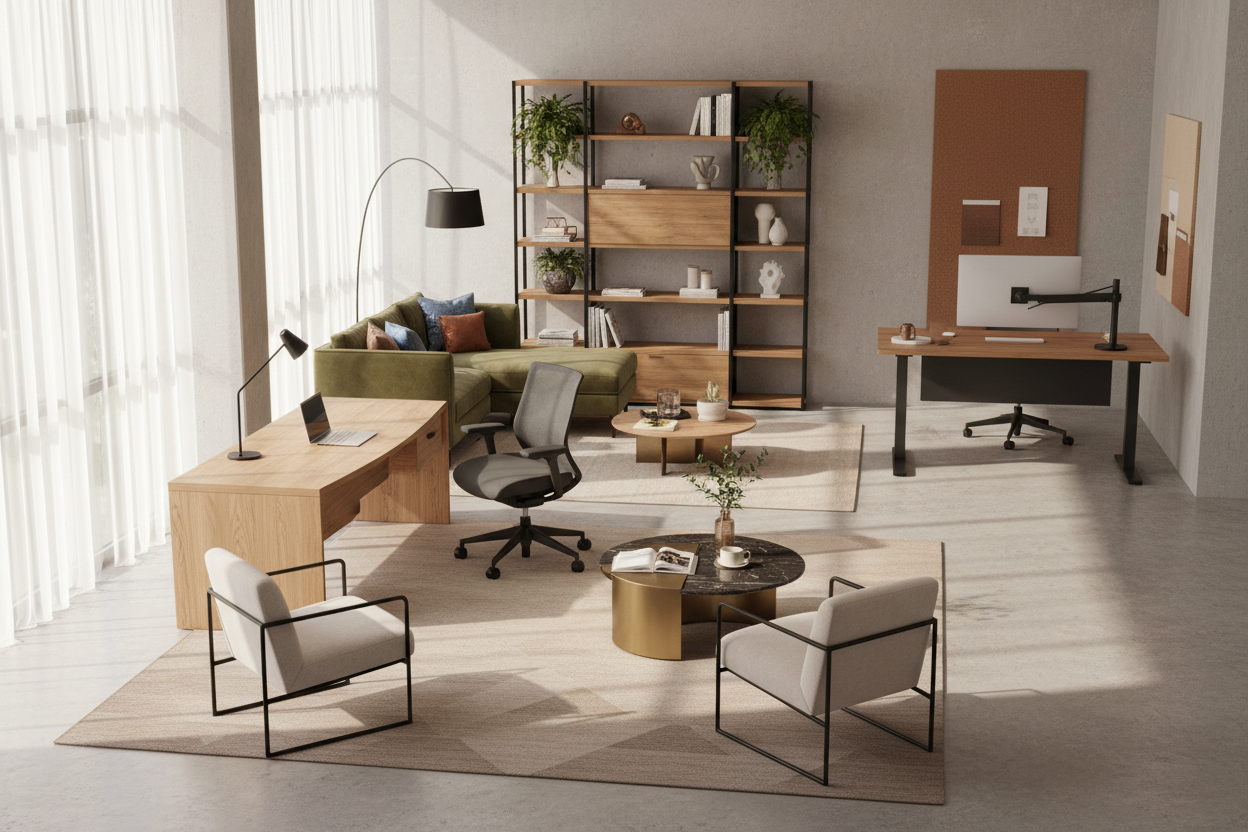
Yes, but only if you actually use the transition feature. A standing desk paired with an anti-fatigue mat is excellent for circulation and posture. However, if you plan to leave it at seated height permanently, save your money and buy a standard desk with better drawer storage.


Leave a comment
This site is protected by hCaptcha and the hCaptcha Privacy Policy and Terms of Service apply.