










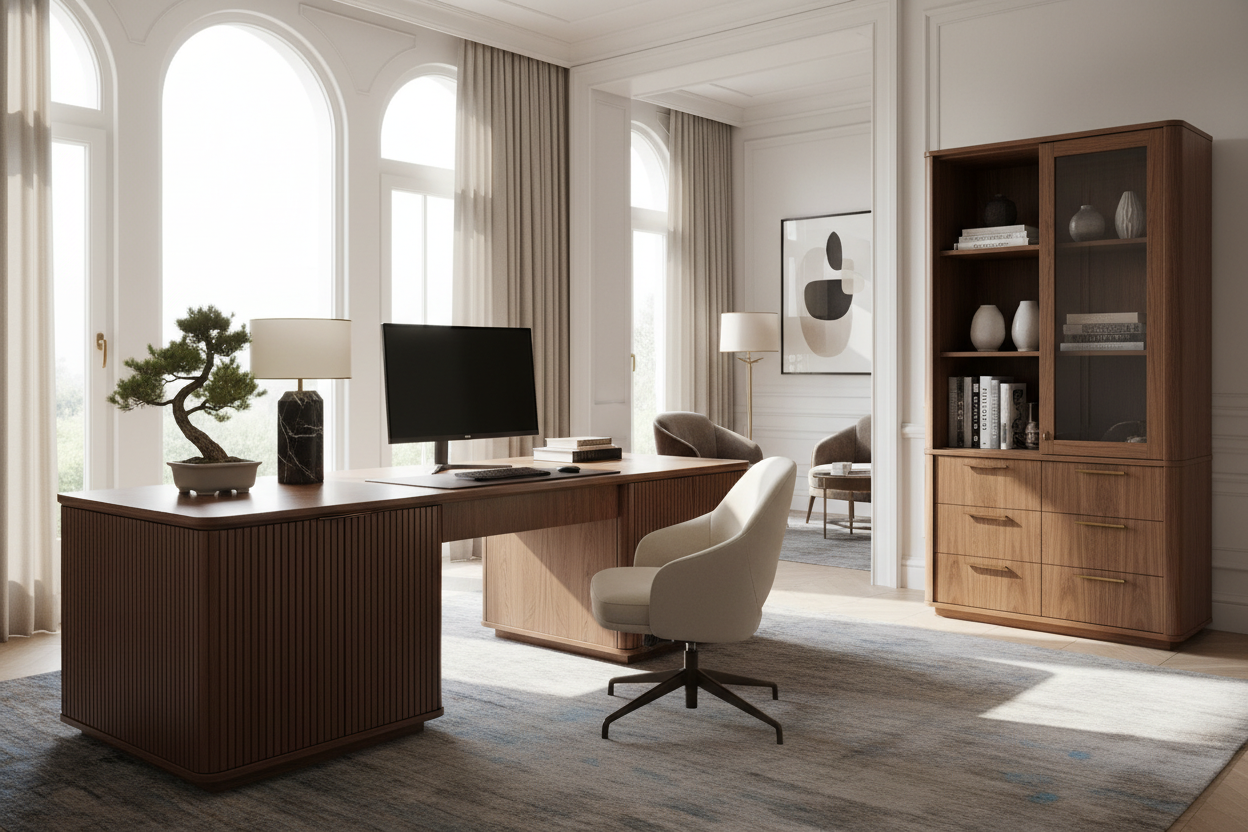
Nothing disrupts the visual flow of a curated home office quite like a bulky computer tower and a tangled nest of cables. As interior designers, we constantly battle the friction between high-performance tech and clean aesthetics. The solution isn't to get rid of the hardware, but to integrate it intentionally using a desk with cpu cabinet. This piece of furniture is the anchor of a clutter-free workspace, allowing you to maintain a sophisticated silhouette while housing the necessary machinery out of sight.
Key Features to Look For
Before committing to a purchase, review these critical specifications to ensure the piece balances form and function:
- Ventilation Strategy: Ensure the cabinet has an open back, mesh inserts, or pre-drilled grommets to prevent hardware overheating.
- Interior Dimensions: Measure your tower's height and width, adding at least 2 inches of clearance on all sides for airflow.
- Cable Management Channels: Look for integrated routing systems that keep cords invisible from the desktop to the floor.
- Material Durability: Prioritize hardwoods or high-pressure laminates that resist heat and vibration better than standard particle board.
Balancing Material and Visual Weight
When selecting a computer table cabinet, the material choice dictates the room's atmosphere. For a traditional library feel, solid oak or walnut adds gravity and warmth. However, be mindful of the "visual weight." A desk with a solid cabinet on one side can look lopsided if not balanced correctly with the rest of the room's decor.
If you are working with a smaller footprint, consider a computer table with cabinet that utilizes lighter woods like ash or a painted finish. A lighter finish reduces the imposing nature of the storage unit, making the desk feel less like a utility station and more like a deliberate design element.
The Importance of Airflow and Hardware Health
A common design failure I see in lower-end furniture is the enclosed box syndrome. Your CPU generates significant heat. A cabinet computer table must breathe. If the design you love lacks ventilation, I often recommend a simple modification: installing a quiet USB-powered exhaust fan at the rear. This protects your technology investment without compromising the desk's facade.
Space Planning and Ergonomics
Placement is just as vital as the piece itself. Because the CPU cabinet dictates where your legs can go, it locks you into a specific seating position. Ensure the knee space is sufficient—ideally 30 inches or wider—so you aren't constantly bumping into the storage unit. Furthermore, consider the approach. Do not place the cabinet side against a wall if you need frequent access to side ports on your tower. The desk should float in the room or be positioned so the cabinet door can swing open fully without obstruction.
My Personal Take on Desk with CPU Cabinet
I need to be honest about a detail that rarely makes it into the product description but will drive you crazy in real life: cable slack. In one of my earlier projects, I specified a gorgeous mahogany desk with a tight-fitting CPU enclosure. It looked stunning until the client tried to pull the tower out to plug in a USB drive.
Because we had tied the cables so tightly for wire management, the tower wouldn't budge. We had to undo the entire setup. Now, I always advise clients to leave an extra 12 to 18 inches of "service loop" in the cables tucked behind the drawer. It allows you to slide the CPU out for maintenance without disconnecting everything. Also, check the hinges. If the door doesn't open 180 degrees, you will inevitably scratch the finish when dragging a heavy tower in and out.
Conclusion
Investing in a desk with a dedicated CPU enclosure is about reclaiming your visual space. It shifts the focus from the plastic and metal of the machine to the texture and design of the furniture. By prioritizing ventilation and proper sizing, you can create a workspace that feels as good as it looks.
Frequently Asked Questions
How much space do I need behind the CPU inside the cabinet?
Ideally, you need at least 3 to 4 inches of clearance between the back of the tower and the back panel of the desk. This allows for the stiff connectors of monitor cables and ensures hot air has a place to dissipate.
Can I put a gaming PC in a standard desk cabinet?
Proceed with caution. Gaming rigs run hotter and are often larger than standard office towers. Measure carefully and ensure the cabinet has active ventilation (fans) or a completely open back structure.
Should the CPU cabinet be on the left or right?
This depends on your dominance and room layout. If you are right-handed, having the cabinet on the right often frees up left-side drawers for easy access to documents while writing. However, check your tower's window—if it has glass on the left side, you might want it on your right to see the internal components, provided the cabinet door is glass or mesh.

Leave a comment
This site is protected by hCaptcha and the hCaptcha Privacy Policy and Terms of Service apply.