










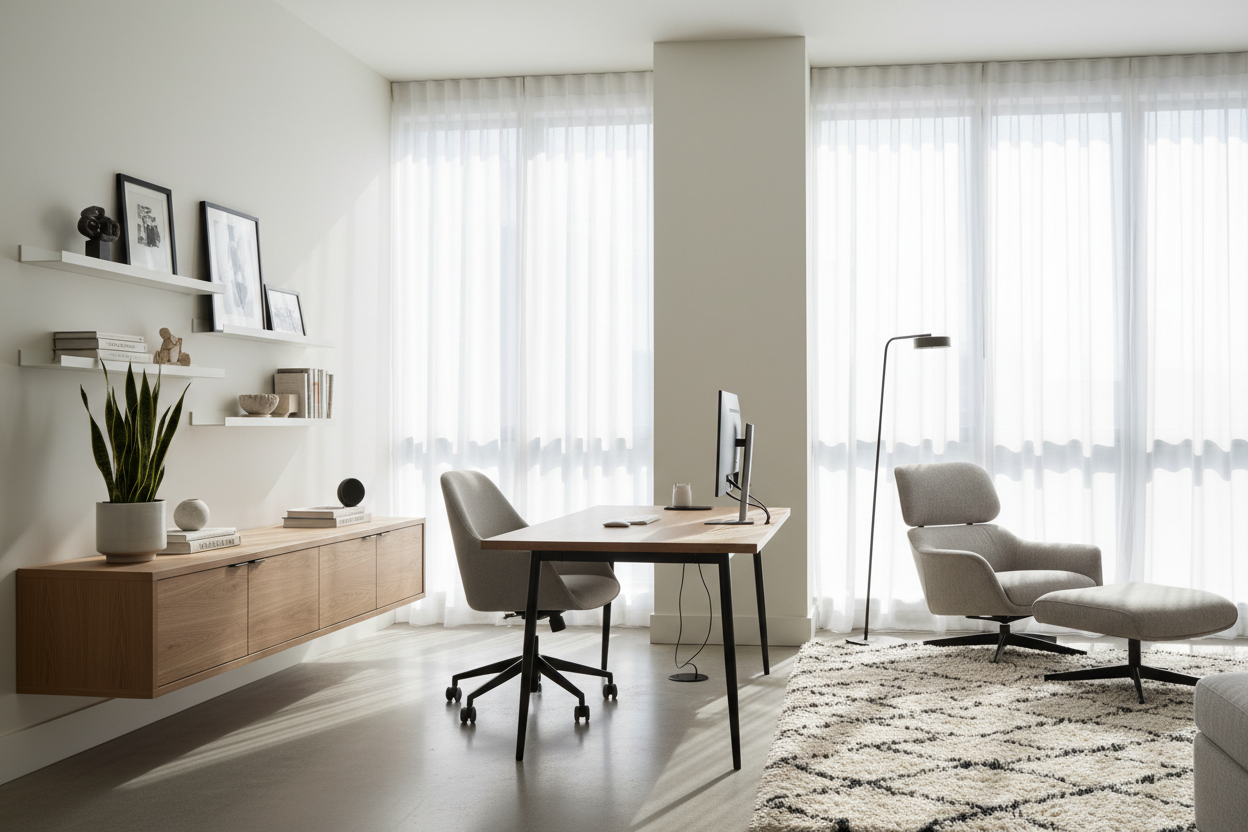
We have all been there: trying to balance a laptop on a dining table or squeezing a wobbly desk into the corner of a guest bedroom. When you are setting up a home office, it is easy to focus entirely on aesthetics and forget that this space needs to support eight hours of daily focus.
A poorly planned workspace does not just look cluttered—it physically drains you. In this guide, I will walk you through exact clearances, ergonomic non-negotiables, and layout strategies to create a workspace that actually works for your daily routine.
Quick Decision Guide
- Leave 36 inches behind your desk: This is the minimum clearance needed to comfortably push back a standard office chair without hitting a wall or bookcase.
- Float the desk if possible: Facing the door rather than staring at a blank wall makes the room feel larger and reduces visual fatigue.
- Check your desk height: Standard desks are 29 to 30 inches tall, which is often too high for anyone under 5'8" without an adjustable chair and footrest.
- Manage visual weight: Balance a heavy, solid-wood executive desk with a visually lighter chair, or pair a minimalist metal desk with a substantial upholstered seat.
Space Planning & Layout
Finding the Right Flow
When figuring out how to set up an office at home, the biggest mistake I see is immediately shoving the desk against the nearest wall. This creates a cramped feeling and often leads to terrible lighting for video calls. Instead, try the "command position"—floating the desk so you face the door with a solid wall behind you. It gives you a broader view of the room, establishes a clear focal point, and significantly reduces screen glare from nearby windows.
Clearance and Proportion
Proportion is critical in typical North American spare bedrooms, which often hover around 10 by 12 feet. If you buy a massive 72-inch executive desk, it will completely swallow the room's negative space. Always tape out the dimensions on your floor before buying. Ensure you have at least 36 inches of walkway behind the chair and 30 inches between the desk and any other furniture to maintain a comfortable traffic flow.
Comfort & Ergonomics
The Desk and Chair Relationship
Ergonomics separate a room that merely looks good in photos from one you can actually live in. When considering how to set up a home office, prioritize a highly adjustable chair over a trendy one. Your elbows should rest at a 90-degree angle when typing. If your desk is a standard 30 inches high and you are on the shorter side, you will likely need to raise your chair and add a footrest to maintain proper posture. Keep your monitor at eye level to prevent the dreaded afternoon neck ache.
Style & Coordination
Hiding the Clutter
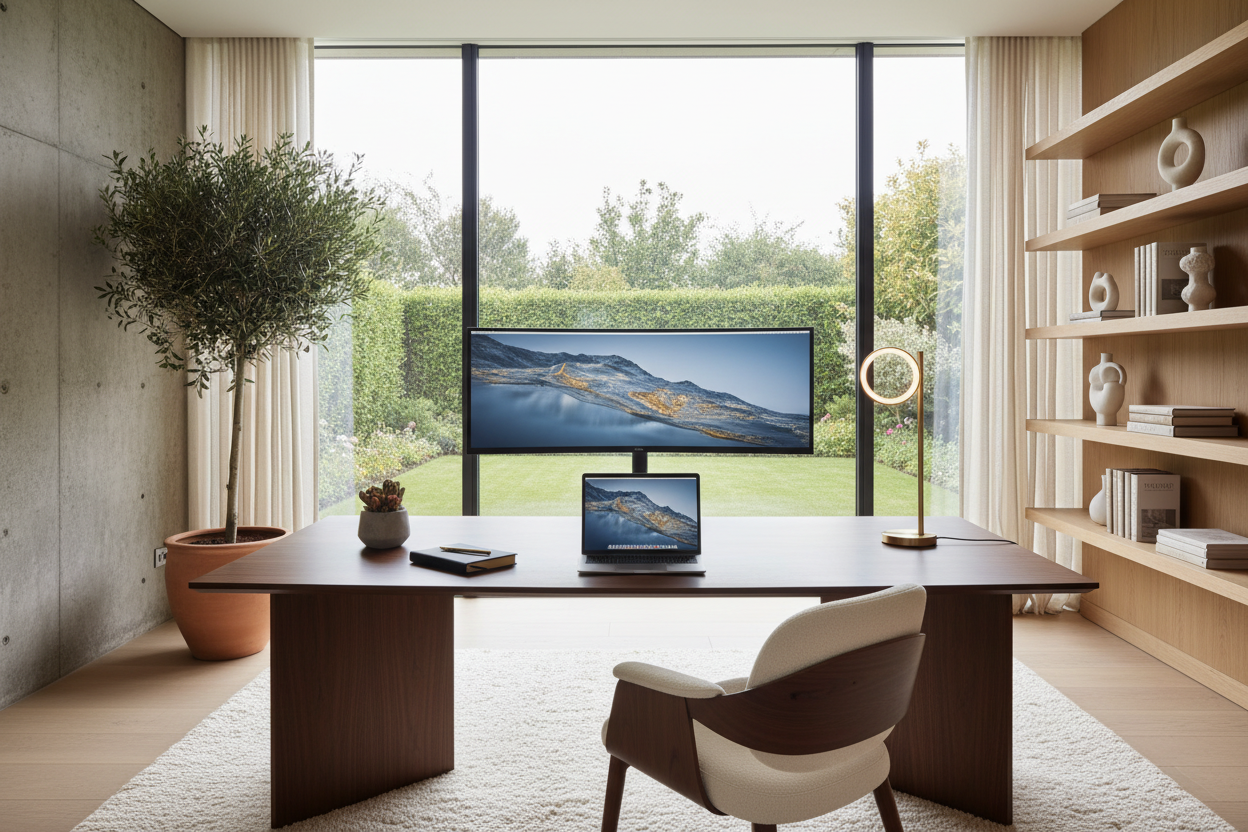
Nothing ruins the look of a beautifully curated room faster than a rat's nest of black cords. To keep the visual weight light and the aesthetic clean, opt for a desk with built-in cable management or use adhesive raceways along the back edge. If your office shares space with a guest room or living area, choose a desk silhouette that leans transitional or mid-century rather than heavily corporate. A warm walnut or white oak finish blends seamlessly with residential furniture.
Designer's Honest Take
Early in my career, I designed my own workspace around a stunning, authentic mid-century modern wooden chair. It had incredible lines and looked perfect next to my minimalist metal desk. Six months later, I was at the chiropractor. I learned the hard way that a rigid wooden seat with zero lumbar support is a recipe for disaster if you sit for more than two hours at a time.
I also bought a beautiful glass-top desk because I wanted to preserve the negative space in my small apartment. The transparency was great in theory, but every single fingerprint, speck of dust, and tangled cord was on full display. I spent more time wiping it down than actually working. Now, I always recommend solid, matte finishes for work surfaces—they hide daily wear and tear beautifully.
Frequently Asked Questions
What size desk do I need for a home office?
For a standard laptop and single monitor setup, aim for a desk that is at least 48 inches wide and 24 inches deep. If you use dual monitors or need space to review physical documents, you will want to step up to a 60-inch width.
Is it bad to have my desk facing a window?
While the view is nice, facing a window directly often causes severe eye strain due to the high contrast between the bright outdoors and your backlit screen. It is much better to position your desk perpendicular to the window.
How do I make a home office in a small living room?
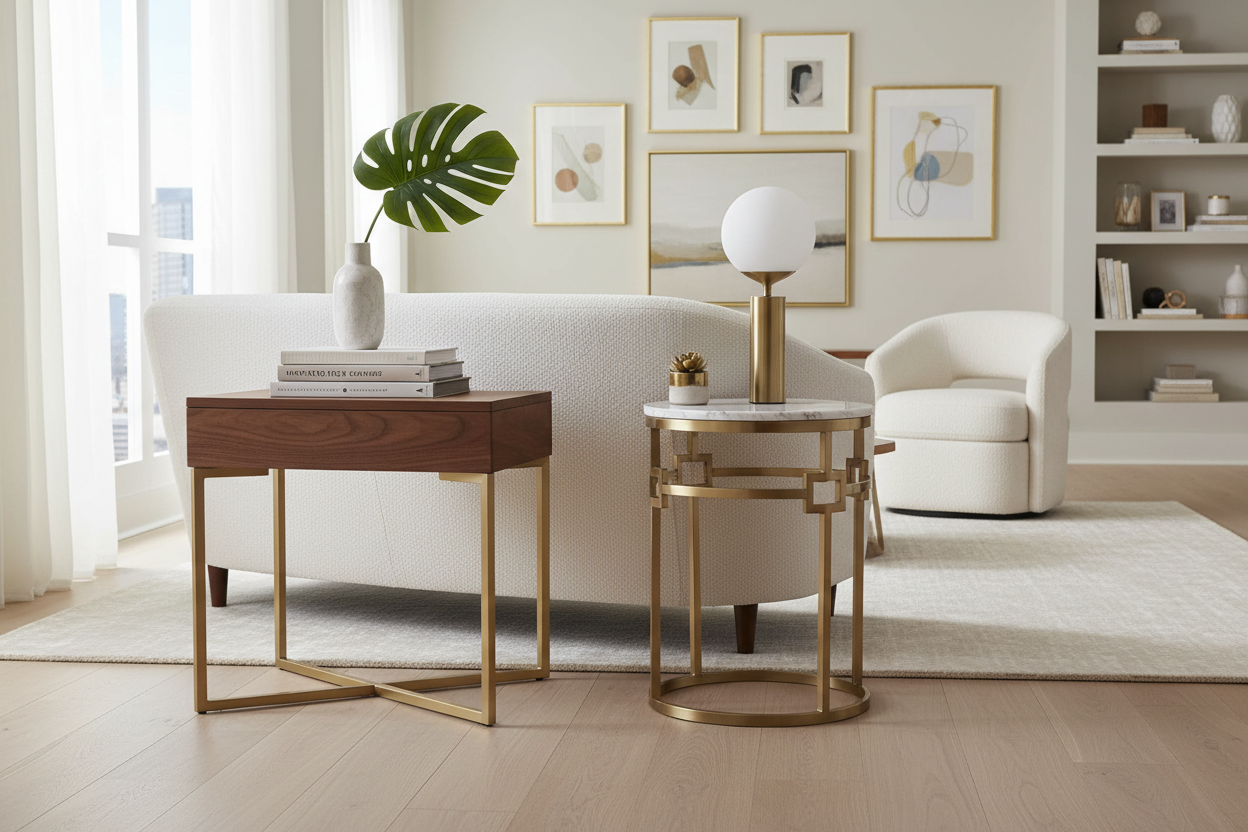
Use a visually light console table as a desk behind your sofa, or install a wall-mounted floating desk. Define the workspace with a small rug and use an upholstered chair that blends with your living room decor to avoid looking too corporate.

Leave a comment
This site is protected by hCaptcha and the hCaptcha Privacy Policy and Terms of Service apply.