










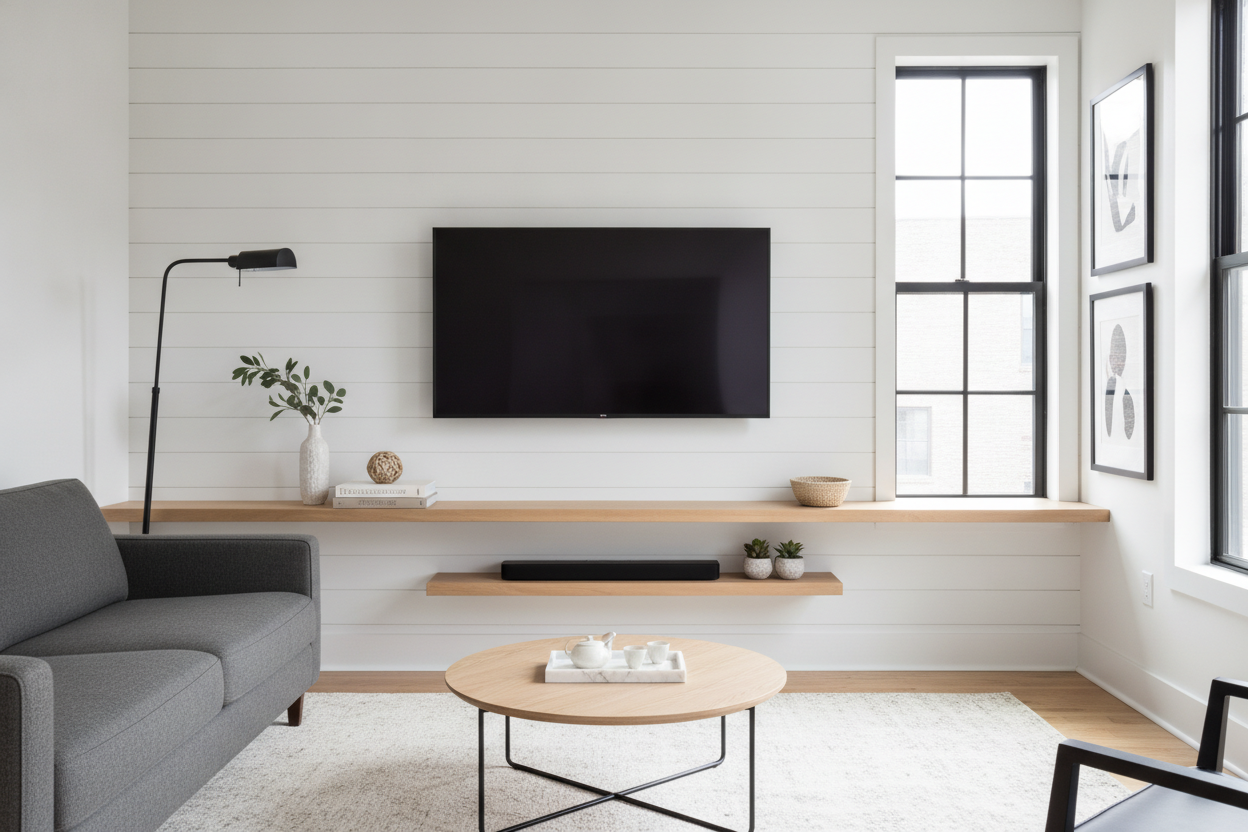
I spent three hours leveling my 65-inch OLED, stepped back, and realized I hated it. It looked like a giant black monolith lost in a sea of drywall. My wall felt naked, and the floor space beneath it looked like a no-man's land where dust bunnies go to die. That’s when I realized a floating shelf below tv setup isn't just a trend—it's a structural necessity for your eyes.
- A shelf anchors the screen so it doesn't look like it's drifting away.
- It creates a 'landing zone' for remotes and soundbars without eating floor space.
- Proper spacing (4-8 inches) is the difference between 'designer' and 'afterthought.'
- Hidden cable management is non-negotiable for the clean, minimalist look.
The Dreaded 'Hovering Black Box' Problem
There is a specific kind of interior design vertigo that happens when you mount a flat screen on a bare wall. You’ve done the hard work of hiding the wires, you’ve used the heavy-duty toggle bolts, and yet, the room feels wrong. It’s because the TV has no visual anchor. In design speak, we call this a lack of grounding. Without wall shelves under tv units, the screen just hovers there, making the ceiling feel lower and the wall feel strangely empty.
I tried to ignore it for a month. I thought maybe I’d get used to the minimalism. Instead, I just kept staring at the 24-inch gap between the bottom of the TV and the baseboard. It looked like a mistake. Your eyes want a horizontal line to rest on. A floating shelf for under tv setups provides that line, bridging the gap between the tech on the wall and the furniture on the floor. It stops the 'hovering black box' effect and makes the TV look like a deliberate part of the architecture rather than a piece of equipment someone just slapped onto the studs. When you anchor the TV with a shelf, the whole wall suddenly feels balanced and the screen feels half as heavy.
Why I Skipped the Floor Console
My living room is narrow—barely 11 feet across. Every inch of floor space is high-stakes real estate. When I looked at traditional TV stands, I felt claustrophobic. Most of them are 16 to 20 inches deep. In a narrow room, that’s the difference between a comfortable walkway and a shin-bruising obstacle course. I didn't want a massive box sitting on the floor, collecting dust underneath and making the room feel smaller than it actually is. It felt like I was paying for a piece of furniture just to hide a few cables.
Choosing a tv on wall with shelf underneath was about reclaiming that floor. It keeps the sightlines clear. I even wrote a deep dive on Does a TV Shelf Floating on the Wall Actually Save Space? because the psychological impact is massive. When you can see the floorboards extending all the way to the baseboard, the room feels three feet wider. It’s a trick of the light, but it works every single time. Plus, hanging shelves under tv setups are way easier to vacuum under. No more moving a 100-pound sideboard just to get the cat hair out from the corners. I wanted the utility of a surface without the footprint of a cabinet, and a single, deep shelf delivered exactly that.
How to Style Hanging Shelves Under TV (Without the Clutter)
The biggest mistake people make with wall shelves for under tv zones is treating them like a junk drawer. If you put your mail, three half-dead lighters, and a pile of loose change on there, the whole vibe dies instantly. You want this shelf to look like an intentional feature, not a dumping ground. I personally went with a floating wooden TV shelf because the natural grain of the oak softens the cold, glass-and-plastic look of the screen. It balances the 'tech' with something organic.
Keep it simple. You need a mix of heights and textures, but don't overstuff it. If you have a soundbar, that takes center stage. Everything else should be supporting actors. I like to follow the 'rule of three': one stack of books, one organic shape (like a bowl or a rock), and one piece of greenery. Anything more than that and you’re just creating visual noise that will distract you while you’re trying to watch a movie. The goal is to frame the TV, not compete with it. Remember, floating shelves below tv setups are meant to be a visual foundation, not a gallery wall. If you can't see the shelf itself, you've put too much on it.
The Minimalist Art Lean
One of my favorite tricks is to take a small, framed print—maybe 5x7 or 8x10—and lean it against the wall on the shelf. If you position it so the frame slightly overlaps the bottom corner of the TV bezel, it breaks up the harsh rectangular lines. It makes the TV feel like part of a gallery wall rather than an appliance. Just make sure the frame isn't thick enough to actually block the screen pixels. It’s a tiny detail that makes a huge difference in how 'integrated' the setup looks.
The Trailing Plant Trick
If your floating shelves below tv look too 'stiff,' add a plant. A Pothos or a String of Pearls is perfect here. Set it on one end of the shelf and let the vines drape down toward the floor. This adds a vertical element that connects the shelf back to the room. It also hides the sharp edge of the shelf, making the whole setup feel softer and more lived-in. Plus, plants just make any tech-heavy area feel less like a server room and more like a home.
The Golden Ratio for Spacing
This is where most people mess up. If you hang the shelf too low, it looks like it’s falling off the wall. Too high, and it feels cramped. For most floating shelves for under tv setups, the 'sweet spot' is between 4 and 7 inches below the bottom of the screen. This is enough space to fit a soundbar or a few decorative items without making the shelf feel disconnected from the TV.
If you have a massive 75-inch screen, you can push that gap to 8 or 10 inches to keep the proportions balanced. My rule of thumb? Sit on your sofa. Your eyes should be level with the center of the screen. Once the TV is set, hold the shelf up and have a friend check the height. If you can see the wall mount hardware or messy cables in the gap, you’ve gone too far. It should feel like one cohesive unit, not two separate islands. I once hung a shelf 12 inches below a 50-inch TV and it looked so disconnected I had to patch the holes and move it up three days later.
A Quick Warning About Cords
Let’s get real: floating shelves under wall mounted tv setups look like magic in photos because the photographers hide the wires. In real life, you have power cords, HDMI cables, and maybe an ethernet line. If you just screw a plank of wood to the wall and call it a day, you’re going to have a 'black spaghetti' problem hanging down. It ruins the entire aesthetic.
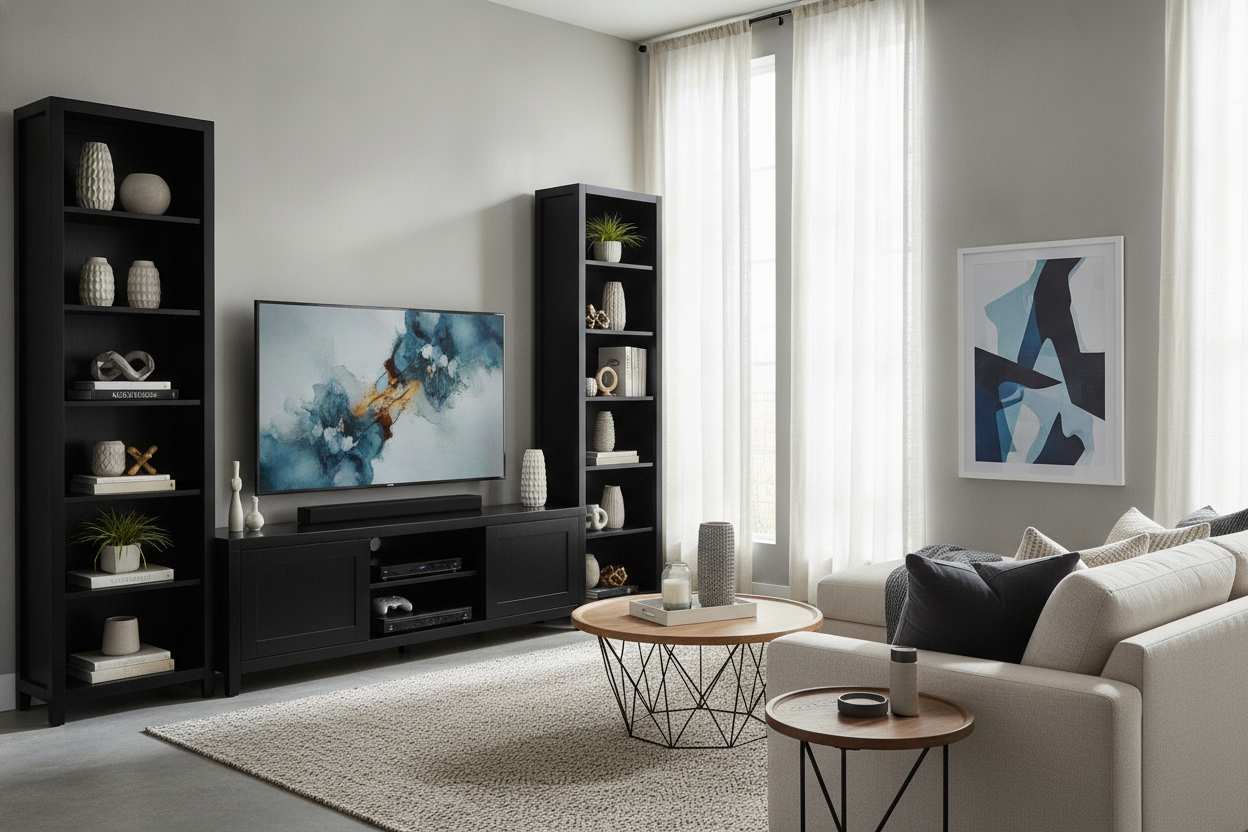
You have two choices. You can go the DIY route and fish the wires through the wall (check your local fire codes first!), or you can use a paintable cord cover. If you realize you have way too many devices—PlayStation, Apple TV, cable box—a simple shelf might not be enough. In that case, you might be better off with a wall-mounted media console. These have internal cabinets to hide the mess while still giving you that floor-clearing 'floating' look. Don't buy the shelf until you know exactly where those wires are going.
How much weight can a floating shelf hold?
It depends entirely on your studs and the brackets. A shelf screwed into drywall with plastic anchors will fail. If you hit two studs with heavy-duty steel brackets, a solid wood shelf can easily hold 50-75 lbs—more than enough for a soundbar and decor.
Should the shelf be wider than the TV?
Yes, absolutely. A shelf that is narrower than the TV looks 'pinced.' Aim for a shelf that is at least 6 to 10 inches wider than the TV on both sides. This creates a sense of stability and better visual proportions.
Can I put my cable box on a floating shelf?
You can, but it’s usually quite ugly. Most modern devices use RF or Bluetooth remotes, so you can actually hide the box behind the TV or in a nearby cabinet. If it must stay on the shelf, try to tuck it to one side and 'mask' it with a small plant or a stack of books.

Leave a comment
This site is protected by hCaptcha and the hCaptcha Privacy Policy and Terms of Service apply.