










I remember the dust most of all. It was 11 PM on a Tuesday, and I was standing on a stepstool, covered in white powder, staring at four 'test holes' I’d drilled into my living room wall because my stud finder was a pathological liar. I finally got the bracket up, but the result was a TV that sat so high I felt like I was sitting in the front row of a movie theater. My neck ached after twenty minutes of Netflix.
That was the night I realized the minimalist dream of a floating screen is often a functional nightmare. I eventually ripped the mount down, patched the drywall (badly), and went back to basics. Investing in proper entertainment centres and tv stands isn't just about storage; it is about saving your sanity and your security deposit.
Quick Takeaways
- Ergonomics: Most wall mounts are installed too high; stands keep the screen at a natural eye level.
- Cable Chaos: Freestanding units hide routers, consoles, and 'cable spaghetti' better than any plastic wall strip.
- Flexibility: You can rearrange your room in ten minutes without a patch kit and a gallon of paint.
- Design Impact: A good media center anchors the room visually, making the TV look like part of the decor rather than a black hole on the wall.
The Day I Ruined My Drywall (And My Neck)
We’ve all seen the photos on Pinterest: a perfectly clean wall with a massive TV floating in the center. What they don't show you is the professional electrician who had to snake wires behind the lath and plaster, or the chiropractor bill that follows. When I mounted my 55-inch LED, I ignored the 'eye-level' rule. I wanted it to look like art. Instead, it looked like a departure board at an airport.
The physical toll is real. If you are tilting your chin up even five degrees to watch a movie, you are straining your cervical spine. After two weeks of 'gallery-style' viewing, I was popping ibuprofen like candy. Then there was the issue of the 'invisible' wires. Unless you’re prepared to cut significant holes in your wall to hide power bricks and HDMI cables, you end up with a black cord dangling down like a tail. It’s not a good look.
Why We Need to Bring Back Proper TV Stands & Media Centers
There is a reason traditional tv stands & media centers have been around forever. They provide a visual anchor. A TV floating on a bare wall often looks lonely and unfinished. A solid piece of furniture gives that screen a 'home.' It balances the scale of a large room and provides a surface for things that actually make a house feel like a home—think a stack of coffee table books, a ceramic vase, or a stray candle.
Beyond aesthetics, there is the sheer utility of storage. My gaming consoles, the soundbar, and the mess of controllers have to go somewhere. A wall mount offers zero help here. If you want a living room that doesn't look like a Best Buy showroom, you should browse our TV stands to find a piece that actually matches your personal style. Whether it is mid-century tapered legs or a chunky industrial vibe, furniture adds character that a metal bracket simply can't.
The 'No-Drill' Compromise: The Entertainment Console With TV Mount
If you absolutely love the look of a floating screen—or if you have a massive 75-inch beast that makes you nervous sitting on a tabletop—there is a middle ground. The entertainment console with tv mount is the unsung hero of apartment living. These units feature an integrated mounting post attached to the back of the furniture. You get the 'floating' effect and the ability to swivel the screen, but the weight is supported by the furniture, not your 1970s drywall.
This is the ultimate 'no-drill' solution for renters. When I moved into my last place, the lease specifically forbid 'large wall penetrations.' Instead of fighting the landlord, I opted for an entertainment unit with TV mount. It took me forty minutes to assemble, required zero power tools, and I took it with me when I moved. No spackle required.
How to Choose a Freestanding Entertainment Unit That Doesn't Look Clunky
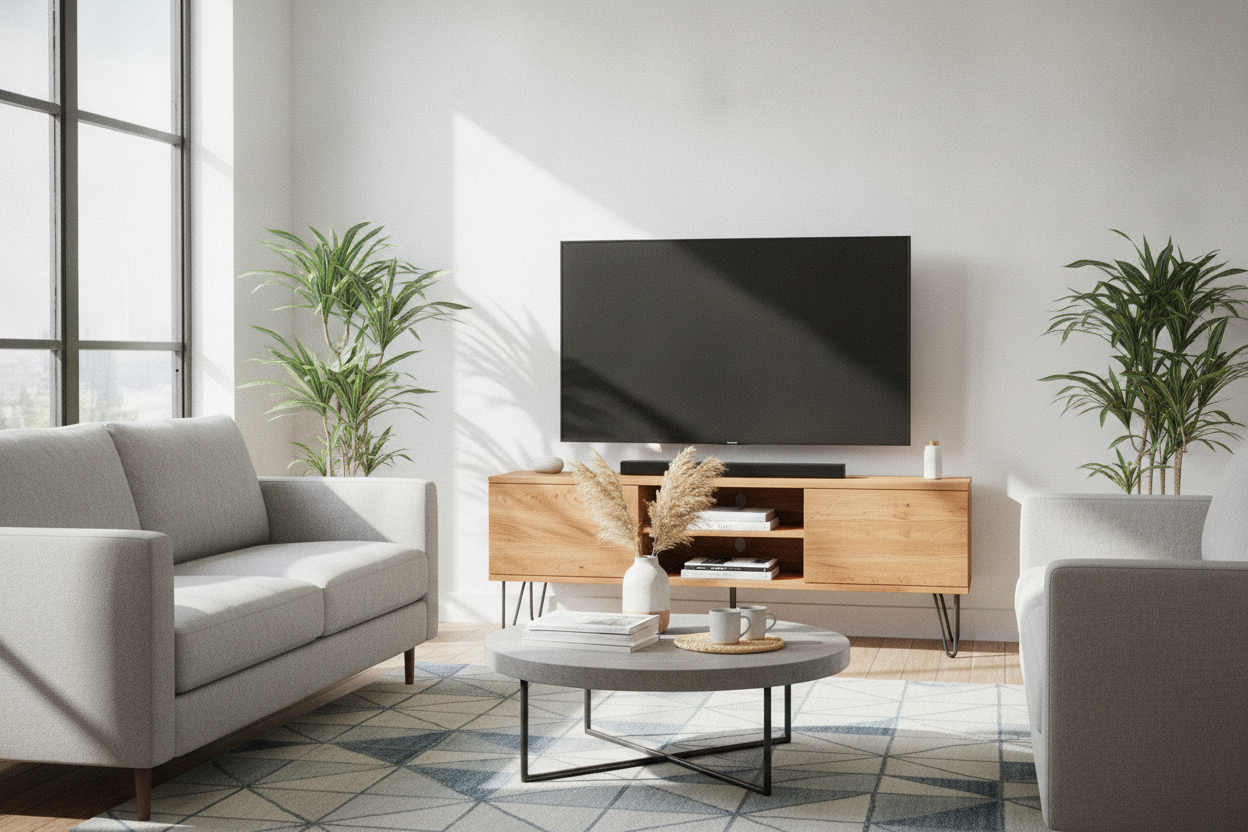
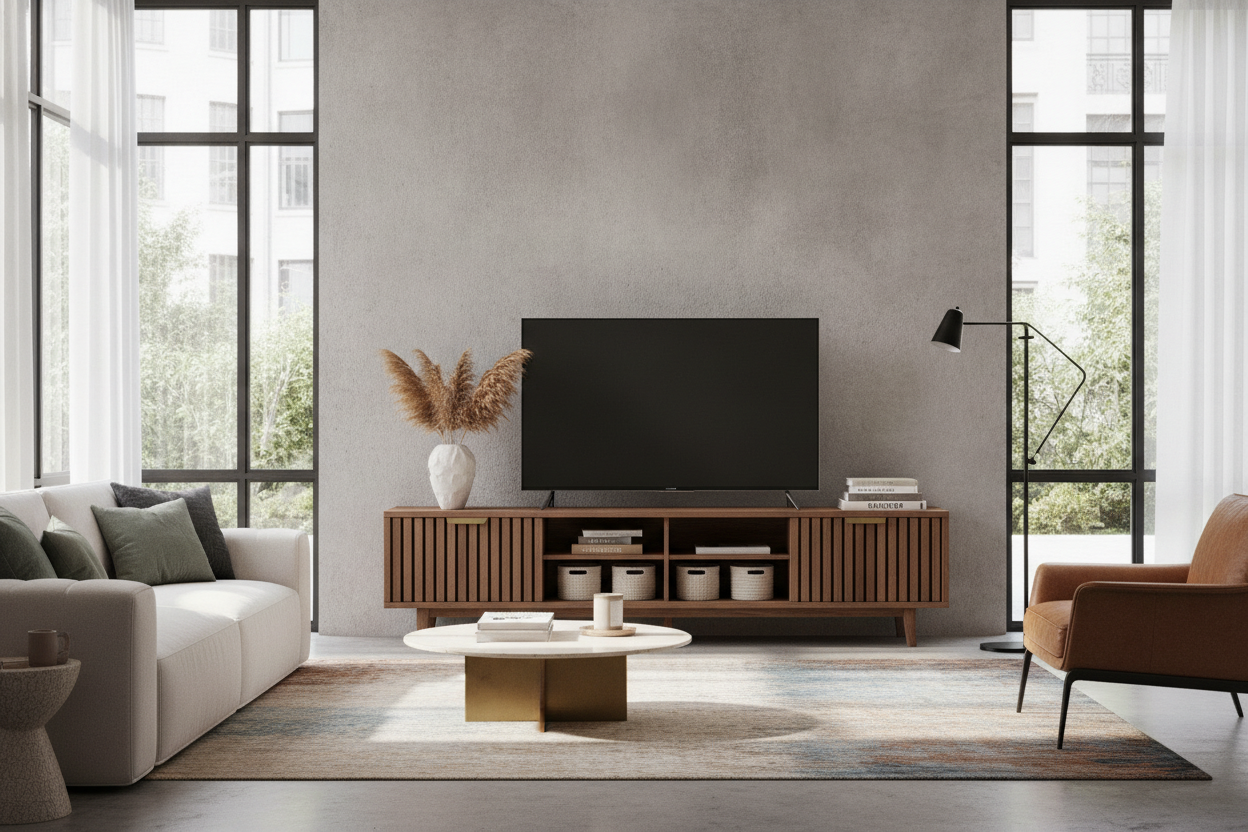
The biggest fear people have with a freestanding entertainment unit is that it will swallow the room. If you buy a massive, dark cherry wood behemoth with hutches and glass doors, yeah, it’s going to look like your grandma’s house. The trick is to look for 'visual lightness.' Choose pieces with legs that lift the body of the cabinet off the floor; seeing that extra bit of flooring makes the room feel much airier.
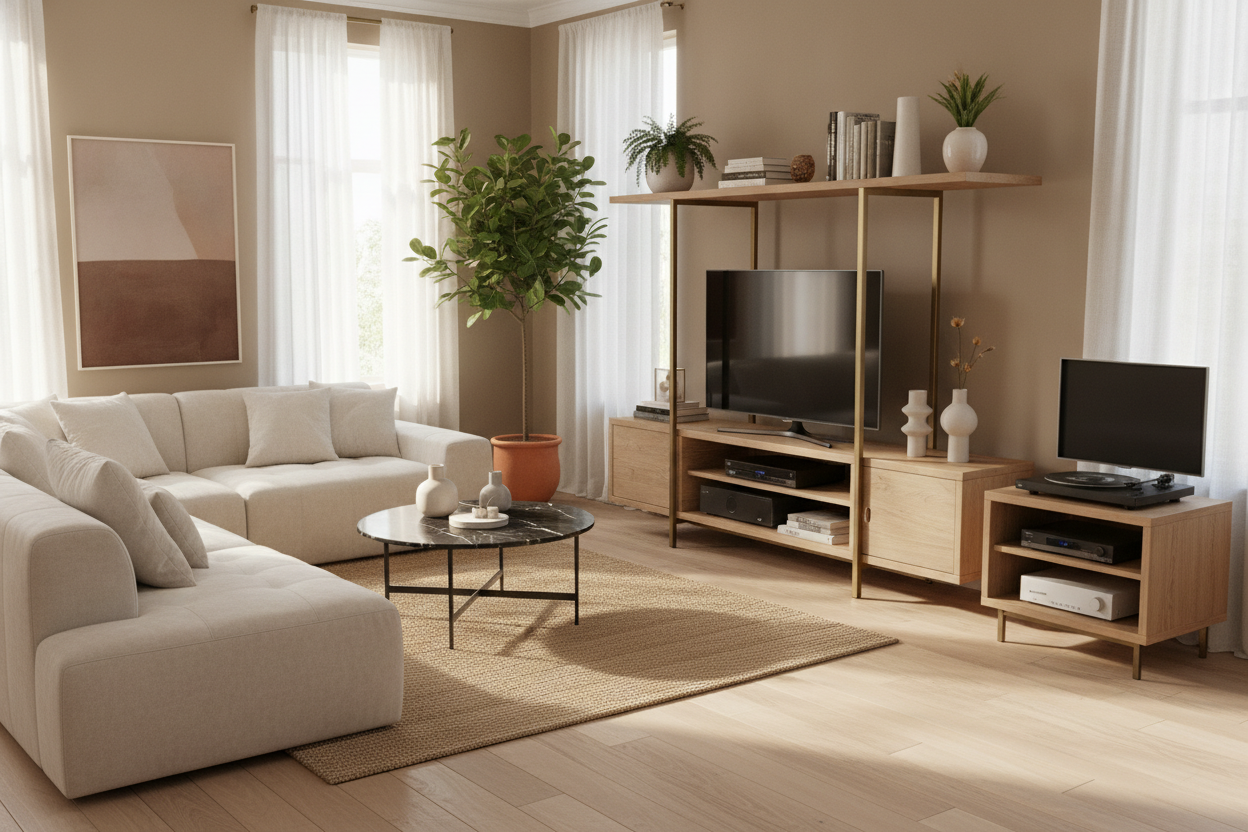
Don't be afraid to get weird with the shape, either. A standard rectangular box can be boring. I’m currently obsessed with using an L shaped TV stand media console. The asymmetry makes the TV feel like part of a larger composition. It gives you a dedicated spot for a record player or a tall plant, which breaks up the 'big black rectangle' vibe of the television. Just make sure your stand is at least 3-6 inches wider than the TV on both sides. A TV that overhangs the edges of its stand looks top-heavy and accidental.
My Current Setup (And Why I'll Never Go Back)
Today, my TV sits exactly 24 inches off the ground on a solid white oak credenza. My neck is fine, my cables are tucked into a neat little power strip hidden in the back cabinet, and my walls are pristine. The best part? Last month I decided I wanted to swap my living room and dining room layouts. It took me ten minutes to unplug the TV and slide the stand to the other wall.
If I had stuck with the wall mount, I’d still be staring at the same layout, or I’d be facing a weekend of sanding and painting. Furniture is meant to serve your life, not dictate it. Give me a solid piece of wood and some clever storage over a metal wall bracket any day of the week.
FAQ
Is it better to mount a TV or put it on a stand?
For most people, a stand is better. It offers built-in storage, easier cable management, and keeps the screen at a better ergonomic height. Mounts are only superior if you have toddlers who might tip the TV or if you are extremely tight on floor space.
How wide should my TV stand be?
Your stand should be at least 6 inches wider than the actual width of your TV screen. This prevents the setup from looking 'tippy' and provides a safer base for the television's legs.
Can I put a large TV on a small stand?
Technically, if the weight limit allows it, yes—but it looks terrible. Overhanging edges are a major design faux pas and a safety hazard. Always check the weight capacity of the unit, especially for older, heavier plasma or large-format LED screens.

Leave a comment
This site is protected by hCaptcha and the hCaptcha Privacy Policy and Terms of Service apply.