










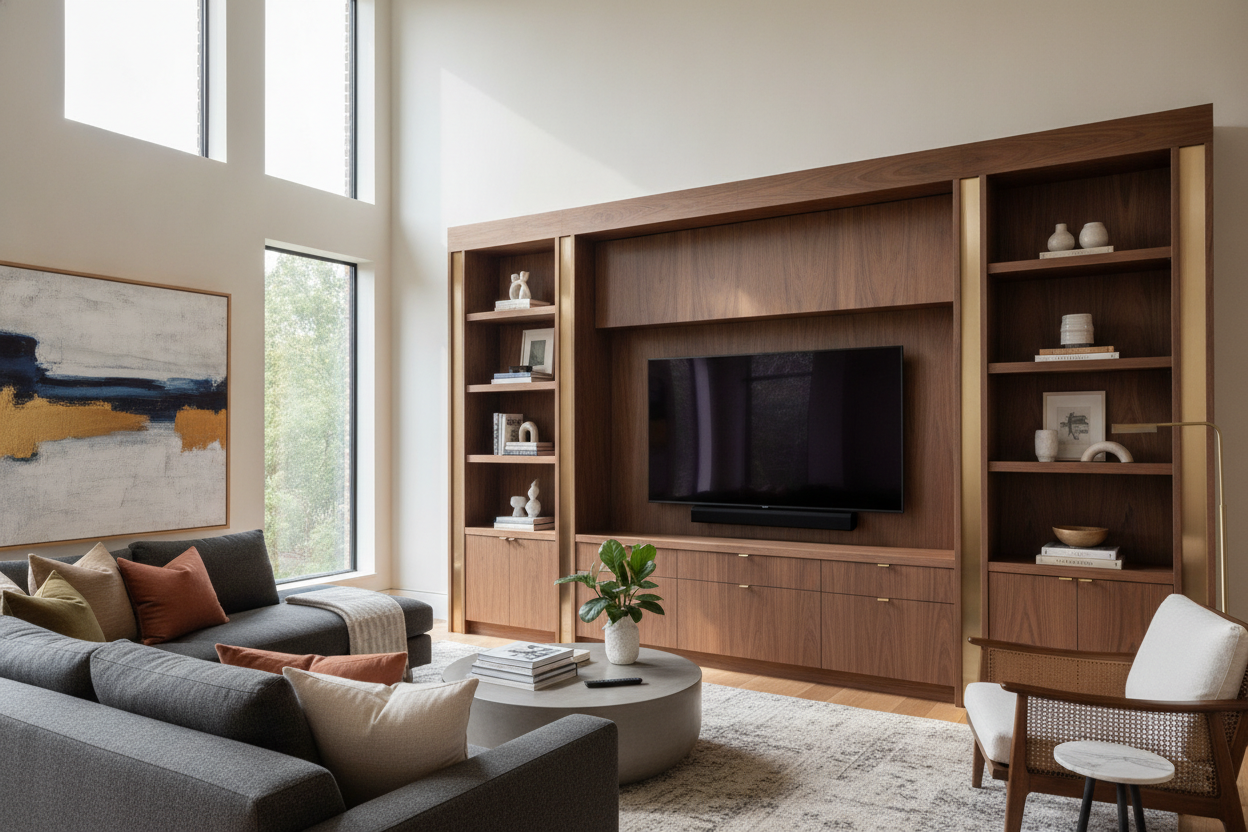
I remember staring at my 65-inch OLED sitting on a forty-dollar coffee table and wondering why my living room felt like a college dorm. I had spent three months picking out a velvet sofa and a vintage Persian rug, but I was treating my tv furniture like a temporary fix I would eventually get around to. It looked top-heavy, messy, and frankly, a bit cheap.
- Don't try to hide a giant screen with tiny furniture; it only makes the TV look bigger.
- Visual weight is the secret to a balanced room—your stand must be wider than your screen.
- Cable management isn't a luxury; it is a requirement for sanity.
- Mix textures like ceramic or wood to offset the cold glass of the television.
The 'Hide the Screen' Phase Usually Backfires
For years, I fell for the gallery wall trap. I surrounded my television with fifteen mismatched frames and tiny succulents, thinking the tech would magically disappear into the art. It did not. It just looked like a screen having a mid-life crisis in a museum. When you use a tiny console to support a massive screen, you create a visual 'lollipop' effect that draws the eye directly to the awkwardness.
Trying to disguise your tech with undersized furniture actually highlights the clutter. Those thin wires hanging down the wall become the focal point instead of the art you spent hours leveling. I learned the hard way that a 55-inch television needs a foundation, not a pedestal. If the furniture is too small, the TV looks like it is hovering precariously, waiting to crush your robot vacuum.
Upgrading to Dedicated Entertainment TV Furniture
I finally stopped scouring the 'end table' section and looked for actual entertainment tv furniture. The difference is in the depth and the cord logic. A standard sideboard is often too narrow for a modern TV's legs, and it definitely isn't vented for a gaming console that runs hot enough to fry an egg. Shifting to a piece designed for the job changed the room's entire gravity.
I eventually landed on a sleek black modern TV stand that had enough presence to anchor the wall. It wasn't just about the looks; it was about the storage. Having deep cabinets to hide the router, the switch, and the messy pile of controllers made the room feel intentional rather than accidental. It turned the 'TV area' into a 'media lounge.'
The Visual Weight Rule: Anchoring Your Tech
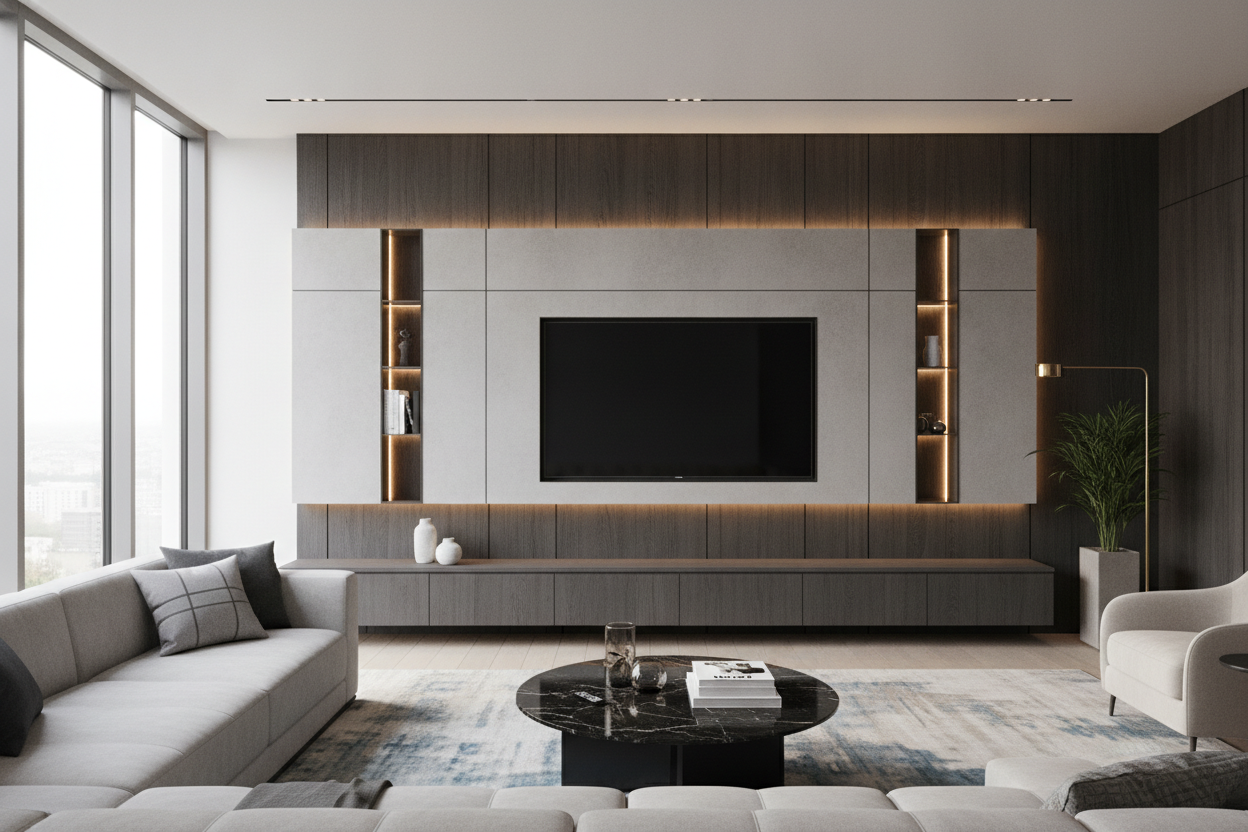
Here is the rule I live by now: your entertainment center stand should be at least 6 to 10 inches wider than the TV on both sides. This creates a visual base that 'holds' the screen. If you have a massive open-concept living room, a thin metal stand will look like it's floating away. You need something with bulk to ground the space.
I am a huge fan of the mid-century modern entertainment center because the tapered legs keep the piece from looking like a heavy wooden box while still providing that necessary width. If your home has high ceilings or drafty corners, you might want to go even bigger. A rustic entertainment center with shelves adds verticality and warmth, which helps balance out the cold, black void of a powered-down television screen.
How to Style an Entertainment TV Table (Without Blocking the Sensor)
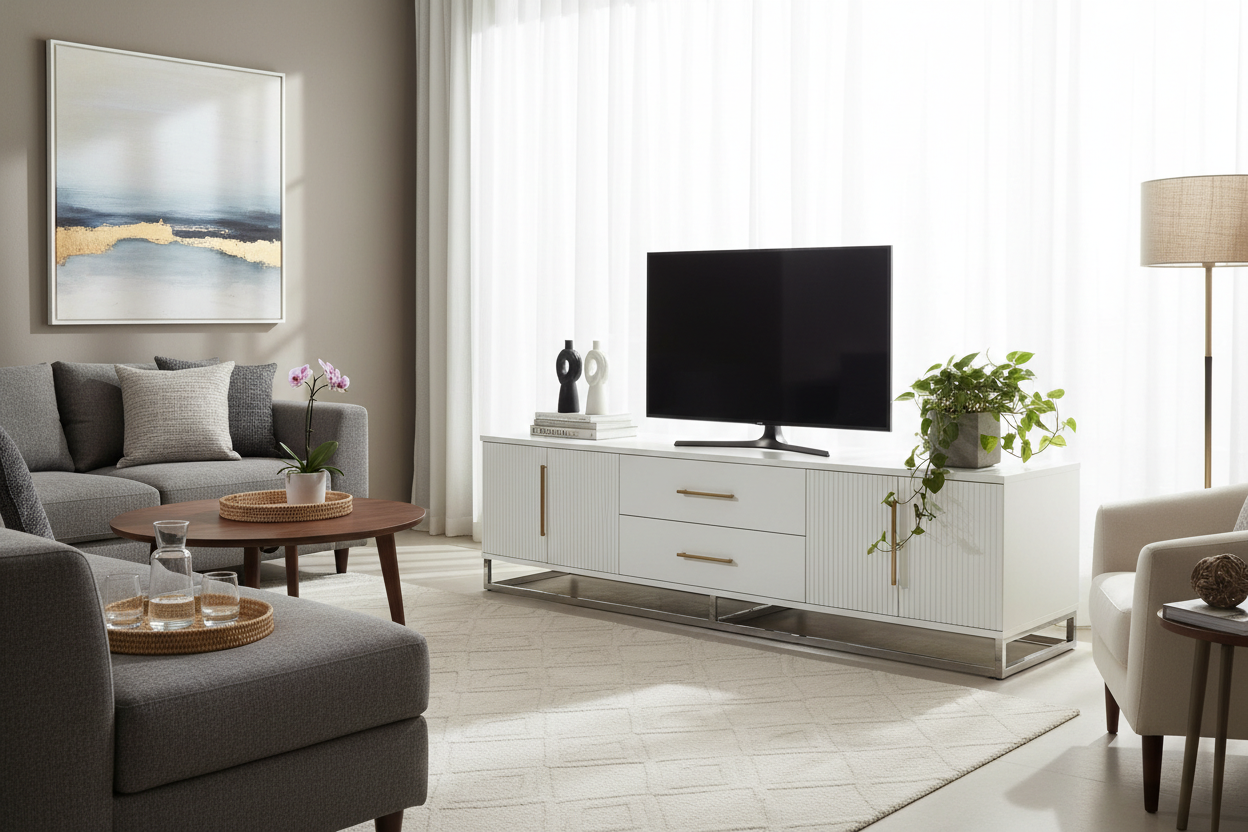
Once you have the right entertainment tv table, the temptation is to clutter the top with every candle you own. Don't do it. You need to keep the line of sight clear for your remote's IR sensor, and you want to avoid reflections. I usually go for a 'rule of three'—a stack of two matte-finish books on one end and a low, heavy ceramic bowl on the other.
If you are working with a high gloss console table, be extra careful with your decor choices. High-shine surfaces reflect the light from the screen, which can be incredibly distracting during a movie. Use organic materials like wood, stone, or trailing plants like a Pothos to soften the hard edges of the electronics. It makes the tech feel like part of the home rather than an intruder.
How high should my TV stand be?
Your eyes should be level with the middle of the screen when you are seated. For most sofas, this means a stand that is roughly 20 to 24 inches tall. If you go higher, you'll be crane-necking like you're in the front row of a movie theater.
Can I put a TV on a dresser?
You can, but dressers are usually 30 to 36 inches high, which is way too tall for comfortable viewing. Plus, dressers lack the 'media holes' in the back, so you'll end up with a mess of cables spilling over the top.
Should the TV stand be wider than the TV?
Always. A TV that overhangs its stand is a safety hazard and a design disaster. Aim for at least 6 inches of clearance on each side to keep the proportions looking balanced and professional.

Leave a comment
This site is protected by hCaptcha and the hCaptcha Privacy Policy and Terms of Service apply.