










I’ve spent too many Sunday afternoons helping friends move furniture, only to realize their brand-new 55-inch TV looks like a massive lollipop stuck on a tiny stick. We’ve all been there—staring at 47 browser tabs at 1 AM, trying to figure out if that entertainment center for 55 in tv actually fits your living room or if it’s going to look like a staging error.
The biggest mistake isn't the color or the price; it's the scale. When your console is the same width as your screen, the whole room feels cramped and top-heavy. It’s the furniture equivalent of wearing a tuxedo jacket with cargo shorts. It just doesn't work.
- Measure the actual width of the TV, not the diagonal screen size.
- Aim for a console at least 6 to 12 inches wider than the TV on both sides.
- Prioritize solid wood or high-grade MDF over thin particle board that sags under 40 lbs.
- Hidden cord management is a non-negotiable for a clean look.
The Mushroom Effect: Why Size-Matching Looks Terrible
Here’s the math people miss: a 55-inch TV is measured diagonally. The actual horizontal width is usually around 48 inches. If you buy a stand that is also 48 inches wide, you’ve created the 'mushroom effect.' The screen hangs over the edges or sits perfectly flush, making the setup look precarious and cheap.
Visually, the TV is a heavy black rectangle. To balance that weight, you need a base that anchors it to the floor. When the stand is too narrow, your eyes focus on the bulk of the screen rather than the design of the room. I’ve seen $2,000 OLEDs look like budget buys just because they were perched on a spindly, undersized console.
The Golden Proportion for the Best 55 Inch TV Stand
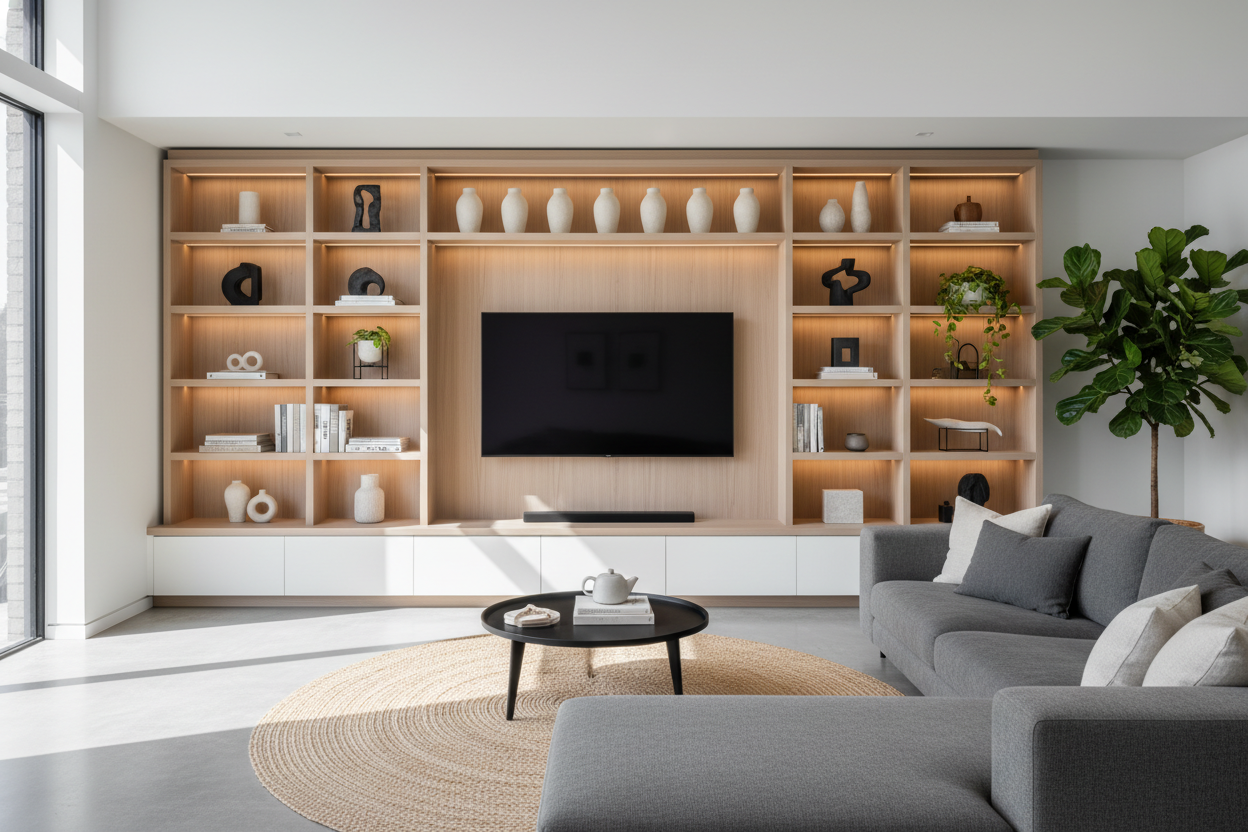
The secret to finding the best 55 inch tv stand is the 'plus 12' rule. If your TV is 48 inches wide, your console should ideally be 60 to 70 inches. This gives you roughly 6 to 10 inches of breathing room on either side of the screen. Those few extra inches are where the magic happens.
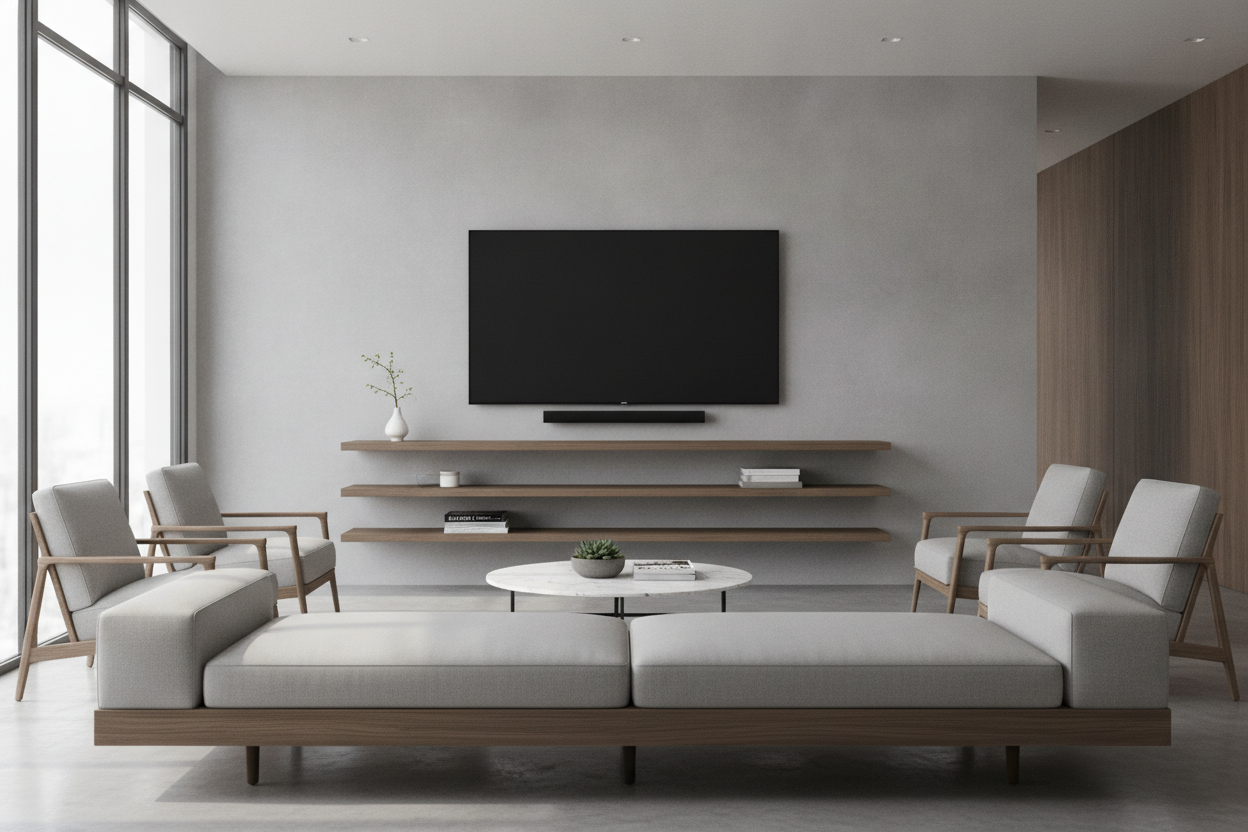
When you’re browsing for new TV stands, look for pieces that offer that extra horizontal runway. This space isn't just for show—it’s where you put a ceramic vase, a stack of coffee table books, or a small plant. It transitions the tech into the rest of your decor so the TV doesn't look like a black hole in the middle of the wall.
Closed vs. Open Storage: Hiding the Tech Clutter
I have a visceral reaction to tangled nests of HDMI cables and dusty power strips. If you have a PS5, a cable box, and a router, open shelving is your enemy. You’ll spend more time dusting the nooks and crannies than actually watching movies. A stylish black TV stand with solid doors or slatted fronts allows remote signals to pass through while hiding the plastic mess.
Open storage only works if you’re a minimalist who owns exactly one sleek soundbar. Otherwise, go for closed cabinets. It makes the room feel instantly organized, even if the inside of the cabinet looks like a wire explosion. Plus, it keeps the cat from chewing on your ethernet cables.
Wait, Should We Just Hide the TV Entirely?
Lately, I’m seeing a massive pivot back to 'clutter-free' living where the TV isn't the focal point. If you hate the look of a giant screen when it’s off, you might want to look into a modern armoire for 55 inch TV screens. These aren't the bulky oak monsters from the 90s; they’re streamlined pieces that let you shut the doors on the digital world when dinner is served.
It’s a bold move, but it works wonders for smaller apartments where the living room also serves as a home office or a dining area. It forces the furniture to be a beautiful object first and a tech holder second. Just make sure the interior depth actually accommodates your screen depth and its stand.
My Picks for the Best TV Stands for 55 Inch Screens
When searching for the best tv stands for 55 inch models, I always look for weight capacity and depth. A 55-inch screen isn't incredibly heavy, but a cheap stand will still bow in the middle after six months of supporting a center-weighted base. I prefer low-profile units that keep the screen at eye level—about 42 inches from the floor to the center of the screen.
One of my favorite versatile solutions is an adjustable wide TV stand. These are lifesavers if you’re a frequent mover. They allow you to expand the width to fit a larger wall or contract it if you’re squeezing into a tighter corner. Look for finishes like walnut or matte black to keep things timeless and easy to clean.
Personal Experience: The Sagging Shelf Incident
In my first apartment, I bought a 50-inch 'espresso' finished stand from a big-box store. It was exactly the width of my TV. Within three months, the top shelf started to dip like a hammock. Every time a truck drove by, the TV wobbled. I eventually had to prop it up with a stack of old magazines. Learn from my cheapness: spend the extra $100 on something with a solid center support leg. Your floor—and your TV—will thank you.
FAQ
How high should my TV stand be?
For a 55-inch TV, look for a stand between 20 and 24 inches tall. This keeps the screen at a comfortable eye level when you're sitting on a standard 18-inch sofa cushion. Avoid the 'TV too high' trap.
Can a TV stand be smaller than the TV?
Technically yes, if the TV legs fit, but it’s a design disaster. It makes the TV look unstable and the room feel smaller. Always go wider to anchor the space.
What material is best for a media console?
Solid wood is king, but high-density MDF with a real wood veneer is a great middle ground. Avoid the paper-thin 'photo finish' laminates that peel if you spill a drop of water or use the wrong cleaner.

Leave a comment
This site is protected by hCaptcha and the hCaptcha Privacy Policy and Terms of Service apply.