










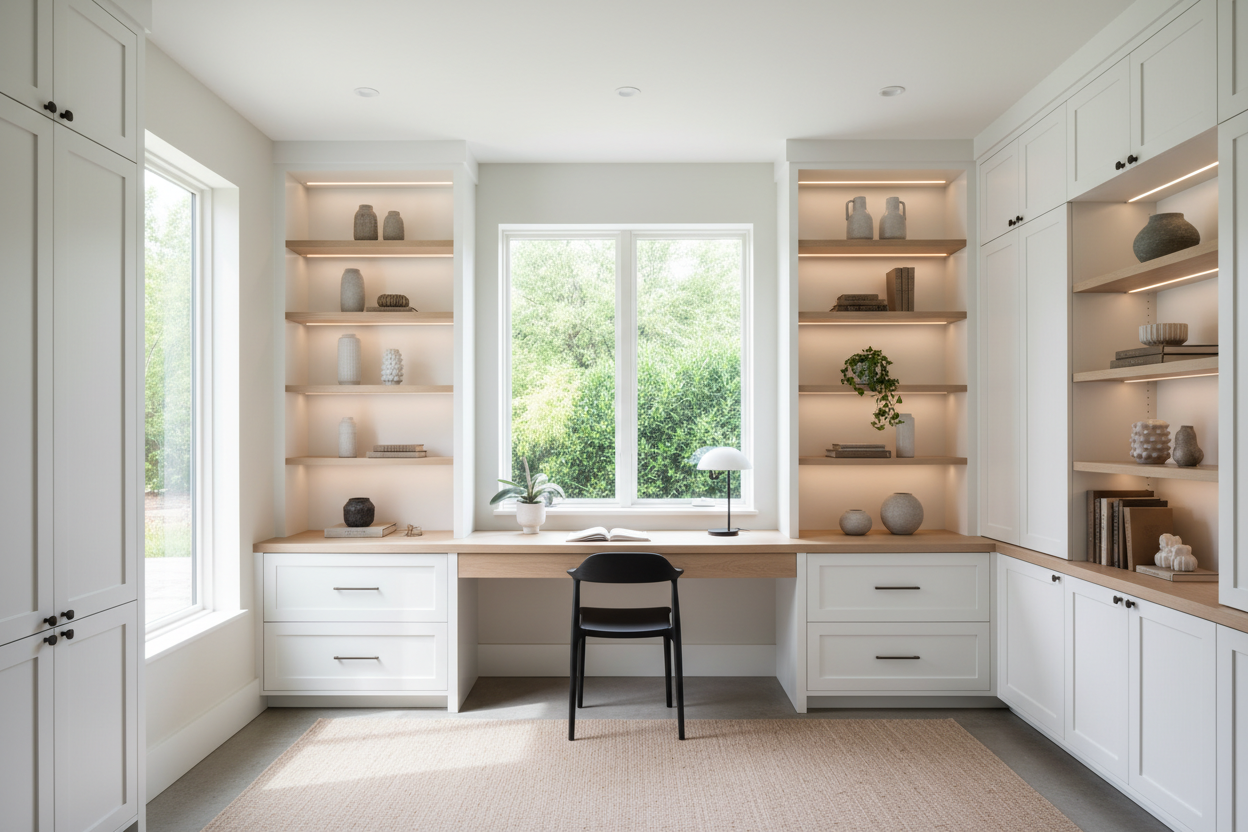
We have all been there: staring at a floating desk surrounded by a tangle of cords, overflowing filing cabinets, and mismatched bookshelves that make the room feel chaotic. If you work from home, your environment directly impacts your focus and energy. Adding built-ins in office spaces is one of the most effective ways to ground the room, hide the clutter, and create a sophisticated, tailored aesthetic.
Whether you are hiring a professional millworker or tackling this as a weekend project, built-ins completely change the visual weight of a room. You will walk away from this guide knowing exactly how to plan your layout, choose the right materials, and execute a custom workspace that actually functions for your daily grind.
Quick Decision Guide
- Mind the monitor depth: Standard 24-inch deep cabinets might not leave enough focal distance if you use large dual monitors. Aim for 28 to 30 inches of desk depth.
- Stock cabinets save thousands: You do not need custom millwork. Using pre-made kitchen base cabinets and adding filler pieces is the industry secret to a high-end look on a budget.
- Plan for power early: Cut holes for grommets and route your extension cords before you secure the countertops. Retrofitting wire management is a nightmare.
- Scribe to the walls: Walls are never perfectly straight. Leaving a 1-inch to 2-inch filler gap on the sides allows you to scribe the wood to the wall for a seamless, gap-free finish.
Space Planning: Getting the Proportions Right
Before you buy a single piece of lumber, you need to understand how the casework will interact with your room's footprint. Built-ins command attention, so their scale must match the space.
Drafting Your Layout
When drawing up your home office built in cabinets plans, start by locating the room's focal point. Usually, this is the wall opposite the door or the wall with the best natural light. Leave at least 36 to 42 inches of clearance behind your desk chair so you can roll back comfortably without hitting the wall or a secondary piece of furniture. If you are designing a shared workspace, ensure you have at least 60 inches of linear desk space per person to avoid elbow-bumping.
The Custom Look on a Budget
Custom carpentry can easily run into the five figures. However, tackling a diy built in home office is incredibly popular right now because of the massive cost savings and the accessibility of modular components.
Using Stock Components
You can achieve a high-end, architectural feel by creating a faux built-in desk. This involves taking standard stock cabinetry, securing it to the studs, and adding baseboards and crown molding to make it look permanently integrated. When sourcing diy home office built in cabinets, many designers and ambitious homeowners turn to unfinished kitchen bases. They provide sturdy, pre-squared boxes that are ready for paint. By utilizing diy built in desk cabinets as your foundation, you skip the hardest part of cabinet making—getting the boxes perfectly square.
Execution and Build Quality
If you are researching how to build office built-ins from scratch, material selection is where you make or break the project's longevity. North American homes deal with significant humidity shifts, so your materials need to remain stable.
Choosing Your Materials
If you are taking on the process of building office cabinets entirely yourself, ¾-inch cabinet-grade plywood is the gold standard for the boxes. It holds screws beautifully and resists sagging. While MDF (Medium Density Fiberboard) is fantastic for painted doors because it provides a glass-smooth finish, I do not recommend it for the desk surface or structural shelving unless heavily reinforced. Learning how to build office cabinets requires understanding load limits; a 36-inch span of MDF will bow under the weight of heavy art books, whereas plywood or solid wood will hold firm. Whether you are assembling diy home office cabinets from a flat-pack retailer or installing diy office built in cabinets you cut yourself, always use wood glue in addition to your mechanical fasteners for long-term stability.
Lessons from My Own Projects
Early in my career, I designed a beautiful wall-to-wall workspace using stock kitchen bases. I loved the look, but I made a rookie mistake: I didn't account for the depth of the client's ultra-wide dual monitors. Standard 24-inch deep base cabinets left the screens sitting mere inches from their face, causing severe eye strain. We had to pull the cabinets forward, build a custom 6-inch false back, and order a deeper custom top. It cost me an entire weekend of free labor to fix.
I also learned the hard way about finishing. If you are painting raw wood or MDF, you cannot skip the primer. On one project, the matte blue finish looked stunning for the first month—then every slide of a keyboard or coffee cup left a permanent scuff. Always use a high-quality, shellac-based primer and a hard-curing urethane enamel paint for desk surfaces.
Frequently Asked Questions
How deep should office built-in cabinets be?
Lower base cabinets are typically 21 to 24 inches deep, similar to kitchen counters. However, the desk portion should ideally be 28 to 30 inches deep to accommodate monitors and keyboards comfortably. Upper shelving is usually 12 to 14 inches deep.
Can I use kitchen cabinets for a home office?
Yes. Using kitchen base cabinets is the easiest way to create a built-in look. Just be aware that standard kitchen cabinet height (34.5 inches without the counter) is too high for a standard desk (which should sit around 29 to 30 inches). You will need to use vanity cabinets or modify the toe-kick.
Does adding a built-in desk increase home value?
High-quality, well-integrated built-ins generally increase buyer appeal, especially in a post-2020 market where dedicated home offices are highly sought after. However, highly specific or overly bulky custom units in very small bedrooms can sometimes deter buyers who want to use the room as a traditional bedroom.
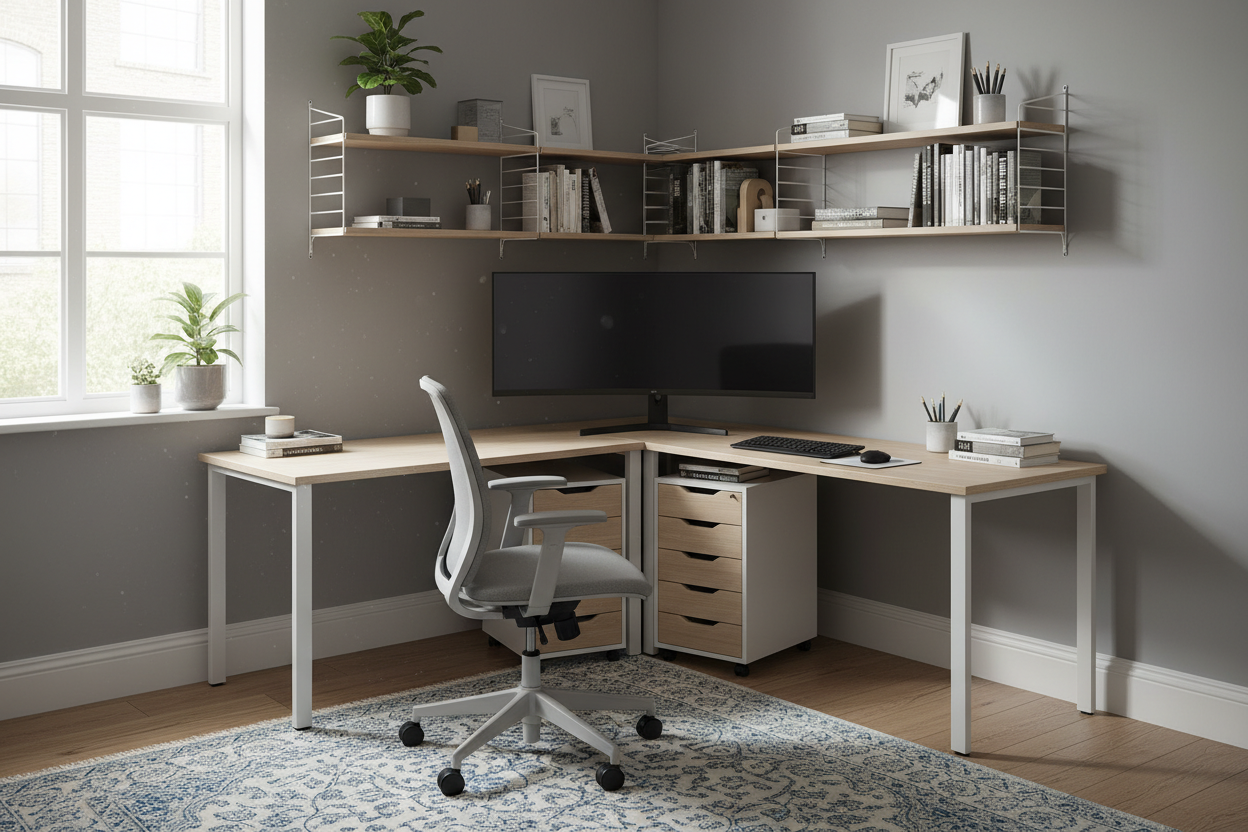


Dejar un comentario
Este sitio está protegido por hCaptcha y se aplican la Política de privacidad de hCaptcha y los Términos del servicio.