










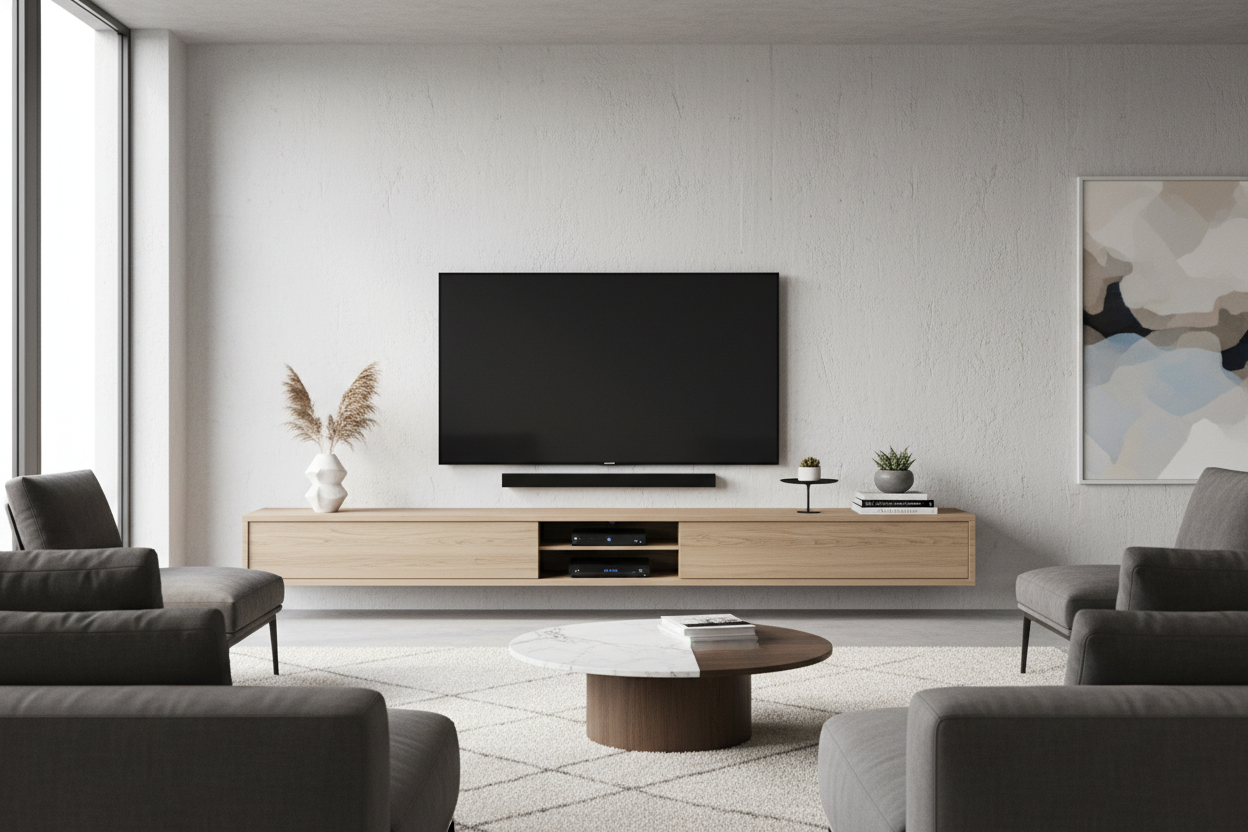
I spent three years staring at a rat’s nest of HDMI cables, a dusty Nintendo Switch dock, and a bulky cable box that looked like it belonged in 1998. Every time I tried to achieve that clean, Scandi-inspired living room look, my partner’s gaming setup laughed in the face of my aesthetic. I thought the only way to win was to ditch the furniture entirely, but I eventually realized that a well-chosen television entertainment center is actually the only thing standing between a serene home and a tech-induced breakdown.
Quick Takeaways
- Opaque doors are non-negotiable for hiding tech clutter.
- Scale matters: the unit should be wider than your TV to avoid the 'top-heavy' look.
- Integrated cable management is better than any DIY hack.
- Go for a low-profile silhouette to keep the room feeling airy.
The Dilemma of the Giant Floating Black Box
The problem with most entertainment centers tv setups is that they are designed for utility first and beauty second. You end up with these massive, dark monoliths that suck the light out of a room. When we moved into our current apartment, I spent weeks debating if a media unit was even worth the space. In a 700-square-foot flat, every inch is precious real estate. But without a dedicated hub, the 'visual noise' of a black screen floating on a bare wall felt even more distracting than a piece of furniture.
We needed a place for the soundbar to sit at ear level and a way to hide the power strips. The trick isn't to avoid the furniture; it's to find a piece that mimics the architecture of the room. I looked for something with a matte finish that matched our wall color, which helped the unit 'recede' visually rather than dominating the floor plan.
Why I Almost Gave Up and Went Wall-Mounted
At one point, I was convinced that mounting everything would solve my problems. I bought the heavy-duty brackets and dreamed of a floating screen. Then reality hit: we have a PS5, a soundbar, and a router. Unless you are willing to cut into your drywall to run cables—which most renters can't do—you end up with a 'waterfall' of wires hanging down. It looks messy and unfinished.
I briefly considered a floating tv stand wall mounted media console to get the floor space back. This is a solid middle ground because it provides the storage you need without the heavy footprint of legs. However, if you have a massive 75-inch screen, a small floating shelf can look puny and out of proportion. You need something with enough physical presence to anchor the screen, or the TV just looks like a giant black hole on the wall.
The Secret to a Sleek Setup: 80% Closed Storage
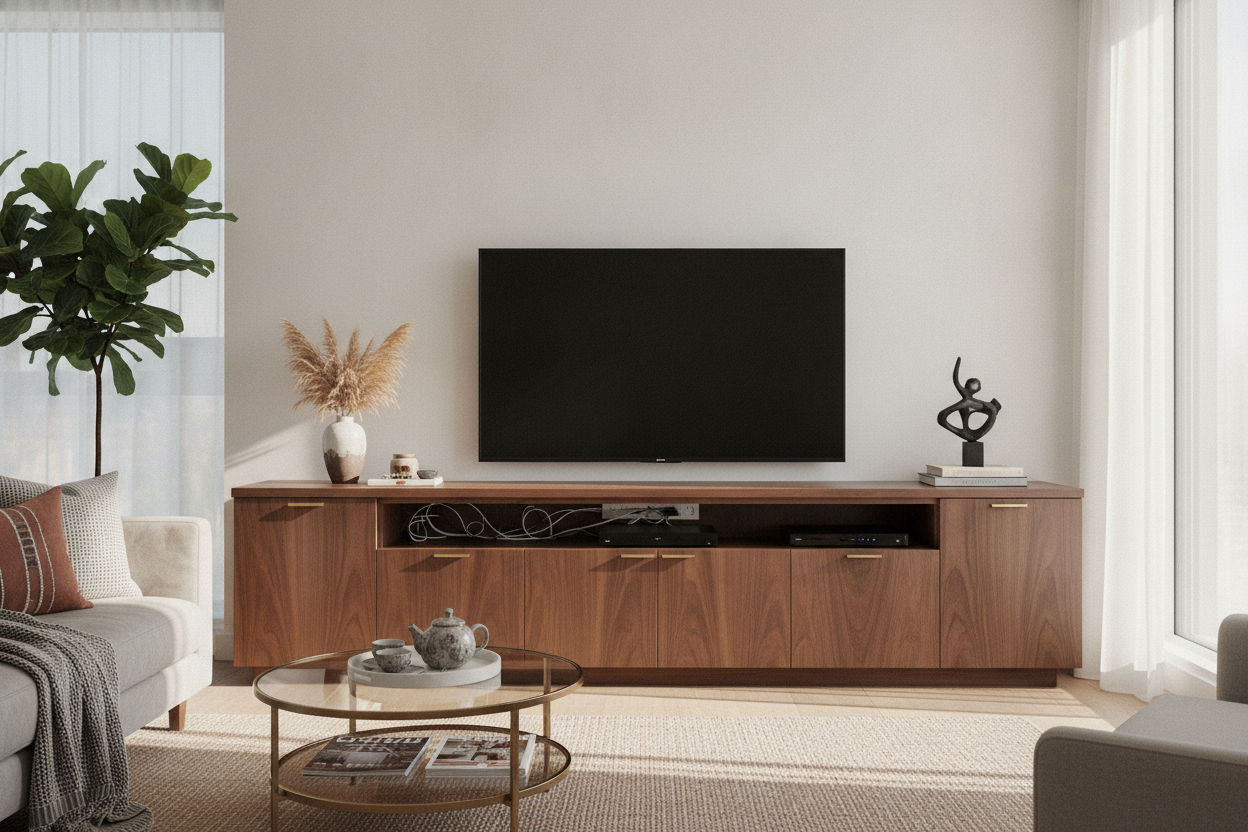
Here is my hard-won advice: never buy a media center for tv with glass doors or open shelving. I made the mistake of buying a mid-century unit with glass sliders once. I thought I’d display my 'cool' coffee table books next to the Xbox. In reality, you could see every blinking green light and tangled cord through the glass. It looked like a server room in a library. It was a nightmare.
The key to a minimalist look is 80% closed storage. You want a modern design with ample storage space that features solid, opaque doors. This allows you to shove the controllers, the remotes, and the messy stacks of games out of sight. I personally love a dark charcoal or black oak finish; these shades are great at hiding the gaps and shadows where cords tend to peek through. Just make sure the back panel has pre-drilled holes for ventilation, or your gaming console will sound like a jet engine trying to take off.
Stop Putting Tiny Knick-Knacks Under Your TV
Once you have the right piece, the styling is where most people trip up. I used to line up little succulents, small framed photos, and tiny candles along the top of the unit. It looked cluttered and cheap. When you're trying to figure out what actually belongs on an entertainment center, the answer is usually 'less than you think.'
I swapped the tiny clutter for one large, sculptural ceramic vase on one side and a single stack of oversized art books on the other. That’s it. By using fewer, larger items, you maintain the minimalist vibe. It makes the whole setup look deliberate and high-end. If you have a soundbar, let it be the only thing directly centered under the screen. Everything else should feel like an intentional design choice, not a place to dump your keys.
Finding the Right Silhouette for Your Space
Finally, look for a silhouette that doesn't scream 'office furniture.' Avoid anything with bulky silver handles or visible hinges. I always recommend pieces with push-to-open hardware. It keeps the front of the unit completely flat and seamless. If you can browse a minimalist entertainment center with a low profile—something around 18 to 22 inches high—it will keep the TV at the perfect viewing height without making the room feel cramped.
My current setup is a long, low-slung unit in a matte finish. It hides the partner's gaming obsession perfectly, and when the TV is off, it just looks like a sleek sideboard. It took some trial and error, but I've finally proven that you can be a tech-heavy household without living in a cable-filled cave.
FAQ
How do I stop my electronics from overheating in a closed cabinet?
Look for units with 'slatted' doors or removable back panels. If the back is solid, I usually use a 2-inch hole saw bit to add extra ventilation holes right behind the hottest components like the receiver or console.
What is the best height for a TV stand?
Your eyes should be level with the middle of the screen when seated. For most standard sofas, that means a unit between 18 and 24 inches tall. Anything higher and you'll be straining your neck.
Can I put a large TV on a small entertainment center?
Technically yes, but it looks terrible. Ideally, your stand should be at least 6 to 10 inches wider than the TV on both sides. This creates a visual 'base' that prevents the setup from looking top-heavy and unstable.


Dejar un comentario
Este sitio está protegido por hCaptcha y se aplican la Política de privacidad de hCaptcha y los Términos del servicio.