










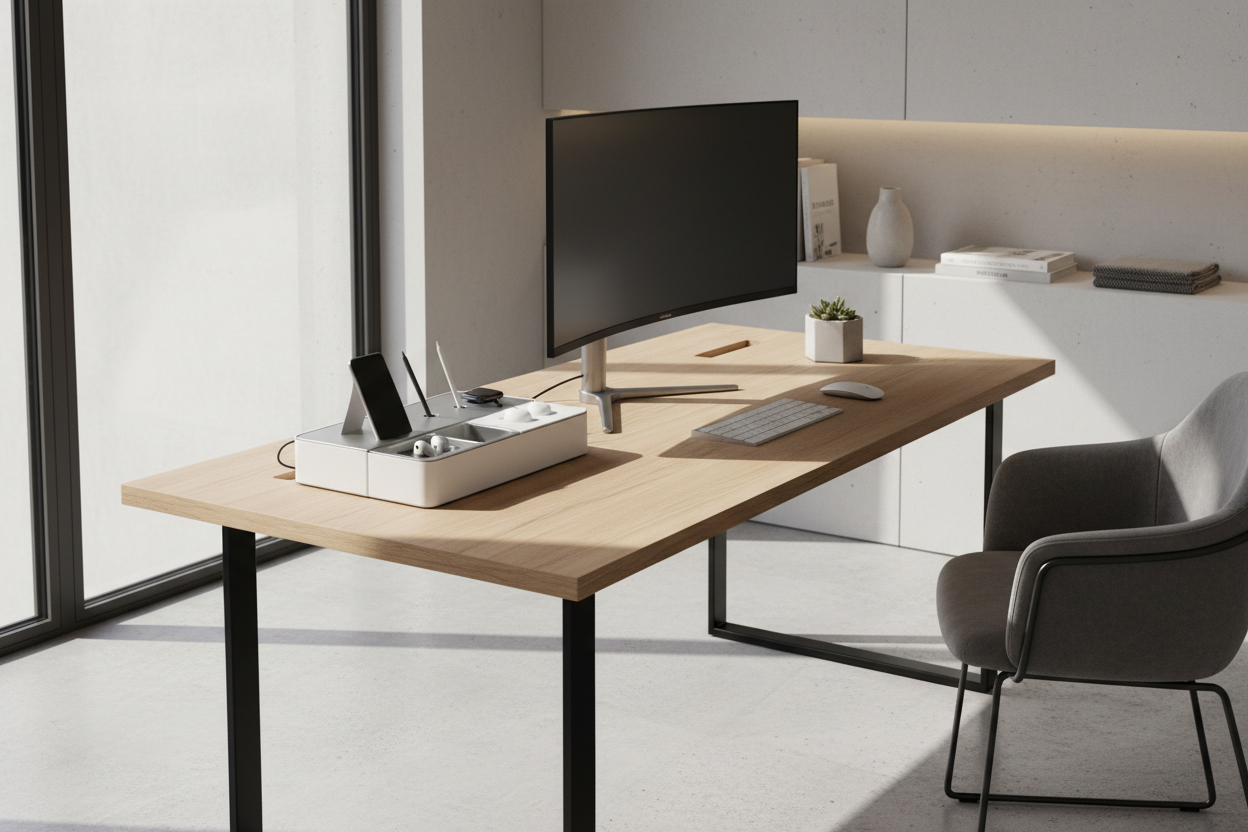
There is a distinct tension in modern interior design between the necessity of digital tools and the desire for a serene, uncluttered environment. We often see workspaces that look sterile rather than lived-in, or conversely, chaotic and stressful. The solution lies not just in hiding clutter, but in curating it. A well-chosen **tech desk organizer** serves as a visual anchor, transforming a pile of dongles, drives, and cables into a deliberate display of your daily essentials.
Key Features to Look For
Before committing to a piece that will sit prominently on your work surface, consider these crucial design elements to ensure longevity and functionality:
- Material Integrity: Prioritize solid woods (walnut, oak) or felt-lined metals over hollow plastics for stability and tactile warmth.
- Cable Management Depth: Ensure the unit has dedicated channels or pass-throughs deep enough to hide stiff braided cables.
- Lining Quality: Look for wool felt or cork lining in trays to prevent scratching your devices and to dampen the sound of placement.
- Footprint Ratio: The organizer should occupy no more than 15% of your primary work zone to maintain visual breathing room.
Selecting Materials: Texture and Patina
As a designer, I always advise clients to treat desk accessories as furniture, not just utility items. The materiality of your organizer sets the tone for the entire room. Solid wood options are superior because they develop a patina over time; a scratch on a walnut tray adds character, whereas a scratch on generic plastic simply looks shabby.
The Role of Acoustics
One often overlooked aspect of a desk tech organizer is its acoustic profile. Metal organizers, while industrial and sleek, can create a sharp, jarring noise every time you set down a phone or a set of keys. If you prefer a metal aesthetic, ensure the contact surfaces are lined with high-density felt or leather. This softens the sensory experience, adding a layer of subconscious luxury to your workflow.
Spatial Planning and Ergonomics
Placement is just as critical as the product itself. In design theory, we talk about 'reach zones.' Your organizer should sit in the 'secondary reach zone'—accessible by extending your arm but not encroaching on your immediate typing or writing space.
Visual Balance and Silhouette
Avoid the temptation to buy an organizer that holds everything. A massive unit can look heavy and dominate the desk. Instead, aim for a low-profile silhouette that holds only daily essentials. This creates negative space around the object, which is essential for a high-end, gallery-like aesthetic. If your desk is glass or white lacquer, a darker wood provides a grounding contrast. If you have a heavy timber desk, consider a matte charcoal or felt organizer to create separation.
My Personal Take on Tech Desk Organizers
I learned a hard lesson about finishes early in my career while outfitting a home office for a tech executive. I specified a stunning, high-gloss acrylic organizer that looked incredible in the catalog. It was sleek, modern, and expensive.
However, within three weeks, the client called me. The issue wasn't the function; it was the maintenance. The high-gloss finish was a magnet for fingerprints and micro-dust. Every time the sun hit the desk, the organizer looked dirty, ruining the entire vibe of the room. Furthermore, the hard acrylic had no 'give,' so rigid USB cables kept popping out of their slots. I replaced it with a matte, oil-finished oak piece with cork bottoms. It absorbed the light rather than reflecting it, hid the dust, and the friction of the wood held the cables in place perfectly. Sometimes, 'boring' materials function infinitely better than 'flashy' ones in a daily-use scenario.
Conclusion
Elevating your workspace isn't about achieving perfection; it's about intentionality. By selecting a tech desk organizer that honors material quality and ergonomic principles, you invest in a clearer mind and a more beautiful home. Choose a piece that feels good to touch and looks better with age.
Frequently Asked Questions
How do I clean a felt-lined desk tech organizer?
Avoid wet cloths, which can mildew the fabric. Use a lint roller for dust and debris. For spills, blot immediately with a dry microfiber cloth; do not rub, as this will pill the felt texture.
Will a standard organizer fit under a monitor riser?
Most premium organizers are designed with a low profile (under 3 inches) specifically to slide under standard monitor shelves. Always measure the clearance height of your riser before purchasing.
Does wood interfere with wireless charging pads placed inside the organizer?
Wood is not conductive, so it won't block the signal, but thickness matters. If you are retrofitting a charger into a wooden tray, the material between the charger and phone needs to be less than 3mm thick for reliable connection.



Dejar un comentario
Este sitio está protegido por hCaptcha y se aplican la Política de privacidad de hCaptcha y los Términos del servicio.