










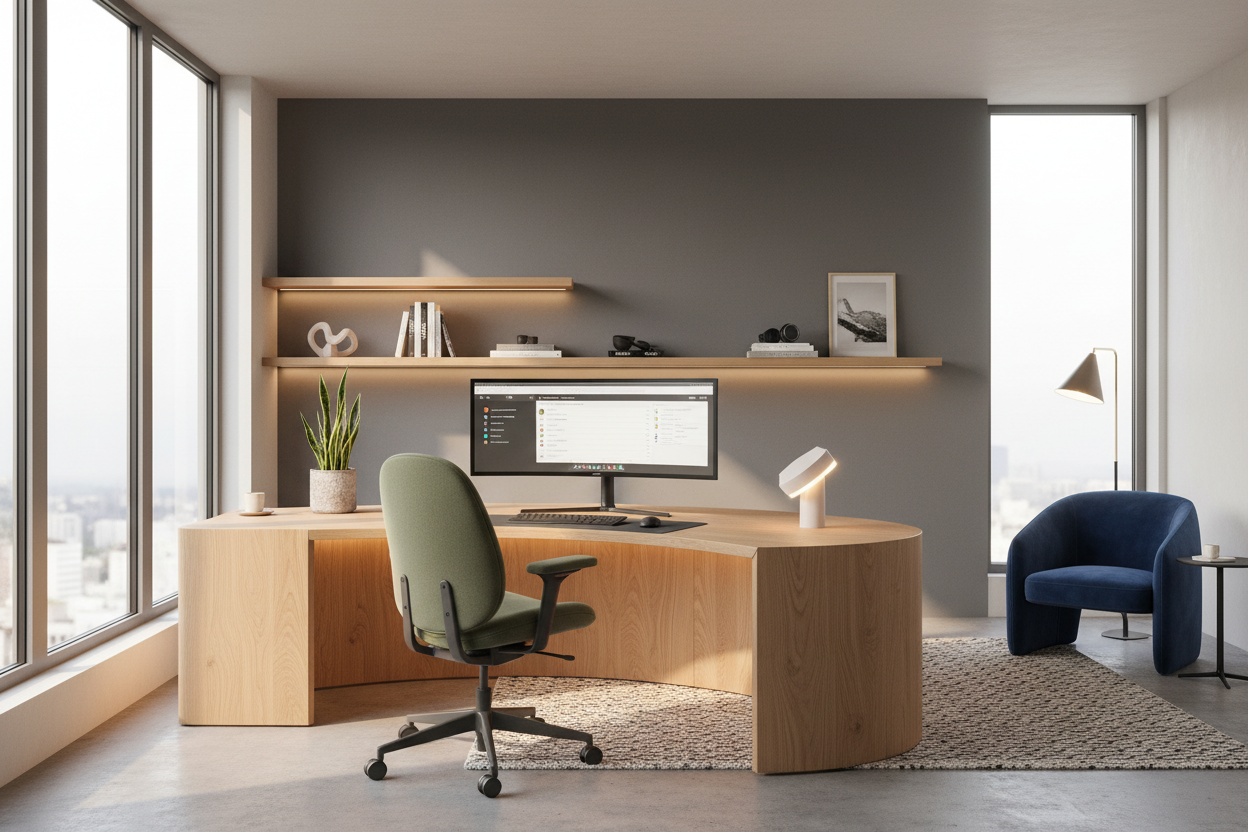
We often blame procrastination on a lack of willpower, but as an interior designer, I see a different culprit: poor spatial planning. If you are working from a dining chair that cuts off circulation or facing a wall that feels oppressive, your brain will naturally seek distractions. Learning how to be productive working remotely isn't just about time management software; it is about curating an environment that supports deep work through ergonomic integrity and visual psychology.
Key Elements of a High-Performance Workspace
- Ergonomic Alignment: Chair and desk height must allow elbows to rest at 90 degrees to prevent fatigue.
- Lighting Temperature: Cool, daylight-balanced bulbs (4000K-5000K) promote alertness, while warm light induces relaxation.
- The Command Position: Orienting your desk to face the room's entrance reduces subconscious anxiety.
- Acoustic Control: Soft furnishings like rugs and curtains absorb reverb, clarifying focus during calls.
The Foundation: Ergonomics Over Aesthetics
When clients ask me how to work productively from home, my first question is always about their seating. While a velvet tub chair looks stunning in a portfolio, it is disastrous for an eight-hour shift. To stay productive while working from home, prioritize a task chair with adjustable lumbar support and seat depth.
Look for mechanisms that allow for 'dynamic sitting'—where the chair moves with you. If you prefer a warmer aesthetic than the typical corporate mesh, opt for high-quality leather or performance fabric, but ensure the foam density is rated for long-term use. A beautiful chair that causes sciatica will kill your workflow faster than any distraction.
Lighting Layers: The Circadian Rhythm Approach
One of the most overlooked aspects of staying productive while working from home is lighting design. Relying solely on a single overhead fixture creates harsh shadows and eye strain. To combat this, layer your lighting.
Task Lighting
Invest in an articulated desk lamp with a high CRI (Color Rendering Index). This provides focused illumination for reading and writing without washing out your screen. Position it opposite your writing hand to avoid casting shadows.
Ambient Lighting
If you want to know how to increase productivity at home, look at your windows. Natural light is superior for mood regulation. Position your desk perpendicular to the window to maximize light intake while minimizing glare on your monitor. If natural light is scarce, use uplighting in corners to soften the room's edges and reduce visual fatigue.
Spatial Planning: The 'Command Position'
In design theory, where you sit dictates how you feel. Facing a blank wall is a common mistake that leads to feeling 'boxed in.' To figure out how to be more productive at work from home, try the 'Command Position.' This involves floating your desk in the room so your back is to a solid wall and you have a clear view of the door.
This layout signals authority and security to your primitive brain, allowing you to focus on high-level tasks rather than subconsciously monitoring your environment. If space constraints force you against a wall, mount a mirror above the desk to expand the visual field behind you.
Visual Noise and Materiality
Productivity tips for remote workers often suggest minimalism, but sterile spaces can be uninspiring. The goal is organized complexity. Use natural materials like walnut or oak for your desk surface; the tactile warmth of wood is grounding compared to cold laminates. Manage visual noise by using closed storage for paperwork and cables. Your eyes should only rest on items that are beautiful or immediately functional.
My Personal Take on how to be productive working remotely
I learned a hard lesson about aesthetics versus function in my own home office renovation last year. I fell in love with a vintage mid-century modern teak desk. It had a stunning silhouette and a floating top. However, after two weeks, I realized the apron (the wood panel beneath the drawers) was too deep.
Every time I crossed my legs or adjusted my chair height for typing, my knees would bang against the wood. It was a constant, low-level irritation that broke my concentration. I eventually had to swap it for a custom piece with a thinner profile and a sit-stand base. It taught me that no matter how beautiful a piece of furniture is, if the measurements interfere with your body's natural movement, your productivity will plummet. Always measure the clearance between your thigh and the desk underside—you need at least 3 to 4 inches for true comfort.
Conclusion
Transforming your workspace is not merely a decorative exercise; it is an investment in your professional output. By selecting the right materials, optimizing your layout, and respecting ergonomics, you build a space that actively helps you work. Do not settle for a makeshift setup—design a room that demands your best work.
Frequently Asked Questions
How can I be productive in a small apartment with no spare room?
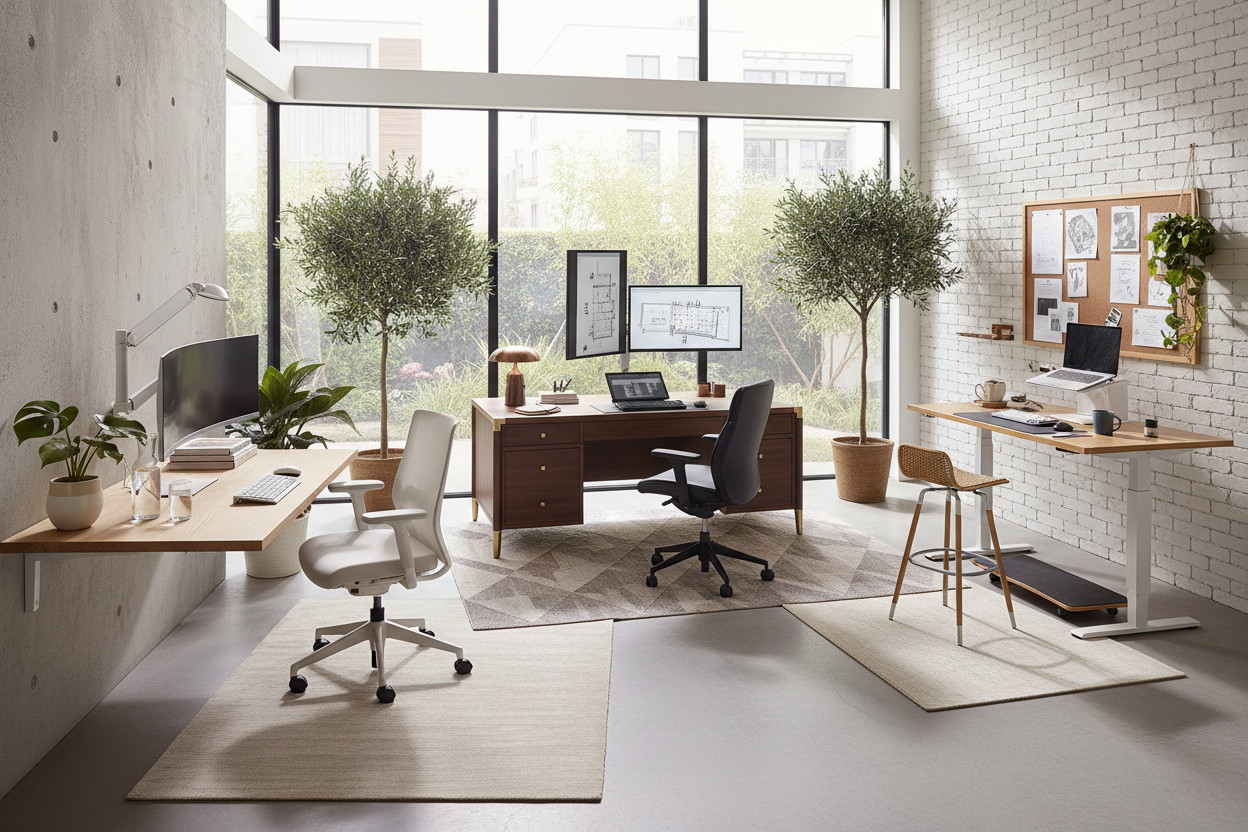
Focus on verticality. Use a wall-mounted ladder desk or a secretary desk that closes up to hide work clutter. Visual separation is key; use a specific rug to define the 'office' zone, signaling to your brain that stepping onto the rug means it is time to work.
Is a standing desk worth the investment for productivity?
Yes, but visual weight matters. In a home setting, bulky industrial standing desks can look clinical. Look for models with wood-veneer tops and concealed motors. The ability to change posture keeps energy levels high, which is essential for maintaining focus.
What is the best color for a home office?
Color psychology suggests greens and blues for focus and calmness. However, avoid high-saturation primary colors which can be overstimulating. Sage green or a deep navy can create a sophisticated, library-like atmosphere that encourages deep thought.

Dejar un comentario
Este sitio está protegido por hCaptcha y se aplican la Política de privacidad de hCaptcha y los Términos del servicio.