










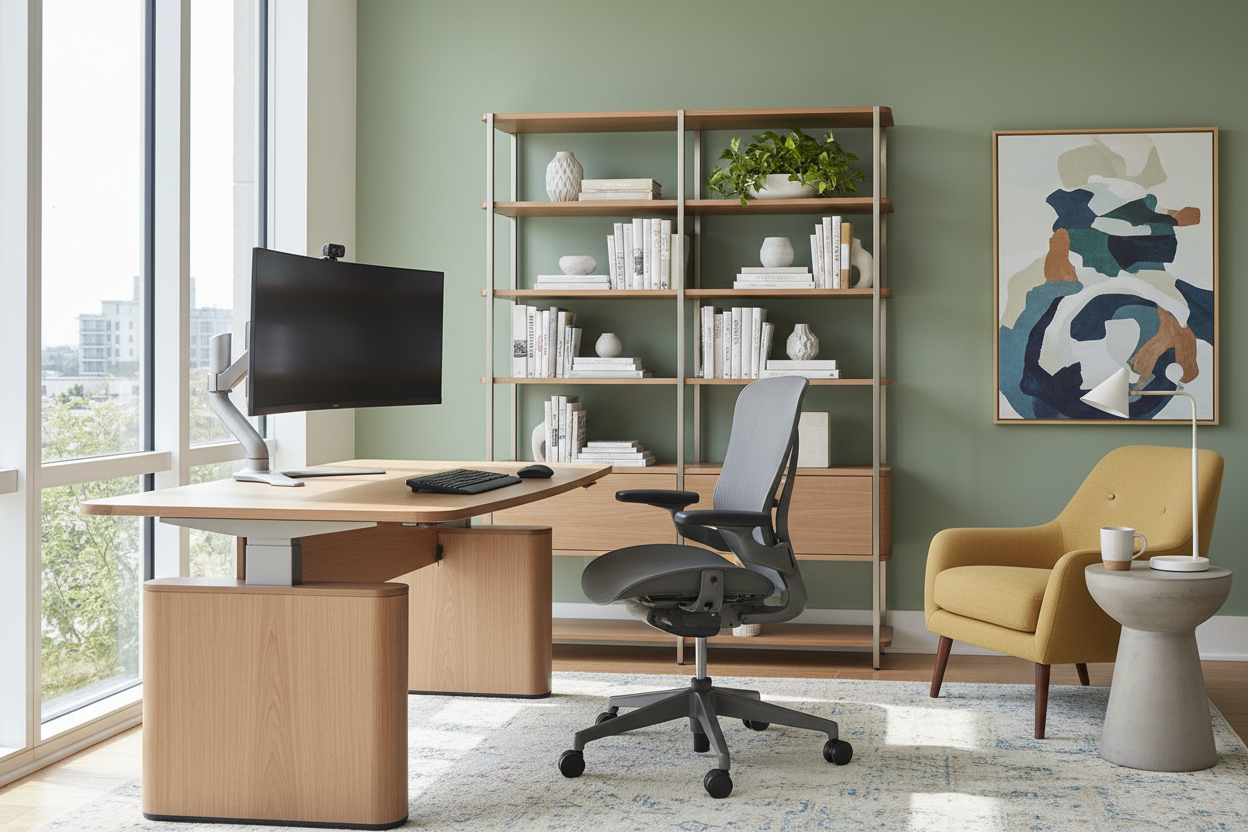
We have witnessed a fundamental shift in residential architecture and interior planning over the last few years. The dramatic increase in working from home has moved the home office from a luxury addition to an absolute necessity. It is no longer enough to simply place a laptop on the dining table; successful remote work requires a dedicated environment that balances professional functionality with residential comfort. This guide explores how to curate a workspace that responds to this permanent lifestyle change without compromising your home's aesthetic.
Key Design Elements for Remote Workspaces
- Ergonomic Integrity: Prioritize chairs with lumbar support and synchro-tilt mechanisms over purely decorative options.
- Acoustic Control: Incorporate soft furnishings (rugs, curtains) to dampen echo during calls.
- Lighting Layers: Combine ambient overhead lighting with focused task lighting to reduce eye strain.
- Material Durability: Select desk surfaces like solid hardwood or high-pressure laminate that resist heat and scratches.
- Spatial Zoning: Distinctly separate the "work zone" from the "rest zone" to aid mental transition.
Structuring Your Layout for Longevity
With the work from home increase showing no signs of slowing, spatial planning is your first consideration. The goal is to create a visual and physical boundary. For stay-at-home workers, the psychological ability to "leave" work at the end of the day is dictated by layout. If a separate room isn't available, use open shelving units as room dividers. This creates a "broken-plan" living arrangement that maintains light flow while establishing a dedicated professional perimeter.
Combatting Fatigue with Ergonomics
There is a troubling statistic that remote workers work longer not more efficiently. Often, this inefficiency stems from physical discomfort. A dining chair compresses the spine, leading to fatigue that breaks focus. When selecting a task chair, look for a 5-star base for stability and breathable mesh or high-grade leather. The investment in a piece that supports your posture translates directly to sustained productivity. Your post for work from home—your command station—must be calibrated to your biometrics.
Selecting the Right Desk Surface
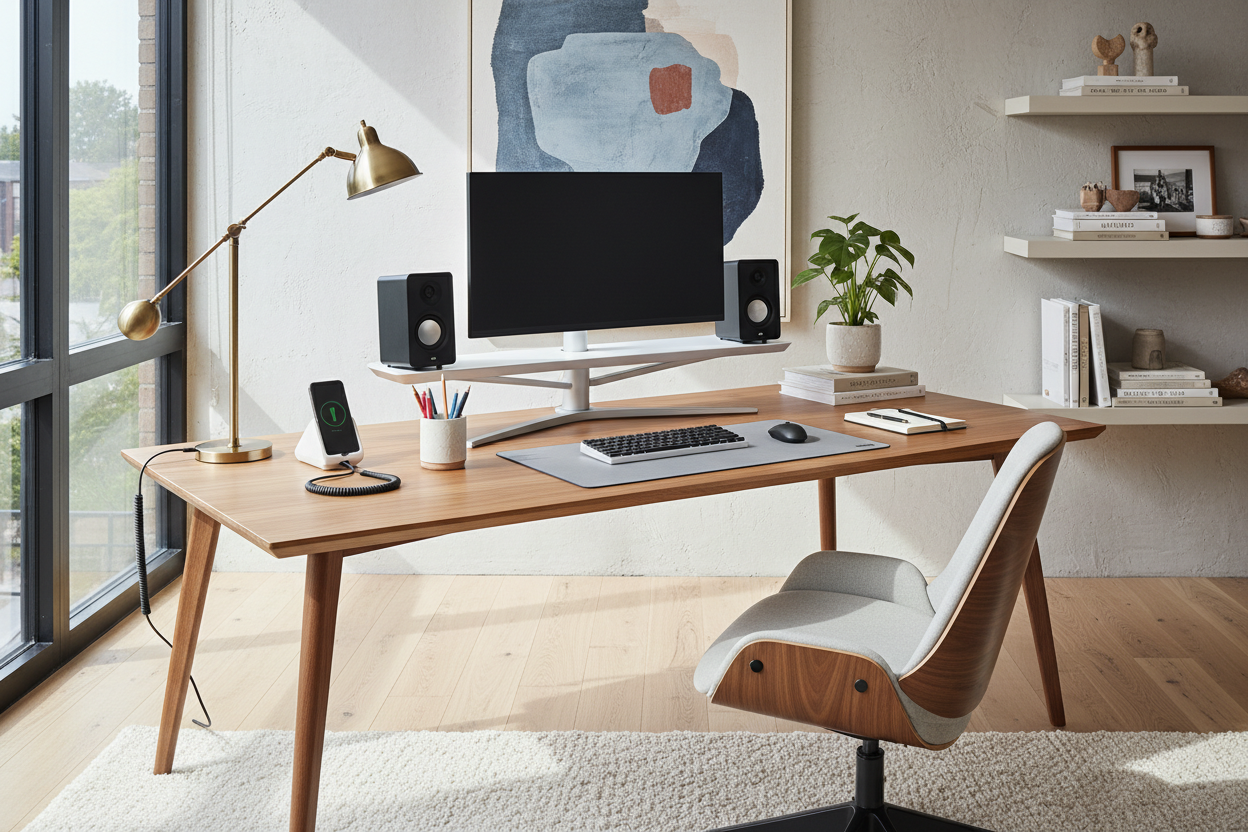
The tactile experience of your desk matters. While glass tops look sleek, they are cold to the touch and reflect monitor glare, which causes visual fatigue. I recommend matte-finished walnut or oak. These materials offer warmth and absorb light rather than reflecting it. Furthermore, ensure your desk depth is at least 30 inches if you use multiple monitors; the standard 24-inch depth often places screens too close to the eyes, disrupting the focal point of the room and your vision.
My Personal Take on the Increase in Working From Home
In my recent projects, I’ve noticed a specific nuance that most product descriptions miss: the importance of "edge profile" on desks. I recently designed a study for a client who insisted on a sharp, architectural metal desk. It looked stunning in photos. However, after three weeks of the increase in working from home hours, they called me complaining about forearm pain. The sharp edge was cutting into their circulation while typing.
I swapped it for a solid wood desk with a "bullnose" or chamfered edge. The difference was immediate. It’s an unpolished, practical detail, but when you are leaning into a Zoom call for two hours, that softened edge is the difference between distraction and flow. Don't just look at the silhouette; feel the edges.
Conclusion
Adapting to the surge in remote work requires more than buying a desk; it requires a thoughtful integration of function and style. By investing in ergonomic pieces and quality materials, you elevate not just your productivity, but the overall harmony of your home. Treat your workspace with the same design intent as your living room.
Frequently Asked Questions
How do I integrate a workspace into a small living room?
Focus on verticality. Use a wall-mounted ladder desk or a secretary desk that can close up to hide clutter. Choose a chair with a low profile or one that slides fully under the desk to maintain clear circulation paths.
Is solid wood better than veneer for a home office desk?
Solid wood offers longevity and can be refinished if scratched, making it ideal for heavy daily use. However, high-quality wood veneers over MDF are more stable in fluctuating humidity and often more cost-effective for large surfaces.
How can I improve lighting for video calls?
Avoid having a window directly behind you, as this creates a silhouette effect. Position your desk facing the window for natural light, or place a soft, diffused lamp behind your monitor to illuminate your face evenly without casting harsh shadows.


Dejar un comentario
Este sitio está protegido por hCaptcha y se aplican la Política de privacidad de hCaptcha y los Términos del servicio.