










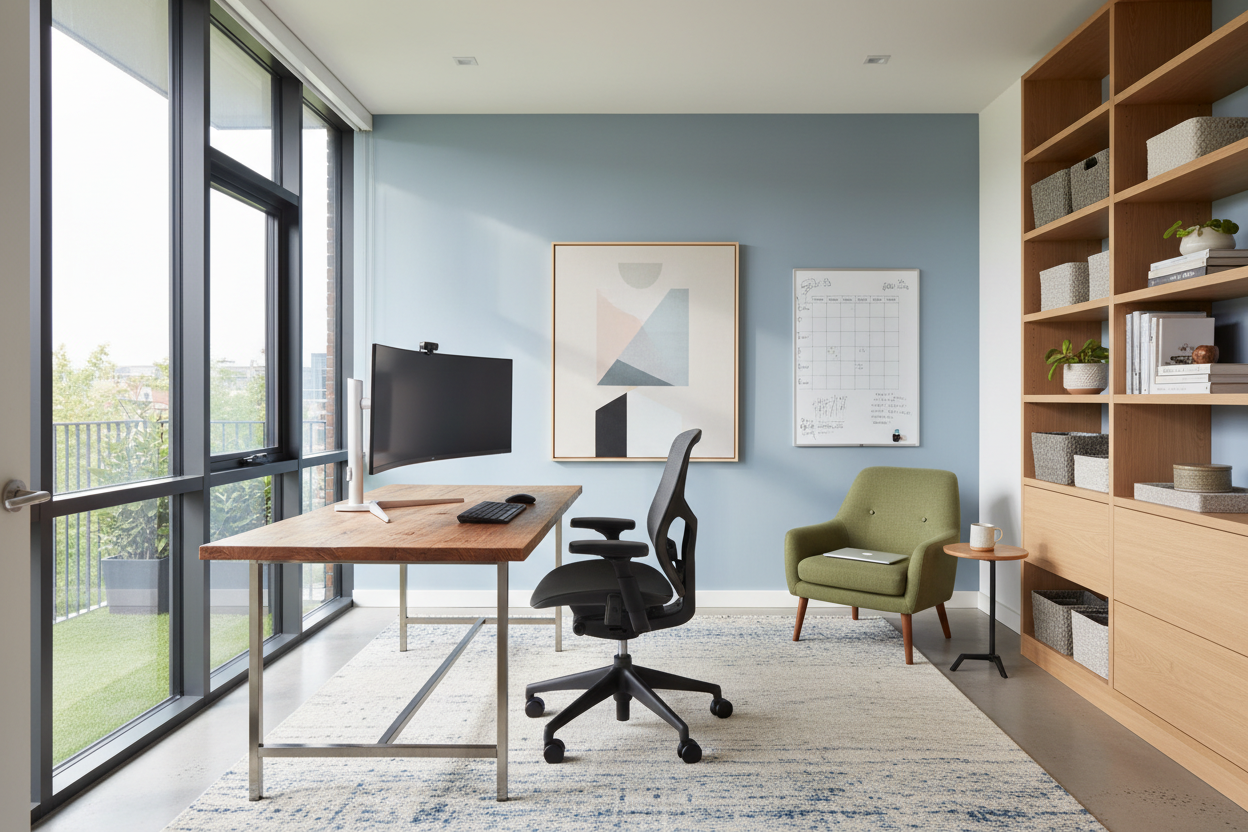
We have all been there: trying to finalize a presentation while perched on a stiff dining chair, fighting the glare from a window behind us. It is a recipe for fatigue, not focus. As an interior designer, I see clients treating their home office as an afterthought, prioritizing a quick setup over long-term function. However, effectively working from home requires more than just a laptop and a flat surface; it demands a curated environment that respects ergonomics, lighting, and spatial psychology.
Quick Decision Guide: The Essentials
- Ergonomics First: Prioritize chairs with adjustable lumbar support and seat depth over purely aesthetic accent chairs.
- Lighting Temperature: Aim for 4000K (cool white) bulbs for task lighting to maintain alertness, contrasting with softer ambient light.
- Surface Depth: Ensure your desk is at least 24–30 inches deep to allow proper monitor distance and prevent eye strain.
- Acoustic Control: Incorporate textiles like area rugs or upholstered panels to dampen echo for clearer video calls.
- Zoning: Even in small spaces, position furniture to create a visual boundary between 'work' and 'rest' areas.
Zoning Your Space for Mental Clarity
The biggest hurdle in learning how to efficiently work from home is the bleeding of professional life into personal sanctuary. In design terms, we call this a lack of "zoning." You do not need a dedicated room, but you do need a dedicated zone.
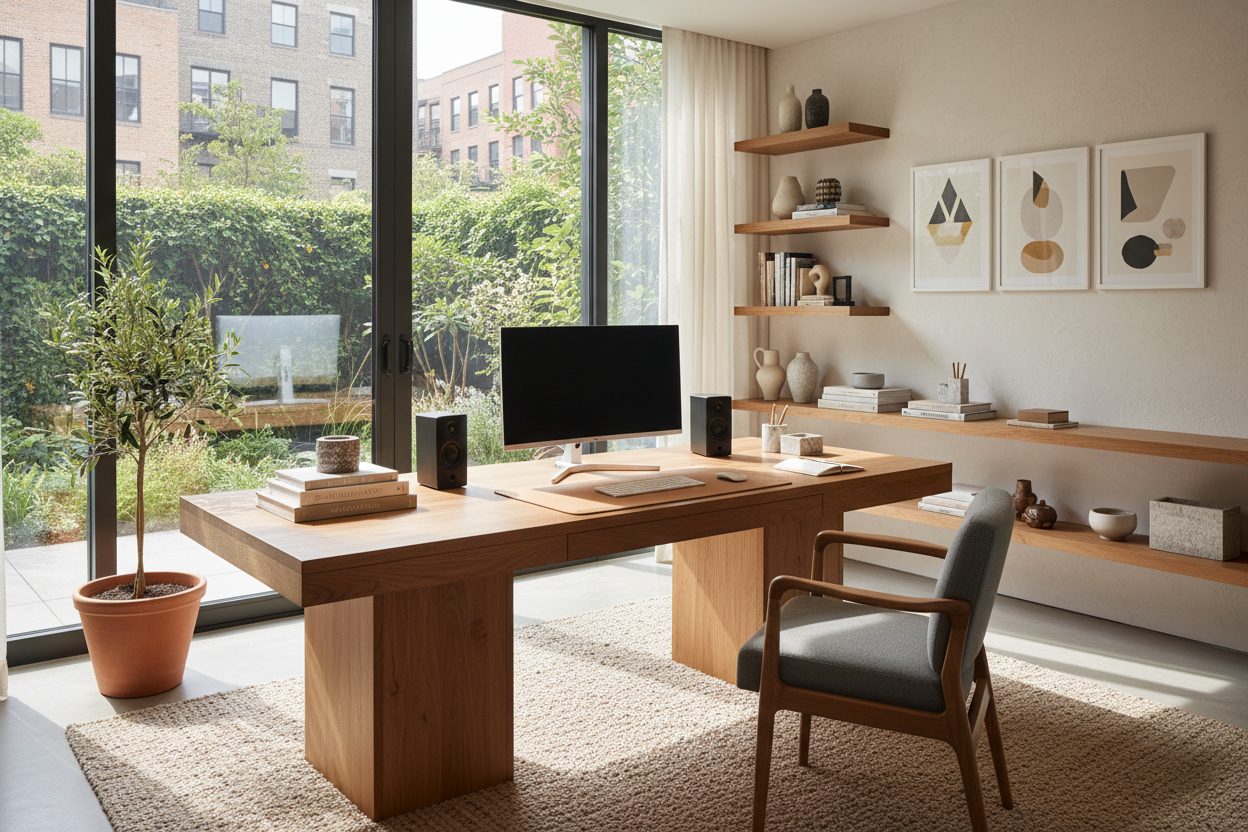
Position your desk to command the room—ideally facing the door or a window, never a blank wall. This is known as the "command position," reducing subconscious anxiety. If you are in a multipurpose living area, use a high-backed sofa or an open-shelf bookcase to physically demarcate the workspace. The visual cue signals to your brain that when you cross that threshold, work begins.
The Chair: The Anchor of Productivity
Many homeowners make the mistake of buying a chair that matches the curtains but ruins their spine. An efficient work from home setup relies entirely on the chair. Look for a "task" classification rather than "dining" or "lounge."
Material Matters
While velvet adds texture and warmth, it retains heat. For an 8-hour workday, high-performance mesh or breathable textiles are superior. They allow airflow and prevent the discomfort that leads to constant shifting and breaking focus. If you prefer the look of leather, opt for top-grain over bonded leather, which tends to peel and crack within a year of daily friction.
Lighting: The Invisible Design Element
Poor lighting is the silent killer of productivity. A single overhead fixture casts shadows on your work surface, causing eye strain. To counter this, layer your lighting.
Start with ambient light (the overhead), but layer in a dedicated task lamp with an adjustable arm. The goal is to illuminate the document or keyboard, not the screen. Position the light source opposite your writing hand to avoid casting shadows while you write. Furthermore, manage natural light with sheer drapery or solar shades—they filter harsh UV rays without plunging the room into darkness.
My Personal Take on Effectively Working From Home
I learned a hard lesson early in my career when designing my own home studio. I fell in love with a vintage mid-century modern teak desk. It had a stunning silhouette and rich patina. I bought it immediately.
However, I ignored the dimensions. The desk height was 28 inches—standard for the 1960s, but slightly too low for modern ergonomic chairs which often sit higher on their hydraulics. For six months, I couldn't figure out why my shoulders were bunching up toward my ears. It wasn't until I actually measured the clearance that I realized my thighs were hitting the drawer apron, forcing me to sit awkwardly.
I had to use risers to lift the desk, which ruined the aesthetic I paid for. The takeaway? Always measure the "knee clearance" (the space between the floor and the underside of the desk). It’s an unglamorous detail that determines whether you end the day in pain or at peace.
Conclusion
Creating a space for effectively working from home is an investment in your physical health and professional output. By selecting the right materials, respecting ergonomic dimensions, and layering your lighting, you elevate your daily experience from merely surviving the workday to thriving in it.
Frequently Asked Questions
What is the ideal desk depth for a multi-monitor setup?
If you use two or more monitors, aim for a desk depth of 30 inches. This ensures the screens remain at arm's length, preventing digital eye strain and leaving room for a keyboard and notepad.
How can I dampen noise without soundproofing panels?
Soft furnishings are your best friends. A thick wool rug, heavy velvet drapes, and even canvas art on the walls will absorb sound waves, reducing the "hollow" echo often heard on conference calls.
Is a standing desk necessary for an efficient work from home setup?
It is not mandatory, but it is beneficial. If a full standing desk isn't in the budget or doesn't fit your design aesthetic, consider a desk converter or simply ensuring your seated posture allows for feet to be flat on the floor with knees at a 90-degree angle.

Dejar un comentario
Este sitio está protegido por hCaptcha y se aplican la Política de privacidad de hCaptcha y los Términos del servicio.