










We have all seen the idealized images of remote work: a laptop perched precariously on a kitchen island or a cozy setup on a sofa. However, as an interior designer who specializes in residential workspaces, I can tell you that these setups are unsustainable for the long haul. When you secure jobs to work from home full time, the physical environment shifts from a casual convenience to a critical tool for productivity and health. The design dilemma is no longer just about aesthetics; it is about sustaining focus and posture for forty hours a week within your personal sanctuary.
Quick Decision Guide: The Essentials
If you are transitioning into full time work at home, prioritize these elements before purchasing a single decorative item. These are the non-negotiables for a professional-grade setup:
- Ergonomics First: Look for chairs with adjustable lumbar support and seat depth. Style should never compromise spinal health.
- Surface Durability: For full-time use, avoid soft pine or low-grade laminates. Opt for high-pressure laminate (HPL) or hardwood that resists mouse abrasion.
- Lighting Layers: Ensure you have both task lighting (for paperwork) and diffused ambient lighting (to reduce screen glare).
- Acoustic Control: Incorporate soft textiles like rugs or upholstered panels to dampen echo during calls.
Zoning Your Layout for Workflow
The biggest mistake I see clients make is treating their home office furniture as an afterthought. When engaging in jobs to do from home full-time, spatial planning is paramount. You need to establish a clear "command position." ideally, your desk should face the door but not be directly in line with it, a concept rooted in Feng Shui but practical for minimizing startle responses.
Consider the "work triangle" of your office: your chair, your digital interface (screens), and your reference area (storage or paper files). If you have to stand up and walk across the room to retrieve a file you use hourly, you break your flow state. Keep active storage within arm's reach, utilizing vertical shelving to save floor space.
Selecting the Right Desk and Chair
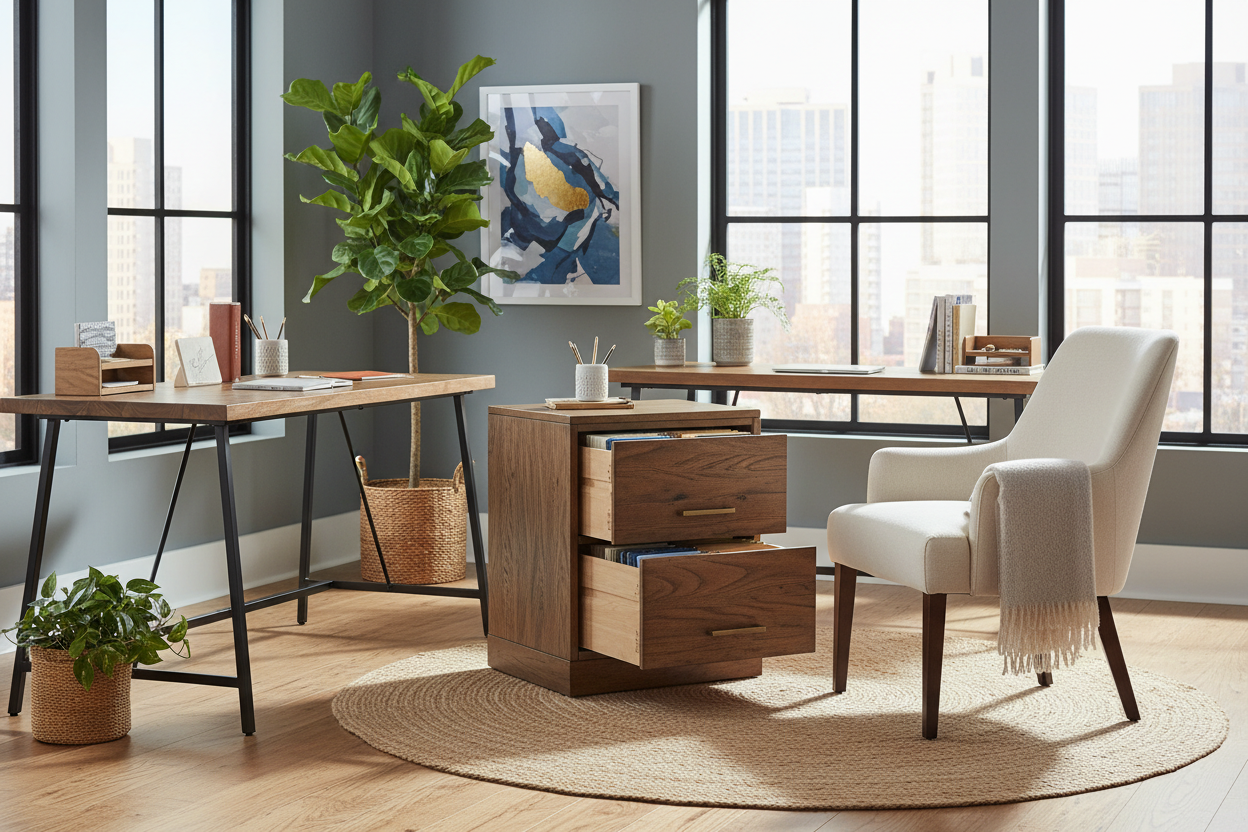
Let’s talk about the centerpiece. For work at home jobs full-time, the desk is your workbench. While floating desks look sleek in photos, they often lack the depth required for a monitor and a keyboard to sit at the correct focal distance (roughly an arm's length away).
Material Matters
I always advise clients to check the abrasion rating of the desk surface. If you are typing for eight hours a day, a cheap veneer will wear down to the particle board within a year. Solid walnut or oak offers longevity and can be refinished, but a high-quality matte laminate is often more practical for resisting coffee rings and heat marks.
The Seating Silhouette
For the chair, ignore the "executive" leather behemoths that look plush but offer zero breathability. Look for a mesh back with a synchro-tilt mechanism. This allows the backrest and seat to move in a ratio (usually 2:1), keeping your feet on the floor while you recline, maintaining circulation in your legs.
Lighting and Video Call Aesthetics
Many work-at-home programs now require constant video connectivity. This makes lighting a structural necessity, not just decor. Avoid placing your desk with a window directly behind you; this creates a silhouette effect where you appear as a dark shadow on camera. Instead, position the desk perpendicular to the window to allow natural light to wash across your face.
Supplement this with a warm temperature task light (2700K to 3000K). Cold, blue light can induce headaches over long periods. A well-placed floor lamp with a linen shade can add soft, diffused light that softens facial features on camera while reducing eye strain.
My Personal Take on jobs to work from home full time
I want to share a lesson I learned the hard way during a project—and actually, in my own home office. When I first transitioned my studio to a remote model, I bought a stunning, vintage mid-century modern desk. It was teak, beautiful, and had a high-gloss finish.
Within three weeks of doing my own jobs to work from home full time, I realized the gloss finish was a disaster. The reflection from my dual monitors created a constant glare on the desk surface that was exhausting to look at. Furthermore, the vintage height was 28 inches—standard for 1960, but too high for modern typing ergonomics, causing my shoulders to hike up toward my ears. I had to retrofit a keyboard tray, which ruined the aesthetic I paid for. The takeaway? Always choose a matte finish for heavy computer work, and measure the desk height relative to your elbow position, not just how it looks in the showroom.
Conclusion
Designing a space for full-time remote work is an investment in your career longevity. By selecting durable materials, prioritizing ergonomic layouts, and controlling your lighting environment, you create a space that supports your professional output rather than hindering it. Treat your home office with the same respect as a corporate headquarters.
Frequently Asked Questions
What is the ideal desk depth for full-time computer work?
For a standard setup with a monitor and keyboard, a depth of 24 to 30 inches is ideal. This provides enough distance for your eyes to focus comfortably on the screen without strain.
How can I separate work from life in a small apartment?
Use visual dividers. A freestanding bookshelf, a folding screen, or even a large potted plant can create a psychological barrier between your "office" and your living space, signaling to your brain when the workday is done.
Should I invest in a standing desk?
Yes, if your budget allows. The ability to alternate between sitting and standing reduces the load on your lumbar spine. Look for dual-motor electric models for smooth, quiet transitions during calls.

Dejar un comentario
Este sitio está protegido por hCaptcha y se aplican la Política de privacidad de hCaptcha y los Términos del servicio.