










We have all been there: balancing a laptop on a stack of coffee table books or pretending the dining chair isn't destroying our lower back. When your living space suddenly doubles as your corporate headquarters, the clash between comfort and aesthetics becomes painfully obvious. If you are searching for ideas for home working that don't involve turning your beautiful guest room into a sterile, gray cubicle, you are in the right place. Today, I am breaking down how to create a functional, stylish workspace that actually supports your daily workflow without ruining your home's aesthetic.
Quick Decision Guide
- Prioritize a dedicated ergonomic chair over a trendy accent chair to save your posture and prevent long-term back pain.
- Position your desk perpendicular to a window to reduce screen glare while maintaining access to natural light.
- Use area rugs and layered lighting to create a visual boundary between 'work' and 'rest' zones in open floor plans.
- Hide visual clutter with closed storage; exposed cables and paper stacks instantly increase ambient stress.
Space Planning: Finding Room Where There Is None
The 'Cloffice' and Open-Concept Solutions
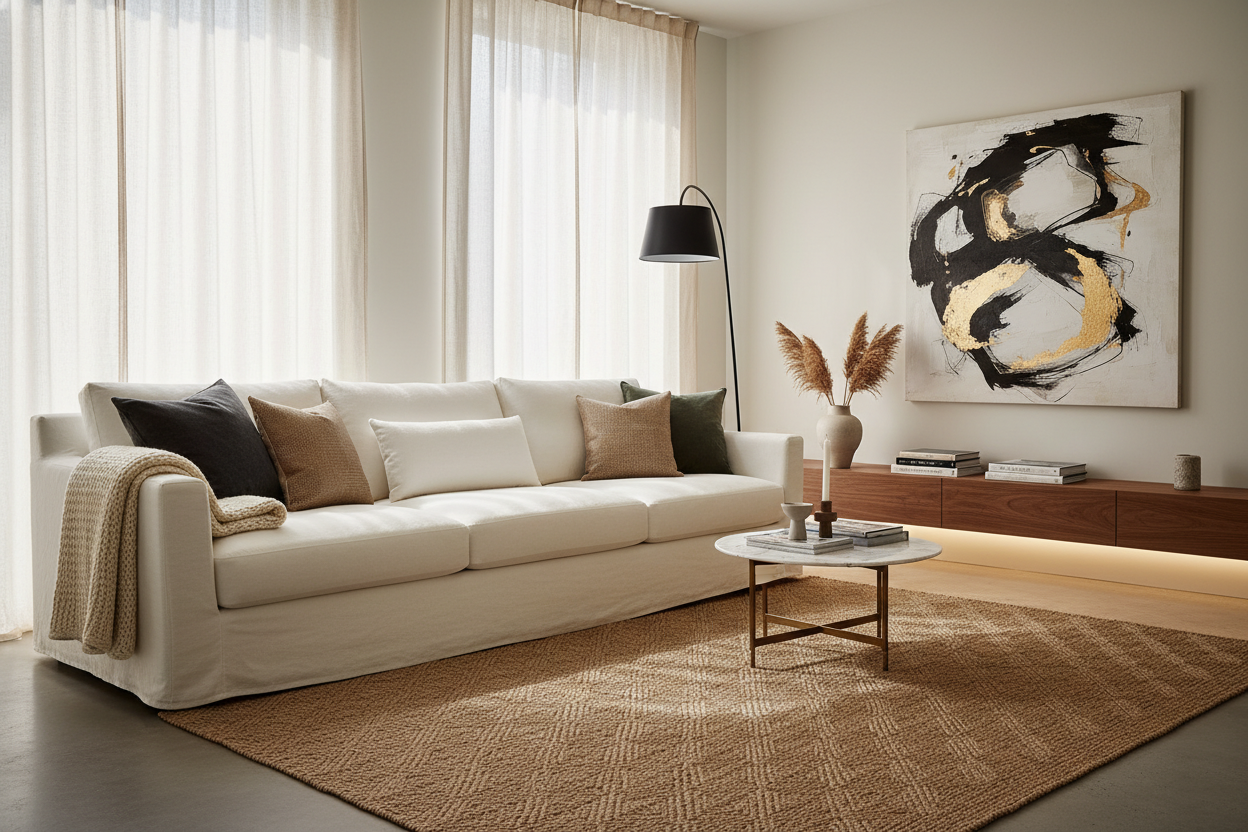
Effective working from home design requires a bit of spatial ingenuity, especially in typical North American suburban homes where open-concept layouts reign supreme. If you lack a dedicated spare room, look for underutilized alcoves. A standard 48-inch wide closet can easily convert into a functional workspace by removing the doors and installing a heavy-duty floating desktop. If you must set up in the living room, try placing your desk directly behind the sofa. This acts as a natural room divider, anchors the furniture, and keeps your back to the television to minimize visual distractions.
Comfort & Ergonomics: The Foundation of Focus
Desk Height and Seating Realities
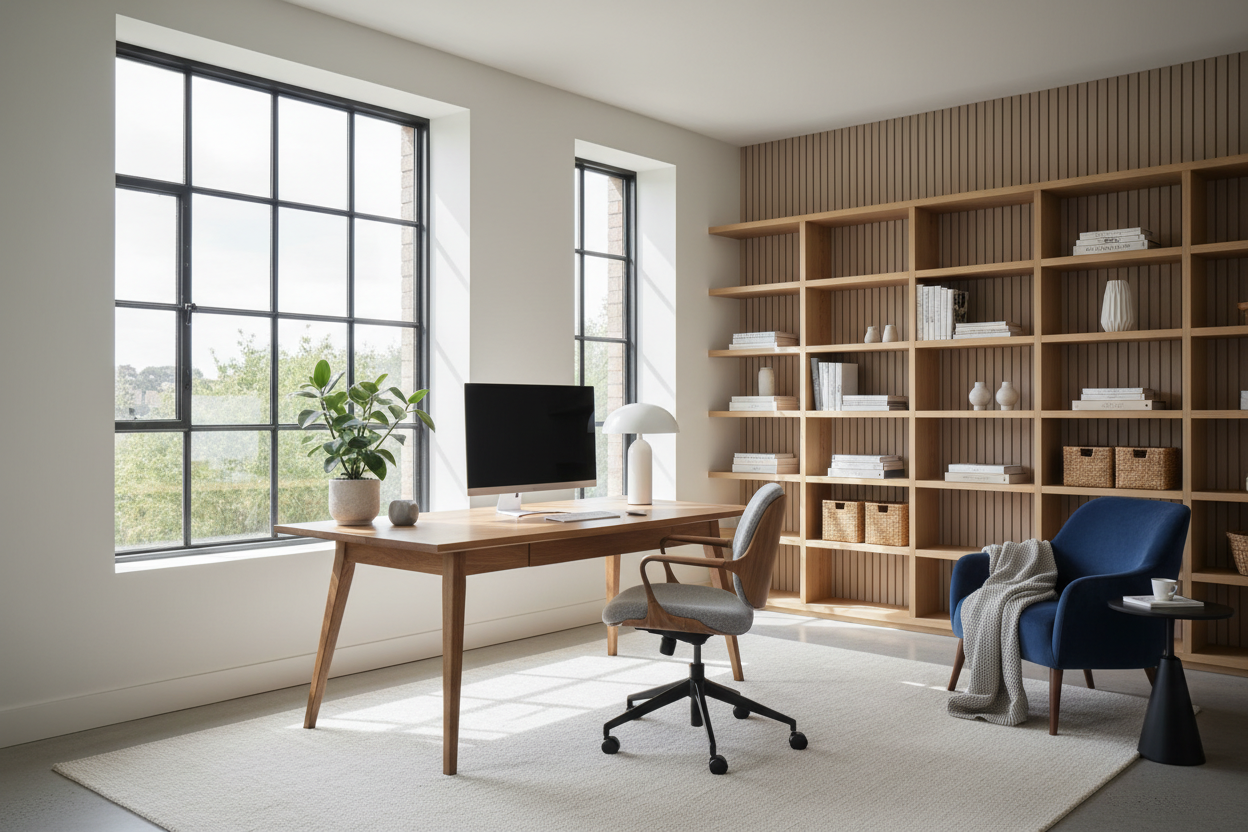
When browsing work from home desk inspiration online, it is easy to get swept up in the look of a sleek, minimalist Parsons desk. However, many decorative desks and standard dining tables sit at 30 inches high, which is ergonomically disastrous for typing unless you are exceptionally tall. Look for desks closer to 28 or 29 inches in height, and pair them with a highly adjustable chair. The golden rule of ergonomics dictates that your feet should rest flat on the floor with your knees at a 90-degree angle, and your forearms should be parallel to the desktop.
Style & Coordination: Blending the Office into Your Home
Managing Visual Weight and Tech Clutter
Nothing ruins a carefully curated mid-century modern living room faster than a bulky black plastic monitor stand and a tangle of cords. To find genuine work from home inspiration, focus on materials that speak to your existing decor. Choose a desk with a warm walnut veneer or a solid oak top rather than industrial melamine. Use a woven seagrass basket to conceal power strips, and swap out standard plastic desk organizers for ceramic or leather alternatives. This kind of thoughtful work from home inspo ensures your workspace feels like a natural, intentional extension of your home rather than an afterthought.
Designer's Honest Take: Lessons from My Own Projects
Early in my career, I fell in love with a stunning 1960s teak writing desk for my own home office. It had incredible tapered legs, a gorgeous patina, and I spent a small fortune on it. The reality? The shallow 18-inch depth meant my monitor was practically touching my nose, and the tiny pencil drawers couldn't even hold a standard stapler. Worse, the delicate vintage finish showed every single water ring and scratch from my keyboard. I learned the hard way that a desk must be a workhorse first and a showpiece second. I ended up selling it and buying a commercial-grade standing desk with a solid wood top. It lacks the vintage romance, but my neck and back have never been happier.
Frequently Asked Questions
How do I hide computer cords on a floating desk?
Use a cable management tray mounted directly to the underside of the desktop. Route all your cords through a single, braided cable sleeve down one of the desk legs, securing it with zip ties or velcro straps to keep it out of sight.
What size desk do I need for a dual-monitor setup?
For two standard 24-inch or 27-inch monitors, you need a desk that is at least 60 inches wide and 24 to 30 inches deep. Anything smaller will leave your screens hanging over the edges and push the monitors uncomfortably close to your face.
Can I use a dining chair as a desk chair?
You can, but I strongly advise against it for full-time work. Dining chairs lack lumbar support and adjustability. If you absolutely must use one for aesthetic reasons in a shared space, add a firm lumbar pillow and ensure the seat height allows your arms to rest comfortably parallel to the desk.

Dejar un comentario
Este sitio está protegido por hCaptcha y se aplican la Política de privacidad de hCaptcha y los Términos del servicio.