










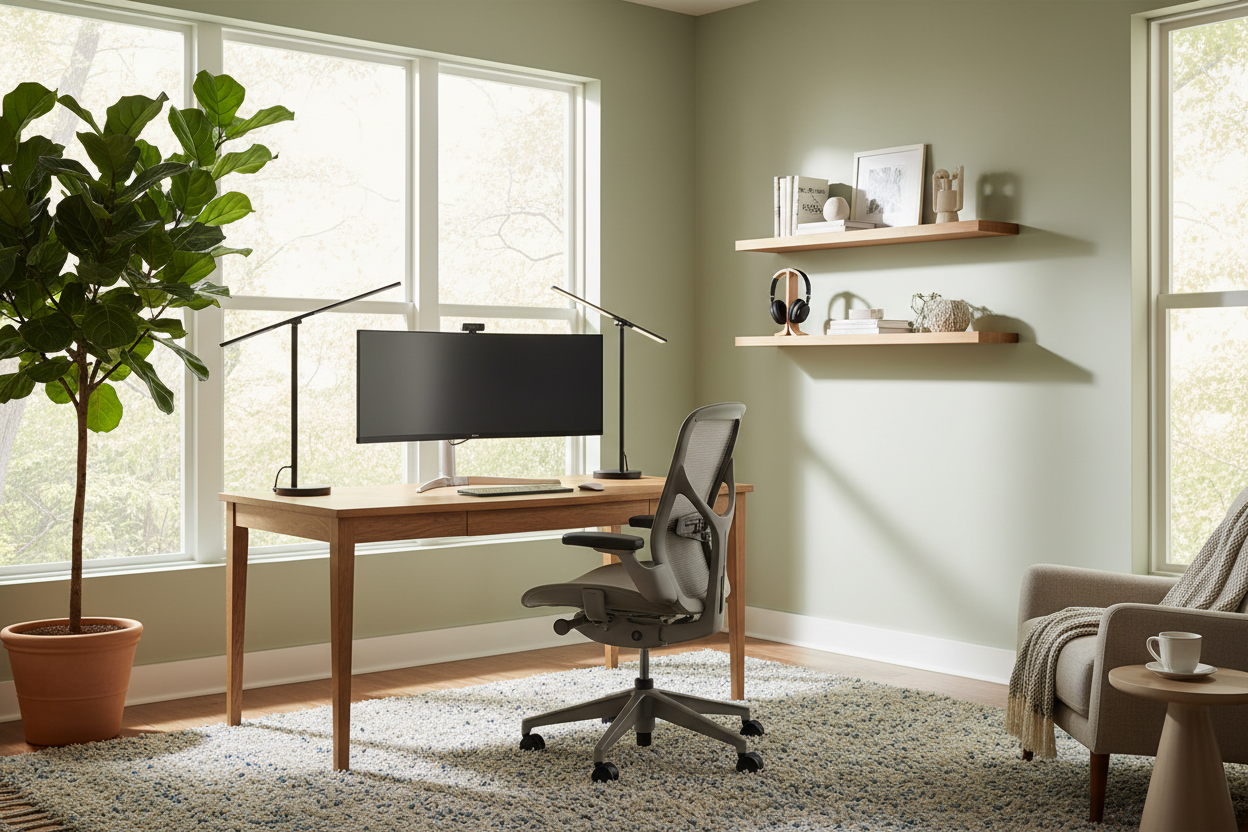
We often discuss productivity apps and time-blocking, but we rarely address the elephant in the room: the room itself. If your environment fights you—be it through poor lighting, lack of support, or visual chaos—your output will suffer. Implementing remote worker best practices isn't just about discipline; it is about curating a physical space that induces a state of flow. As a designer, I see clients struggle not because they lack motivation, but because their domestic environment lacks the functional infrastructure of a professional workspace.
Quick Decision Guide: The WFH Essentials
If you are looking to rapidly upgrade your workspace, prioritize these design elements to satisfy the best practices for working from home:
- Ergonomic Anchors: Invest in a chair with adjustable lumbar support and seat depth; aesthetics should never compromise spinal health.
- Lighting Layers: Combine ambient overhead lighting with a dedicated, adjustable task lamp (ideally 4000K for focus).
- Acoustic Control: Use high-pile rugs, upholstered furniture, or heavy drapes to dampen echo and reduce background noise.
- Spatial Zoning: Even in open-plan homes, position your desk to face a view or a wall, never with your back to an open room, to create a psychological boundary.
The Foundation: Ergonomics Meets Aesthetics
The most critical of all best practices for remote workers is preserving physical health. However, this doesn't mean your home must look like a corporate cubicle. When selecting a task chair, look for a silhouette that complements your home’s decor while offering high-performance mechanics.
Avoid the "dining chair trap." A solid wood chair might offer warmth and texture, but for an eight-hour shift, you need dynamic support. Look for "hidden ergonomics"—chairs wrapped in high-quality textiles like wool blends or breathable mesh that offer tilt-tension and armrest adjustability without looking industrial. Similarly, your desk depth should be a minimum of 24 inches to allow for proper monitor focal distance, preventing eye strain.
Lighting Schemes: The Video Call Factor
How to improve remote work often comes down to lighting. Bad lighting causes fatigue and looks unprofessional on camera. Avoid relying solely on recessed overhead cans, which cast unflattering shadows under the eyes (the "raccoon effect").
Position your desk perpendicular to a window if possible. This provides soft, side-lit natural light which is ideal for video clarity. If you face the window directly, you risk silhouette issues; if the window is behind you, you create glare on your screen. Supplement natural light with a task lamp featuring a diffuser. This softens the beam, reducing harsh contrast on your paperwork and keyboard.
Zoning and Materiality
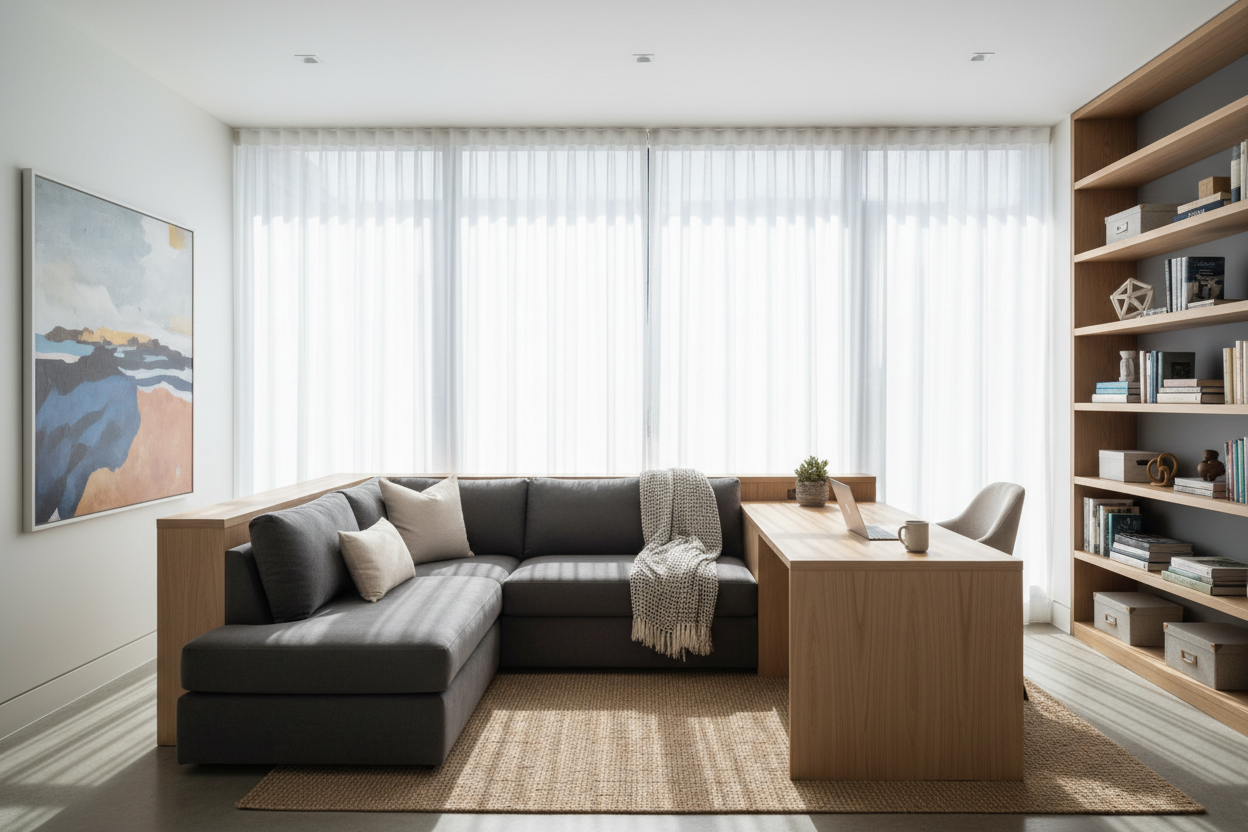
One of the overlooked best practices for working remotely is the concept of "textural zoning." If your workspace is part of a living area, use a distinct area rug to visually demarcate the office zone. This signals to your brain that stepping onto the rug means stepping into work mode.
Regarding materials, opt for matte finishes on your desktop. High-gloss lacquer or glass might look sleek in a showroom, but they reflect overhead lights and cause significant visual fatigue over time. A honed wood or matte laminate surface absorbs light and is much warmer to the touch, enhancing tactile comfort throughout the day.
My Personal Take on Remote Worker Best Practices
I learned the hard way that "investment pieces" aren't always practical for daily grinding. Early in my design career, I bought a stunning, vintage mid-century modern teak desk. It was beautiful—a true focal point.
However, after a month of working from it, I realized two things. First, the drawers were too shallow for modern tech organization, leaving my surface cluttered with cables. Second, the sharp, square edge of the desktop cut into my forearms while typing. I ended up having to have a custom leather blotter made just to make the desk usable. It taught me that the best practices for remote work always prioritize the "touch points"—where your body physically meets the furniture. Now, I always advise clients to test the edge profile of a desk before buying. A chamfered or rounded edge is a non-negotiable for long-term comfort.
Conclusion
Transforming your home office requires a shift in perspective. It is not just about buying furniture; it is about engineering an environment that supports your professional habits. By blending ergonomic science with thoughtful interior design, you create a space that not only looks sophisticated but actively helps you work smarter.
Frequently Asked Questions
How do I fit a functional workspace in a small apartment?
Verticality is key. Use wall-mounted shelving or a ladder desk to minimize the floor footprint. Ensure your chair can fully tuck under the desk when not in use to keep traffic flow open.
What is the best color temperature for a home office?
Aim for a cooler temperature, around 3500K to 4000K, for your task lighting. This mimics daylight and promotes alertness. Save the warm, 2700K bulbs for your living room lamps to help you wind down after work.
Is a standing desk worth the investment for remote work?
Yes, but visual integration is important. Look for standing desks with wood-veneer tops and legs that match your room's hardware (e.g., matte black or brushed brass) so it doesn't look like a piece of gym equipment in your home.


Dejar un comentario
Este sitio está protegido por hCaptcha y se aplican la Política de privacidad de hCaptcha y los Términos del servicio.