










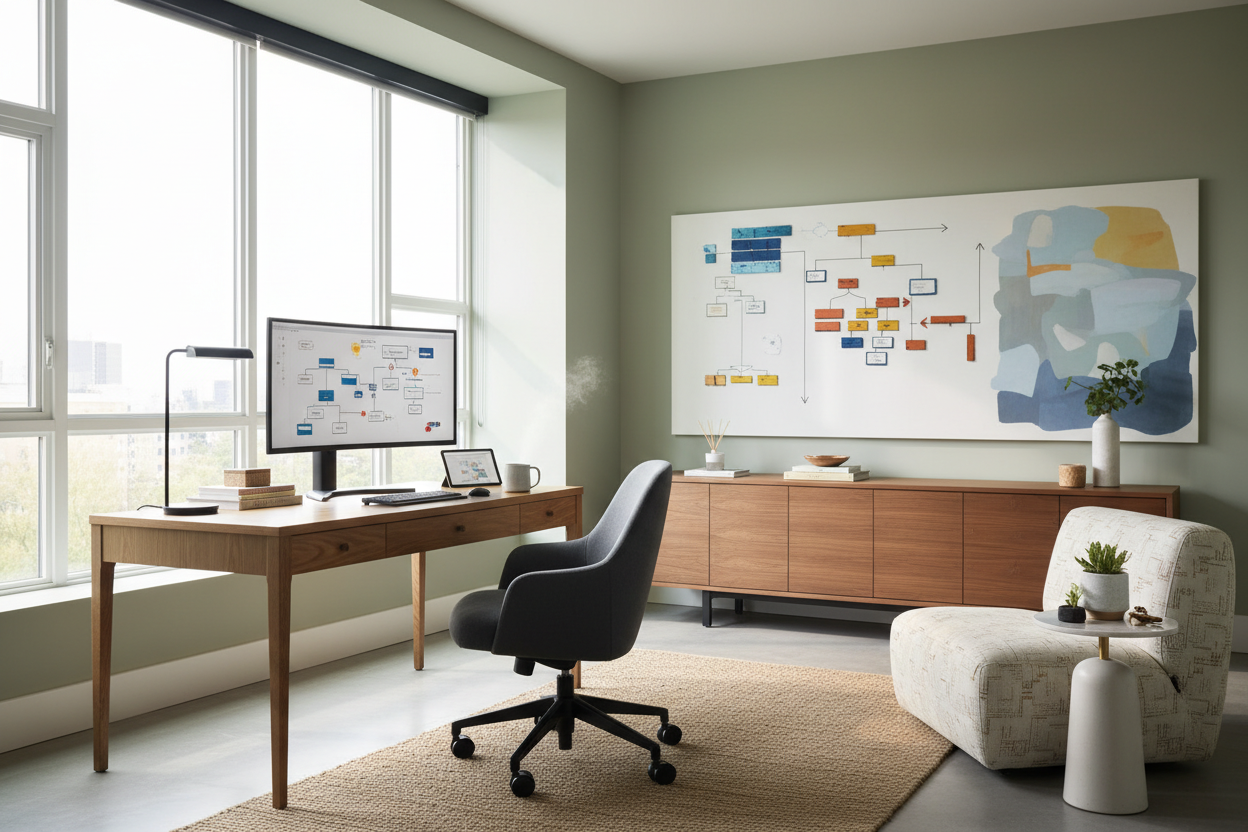
We have all been there: balancing a laptop on a living room throw pillow, or taking video calls from the dining table while staring at a pile of mail. When the physical lines between living and working blur, your productivity and your sanity take a massive hit. Developing a deliberate strategy for work from home isn't just about buying a desk and a chair; it is about creating a physical environment that signals to your brain that it is time to focus.
As an interior designer, I spend a lot of time fixing 'accidental' home offices. Clients often buy furniture that looks great on a Pinterest board but completely fails them during an eight-hour workday. If you want to stop feeling fatigued by 2 PM, you need to approach your workspace with intention. Here is how we design home offices that actually work.
Quick Decision Guide: Office Layouts
- Adopt the command position: Face your desk toward the door if possible. Having your back to the entrance creates subconscious anxiety.
- Check standard heights: The average desk is 29 to 30 inches high, which is actually too tall for many people without an adjustable chair and footrest.
- Layer your lighting: Never rely solely on overhead recessed lights. You need ambient light for the room and a dedicated task lamp for your work surface.
- Prioritize cable management: Visual clutter equals mental clutter. Choose desks with integrated routing or invest in under-desk cable trays.
Space Planning & Layout
Finding the Right Footprint
In typical North American homes, not everyone has a dedicated spare bedroom to convert into an executive suite. If you are carving out a workspace in an open-concept living room or a small apartment, your work from home strategy must rely on visual boundaries. Use a distinct area rug under your desk to anchor the 'office' zone. Leave at least 36 inches of clearance behind your desk so you can push your chair back without hitting a wall or a sofa.
Managing Visual Weight
When integrating a workspace into a bedroom or living area, avoid heavy, bulky executive desks. They dominate the room and make it feel like a corporate cubicle. Instead, opt for a writing desk with a slimmer silhouette and open legs. This preserves the negative space in the room, making the area feel larger and more breathable while still providing a dedicated surface for your laptop and monitors.
Comfort & Ergonomics
The Truth About Office Chairs
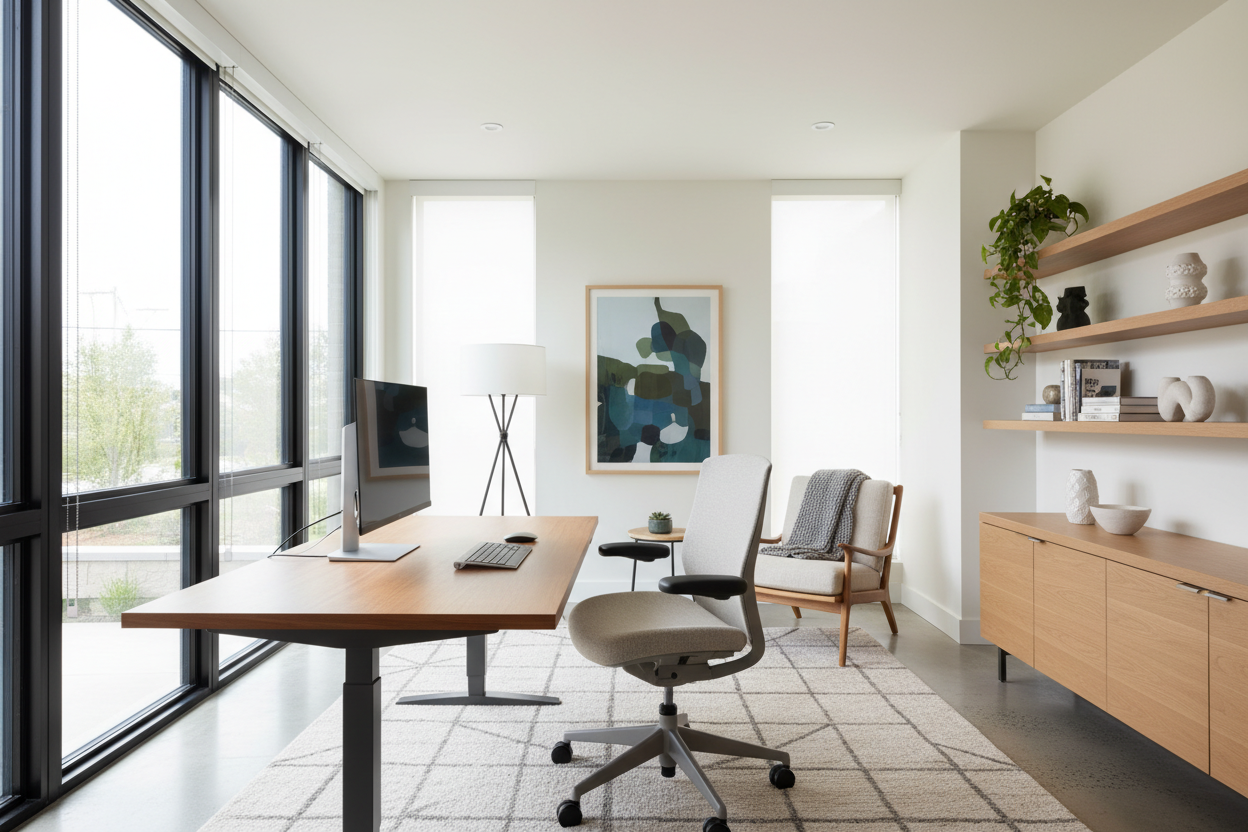
This is where I see the biggest mistakes. That trendy, rigid mid-century modern bucket chair might look stunning, but it will ruin your lower back by Thursday. A successful workspace requires ergonomic support. Look for a chair with adjustable seat depth, lumbar support, and armrests that can be lowered so they don't hit the edge of your desk. If you hate the look of standard mesh ergonomic chairs, many commercial furniture brands now offer fully upholstered, residential-looking chairs that hide heavy-duty ergonomic mechanisms inside.
Value & Longevity
Where to Spend vs. Save
If you have a limited budget, spend 70 percent of it on your chair and 30 percent on your desk. A desk is ultimately just a flat, stable surface. You can get away with a budget-friendly engineered wood or metal desk as long as it doesn't wobble. But your body interacts with your chair for thousands of hours a year. Do not skimp on seating. When shopping for desks, watch out for cheap paper veneers; they will peel at the edges where your wrists rest within a few months. Opt for solid wood, high-pressure laminate, or real wood veneers for high-touch surfaces.
Designer's Honest Take
I learned the hard way that a beautiful, minimalist glass desk is an absolute nightmare for a daily work routine. Early in my career, I specified a stunning glass-top writing desk for a client's suburban home office. It looked incredibly chic in the photos. Within a week, the client called me in frustration. The glass showed every single fingerprint, dust particle, and coffee ring. Worse, her optical mouse wouldn't track on the clear surface, and there was nowhere to hide the ugly black power cables hanging down to the floor. We ended up swapping it for a solid walnut piece with a built-in modesty panel and wire management. I never specified a glass desk for a full-time remote worker again. Form must always follow function.
Frequently Asked Questions
What size desk do I need for a dual-monitor setup?
You need a desk that is at least 48 inches wide and 24 inches deep. Anything shallower than 24 inches will force the monitors too close to your face, causing eye strain, and won't leave enough room for your keyboard and wrists.
How do I make an office in a small bedroom look good?
Match the finish of your desk to your existing bedroom furniture to create cohesion. Use a wall-mounted floating desk to save floor space, and choose a chair that can double as a reading chair in the corner of the room when not in use.
Is a standing desk worth the investment?
Yes, but only if you actually use it. If you buy one, invest in an anti-fatigue mat. Keep in mind that standing desks require much better cable management, as all your cords will be exposed and need to stretch when the desk is raised.

Dejar un comentario
Este sitio está protegido por hCaptcha y se aplican la Política de privacidad de hCaptcha y los Términos del servicio.