










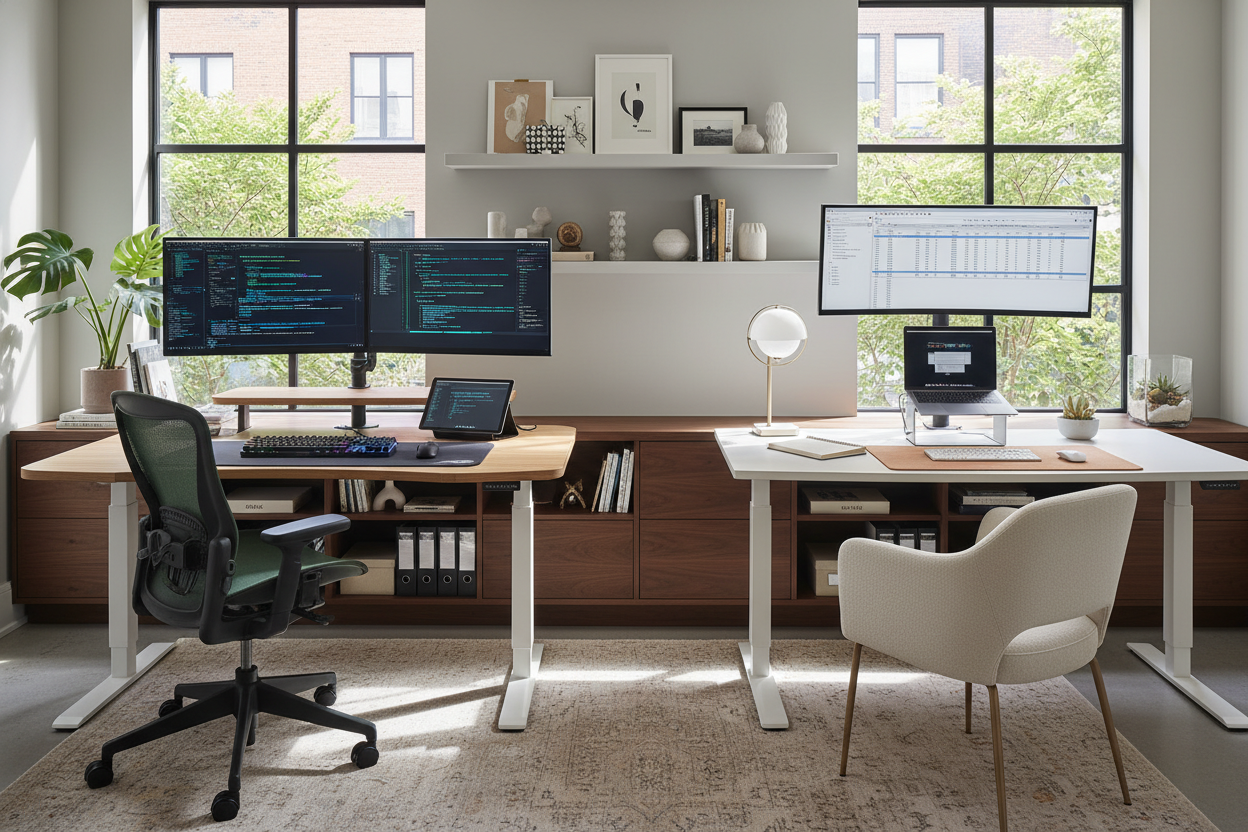
We have all been there: trying to find focus at a kitchen island or hunching over a coffee table. As an interior designer, I often hear clients say they need a better solution for "my computer work from home." The truth is, integrating a functional workspace into a residential setting requires a delicate balance. It is not just about plunking down a desk; it is about curating an environment that fosters productivity without disrupting the visual harmony of your sanctuary.
Key Features to Look For in a Home Office
- Material Warmth: Opt for solid wood or high-quality veneers over glass to improve tactile comfort and reduce visual coldness.
- Ergonomic Silhouette: Choose seating that offers lumbar support but features a profile that fits residential aesthetics (e.g., fabric upholstery over aggressive mesh).
- Lighting Layers: Combine ambient overhead lighting with focused task lighting (2700K-3000K temperature) to reduce eye strain.
- Spatial Flow: ensure a minimum of 36 inches of clearance behind your chair for ease of movement.
Curating the Foundation: Desk Materials and Textures
The surface where you spend your day defines the tactile experience of the room. When selecting a desk, move beyond basic utility. Solid hardwoods like walnut or white oak offer longevity and a warmth that laminate simply cannot mimic. If you are dealing with a tighter footprint, consider a floating console. It frees up floor space, maintaining the room's visual flow while providing a sturdy surface for your computer work from home.
The Visual Weight of Your Furniture
In design, we talk about "visual weight"—how heavy an object looks to the eye. For a home office in a shared living space, avoid bulky, executive-style desks that dominate the room. Instead, look for pieces with slender legs or open shelving. This keeps the room feeling airy and prevents the workspace from feeling like a cubicle invasion.
Lighting: The Invisible Design Element
Lighting is often the most undervalued aspect of a home office. Poor lighting leads to fatigue, which ruins the aesthetic of your work day. Avoid placing your screen directly in front of a window, as the contrast creates glare. Instead, position your desk perpendicular to the window. Supplement natural light with a task lamp that has a matte finish to prevent reflections. A brass or matte black fixture can serve as a sculptural focal point even when turned off.
The Chair: Bridging Comfort and Style
The era of the ugly, purely utilitarian office chair is over. You no longer need to sacrifice your room's color palette for ergonomics. Look for performance velvets or leathers that offer durability but feel residential. The goal is to find a chair with a mechanism that supports your posture during long hours of my computer work from home, without looking like it belongs on a trading floor.
My Personal Take on my computer work from home
I learned the hard way that aesthetics cannot totally trump function. Two years ago, I designed a custom workspace for myself using a stunning, reclaimed rough-hewn timber slab. It was visually incredible—rich texture, history, and character. However, actually using a mouse on it was a nightmare due to the uneven grain, and writing on a single sheet of paper was impossible.
I eventually had to have a glass top cut to fit it, which killed the warmth I originally wanted. Now, when I advise clients, I always check the "writing smoothness" of a finish. If you are buying a desk, run your palm across it. If it catches your skin, it will annoy you by day three. It is a small detail, but it changes your daily relationship with the furniture.
Conclusion
Transforming a corner of your home into a professional workspace is an investment in your peace of mind. By selecting materials that age gracefully and prioritizing lighting that flatters both you and the room, you create a space that invites creativity rather than stress.
Frequently Asked Questions
How deep should a desk be for computer work?
For a standard setup, a depth of 24 to 30 inches is ideal. This allows enough distance between your eyes and the monitor to prevent strain while leaving room for a keyboard and notepad.
What is the best way to hide cords in a home office?
Cable management is essential for a clean look. Look for desks with built-in grommets or modesty panels. Alternatively, use velcro ties to bundle cords against the desk leg closest to the outlet.
Can I use a dining chair for my workspace?
While dining chairs are aesthetically pleasing, they rarely offer the lumbar support needed for 8-hour shifts. If you must use one, add a dedicated lumbar pillow and ensure the seat height aligns your elbows at a 90-degree angle to the desk.

Dejar un comentario
Este sitio está protegido por hCaptcha y se aplican la Política de privacidad de hCaptcha y los Términos del servicio.