










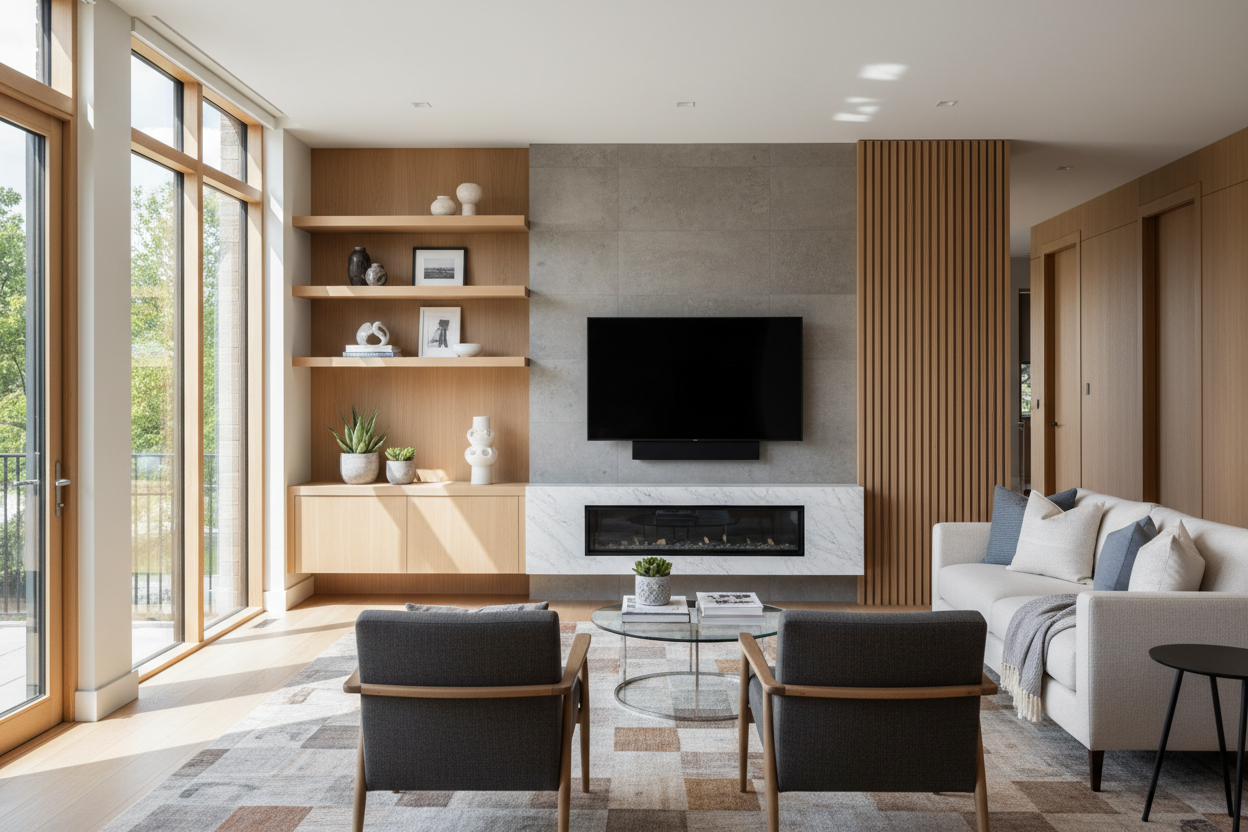
I’ve spent way too many hours staring at a 65-inch screen hanging over a tiny, lonely shelf. It is the interior design equivalent of wearing a tuxedo with flip-flops. Getting your tv wall stand design right isn't just about drilling holes; it is about making the technology look like it actually belongs in your home rather than just being stuck to it.
We have all been there—scrolling through Pinterest, seeing those sleek, minimalist setups, and thinking it looks easy. Then you buy the hardware, mount it, and realize your wall looks like a doctor's waiting room. Here is how to fix it.
Quick Takeaways
- Mount your console 10 to 14 inches off the floor to ground the room.
- Ensure the stand is at least 20% wider than the TV screen.
- Use dark paint or texture behind the TV to hide the 'black hole' effect.
- Integrated lighting prevents the setup from looking like a flat sticker on the wall.
The 'Floating Box' Epidemic (Why Your Room Looks Unfinished)
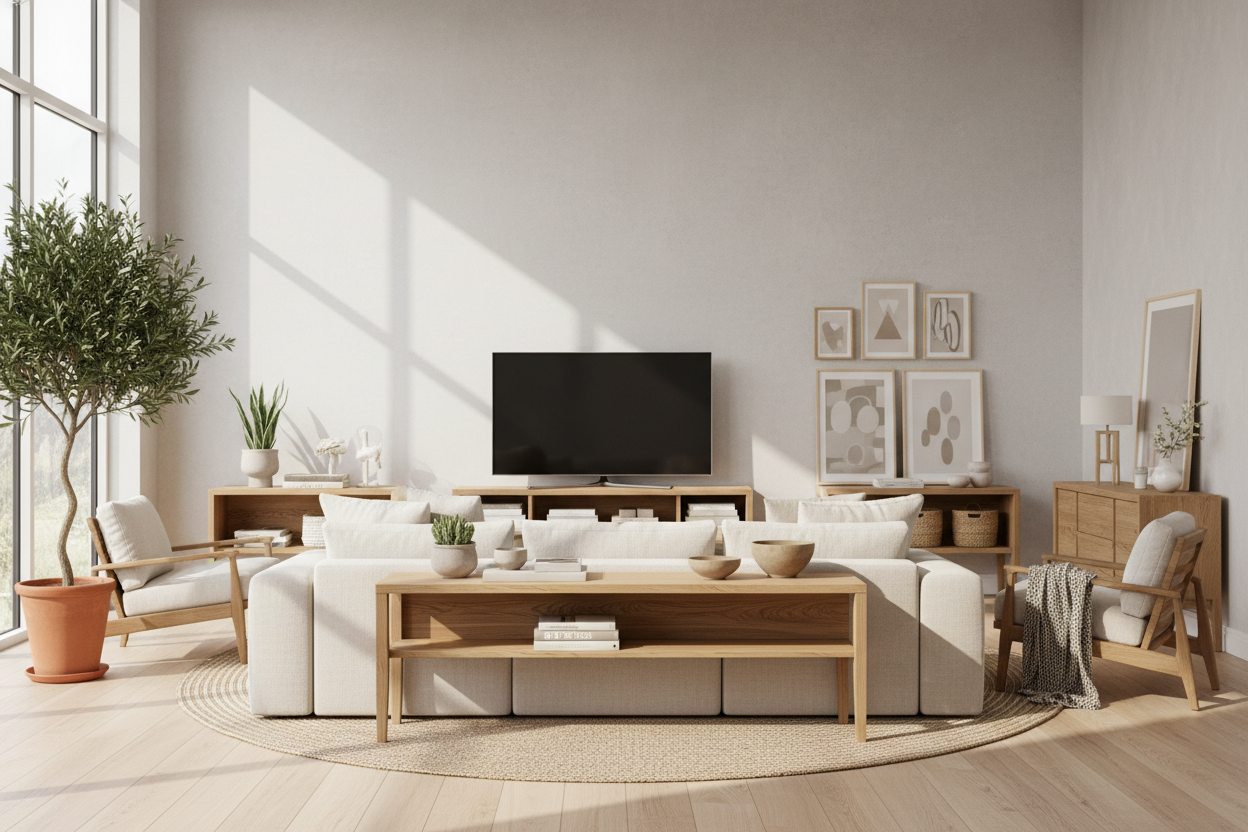
The biggest mistake I see is the 'sad postage stamp' effect. People spend weeks browsing modern TV stands, pick a beautiful 60-inch floating unit, and then center it on a 15-foot wide white wall. Without any context, that expensive piece of furniture just looks like a box that accidentally got stuck halfway down the wall.
You need a comprehensive plan for your tv wall stand ideas. If the console is too small, the TV looks top-heavy. If the wall is too bare, the TV looks like a giant black void when it is turned off. Scale is everything. I always tell people to go wider than they think they need. If your TV is 55 inches, your stand should be at least 70 inches. That extra breathing room on the sides is where the style actually happens.
Rule 1: Anchor the Zone With Paint or Texture
A white TV on a white wall is boring. A black TV on a white wall is an eyesore. To make your tv stand wall mount design look intentional, you have to create a 'zone.' I’m a huge fan of the dark-painted arch or the floor-to-ceiling wood slat panel. By darkening the wall behind the screen, you visually 'absorb' the TV when it’s off.
If you aren't ready to commit to charcoal paint, try a subtle textured wallpaper. Even a grasscloth in a neutral tone gives the wall enough depth that the floating console feels like it is leaning against something solid. It turns a piece of tech into a feature wall. This small shift makes a basic wall mount tv stand design look like a custom built-in that cost five times more than it actually did.
Rule 2: Don't Hang It Too High (The 12-Inch Rule)
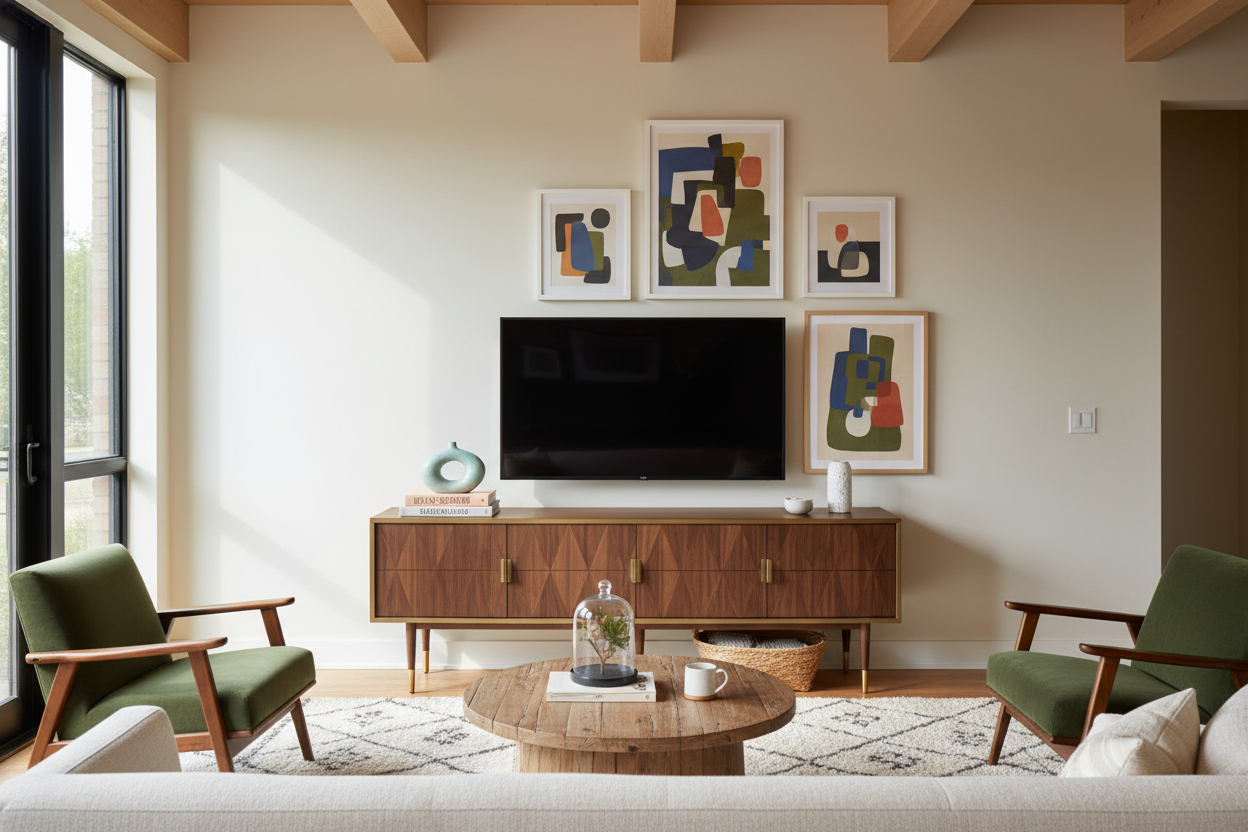
Stop mounting your consoles at waist height. Unless you are standing up to watch the news, it looks wrong. Ergonomically and visually, the floating TV stand wall mounted media console should hover just 10 to 14 inches off the floor. This creates a 'heavier' base that feels stable and grounded.
When you hang it too high, you see too much of the floor underneath, which makes the furniture look flighty and nervous. I once mounted a console 24 inches up in a guest room because I thought it would make cleaning easier. It was a disaster. It felt like a kitchen cabinet had escaped the pantry. Keep it low, keep it wide, and your neck—and your eyes—will thank you.
What If I Can't Safely Drill Into My Wall?
I get it. Renters and people with crumbly 1920s plaster walls have it rough. You want that floating look but don't want your security deposit to vanish. You can still achieve a high-end look by faking a custom media wall using hybrid furniture. Some stands come with integrated mounting columns that hide behind the console, giving you the 'hover' without the lag bolts.
Another trick is using a very low-profile floor stand and placing a standard console in front of it. It’s all about the illusion of the float. If you are drilling, please, for the love of your floorboards, use a stud finder. Drywall anchors are fine for a picture frame, but a 40-pound console filled with a PlayStation and cables needs real timber support.
Adding Light to Soften the Hardware
Tech is cold. Metal, glass, and plastic don't exactly scream 'cozy.' The easiest way to fix this is with bias lighting. Adding warm LED strips to the back of your wall mount tv stand design changes the entire vibe of the room at night. It creates a soft glow that makes the console feel like it is part of the architecture.
If you don't want to mess with sticky tape and USB cables, look for an arranged TV stand with LED lighting already built in. It’s a plug-and-play way to get that high-end ambient look. It also reduces eye strain during those late-night Netflix marathons, which is a win-win in my book.
My Personal Lesson in Scale
A few years ago, I bought a gorgeous walnut floating shelf for my living room. It was 48 inches wide. My TV was also 48 inches wide. I thought, 'Perfect, they match!' It looked terrible. Because they were the same width, the whole setup looked like a giant 'i' on the wall. I ended up selling that shelf on Marketplace and buying one that was 20 inches wider. The difference was night and day. Don't match widths—always go wider on the bottom.
Frequently Asked Questions
How high should a floating TV stand be?
Aim for 10 to 14 inches off the ground. This keeps the TV at a comfortable eye level and ensures the furniture feels grounded rather than floating off into space.
Should the TV stand be wider than the TV?
Yes, absolutely. Your stand should be at least 6 to 10 inches wider than your TV on both sides. This prevents the 'top-heavy' look and gives you room for a few pieces of decor.
How do I hide the messy wires?
Use in-wall cable management kits if you own the home. If you're renting, use paintable cord covers that run vertically from the TV to the console, and keep all the power strips hidden inside the console itself.

Dejar un comentario
Este sitio está protegido por hCaptcha y se aplican la Política de privacidad de hCaptcha y los Términos del servicio.