










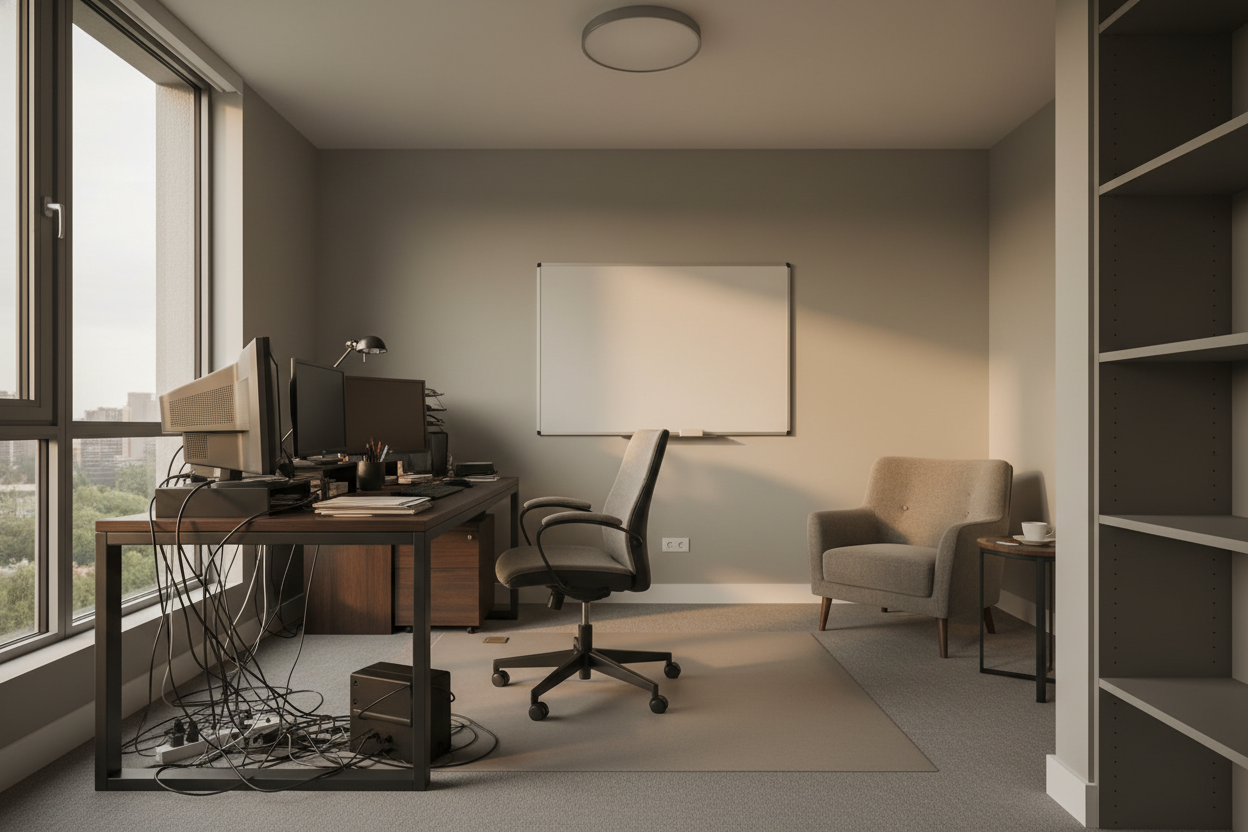
We often romanticize the idea of the home office, but without intentional design, the reality can quickly become a landscape of back pain and visual clutter. As an interior designer, I see clients attempting to merge professional productivity with domestic relaxation, often failing because they treat office furniture as an afterthought. To truly unlock the benefits for work from home, we must look beyond the mere convenience of avoiding a commute and focus on the spatial and ergonomic infrastructure that supports high performance.
Quick Decision Guide: Optimizing Your WFH Space
If you are rushing to set up your workspace, prioritize these four architectural and functional elements to ensure long-term comfort and style:
- Ergonomic Integrity: Prioritize seating with adjustable lumbar support and seat depth over purely aesthetic velvet tub chairs.
- Lighting Layers: Combine ambient overhead lighting with task lighting (3000K-4000K) to reduce eye strain.
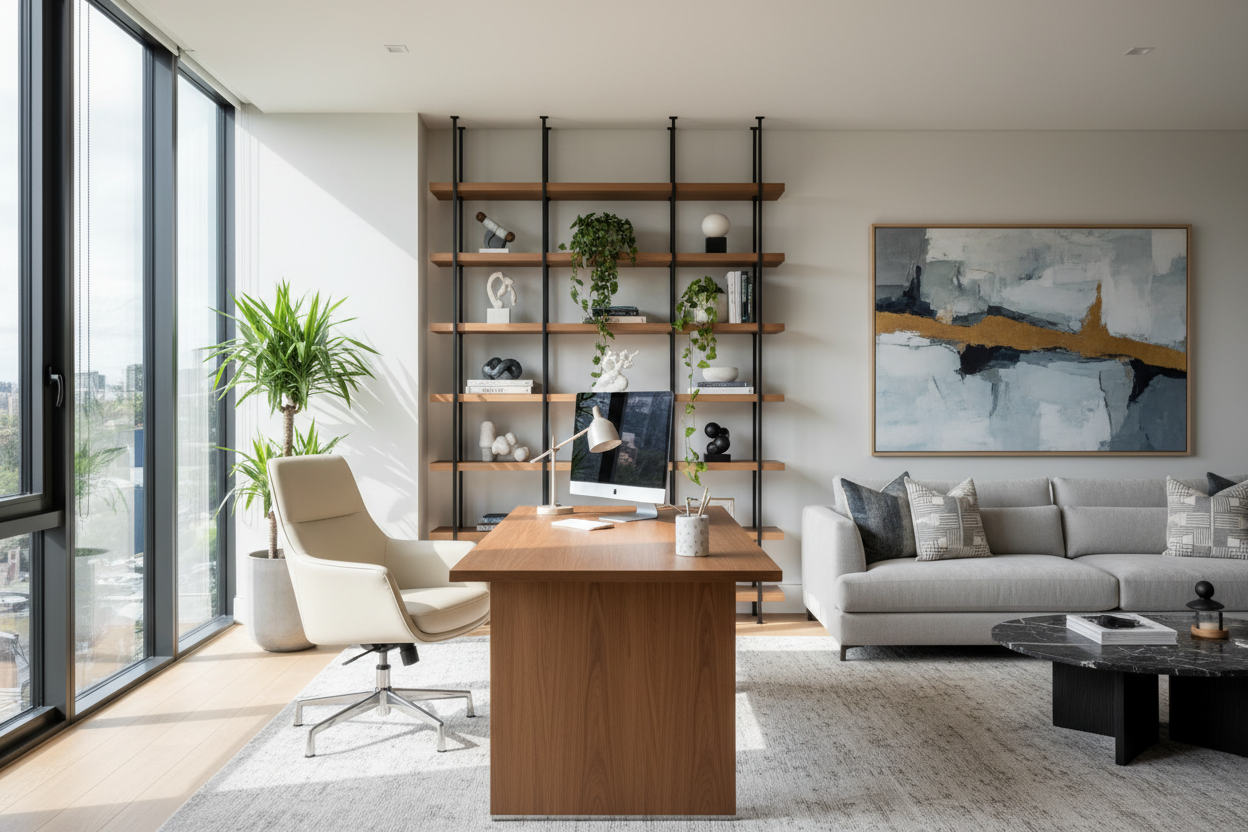
- Spatial Zoning: Even in open-plan living, use rugs or shelving units to create a psychological boundary between "living" and "working."
- Material Tactility: Choose matte finishes for desktops to prevent glare from screens and overhead lights.
Structuring Your Environment for Flow and Focus
The true home working benefits are often lost when a space lacks structure. In high-end residential design, we focus on "spatial flow." Your movement from the coffee machine to your desk should signal a shift in mindset. Placing a desk facing a wall in a dark corner negates the advantages for work from home; instead, orient your desk perpendicular to a window to maximize natural light without creating direct glare on your monitor.
The Ergonomic Equation: Investing in Longevity
One of the most significant work at home advantages is the ability to customize your equipment to your body, something rarely possible in a standardized corporate cubicle. However, this requires investment. A common error is selecting a desk height that is standard (30 inches) rather than one tailored to your elbow height. I always recommend sit-stand mechanisms concealed within high-quality joinery (like walnut or white oak veneer) to maintain a luxury aesthetic while providing the work at home benefits of movement.
Materiality: Balancing Aesthetics and Durability
When discussing the benefits of online work, we rarely discuss the tactile experience. Your skin touches the desk surface for eight hours a day. Solid wood offers warmth and longevity but reacts to humidity. High-pressure laminates (HPL) offer durability against coffee rings and heat but can feel cold and clinical.
For a sophisticated look that withstands daily abuse, look for Fenix NTM or linoleum-topped desks. These materials absorb light rather than reflecting it, creating a soft, matte visual that reduces fatigue—one of the subtle wfh perks that technical specs often miss.
Visual Acoustics and the "Zoom" Backdrop
The benefits of work from home policy implementation in many companies have made video calls the primary mode of communication. Your background is now part of your professional attire. Avoid flat, white walls which can create an echo chamber. Incorporate acoustic panels disguised as art, or use heavy drapery and plush wool rugs to dampen sound. A bookshelf with curated objects (not cluttered papers) adds depth and authority to your on-screen presence.
My Personal Take on benefits for work from home
I learned the hard way that "residential" furniture often cannot withstand "commercial" use, even in a home setting. Two years ago, I styled my own home office with a stunning, vintage teak dining chair. It looked incredible in photos. However, after three months of 10-hour days, I noticed two things: my lower back was constantly tight, and the cane webbing on the seat began to snap under the pressure of constant shifting.
I swapped it for a high-performance ergonomic task chair. While it didn't have the same mid-century charm, my focus doubled. Another detail I tell my private clients: check the "rub count" on your desk chair fabric. Residential fabrics usually handle 15,000 double rubs; for a WFH chair, you want at least 50,000. I once specified a beautiful bouclé fabric for a client's desk chair, and within six months, the friction from their denim jeans had caused severe pilling that looked unprofessional. Practicality must anchor the design.
Conclusion
The perks from working from home are only as good as the environment you build to support them. By investing in ergonomic silhouettes, managing your lighting layers, and selecting durable materials, you elevate your daily experience from merely "working remotely" to operating from a high-performance private office. Design is not just about how it looks; it is about how it works.
Frequently Asked Questions
What is the ideal desk depth for a home office?
For a functional setup involving a laptop and an external monitor, aim for a minimum depth of 24 inches (60cm). If you use dual monitors or require space for physical sketching, 30 inches (75cm) provides the necessary visual relief and prevents the screens from sitting too close to your eyes.
How do I integrate a workspace into a small living room?
Focus on "floating" furniture. Wall-mounted shelving units with a drop-down desk maintain floor space, keeping the room feeling airy. Ensure the finish matches your existing living room furniture (e.g., matching the timber stain) so the office disappears when the work day is done.
Is a hard or soft chair better for long work hours?
While a plush, soft chair feels good initially, firm support is superior for long-term health. A seat with high-density foam or suspension mesh supports the sit-bones and promotes blood flow, whereas a too-soft cushion can cause your hips to collapse, leading to poor posture.

Dejar un comentario
Este sitio está protegido por hCaptcha y se aplican la Política de privacidad de hCaptcha y los Términos del servicio.