










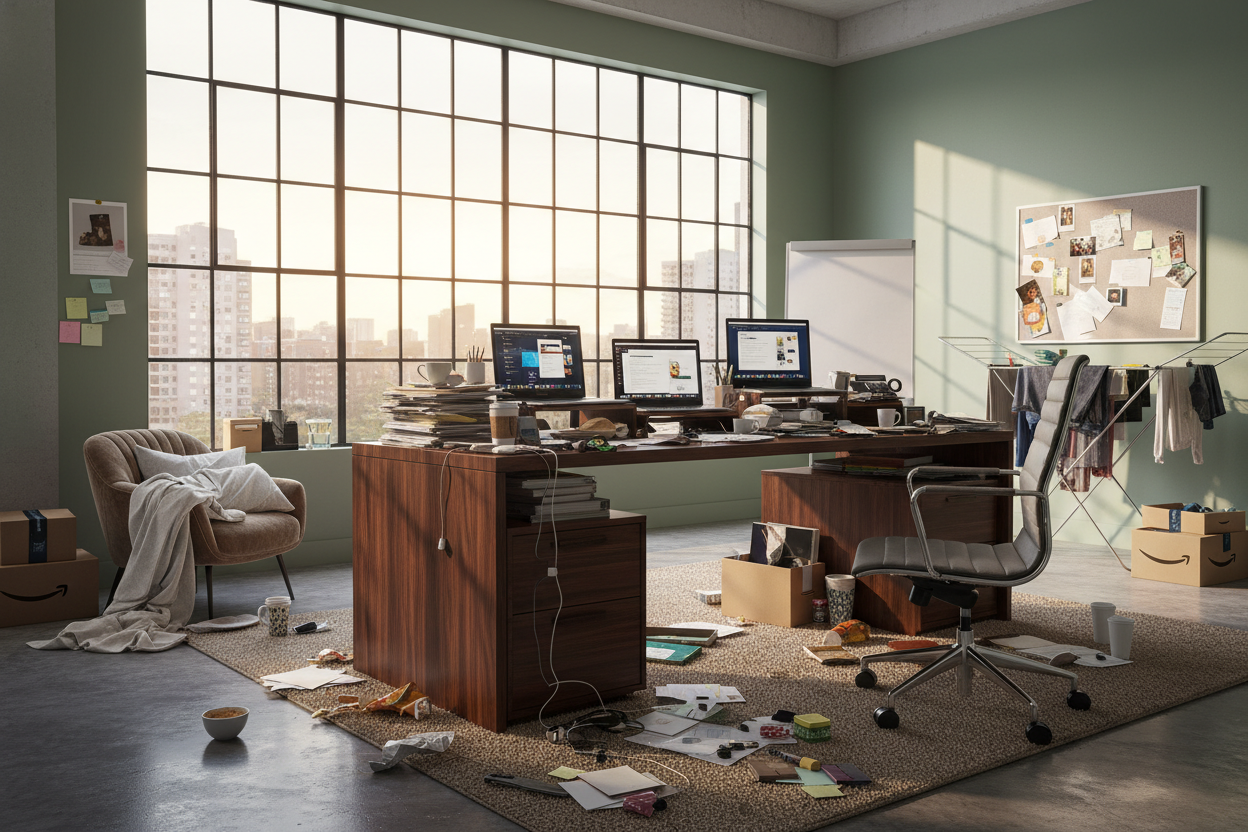
We have all heard the complaint, and perhaps you have felt it yourself: working from home is not productive. You sit down with the best intentions, yet by 2 PM, focus has evaporated. As an interior designer, I often walk into client homes to find the culprit isn't their work ethic—it is their environment. The narrative that remote work kills efficiency is often a symptom of poor spatial planning, inadequate ergonomics, and a lack of visual boundaries. Let’s reframe your space to serve your career.
Quick Decision Guide: The Productivity Layout
- Ergonomics First: Prioritize seating with lumbar adjustability and a synchro-tilt mechanism over purely aesthetic accent chairs.
- Lighting Temperature: Switch to bulbs between 3500K and 4000K (cool white) to mimic daylight and maintain alertness.
- Acoustic Control: Use high-pile rugs or upholstered panels to dampen echo; reverb creates subconscious mental fatigue.
- The Command Position: Position your desk facing the door, never with your back to it, to reduce primal psychological unease.
Analyzing the "Remote Work Is Bad for Productivity" Myth
The argument that remote work is bad for productivity usually stems from a failure to separate rest zones from work zones. When I design a home office, I focus heavily on "zoning." If your peripheral vision catches a pile of laundry or a television while you are trying to draft a report, your brain is constantly micro-switching tasks.
Visual Balance and Decluttering
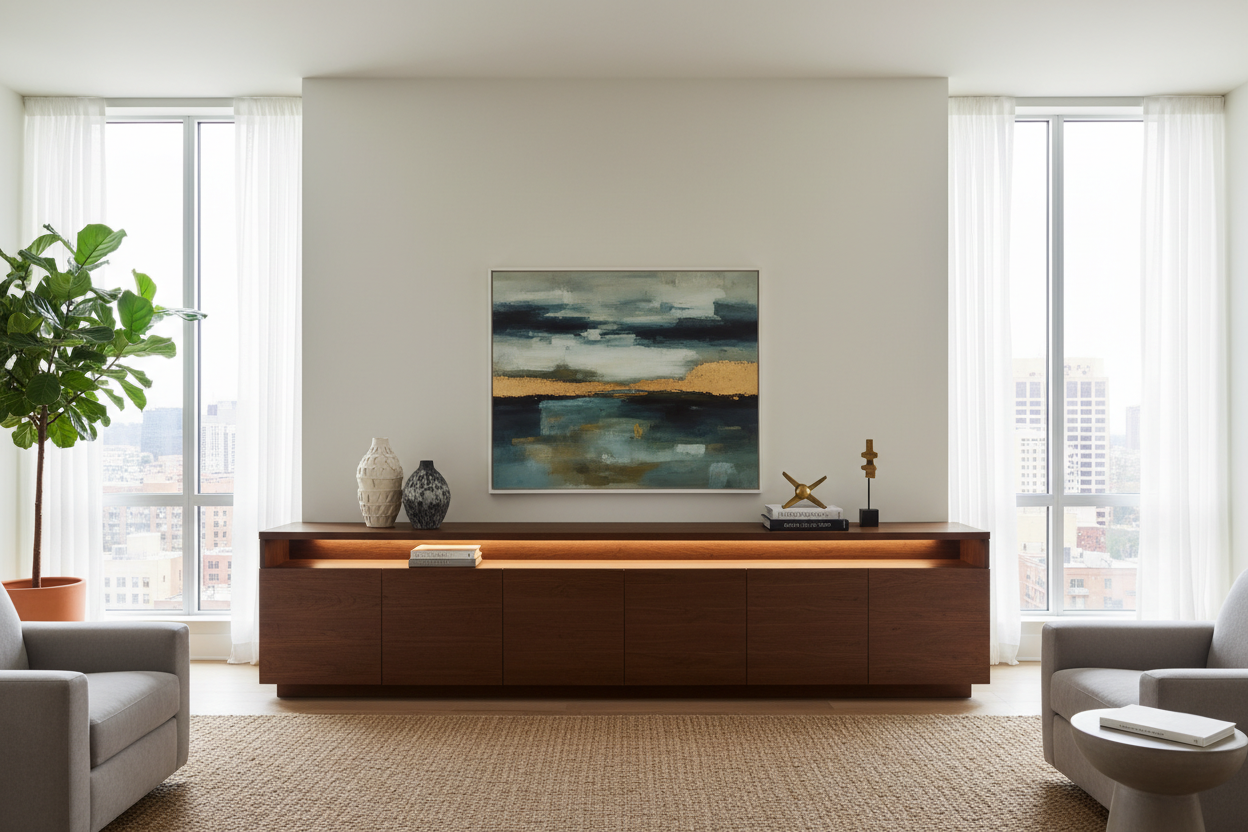
Visual noise is a silent killer of focus. It is not just about tidiness; it is about the materials you choose. I recommend closed storage solutions with matte finishes—high-gloss lacquer can create distracting reflections. Solid wood desks, such as walnut or white oak, provide a grounding, tactile element that glass or cheap laminate simply cannot match. The warmth of natural grain has been shown to lower stress levels, countering the sterile feeling of technology.
Combatting the Loss of Productivity Working From Home
A significant loss of productivity working from home can be traced directly to physical discomfort. If you are working from a dining chair, you are fighting a losing battle. Dining chairs are designed for 45-minute meals, not 8-hour shifts.
The Ergonomic Investment
To maintain high output, your furniture must support neutral body posture. Look for a chair with a seat slide depth adjustment—this ensures the edge of the chair doesn't cut off circulation behind your knees. Furthermore, consider a sit-stand desk. The ability to alter your posture stimulates blood flow, which re-oxygenates the brain and breaks the mid-afternoon slump.
Lighting: The Overlooked Variable
Many homeowners rely on existing overhead residential lighting, which is often too warm (yellow) and induces relaxation rather than focus. To fix the sentiment that work from home not productive, you must layer your lighting. Start with ambient light, add a focused task lamp with an adjustable arm, and ensure your monitor is perpendicular to windows to eliminate glare.
My Personal Take on working from home is not productive
Early in my design career, I fell into the trap of prioritizing aesthetics over function in my own home office. I bought a stunning, vintage mid-century modern chair with original boucle fabric. It looked incredible in photos.
However, within two weeks, I realized the foam had hardened over decades, offering zero shock absorption. Worse, the vintage boucle trapped body heat. By 11 AM every day, I was restless, irritable, and taking unnecessary breaks just to get away from the desk. I blamed my workload, but it was the furniture. Once I swapped it for a high-performance mesh task chair—which wasn't nearly as pretty—my output doubled. The lesson? Never let the silhouette of a piece compromise the physiology of your body. If you are uncomfortable, you are not working; you are managing pain.
Conclusion
If you feel that working from home is failing you, look around the room before you blame yourself. By investing in proper acoustics, ergonomic support, and intentional lighting, you can transform a chaotic spare room into a powerhouse of efficiency. Design is not just about how it looks; it is about how it performs.
Frequently Asked Questions
How much space do I really need for a productive layout?
You do not need a massive room. A niche of 48 inches wide is sufficient for a standard desk. The key is vertical utilization—using floating shelves to keep the desk surface clear for active work.
Is solid wood better than veneer for a home office desk?
For longevity and tactile experience, solid wood is superior. It can be refinished if scratched and handles the weight of monitor arms better. However, high-quality architectural veneers are a budget-friendly alternative if the core is high-density MDF, not particle board.
How do I improve acoustics in a minimalist room?
Minimalism often leads to echoes. If you dislike rugs, consider acoustic art panels or heavy velvet drapery. Even adding a large, leafy plant can help diffract sound waves and reduce the "hollow" room sound.


Dejar un comentario
Este sitio está protegido por hCaptcha y se aplican la Política de privacidad de hCaptcha y los Términos del servicio.