










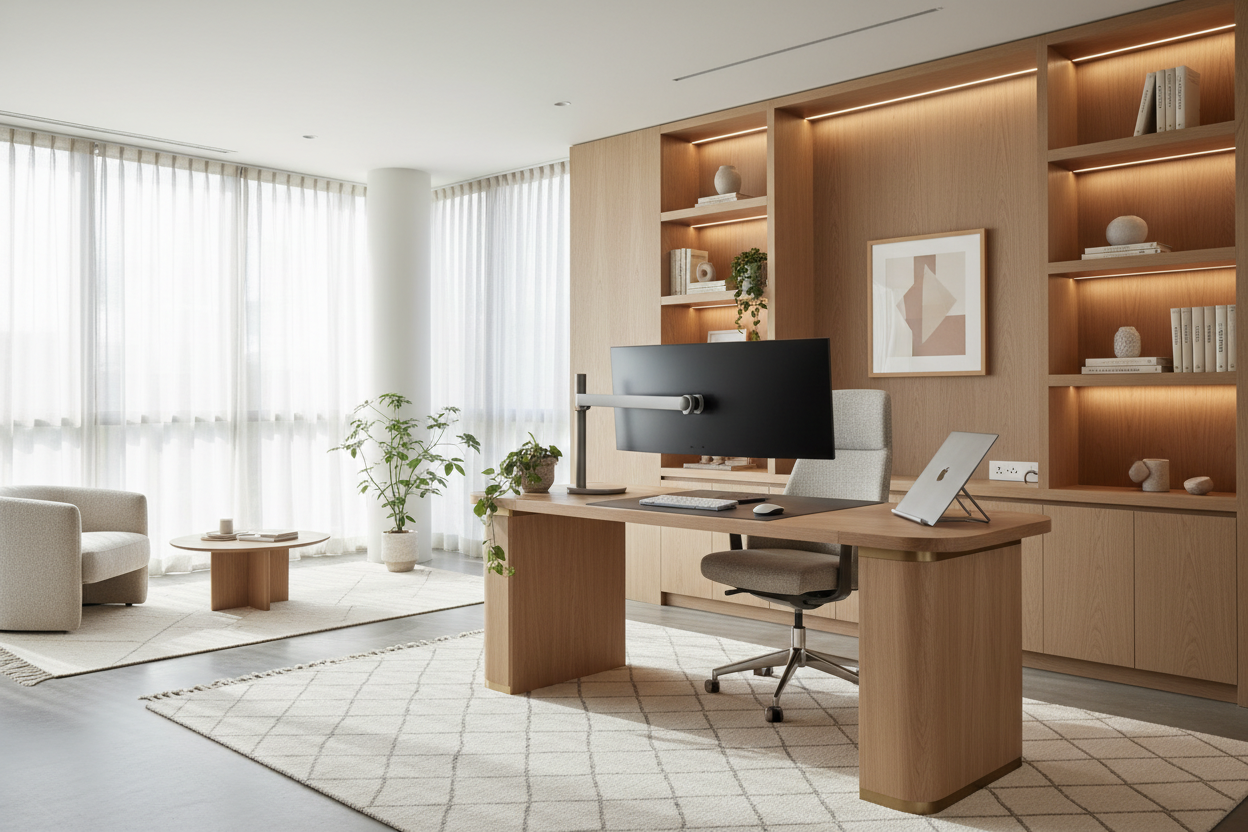
You finally curated a beautiful, cohesive living space, and then reality hits: you need to wedge a dual-monitor setup, a web camera, and a supportive chair into the corner. The clash between residential aesthetics and corporate work from home requirements is a design dilemma I tackle almost daily. Clients often assume they have to choose between a room that looks like a sterile corporate cubicle or a space that is beautiful but physically painful to work in.
You do not have to compromise. It is entirely possible to meet strict employer rules for working from home while maintaining the visual harmony of your house. By understanding the core principles of space planning, visual weight, and clever storage, you can design a compliant, highly functional workspace that still feels like home. Here is how to navigate the intersection of corporate policy and high-end interior design.
Quick Decision Guide
- Prioritize ergonomics first: Never sacrifice proper desk height (typically 28 to 30 inches) or chair support for aesthetics; your back will pay the price.
- Control the visual clutter: Use closed storage and cable management channels to hide the tech hardware when the workday ends.
- Define the zone: Use area rugs, paint blocking, or strategic furniture placement to separate the office area from relaxation spaces.
- Layer your lighting: Combine ambient room lighting with a dedicated, directional task lamp to reduce eye strain and look professional on video calls.
Translating Corporate Policies into Home Design
Ergonomics vs. Aesthetics
When reviewing standard work from home rules for employees, you will almost always find mandates about proper seating and screen height. The challenge is that traditional ergonomic office chairs are often visually aggressive, featuring heavy black plastic and harsh mesh that clashes with residential decor. To bridge this gap, look for 'crossover' chairs. Many modern furniture brands now produce fully adjustable, ergonomic task chairs upholstered in performance fabrics like boucle, velvet, or woven linen. Choose a frame color that matches your room's palette—like a warm ivory or soft gray—to reduce the chair's visual weight.
Privacy and Acoustics
A standard work from home protocol often requires a quiet environment for confidential calls. If you do not have a dedicated room with a door, you have to get creative with acoustics. Hard surfaces bounce sound around, making you sound like you are in a cavern. To soften the acoustics and meet work from home guidelines, introduce heavy textiles. A plush area rug under the desk, floor-to-ceiling drapery, and upholstered acoustic panels (which can be wrapped in beautiful designer fabrics) will absorb echo and provide the privacy your job demands.
Space Planning for Residential Workspaces
Defining the Zone
If your desk must live in a living room or primary bedroom, establishing clear boundaries is crucial for both your sanity and your home's layout. Following home working guidelines means creating a dedicated space, even if it is just a corner. Float the desk behind a sofa to act as a console table, or tuck it into an underutilized alcove. Use a distinct rug to anchor the workspace, creating a psychological and physical separation between 'work' and 'home'. Ensure you leave at least 36 inches of clearance behind the desk so you can push your chair back without hitting a wall or other furniture.
Managing Tech and Glare
Work from home policy best practices heavily emphasize proper lighting to avoid screen glare. Never place your monitor directly facing a bright, uncovered window, or you will be squinting all day. Instead, position your desk perpendicular to the natural light source. To manage the inevitable tangle of cords, I always recommend desks with integrated cable management trays or using a stylish woven basket under the desk to house power strips and bulky laptop chargers.
Designer's Honest Take
I learned the hard way that ignoring the rules of work from home to prioritize aesthetics always backfires. A few years ago, I convinced a client to use a stunning, delicate vintage writing desk as their primary workstation. It looked incredible in the photos. But within a month, the client was miserable. The desk lacked the necessary knee clearance, the drawers prevented them from crossing their legs, and the antique wood surface was getting destroyed by the heat of their laptop.
We had to swap it out for a commercial-grade, height-adjustable desk. The compromise? We chose a standing desk frame in a soft brass finish and topped it with a custom piece of solid walnut that matched their dining table. It met all the work from home policy guidelines for ergonomics, but the custom top kept it feeling bespoke and residential. The lesson here is simple: function must come first, but you can always dress that function up in beautiful materials.
Frequently Asked Questions
What are the standard work from home rules for employees regarding furniture?
Most corporate guidelines require a stable work surface, an adjustable chair with lumbar support, and a setup that allows your monitor to sit at eye level. Always check your specific employee handbook, as some companies offer stipends to help you purchase compliant furniture.
How do I hide my office equipment when the workday is over?
Invest in a secretary desk or an armoire that can be closed at 5 PM. If you use a traditional desk, utilize a monitor stand with storage underneath to slide your keyboard and mouse out of sight, and keep a decorative lidded box on the desk for loose pens and sticky notes.
Do I need a dedicated room to meet work from home guidelines for employees?
Not necessarily. While a dedicated room is ideal for privacy, most guidelines simply require a distraction-free zone. You can achieve this in an open-concept space by using room dividers, acoustic screens, or even a strategically placed tall bookshelf to block sightlines and absorb sound.


Dejar un comentario
Este sitio está protegido por hCaptcha y se aplican la Política de privacidad de hCaptcha y los Términos del servicio.