










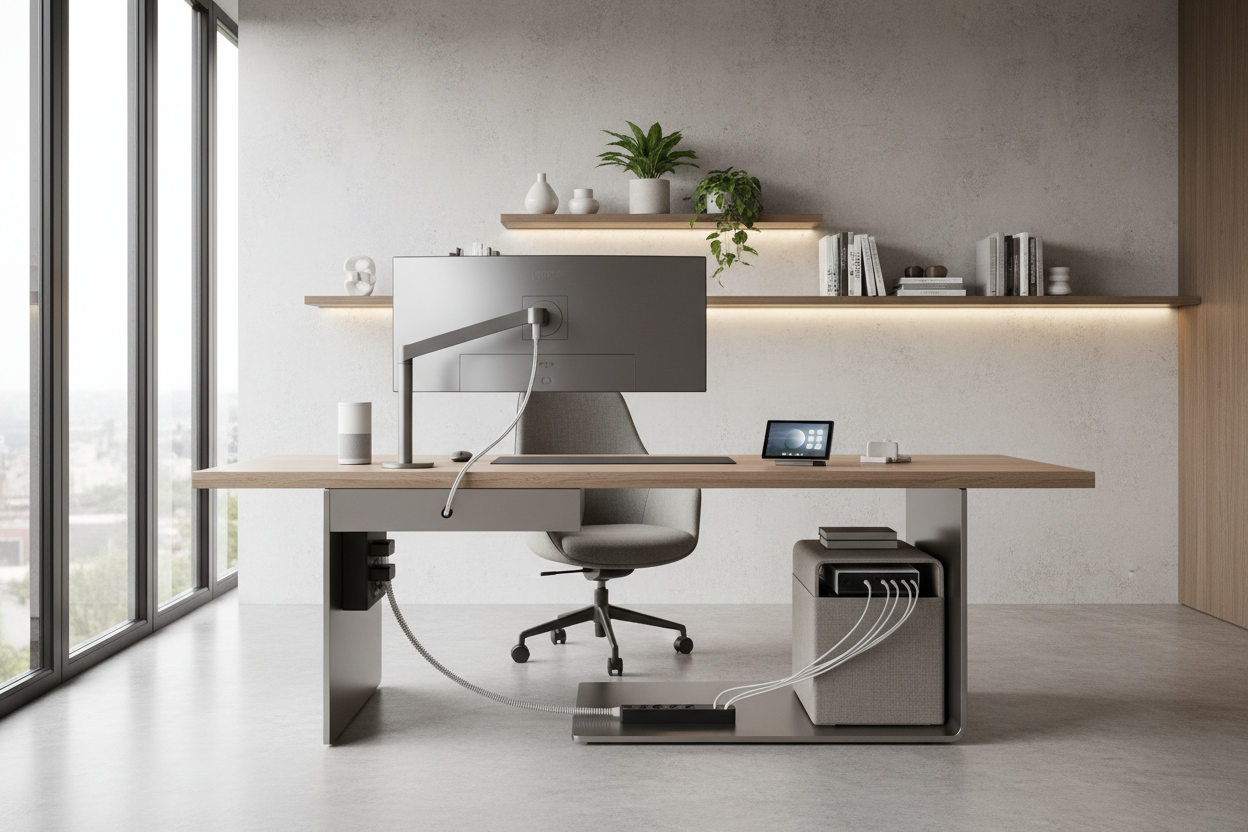
We have all been there: you invest in a stunning mid-century modern desk or a bespoke media console, only to have the visual harmony shattered the moment you introduce the technology. Whether it is a home office or a media room, the process of setting up equipment is often where the design vision falls apart. It is not just about plugging things in; it is about integrating necessary hardware into a curated space without allowing cables, plastic casings, and blinking lights to dominate the room's character. As designers, we treat equipment not as an afterthought, but as a critical component of the spatial plan.
Quick Decision Guide: The Essentials
- Ventilation & Airflow: Electronics generate heat; ensure your cabinetry or shelving allows for proper breathability to protect your investment.
- Cable Management Strategy: Plan your routing path before placing heavy furniture. Look for pieces with integrated channels.
- Ergonomics: Function comes first. Screen height and reach radius determine the comfort of the layout.
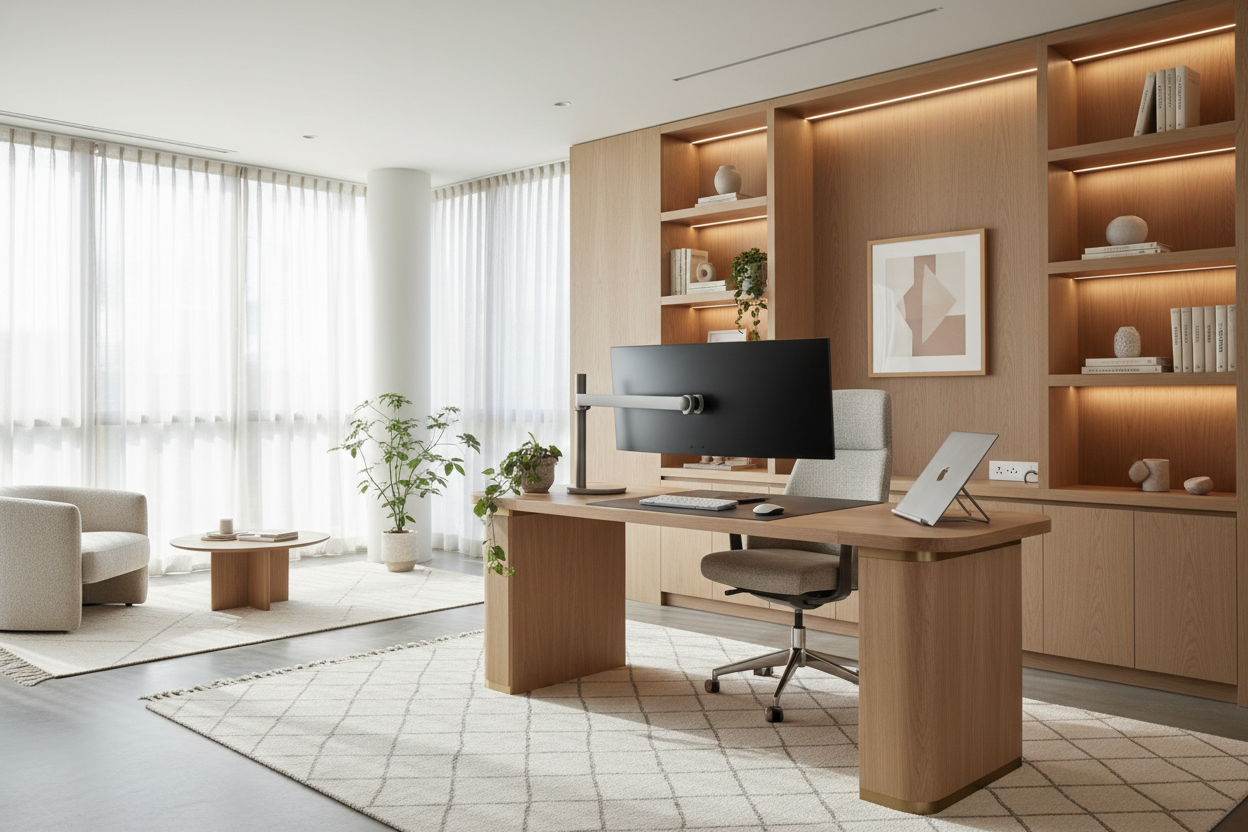
- Visual Weight: Offset the cold, hard lines of tech hardware with organic textures like wood, linen, or plants.
Mastering the Layout: Flow vs. Function
The most common error I see in residential projects is placing furniture based solely on the room's architecture while ignoring the requirements of the equipment set up. You might position a desk facing a window for the view, but if that creates blinding glare on your monitor, the design has failed.
Establishing the Focal Point
When positioning hardware, decide if it is the star or the supporting character. In a home theater, the screen is the focal point. In a living room, however, the TV should ideally recede when not in use. I often recommend matte-finish cabinetry or dark feature walls behind screens to camouflage the "black hole" effect of a powered-off monitor. This technique helps maintain visual continuity.
The "Golden Triangle" of Workspace
For home offices, borrow a concept from kitchen design. Your chair, your monitor, and your peripheral gear (printers, drives) should form an ergonomic triangle. This minimizes unnecessary reaching and twisting. The equipment setting should facilitate movement, not hinder it.
Materiality and Acoustics
Hard surfaces reflect sound, and technology often comes with fan noise or clicking keys. When curating a room heavy on tech, you must counterbalance with absorption.
Countering the "Tech" Look
If your equipment is sleek, black, and industrial, avoid pairing it exclusively with glass or metal furniture, which can make a home feel like a server room. Instead, opt for warm, solid woods like walnut or white oak. The grain texture provides a necessary contrast to the synthetic smoothness of screens and towers. Furthermore, solid wood absorbs sound better than veneers or laminates, reducing the ambient hum of running drives.
Lessons from My Own Projects: The "Hidden" Heat Issue
I want to share a specific lesson from a project I managed in a high-rise downtown. We designed a gorgeous, floating custom credenza to house the client's high-end audio receiver and gaming consoles. It looked seamless—completely wire-free.
However, two weeks later, the client called saying the system kept shutting down. In our pursuit of a clean aesthetic, we had created an airtight oven. We hadn't accounted for the thermal output during the equipment set up. I had to send a carpenter back to route discreet ventilation slots into the bottom and install a silent USB-powered exhaust fan behind the unit.
The takeaway? Never sacrifice airflow for looks. If you are hiding equipment behind closed doors, use mesh inserts or ensure there is an active cooling solution. It is a detail that isn't glamorous, but it preserves the longevity of both your furniture and your electronics.
Conclusion
Integrating technology into your home doesn't mean compromising on style. It requires a shift in perspective—viewing your hardware as a permanent fixture that requires the same spatial planning as a sofa or a dining table. By prioritizing airflow, managing cables aggressively, and balancing synthetic tech with organic materials, you can create a space that is as high-performing as it is beautiful.
Frequently Asked Questions
How do I hide cables when the desk is in the middle of the room?
This is a classic dilemma. Use a floor outlet if possible. If not, anchor a high-quality rug under the desk and run flat-cables beneath it. Additionally, use a cable spine (a vertebrate-like tube) that runs from the desktop to the floor to bundle cords neatly.
Does equipment setting affect the choice of lighting?
Absolutely. Avoid placing overhead recessed lighting directly above a screen, as it creates harsh shadows and glare. Instead, use bias lighting (LED strips) behind monitors to reduce eye strain and provide a soft, ambient glow that elevates the mood.
What is the ideal distance for setting up a large monitor?
A general rule of thumb for ergonomics is arm's length. If you can touch the screen with your fingertips while sitting back, it is usually in the correct position. For larger media screens, the distance should be roughly 1.5 to 2.5 times the diagonal screen size.


Dejar un comentario
Este sitio está protegido por hCaptcha y se aplican la Política de privacidad de hCaptcha y los Términos del servicio.