










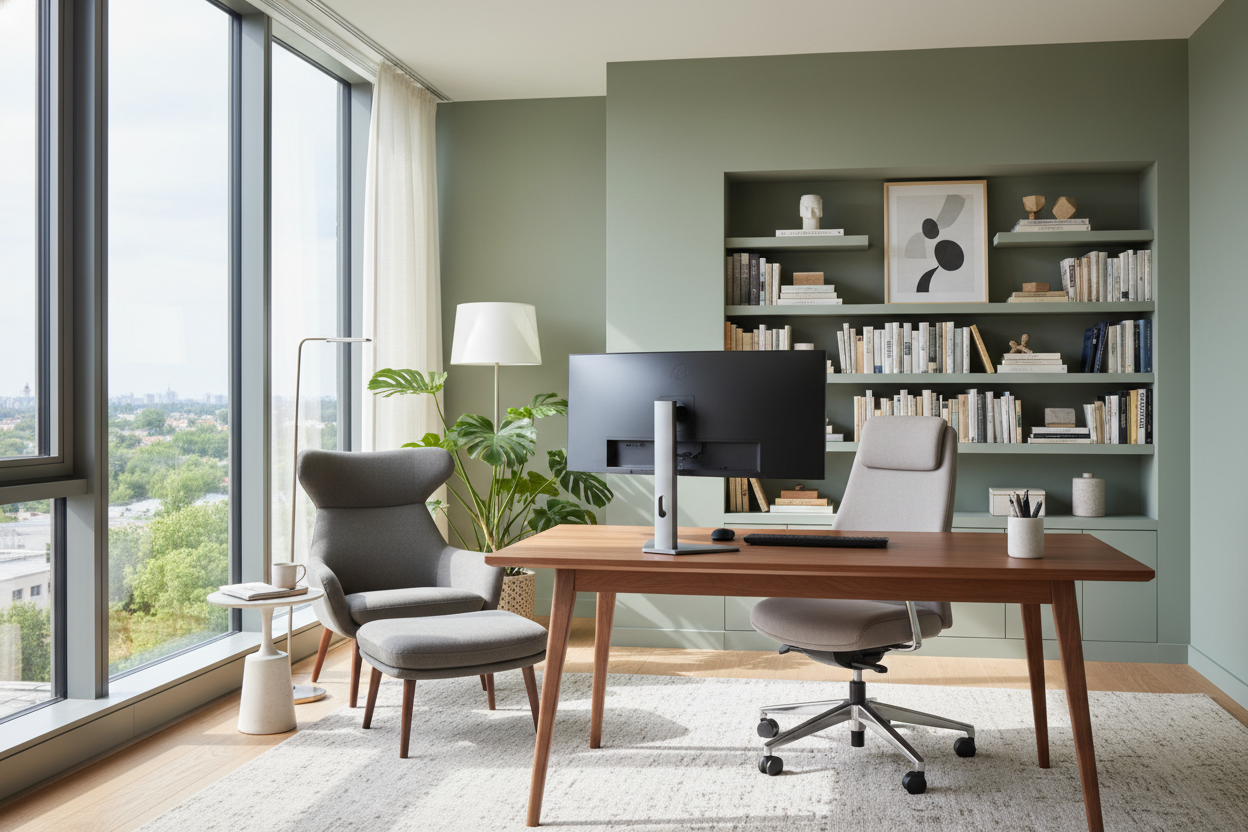
We have all been there: balancing a laptop on a stack of coffee table books or spending eight hours slumped in a rigid dining chair. When your living space suddenly doubles as your corporate headquarters, the lines between relaxation and productivity blur fast. If you are tired of your makeshift setup, finding the best ideas to work from home is about more than just buying a trendy desk. You need a space that supports your posture, hides the visual clutter of cables, and actually makes you want to sit down and focus. In this guide, I will walk you through how to build a home office setup that looks intentional, fits your floor plan, and functions flawlessly.
Quick Decision Guide
- Anchor with natural lighting: Position your desk perpendicular to a window to reduce screen glare while keeping your face well-lit for video calls.
- Mind the desk depth: Aim for a minimum of 24 inches of depth so your monitors sit at a comfortable arm's length away.
- Invest in the chair first: Skip the wooden accent chairs; prioritize adjustable lumbar support and seat depth over pure aesthetics.
- Create visual boundaries: Use a dedicated area rug or a contrasting paint zone to psychologically separate your workspace from your living space.
Space Planning: Finding the Right Footprint
The 36-Inch Clearance Rule
When clients ask me for practical ideas to work at home without dedicating a full guest room, the conversation always starts with clearance. A desk tucked into a living room corner might look cozy, but if you cannot push your chair back without hitting a sofa, the space will feel claustrophobic. Always leave at least 36 inches of empty space behind your desk. This negative space allows you to stand up, stretch, and move naturally without bumping into walls or adjacent furniture.
The Visual Boundary Strategy
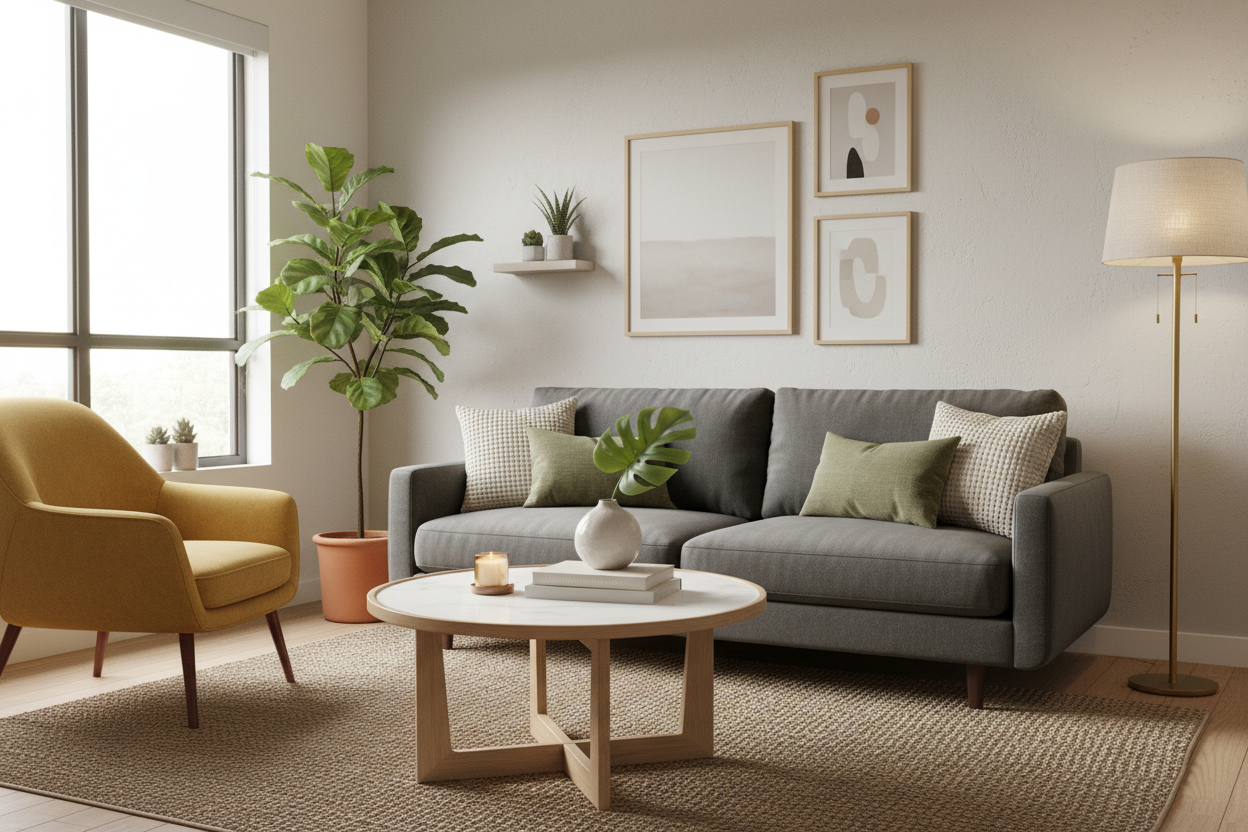
If your office is part of an open-concept living area, you need to establish zones. You do not necessarily need a room divider. Instead, ground the workspace with an area rug that has a different texture than your main living room rug. Positioning a low bookshelf beside the desk can also act as a subtle physical barrier, hiding paper clutter from the sofa's line of sight.
Ergonomics vs. Aesthetics
The Seat Height Dilemma
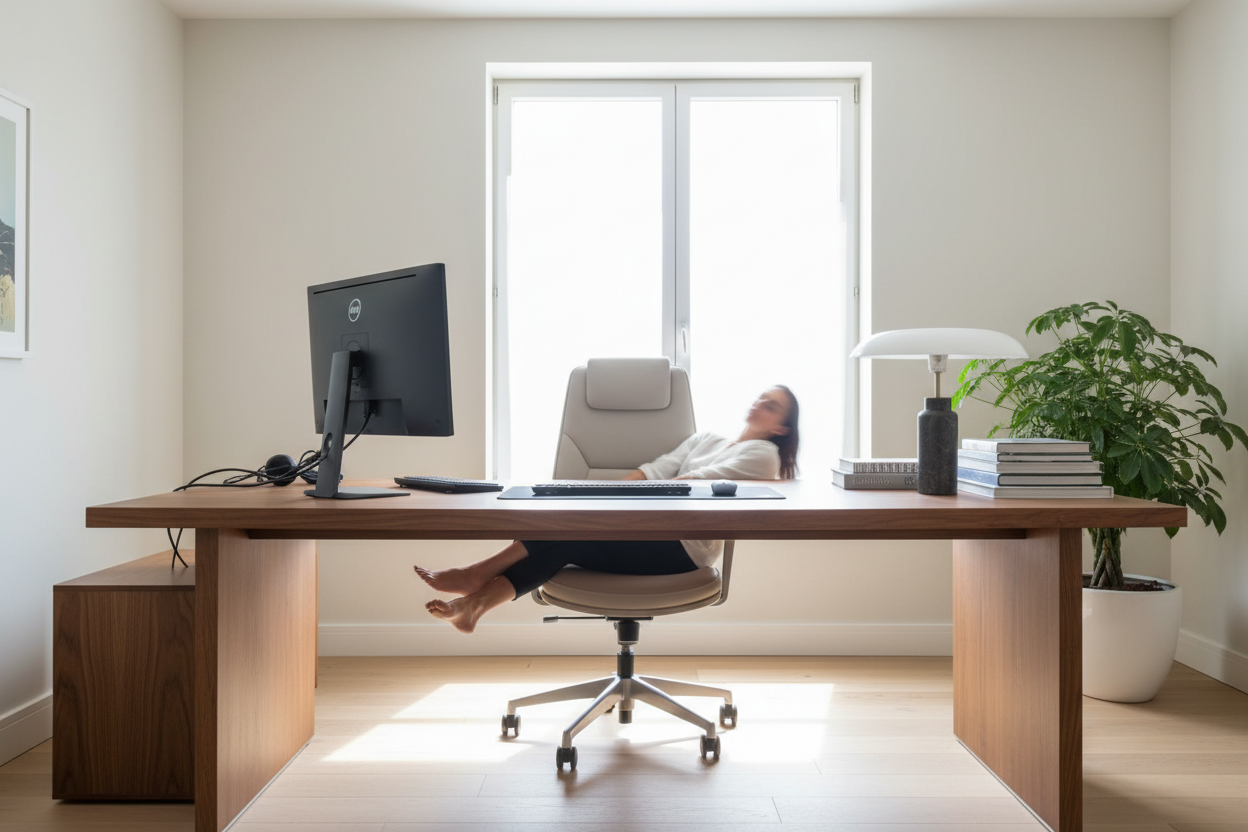
One of the most overlooked work at home ideas is matching your chair height to your desk clearance. Standard dining tables are 30 inches high, but many modern writing desks sit at 28 or 29 inches. If you buy an upholstered armchair with thick seat cushions, your knees might scrape the underside of the desk drawer. Always measure the distance from the floor to the bottom apron of the desk. You want at least 10 inches of clearance between the top of your chair seat and the underside of the desk.
Managing the Cord Chaos
Nothing ruins the aesthetic of a beautifully curated room faster than a tangled black web of power strips and monitor cables. If your desk floats in the middle of the room, look for pieces with built-in modesty panels or integrated cable management trays. If you are using a minimalist parsons table, attach a wire basket to the underside of the desk using heavy-duty adhesive strips to keep power bricks off the floor.
Designer's Honest Take
I learned the hard way that a stunning, authentic mid-century modern dining chair is a terrible place to spend 40 hours a week. A few years ago, I bought a gorgeous vintage teak chair for my own home studio. It looked incredible in photos and had the perfect visual weight for the corner of my bedroom. By month two, my lower back was in constant agony, and the delicate cane seating was starting to stretch and sag from daily use. I ended up having to swap it for a commercial-grade ergonomic task chair. I lost some style points, but it was a necessary compromise. Never sacrifice your spine for a Pinterest-perfect vignette.
Frequently Asked Questions
What is the minimum desk size for a dual-monitor setup?
You need a desk that is at least 48 inches wide and 24 inches deep. Anything narrower will force the monitors to hang off the edges, and anything shallower will put the screens too close to your eyes, causing strain.
How do I hide computer cords in an open room?
Use a cable management tray mounted to the underside of your desk to hold the power strip. Run a single braided cord cover down one desk leg to the wall outlet. This reduces visual clutter to just one neat line.
Can I put a desk in my bedroom?
Yes, but try to place it so the desk does not face the bed directly. Facing away from the bed creates a psychological separation between your workspace and your resting space. Use a desk with closed storage so you can hide your laptop at night.

Leave a comment
This site is protected by hCaptcha and the hCaptcha Privacy Policy and Terms of Service apply.