










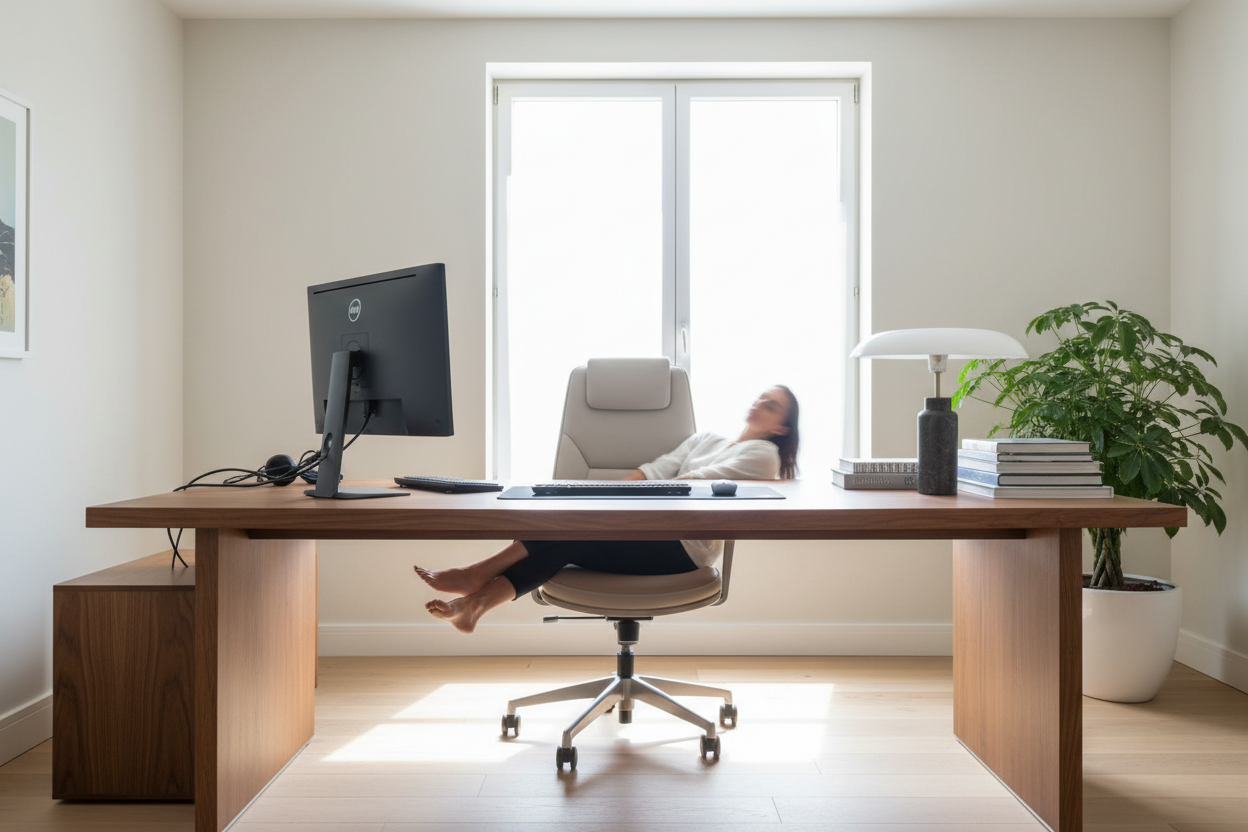
There is a specific tension I see in almost every residential project: the battle between high-performance technology and high-end aesthetics. You spend weeks curating the perfect mahogany desk and selecting a task chair with the right silhouette, only to have the visual harmony disrupted by a bulky, plastic tower and a tangle of black wires. When you are computer for home office shopping, you aren't just buying a tool for productivity; you are introducing a dominant piece of furniture that will dictate the flow and feel of your room.
Key Design Features to Look For
Before we dive into layout strategies, here is a quick checklist to ensure your tech choice aligns with your interior design goals. This summary will help you filter options when looking for a computer:
- Form Factor: Choose All-in-One (AIO) models for minimalist, floating desks or compact towers for traditional cabinetry.
- Chassis Finish: Look for matte aluminum or matte black finishes that resist fingerprints and blend with modern hardware.
- Cable Management: Prioritize home office desktop units with integrated cable routing or single-cable USB-C connectivity.
- Acoustic Profile: Ensure fan noise levels are low (under 30dB) to maintain the ambient tranquility of the room.
- Footprint: Measure the base stand depth to ensure it leaves at least 18 inches of usable writing surface.
Balancing Visual Weight and Form Factor
In interior design, we talk about "visual weight"—how heavy an object looks to the eye. A massive gaming tower with RGB lighting has immense visual weight, often overpowering the rest of the decor. When selecting a desktop pc for home office use, consider the "All-in-One" silhouette. These units house the components behind the screen, leaving you with a single, sleek profile that mimics a framed piece of art rather than a machine.
However, if performance requirements dictate a tower, do not place it on the desktop surface. It creates clutter and reduces usable square footage. Instead, look for a desktop pc home office setup that allows the tower to be mounted under the desk or hidden within a ventilated cabinet. This maintains the clean lines of your workspace while keeping the hardware accessible.
Ergonomics Meets Aesthetics
A beautiful office that causes back pain is a failed design. The placement of your desktop computer for home office setups must adhere to ergonomic principles without looking clinical. The top of your monitor should be at or slightly below eye level.
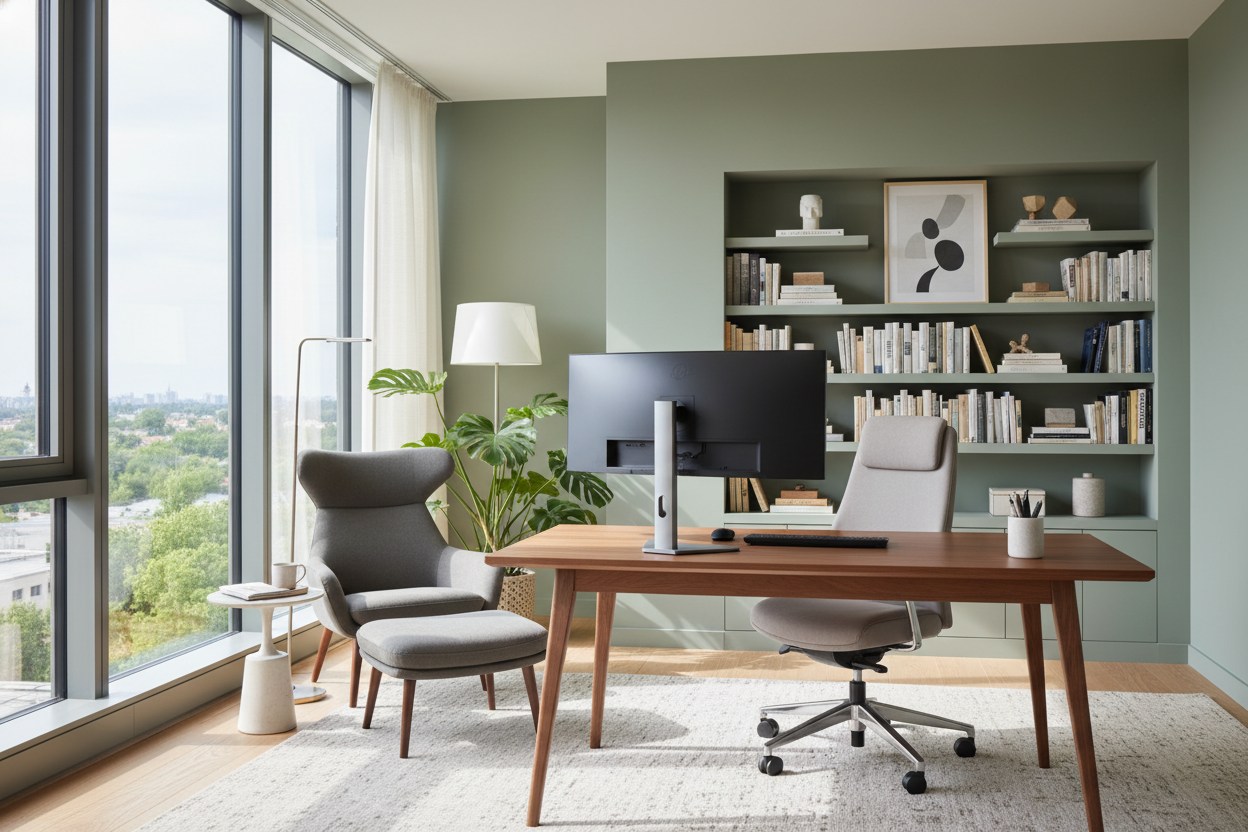
Many standard monitor stands are unsightly plastic pillars. I often advise clients to invest in a VESA mount arm. A high-quality, articulated arm in a brushed brass or matte black finish not only frees up desk space but also adds an architectural element to the setup. It allows the screen to float, reducing the visual density of the desktop pc for home office use.
Materiality and The Peripheral Trap
The computer itself is only half the visual equation; the peripherals (mouse, keyboard, speakers) are the other half. When curating home office pcs, avoid the standard plastic accessories included in the box. They rarely match a sophisticated interior.
If you have a walnut desk, look for keyboards with darker accents or wood-grain details. For glass or marble surfaces, brushed aluminum peripherals maintain the cool, sleek texture. We want to create a cohesive palette where the tech feels like an extension of the furniture, not an intruder. This is crucial when you are looking for a pc for home office integration that feels intentional.
Managing the Cable Chaos
Nothing ruins a "luxury" look faster than a rat's nest of cables. When setting up a home office desktop computer, wireless is your best friend. Opt for Bluetooth peripherals to eliminate cord drag. for the necessary power and display cables, use distinct cable sleeves that match your wall color or desk leg finish. If your desk floats in the center of the room, run cables down a singular leg using magnetic channels to keep the silhouette clean.
My Personal Take on computer for home office
I learned the hard way that "compact" doesn't always mean "compatible." A few years ago, I designed a custom built-in shelving unit for my own study, specifically measuring for what I thought was a standard mid-tower pc for home office use. I bought the machine, unboxed it, and realized I hadn't accounted for the rear exhaust clearance.
To keep the computer from overheating, I had to pull it forward three inches. That three-inch shift meant the tower hung slightly over the shelf lip, casting a jagged shadow and ruining the flush joinery look I had spent weeks perfecting. It drove me crazy every time I walked in. The lesson? Always account for the "breathing room" of your electronics, not just the physical box dimensions. Furthermore, I realized that matte screens are non-negotiable if your desk faces a window; the glare on a glossy screen creates a visual distraction that ruins the focal point of the room.
Creating Your Sanctuary
Your workspace should inspire creativity, not stress. By carefully selecting desktops for home office use that complement your interior style—rather than fighting against it—you create a space that functions seamlessly and looks curated. Treat your technology with the same discernment you apply to your lighting and textiles, and the result will be a home office that feels truly complete.
Frequently Asked Questions
What is the best monitor size for a small antique desk?
For smaller desks (under 48 inches wide), a 24-inch monitor is usually the maximum size before it overwhelms the furniture's proportions. A 27-inch screen can work if mounted on an arm to push it back, but be mindful of the visual balance.
How do I hide a large computer tower in a modern office?
If you cannot switch to a smaller form factor, use a "CPU holder" to mount the tower to the underside of the desk. Alternatively, place it on a dedicated low-profile plinth on the floor behind a large potted plant, which aids in acoustic dampening and hides the industrial aesthetic.
Are All-in-One home office pcs powerful enough for design work?
Yes, modern All-in-One computers have advanced significantly. Many high-end models offer 4K or 5K displays with color accuracy suitable for digital design, eliminating the need for a separate bulky tower and simplifying your cable management instantly.

Leave a comment
This site is protected by hCaptcha and the hCaptcha Privacy Policy and Terms of Service apply.