










For many homeowners, the transition to remote work resulted in makeshift setups on dining tables or cramped corners. As an interior designer, I see this as a missed opportunity. The environment in which we work dictates our output, our mood, and our physical health. Whether you are analyzing data or sketching blueprints, the spatial design for jobs can do at home requires a sophisticated balance of ergonomics and residential warmth. It is not merely about fitting a desk into a room; it is about curating an atmosphere that fosters focus without disrupting the cohesive aesthetic of your living space.
Quick Decision Guide: Designing Your Home Office
- Ergonomics First: Prioritize seating with lumbar support and adjustable height, regardless of the room's style.
- Lighting Layers: Combine task lighting (desk lamps) with ambient lighting (overhead or floor lamps) to reduce eye strain.
- Acoustic Control: Use plush rugs, heavy drapery, or upholstered furniture to dampen echo during calls.
- Vertical Storage: Utilize floating shelves or tall cabinetry to keep the footprint clear in smaller rooms.
- Materiality: Choose durable surfaces like hardwoods or high-pressure laminates over soft veneers for high-traffic desk areas.
Zoning and Layout Strategy
The most common design failure I encounter is poor zoning. When clients ask, "what jobs can i do at home if I live in an open-plan apartment?" my answer always revolves around visual separation. You do not need a separate room, but you do need a distinct zone.
Position your desk to command the room—never face a blank wall if you can avoid it. This is known as the "power position." If you must face a wall, install a large mirror or artwork above the desk to create depth. For visual boundaries, use a high-pile area rug to anchor the workspace. This psychologically separates "work mode" from "relax mode," ensuring that the stress of the workday does not bleed into your leisure time.
Selecting the Right Materials
The Desk: Form Meets Function
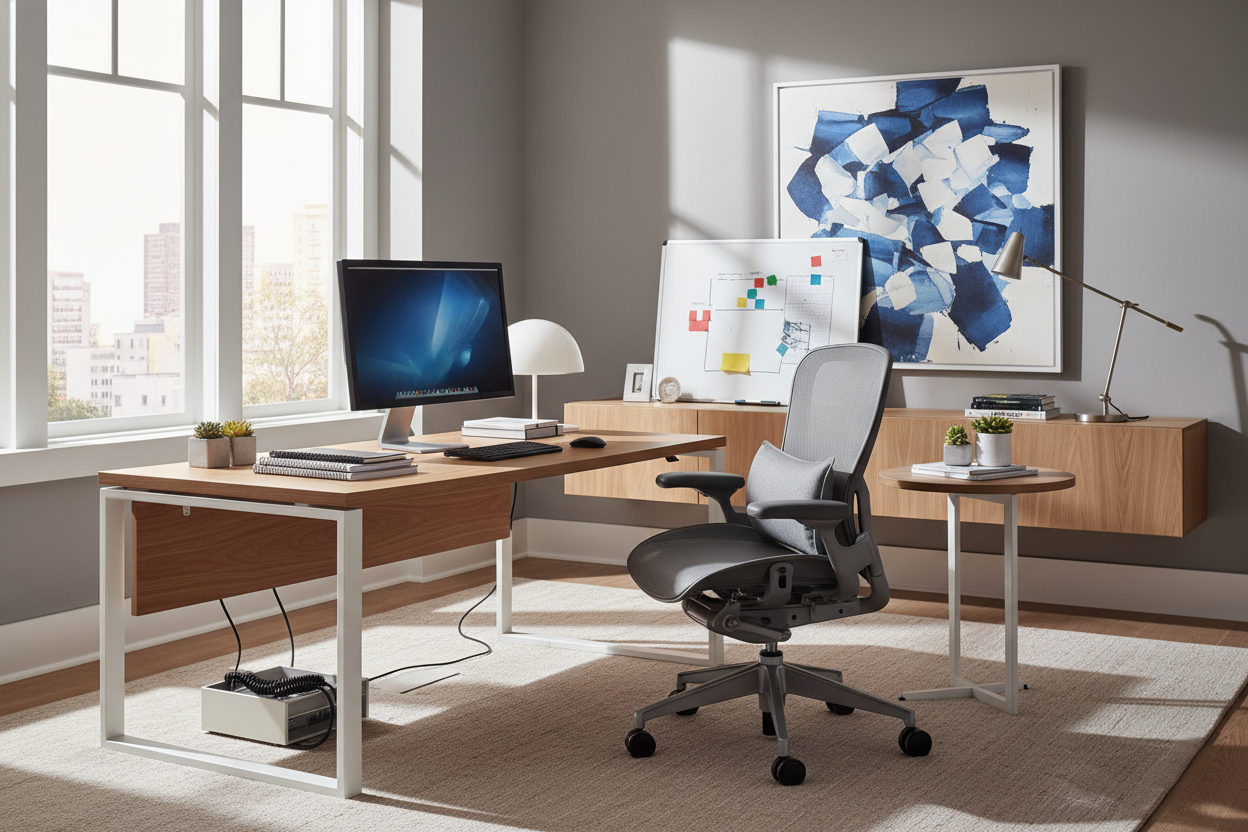
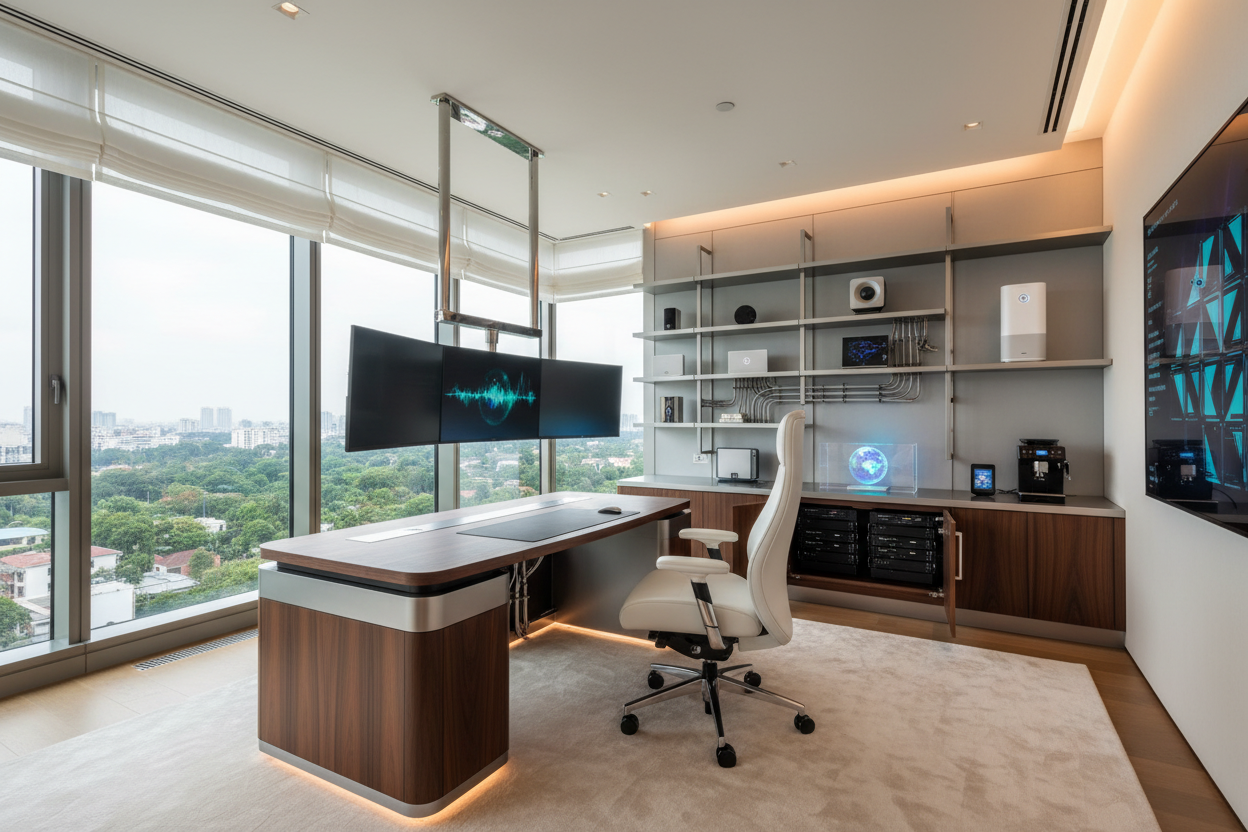
For executive presence, solid walnut or oak offers a tactile warmth that cold laminates cannot replicate. However, be mindful of the finish. A high-gloss lacquer may look stunning in a showroom, but it acts as a magnet for fingerprints and dust, becoming a high-maintenance nuisance. I often recommend a satin or matte finish which hides micro-scratches and reduces glare from your monitor.
Seating: The Aesthetic Compromise
Finding a chair that doesn't look like corporate machinery is challenging. Look for task chairs upholstered in performance fabrics or top-grain leather. These materials offer the durability required for an 8-hour shift while maintaining a residential silhouette. Avoid boucle or velvet for the primary seat; while trendy, they tend to trap heat and can become uncomfortable during long durations.
Lighting: The Invisible Design Element
When considering what job can you do at home effectively, lighting is often the variable that makes or breaks productivity. Poor lighting leads to fatigue. Aim for a Color Rendering Index (CRI) of 90 or higher in your bulbs to see colors accurately—essential for creatives. Furthermore, position your light source to the side of your screen, not behind it (which causes silhouette issues on video calls) or directly in front (which causes glare).
My Personal Take on jobs can do at home
I learned a hard lesson about surface durability during a renovation for my own home studio. I fell in love with a vintage, unsealed teak desk. It was visually arresting, adding incredible character to the room. However, within two weeks of actual use, I realized my mistake. The condensation from my water glass left rings, and the wood was too soft to write on directly without leaving indentations. I ended up having to commission a custom glass top to protect it, which completely altered the matte texture I originally loved.
Now, when I advise clients, I am adamant about the "coffee cup test." If the surface cannot handle a hot mug or a cold glass without a coaster, it is not fit for a daily workspace, no matter how beautiful it looks in a catalog. Function must sit equally with form.
Conclusion
Designing for jobs can do at home is an exercise in intentionality. By selecting materials that age gracefully, prioritizing lighting that mimics natural daylight, and zoning your space effectively, you elevate your daily grind into a refined ritual. Your home office should not just be a place where you work; it should be a space that works for you.
Frequently Asked Questions
How do I fit a workspace in a small bedroom?
Utilize verticality. A ladder desk or a wall-mounted secretary desk can provide a full workstation while taking up less than two feet of floor depth. Keep the chair visually light—opt for acrylic or an open-frame design to maintain a sense of spaciousness.
What is the best window treatment for a home office?
I recommend a dual system: sheer curtains for light diffusion during the day (to prevent screen glare without blocking the sun) and blackout roman shades or drapes for complete privacy and sound absorption when needed.
Is a standing desk worth the aesthetic trade-off?
Absolutely. While many standing desks look industrial, you can customize them. I often source standalone motorized legs and attach a custom stone or solid wood slab top to match the client's existing furniture, blending ergonomic necessity with high-end design.

Leave a comment
This site is protected by hCaptcha and the hCaptcha Privacy Policy and Terms of Service apply.